
#ackworthhowardcomputing résultats de recherche

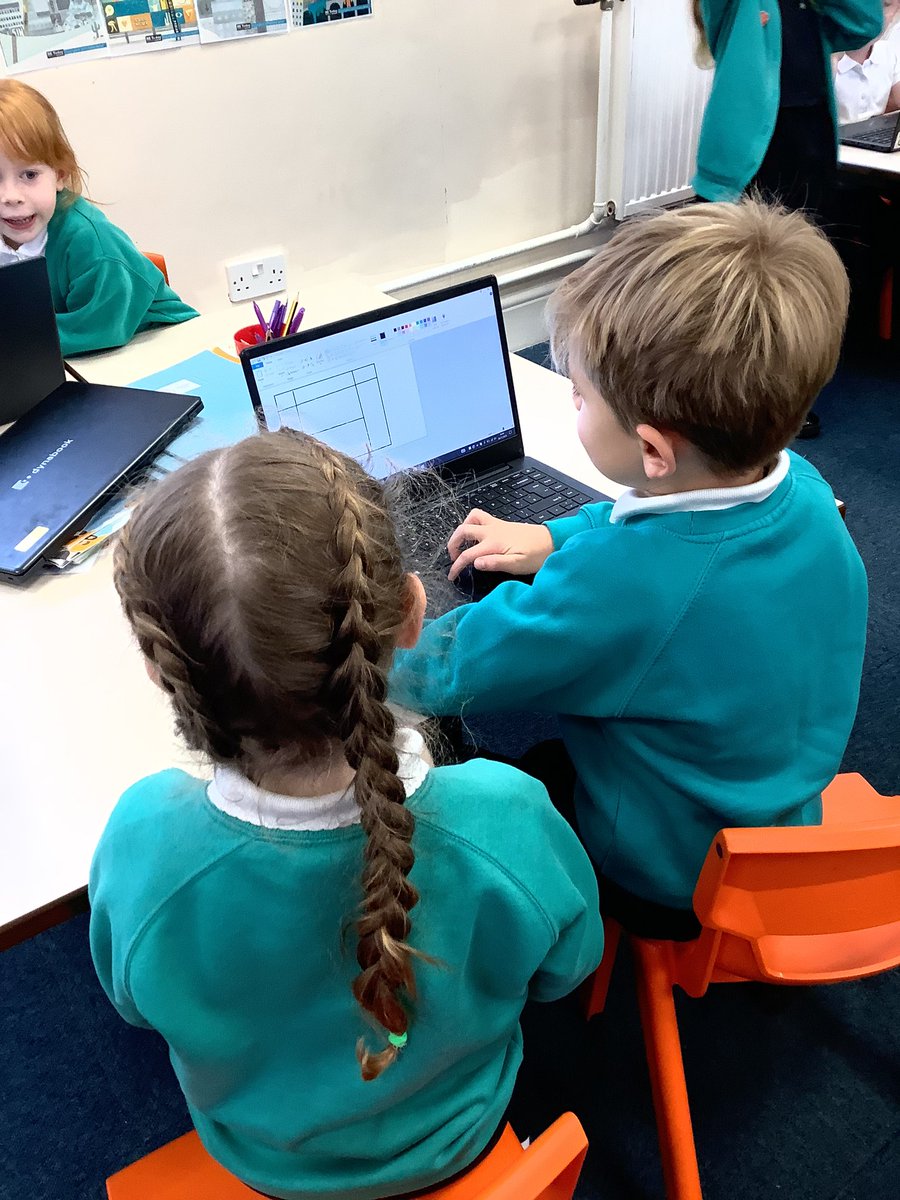
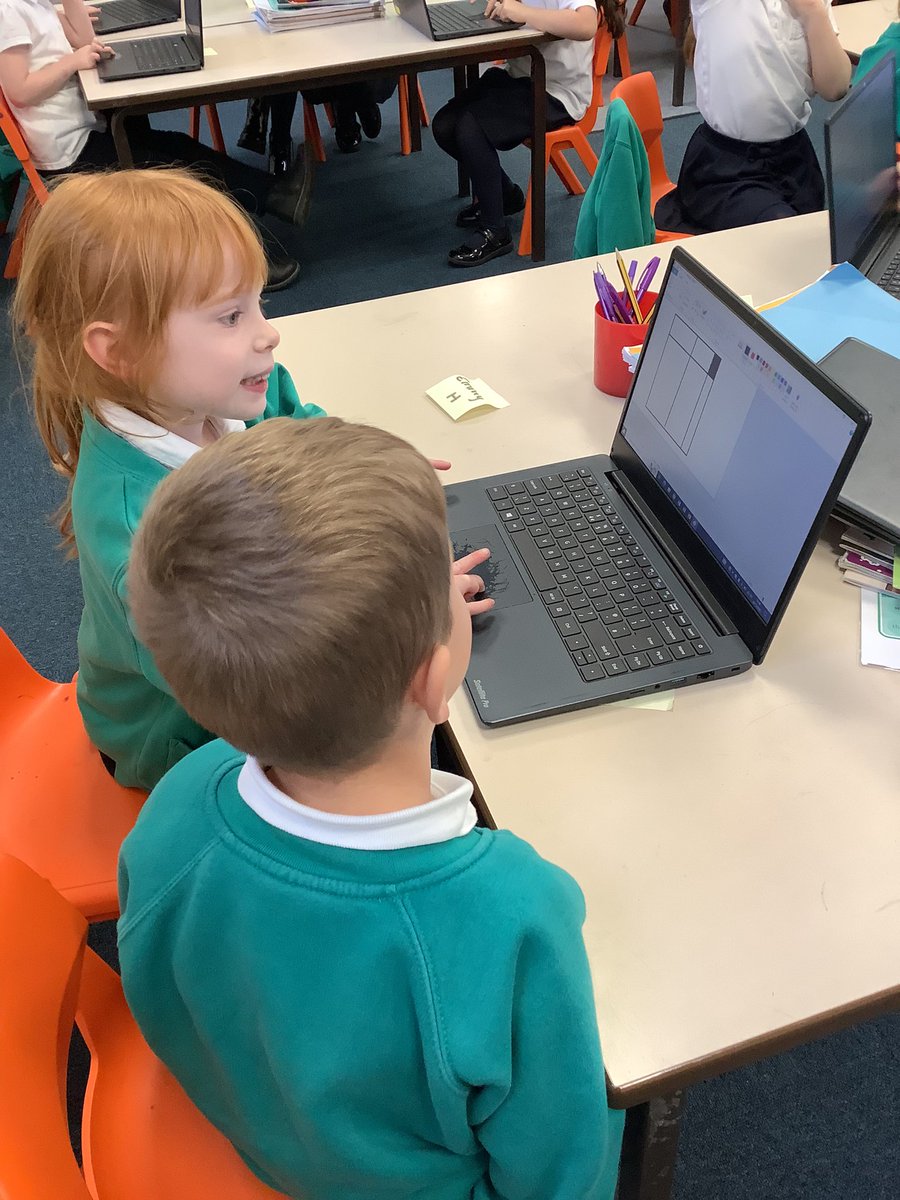
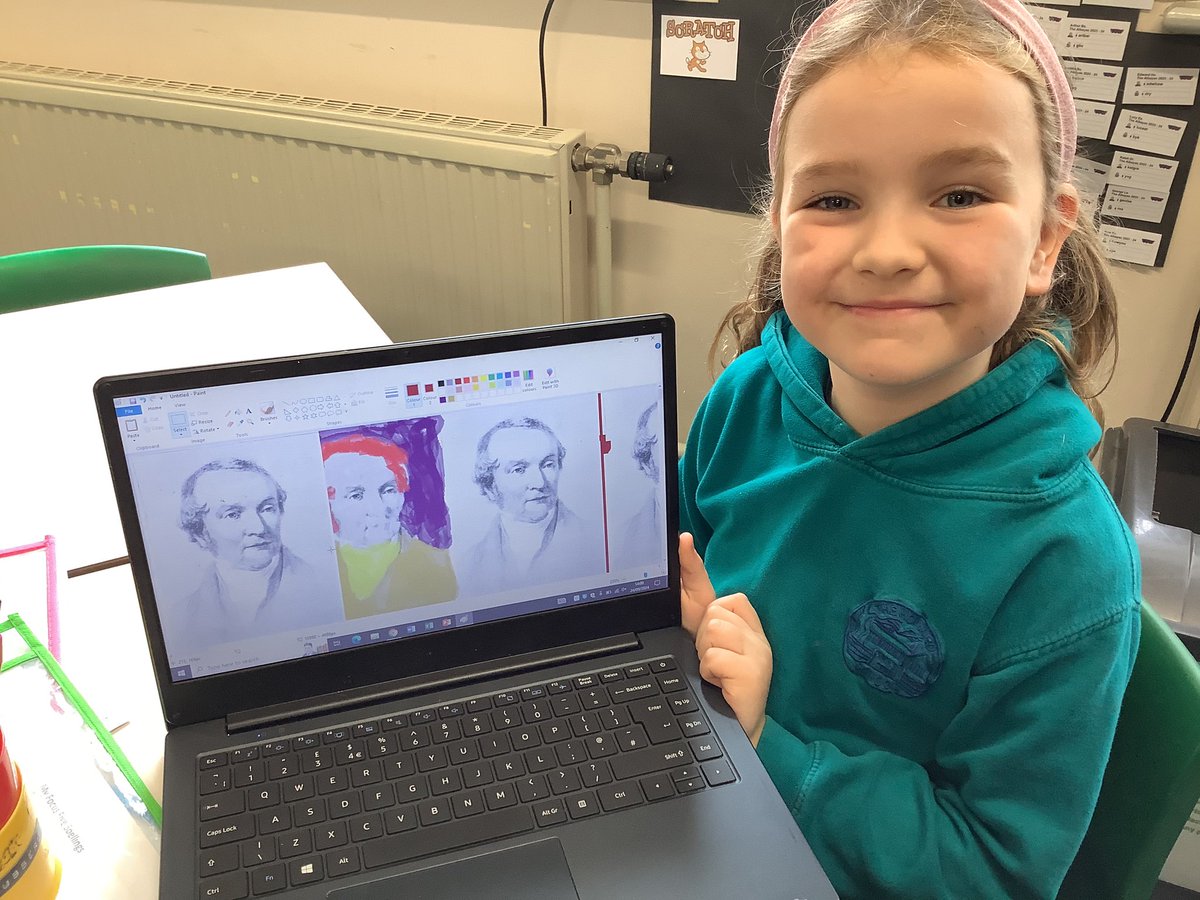
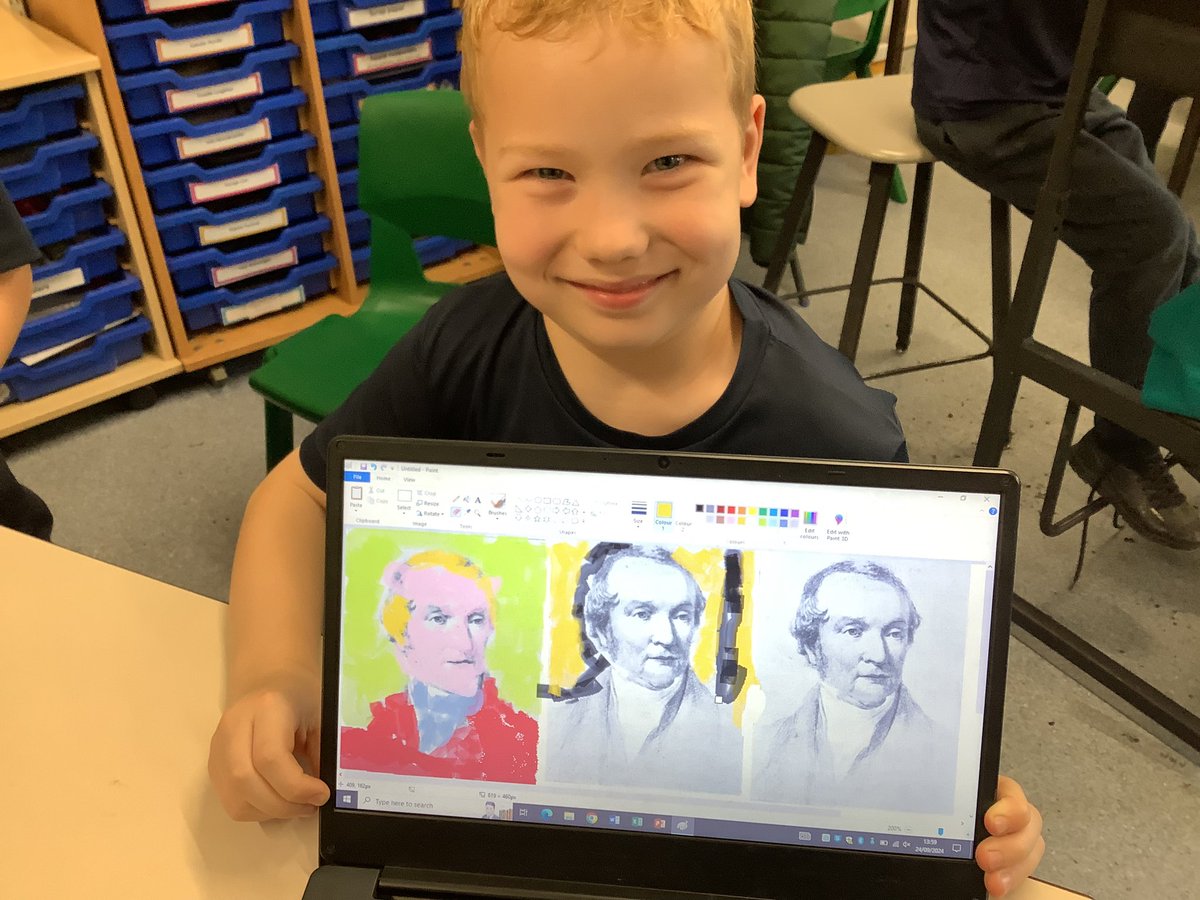
This week Year 1 did an amazing job using their computer skills to paint, creating digital art. #AckworthHowardComputing
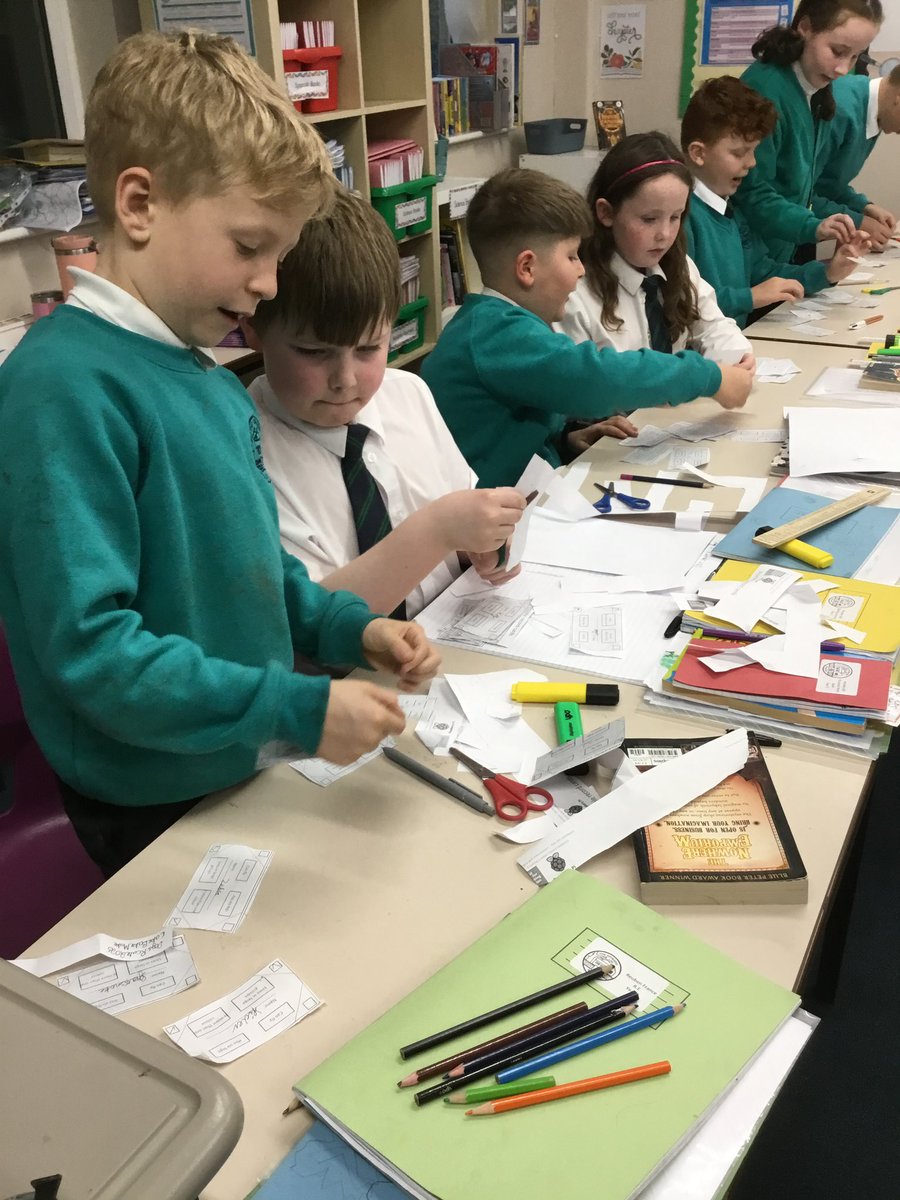
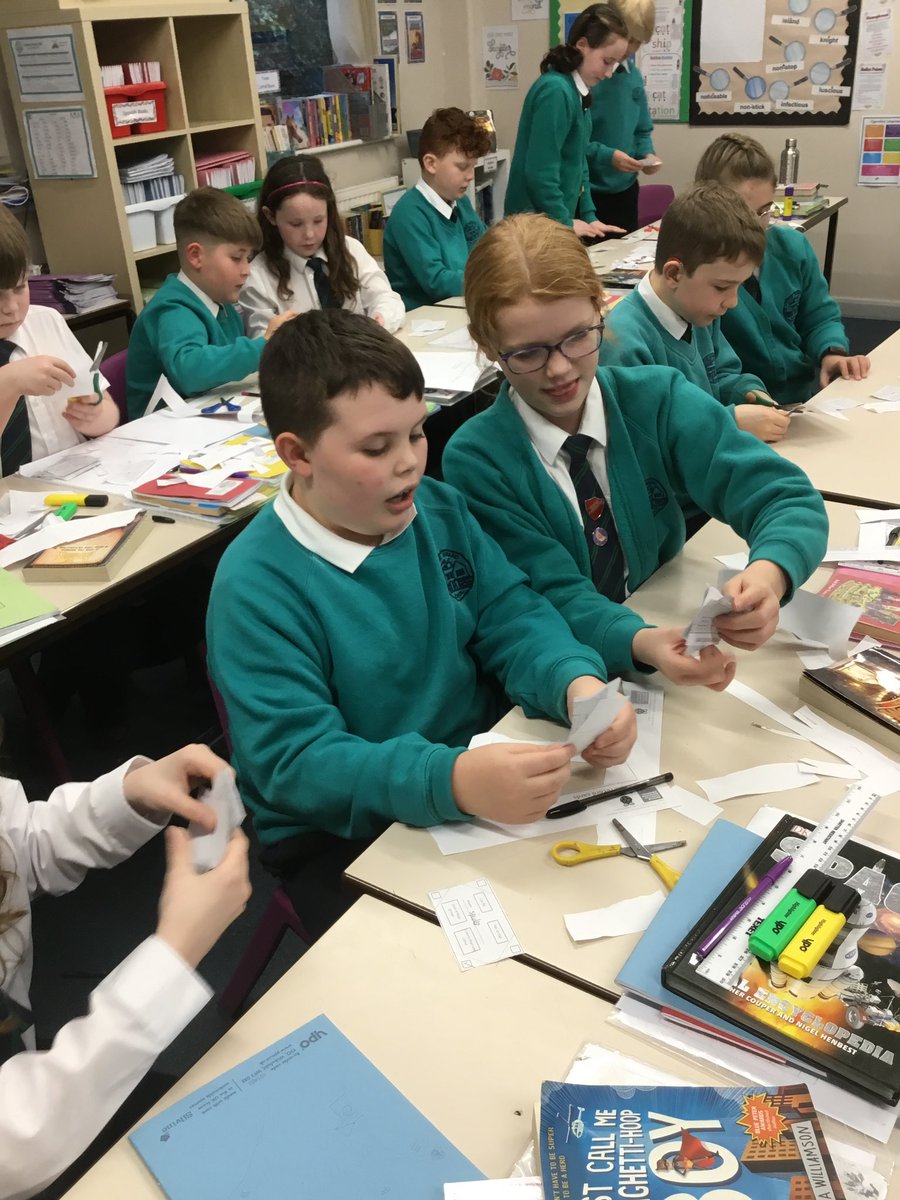
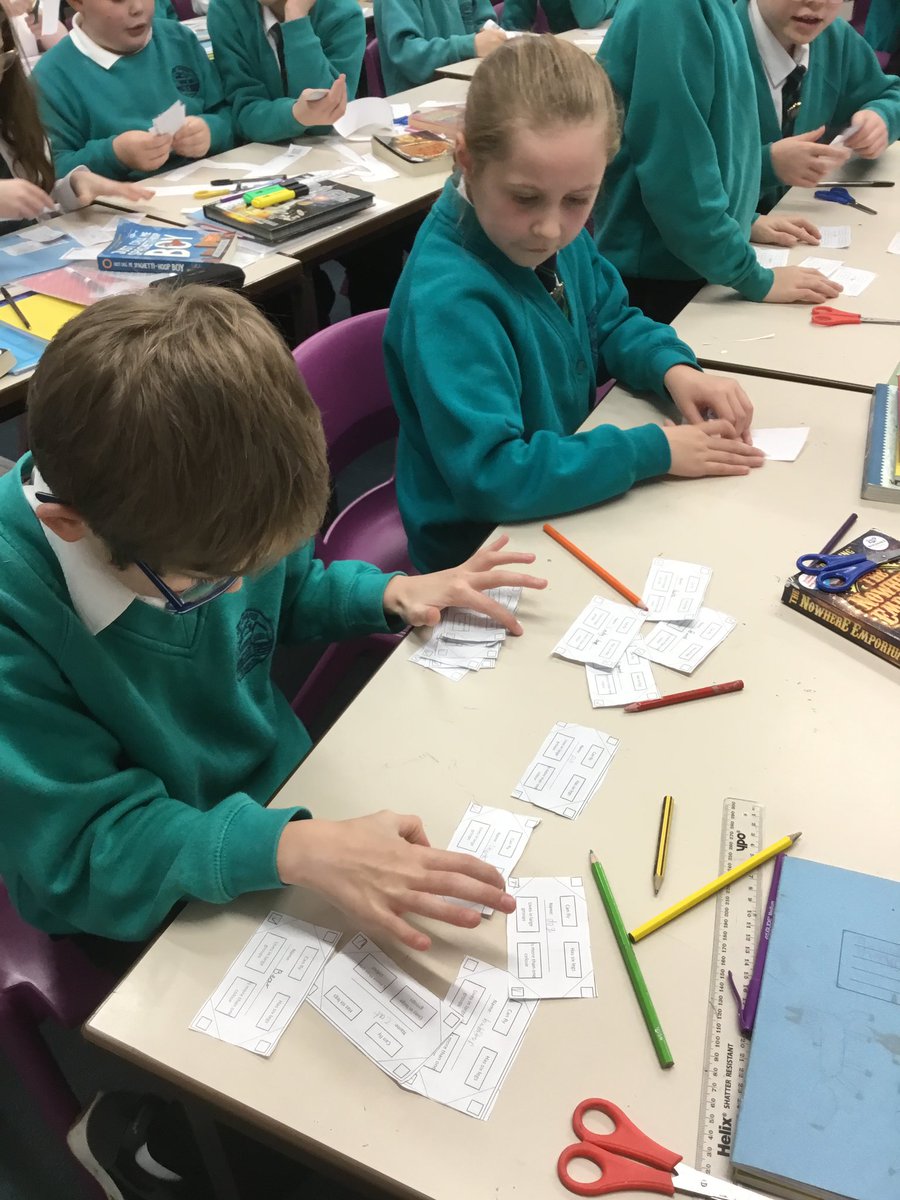
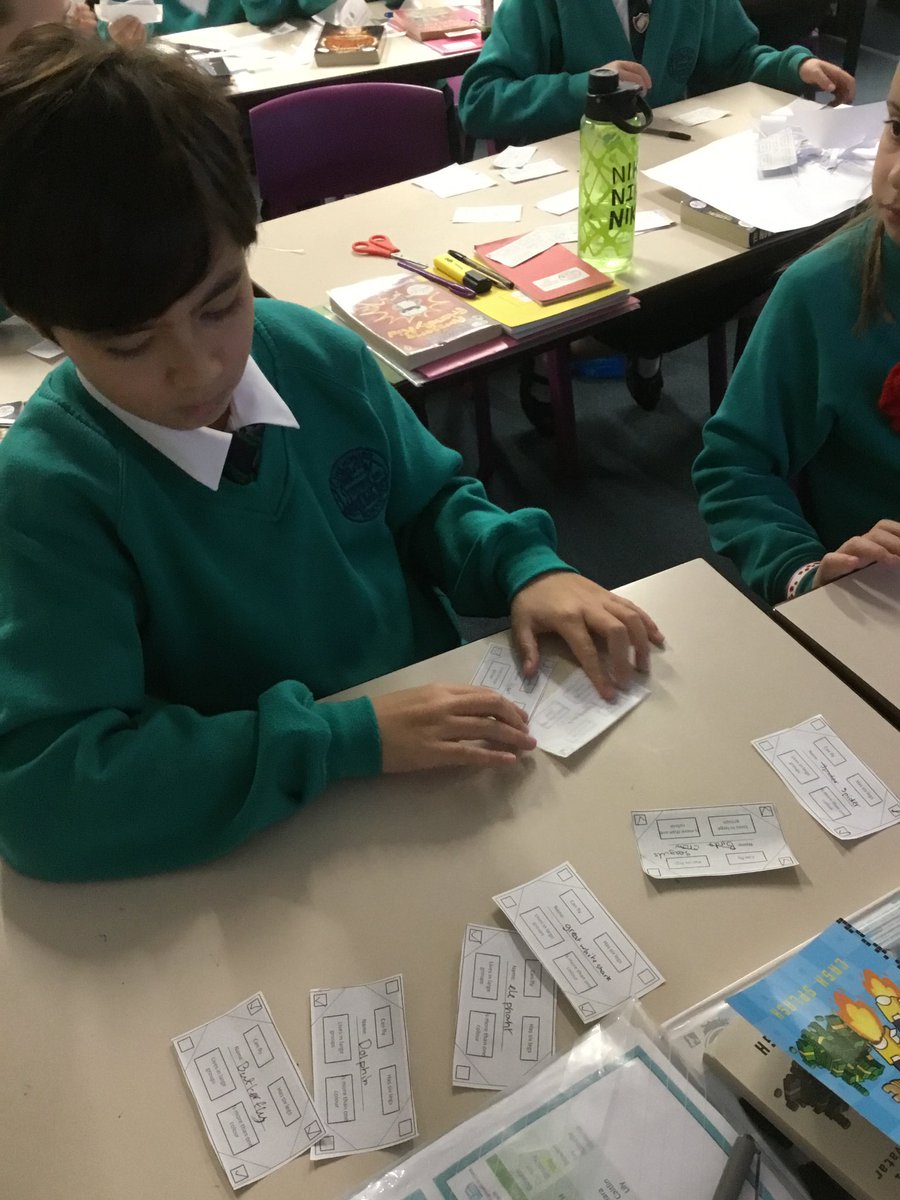
Year 5 have enjoyed starting their new computing unit on flat file databases by creating their own paper database for animals. They could see how much time it takes to sort through data manually and the benefit of a computer database! #AckworthHowardComputing @UH_NCCE
Year 4 have explored the app Audacity that they will use to record their podcasts at the end of their topic. Today they learned about outputs, inputs and recorded their first sentence to introduce themselves. #AckworthHowardComputing
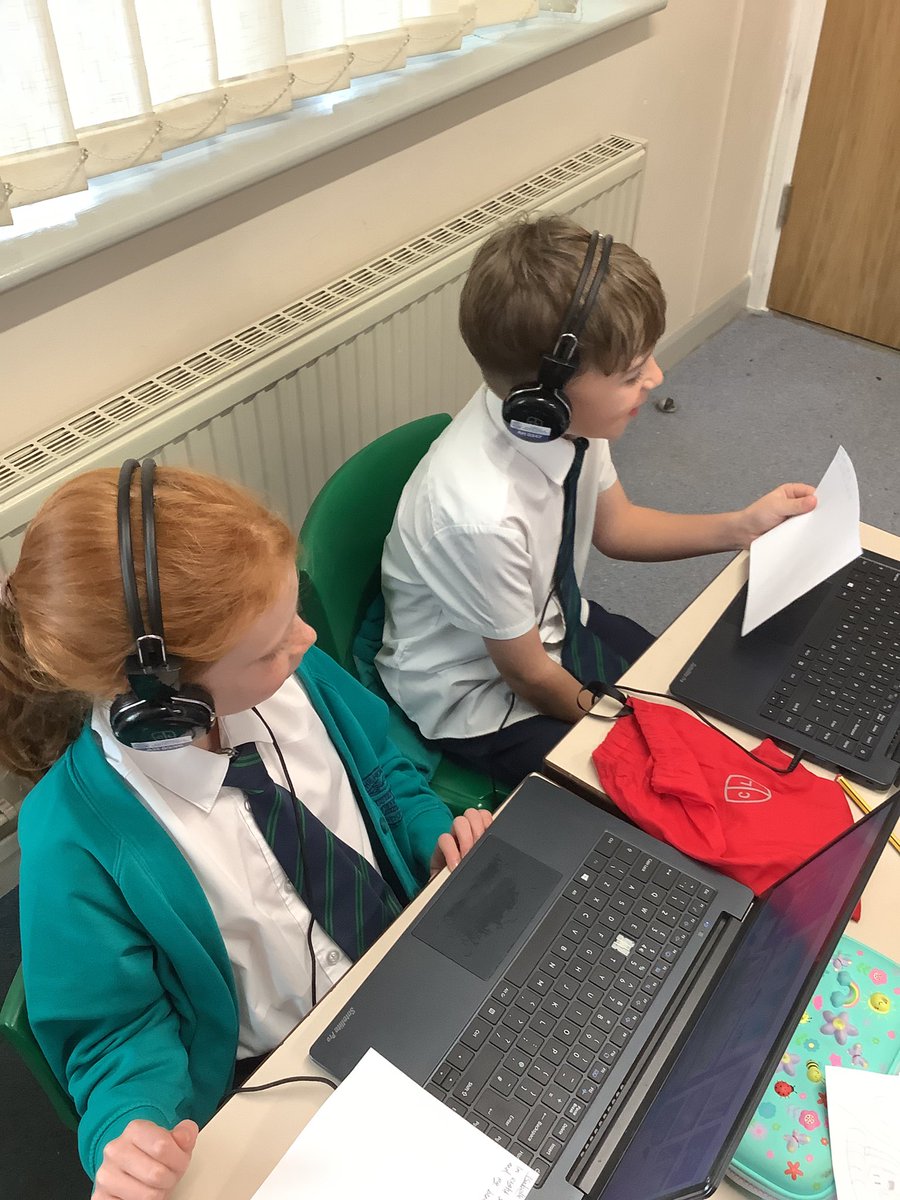
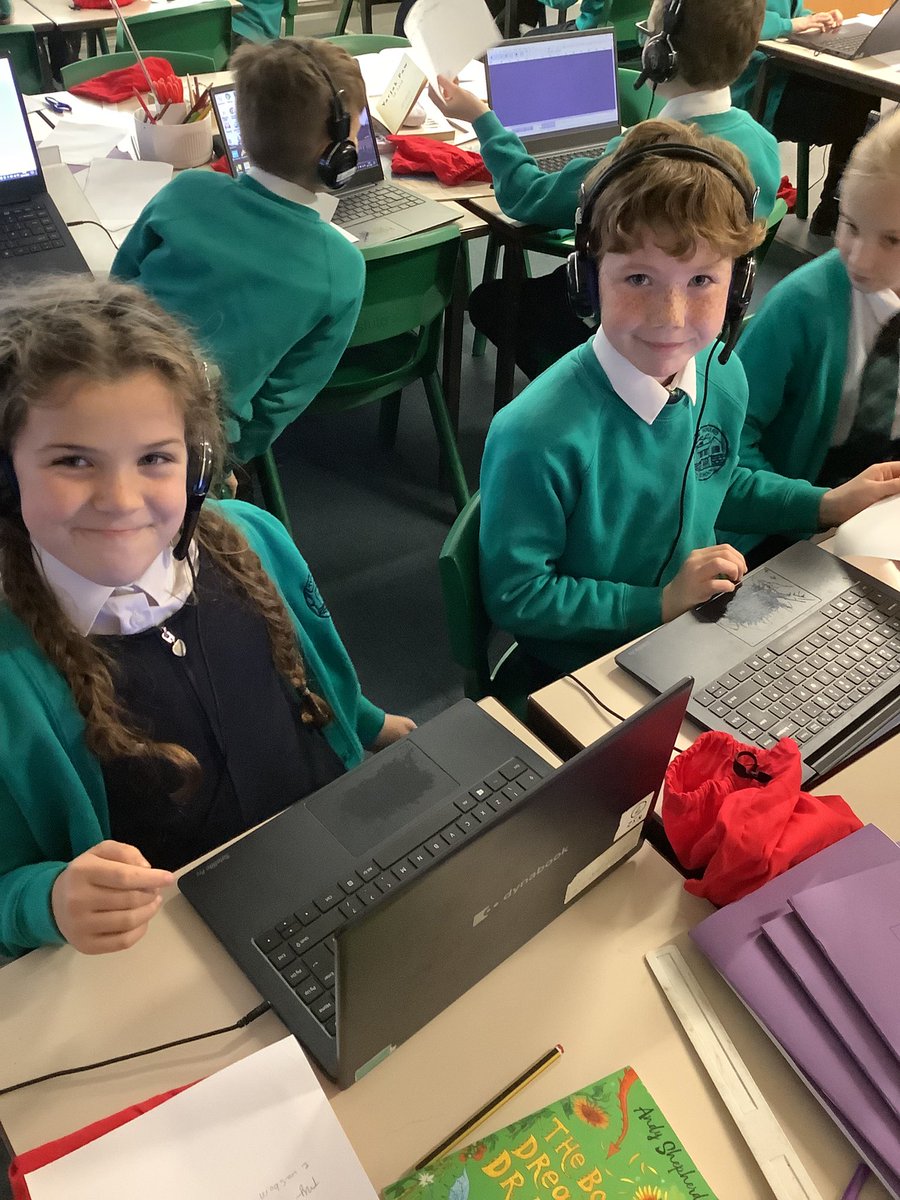
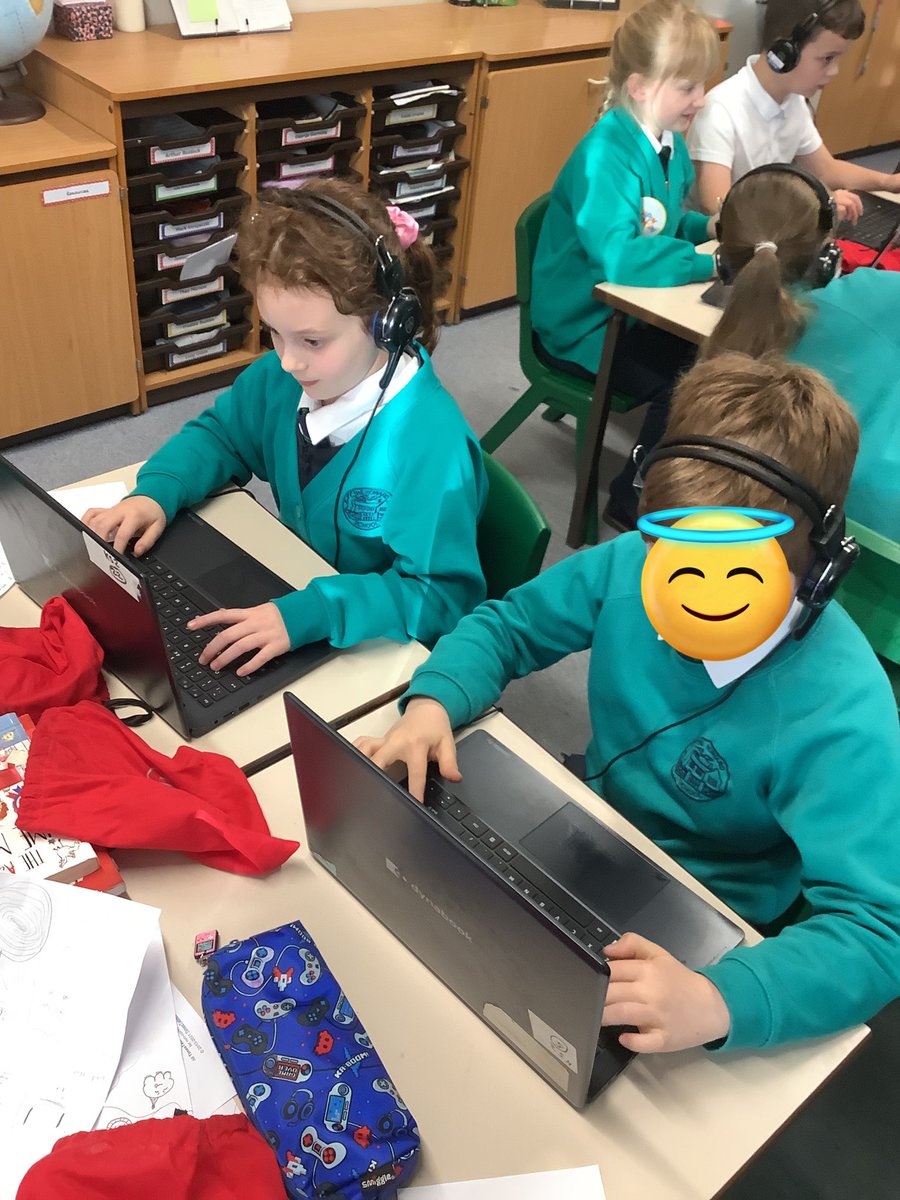
Impressing judges and staff with this presentation. #AckworthHowardComputing #CoolestProjectsUK @CoolestProjects
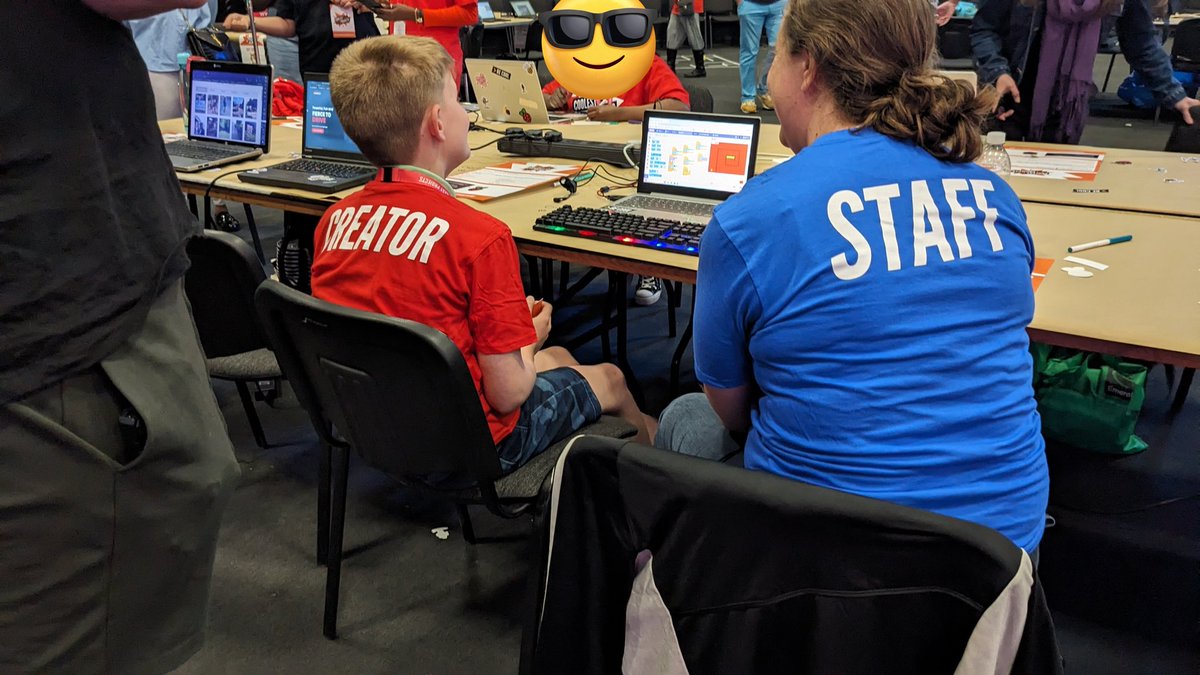
🎄 This week, the children in @CodeClub have been busy creating a variety of Christmas-themed games and animations. #AckworthHowardComputing
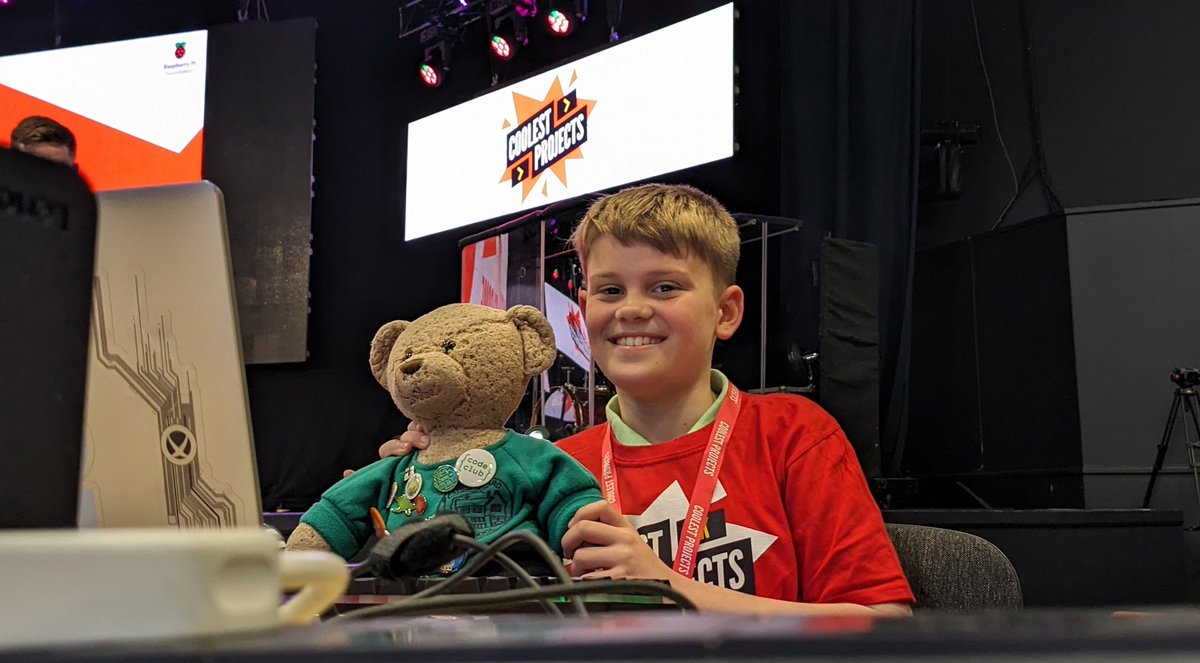
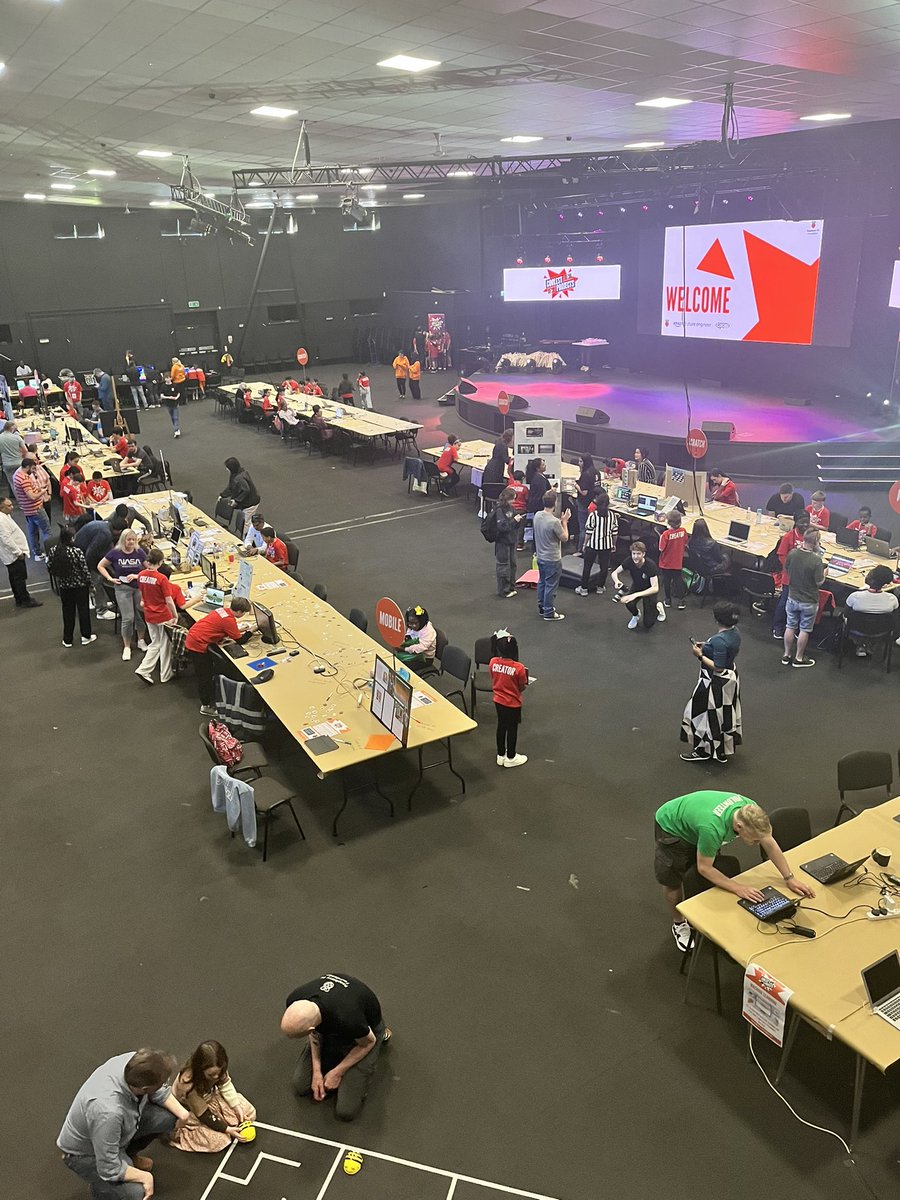
Good luck to George who is at @CoolestProjects in Bradford today, showcasing his @scratch projects amongst some of the best young coders in the country. Howard the bear is giving his full support! #coolestprojectsUK #AckworthHowardComputing
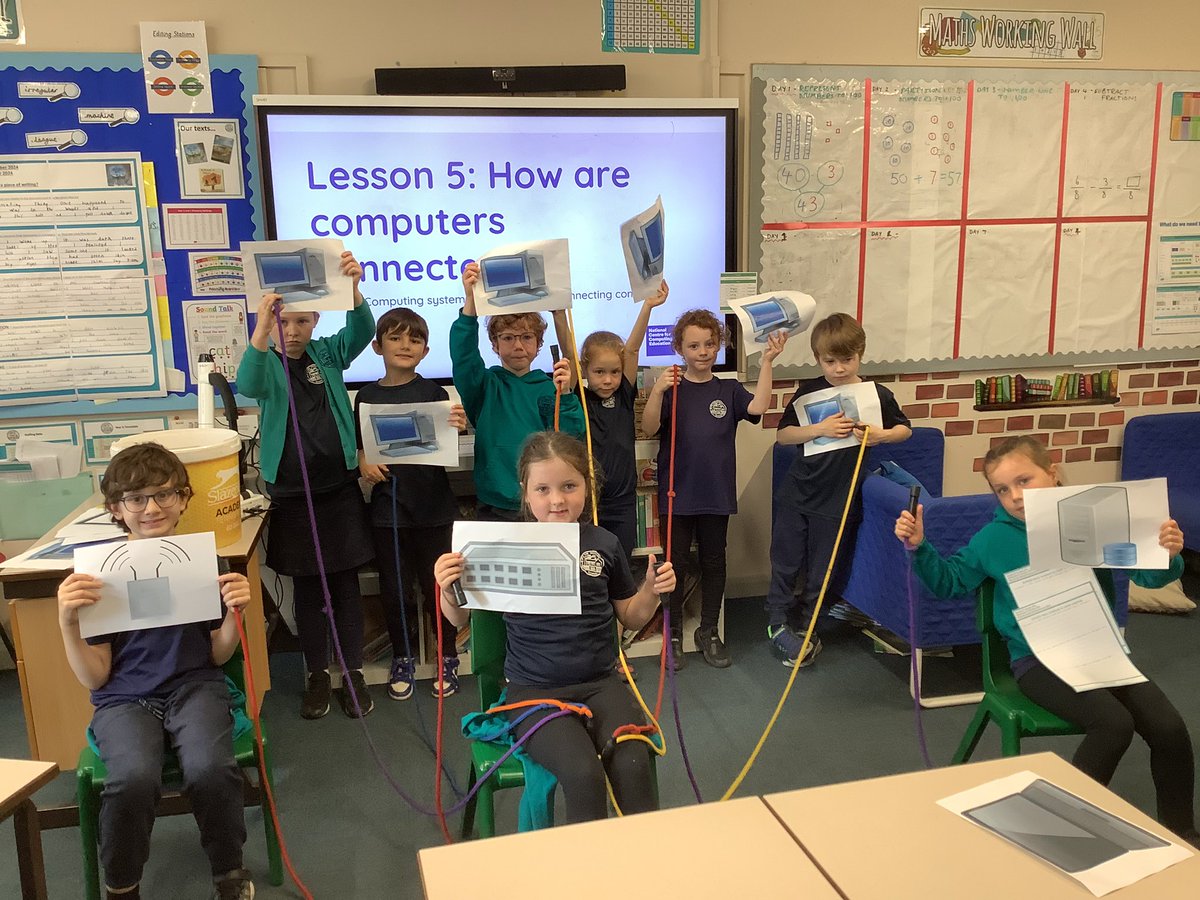
🛜 Year 3 have been learning about how computers are connected. They learnt how digital files can be stored on a server. Computers can access these through a network switch. Some computers need a wire, while others don’t! #AckworthHowardComputing
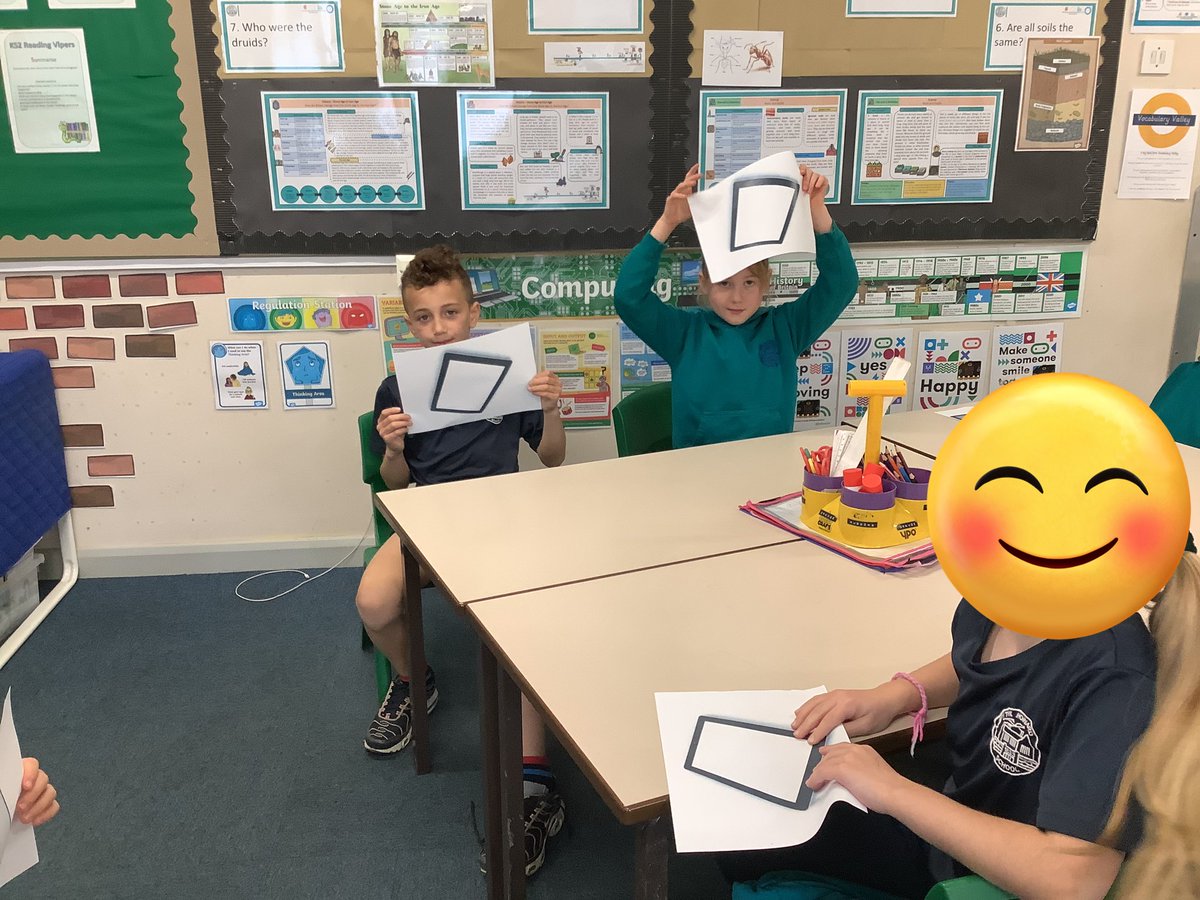
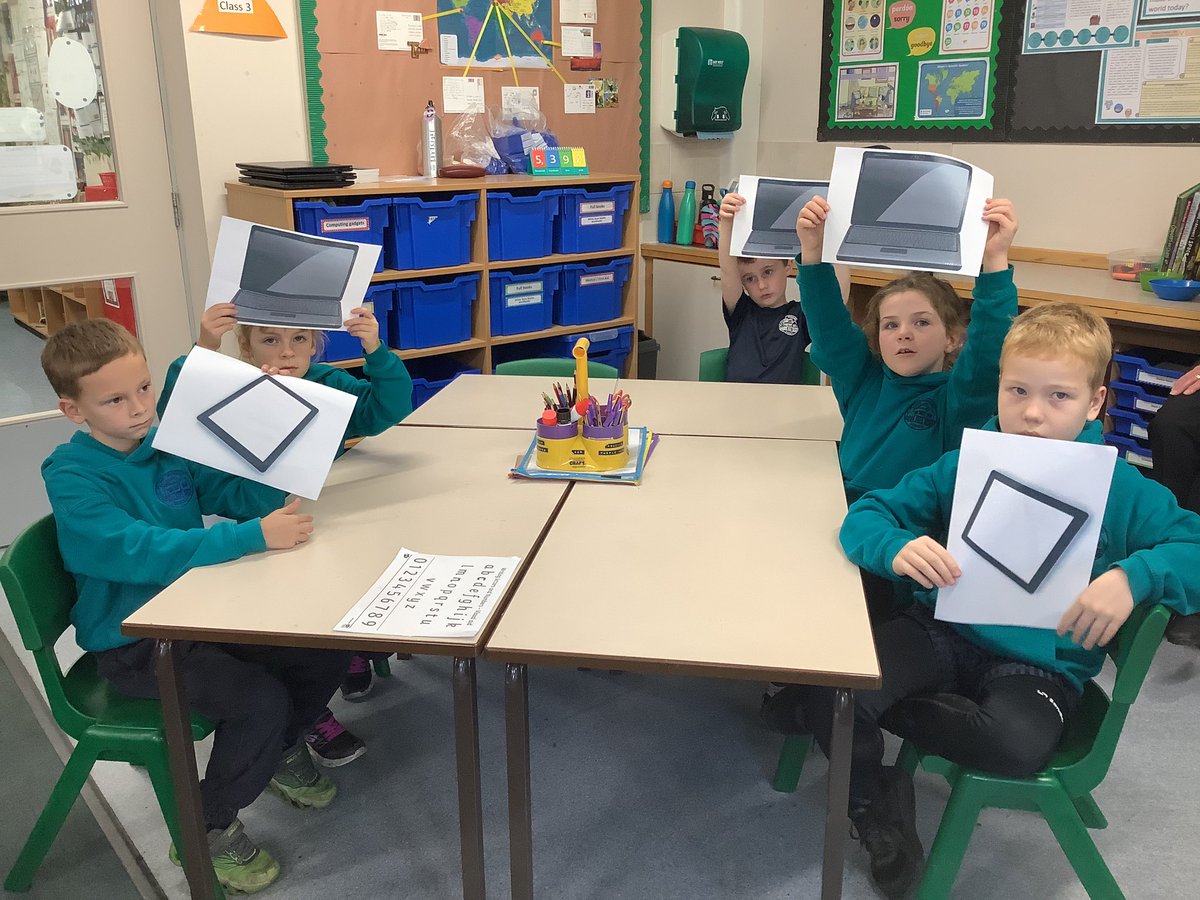
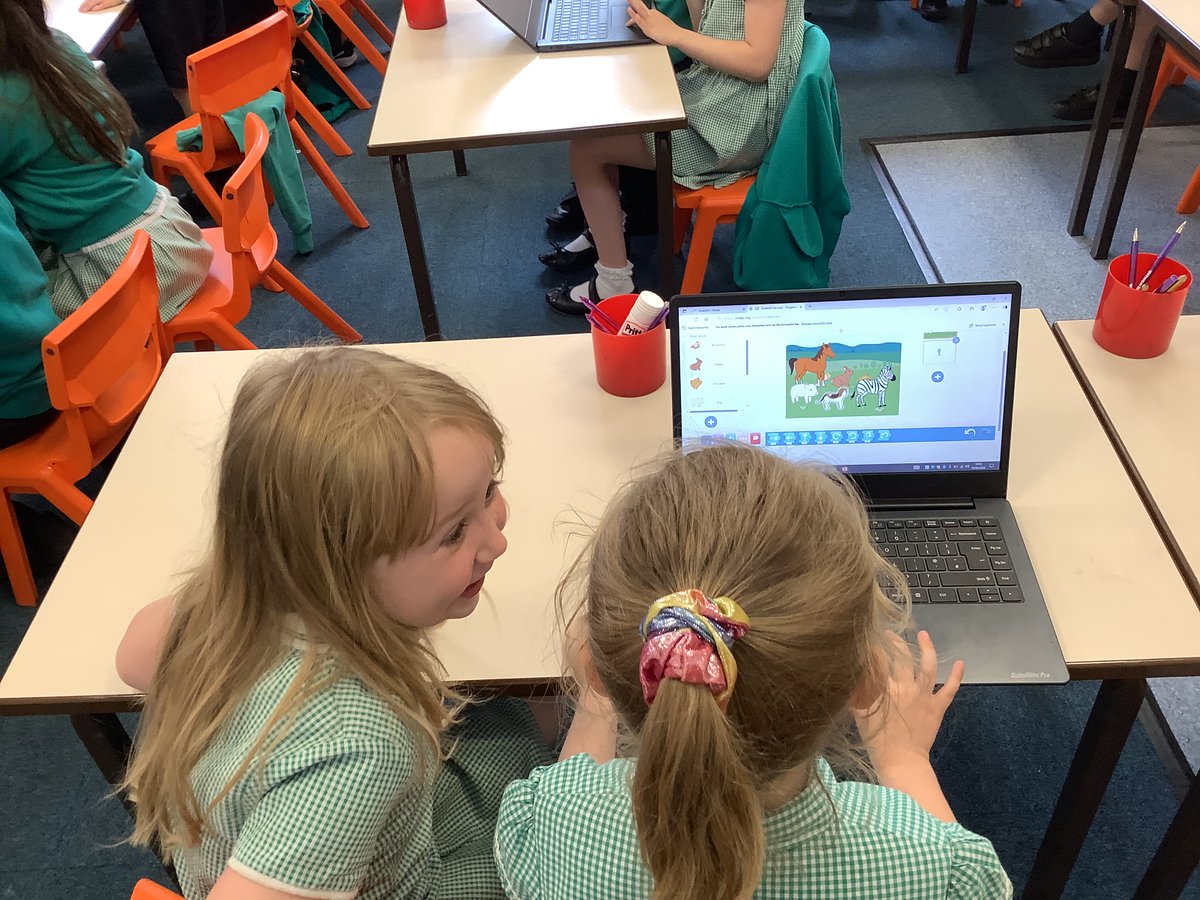
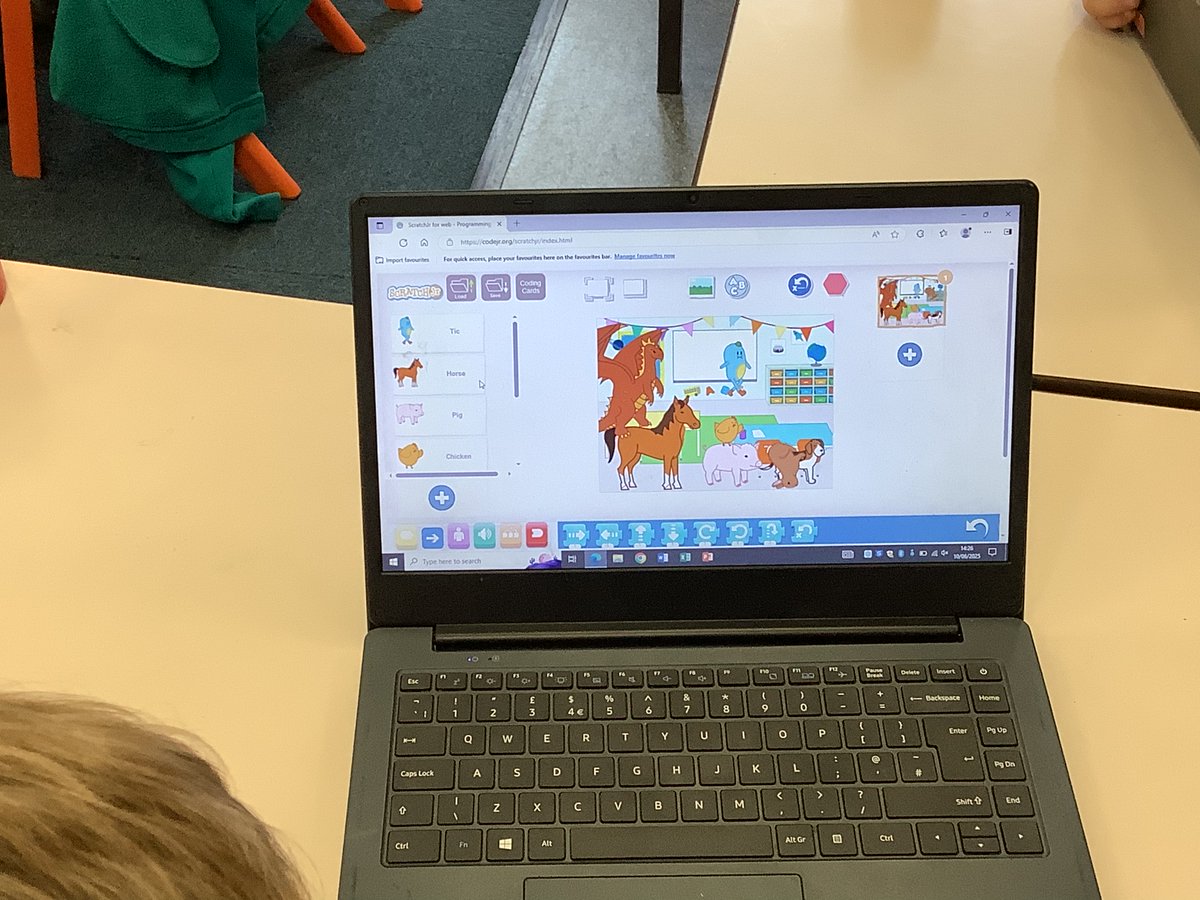
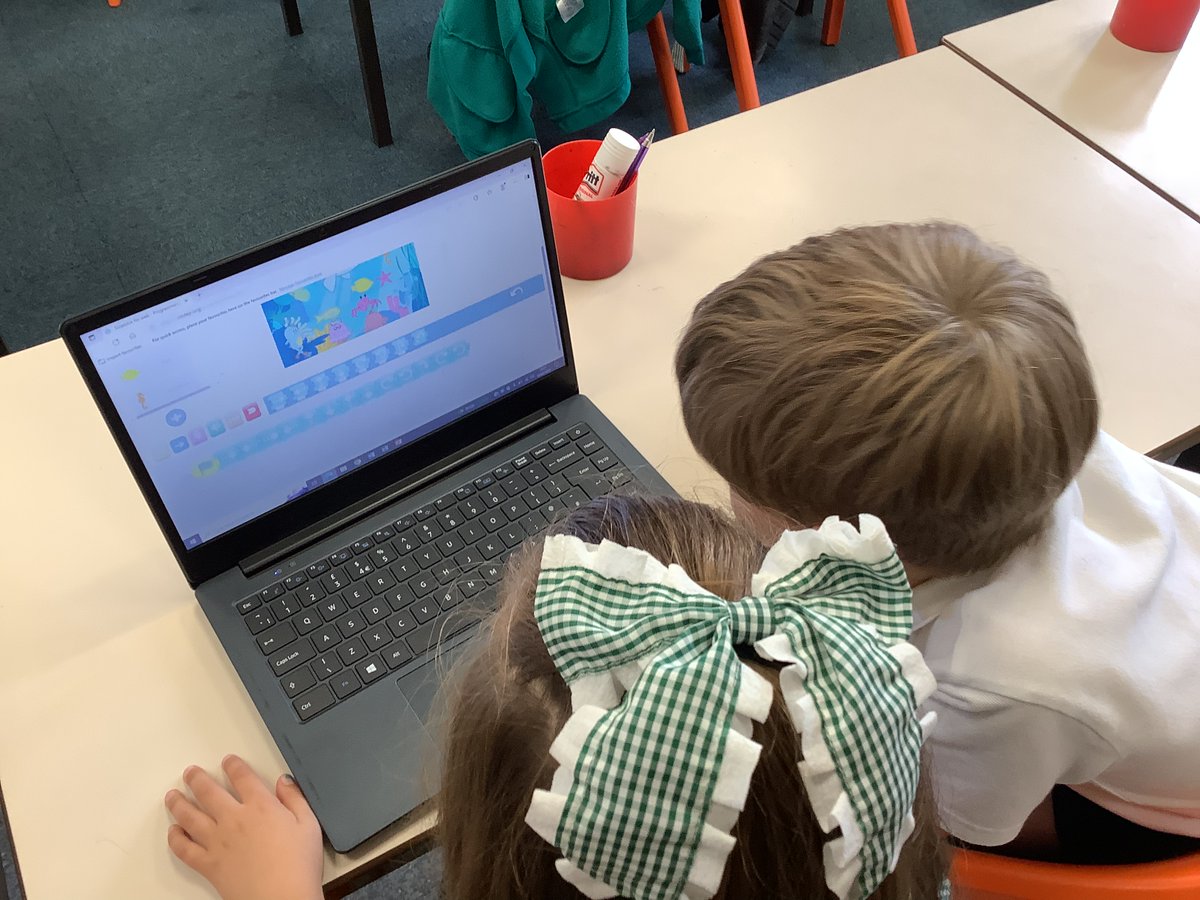

Year 6 have started their new computing unit. This half-term they will be using the software ‘TinkerCAD’ to explore making 3D models. Today they explored the software from different perspectives. #AckworthHowardComputing
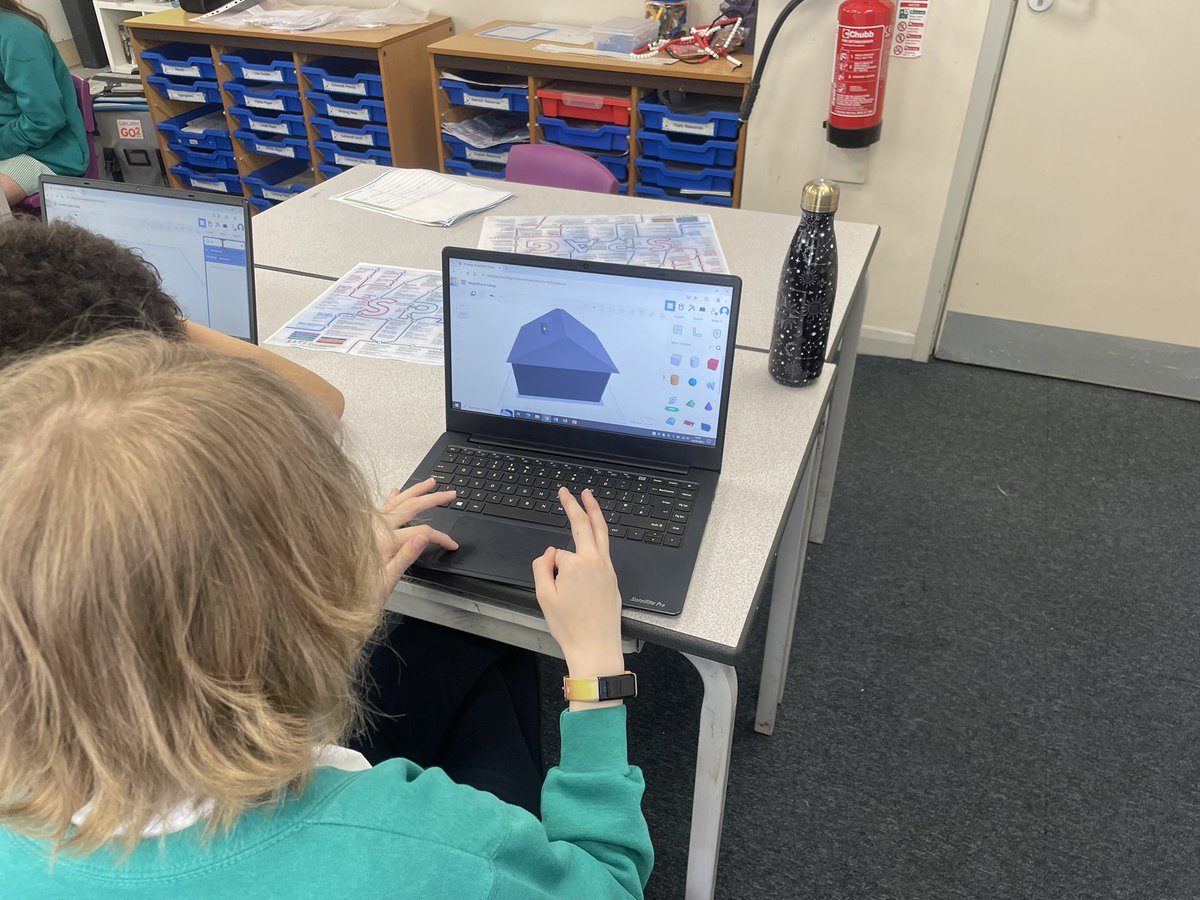
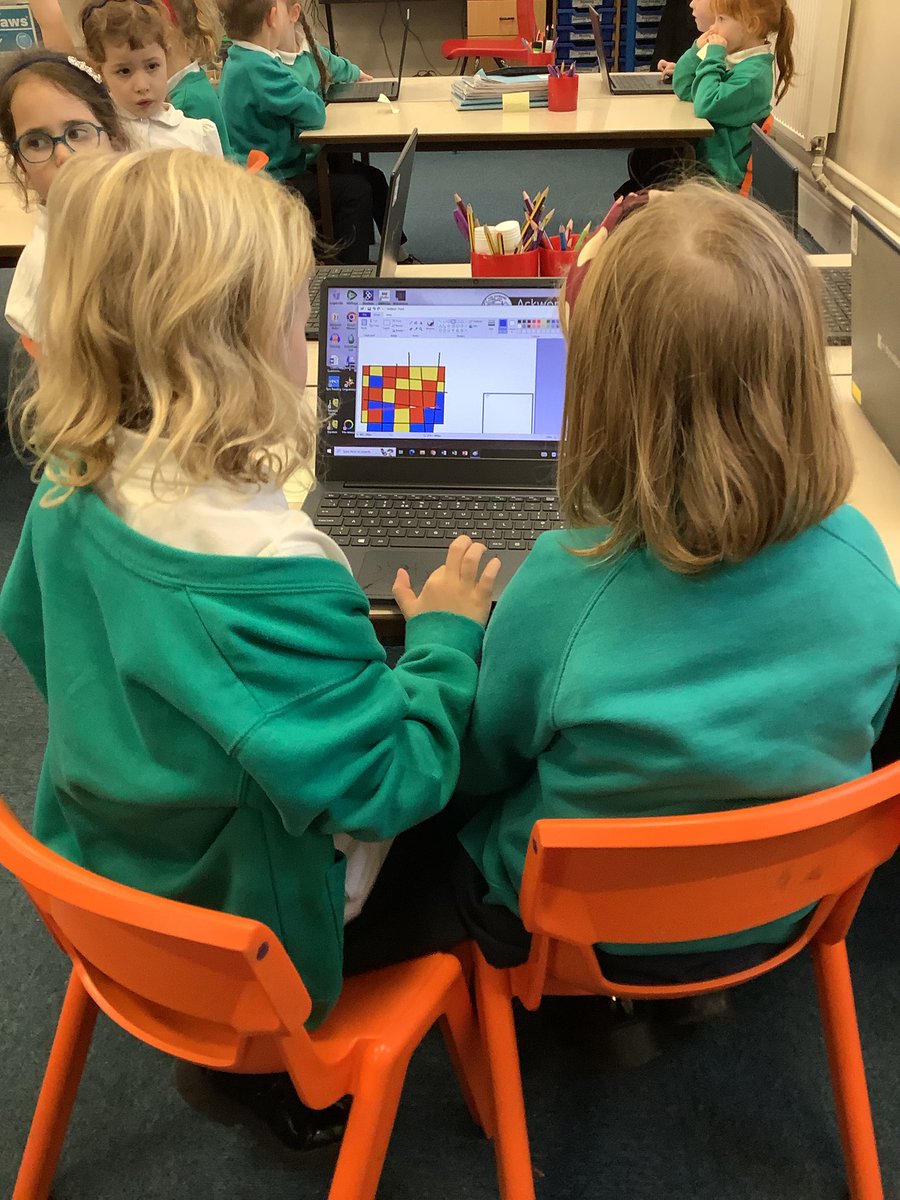
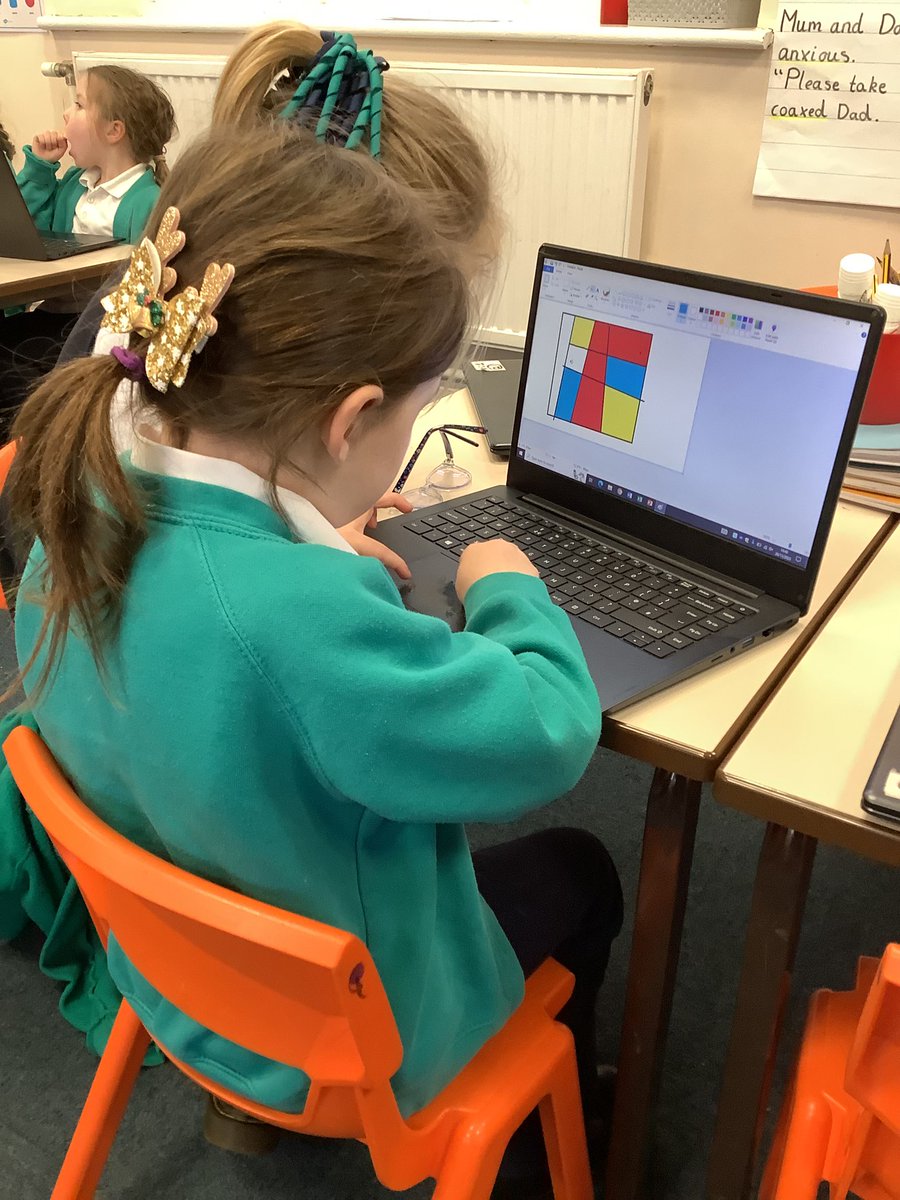
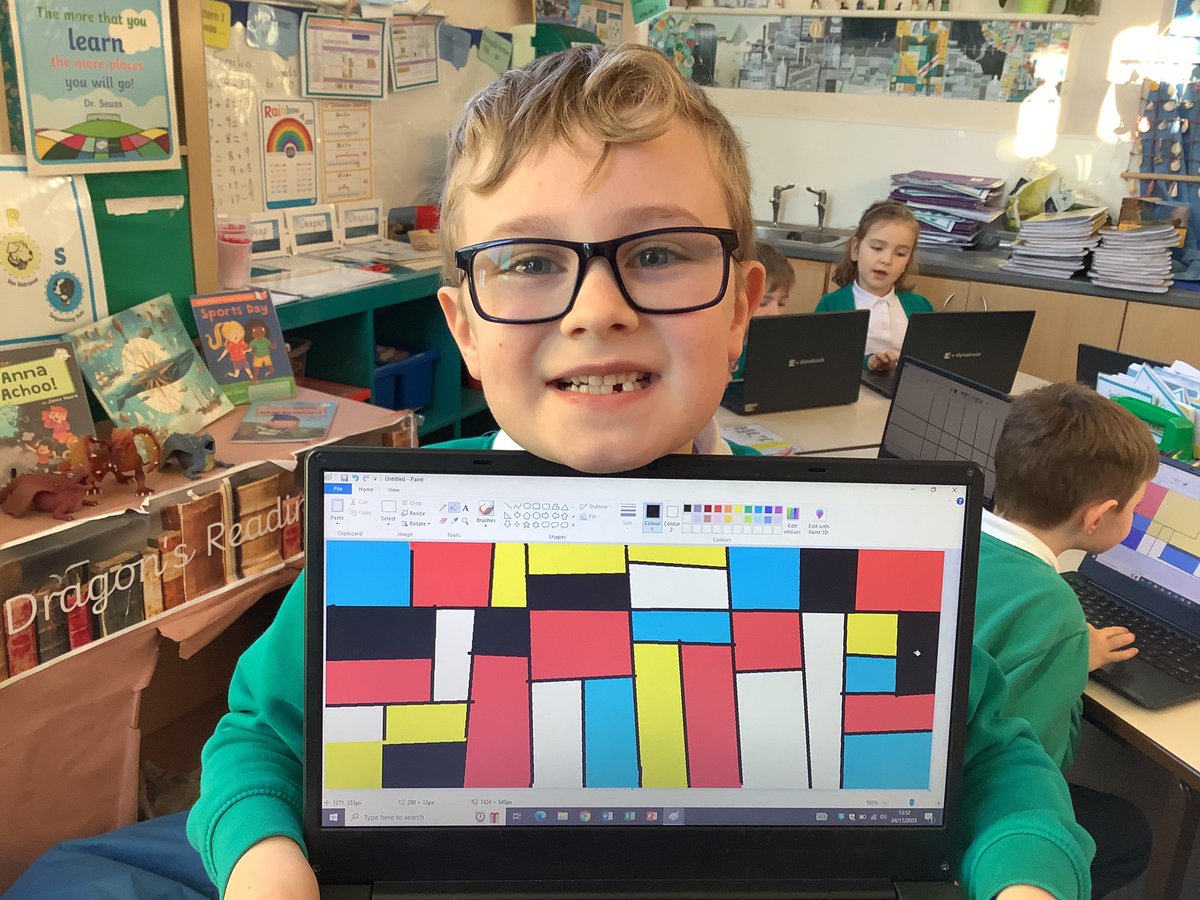
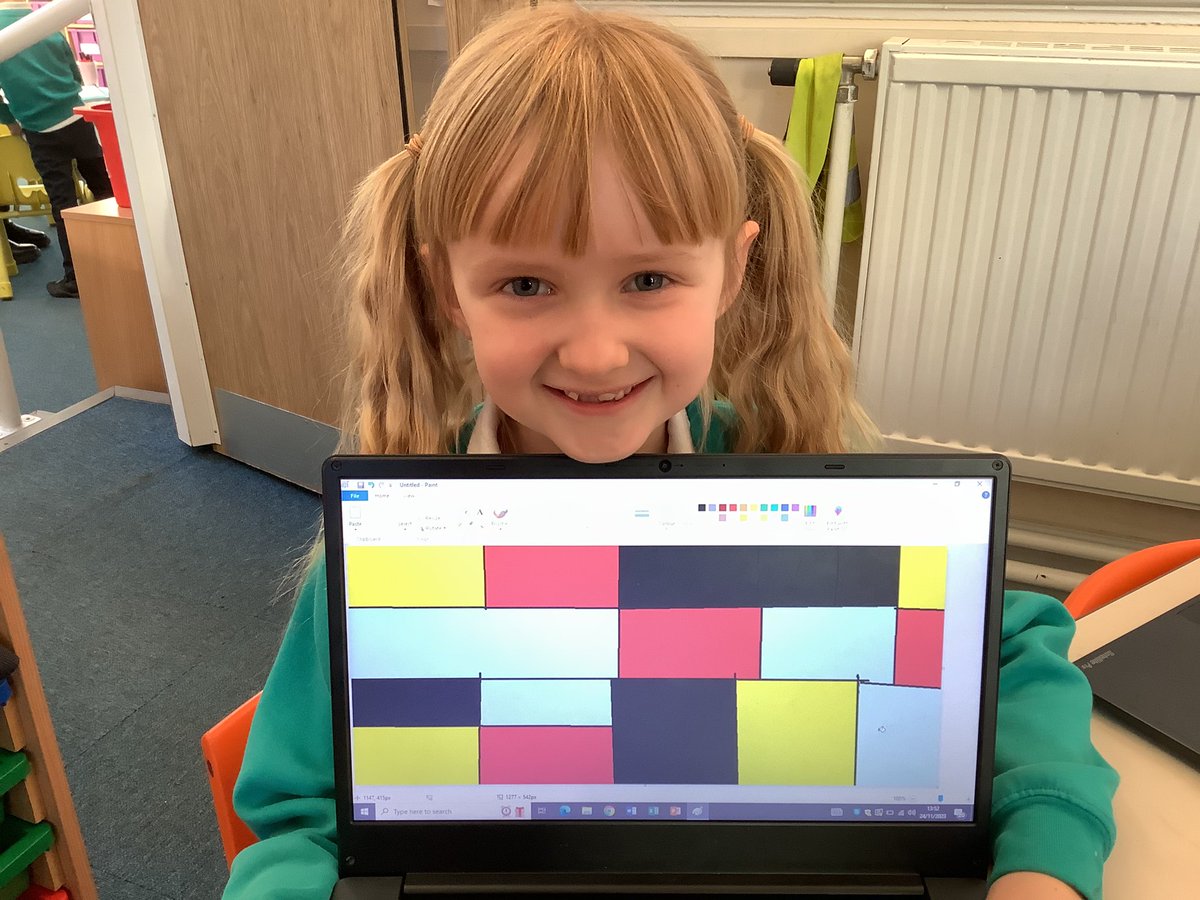
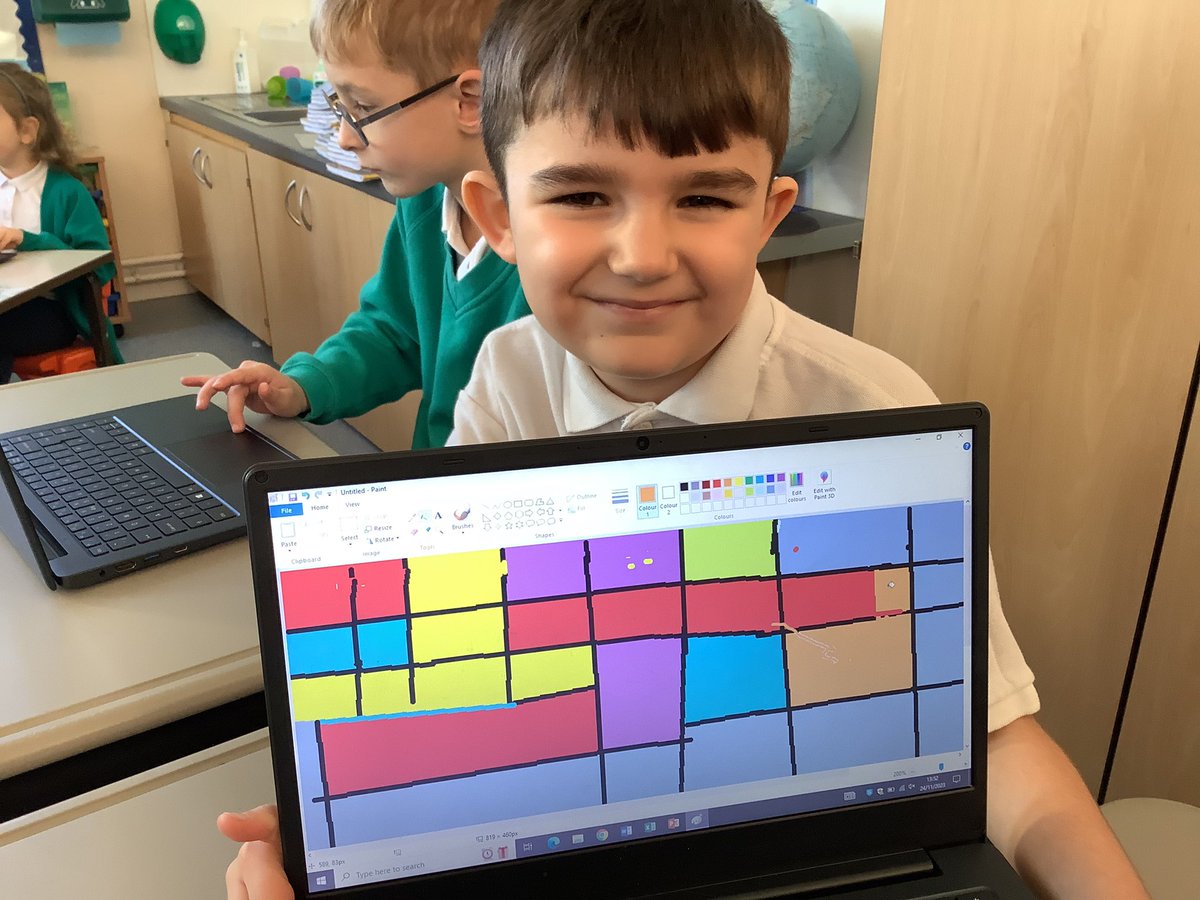
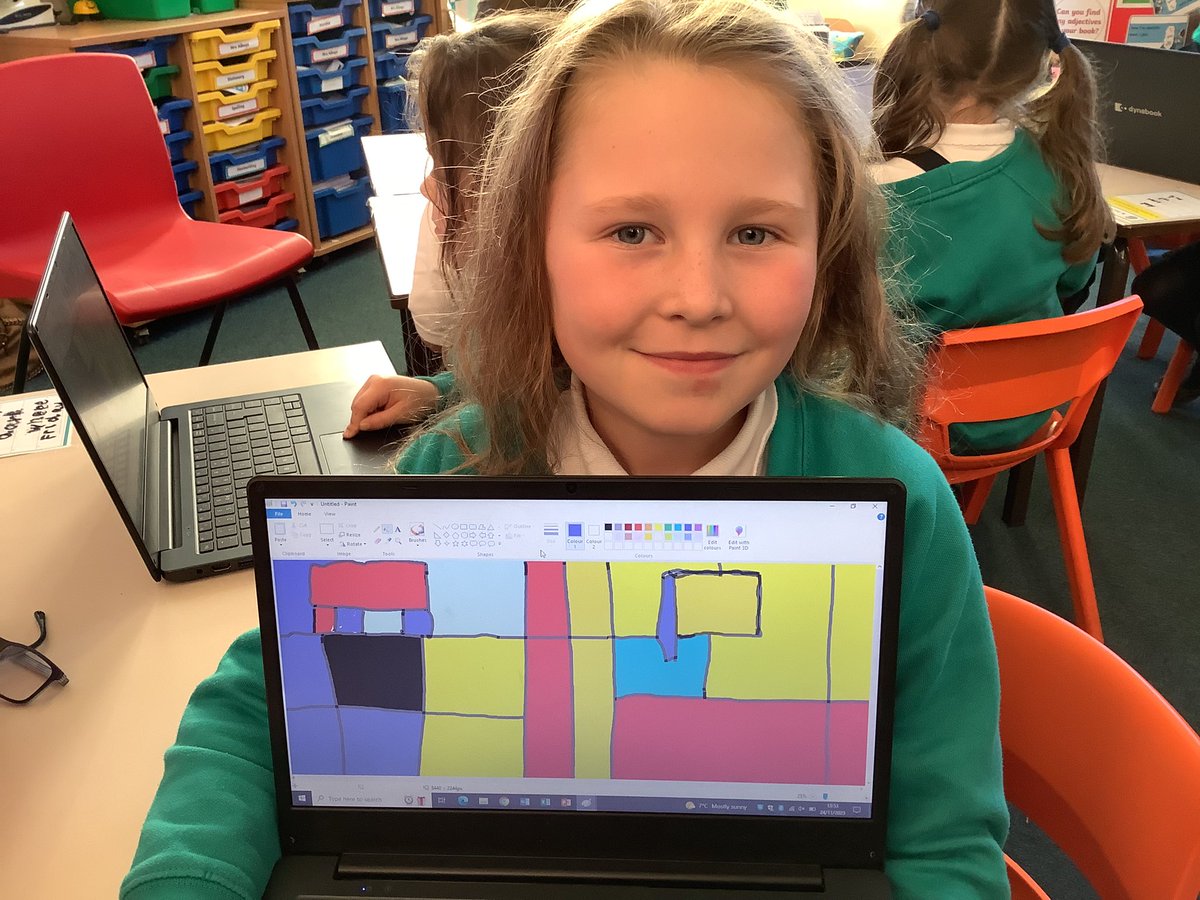
🎨 In computing, Year 2 enjoyed creating digital artwork in the style of Mondrian. They used the line and fill tools to help them. They also learnt how to save and retrieve their work! #AckworthHowardComputing #AckworthHowardArt
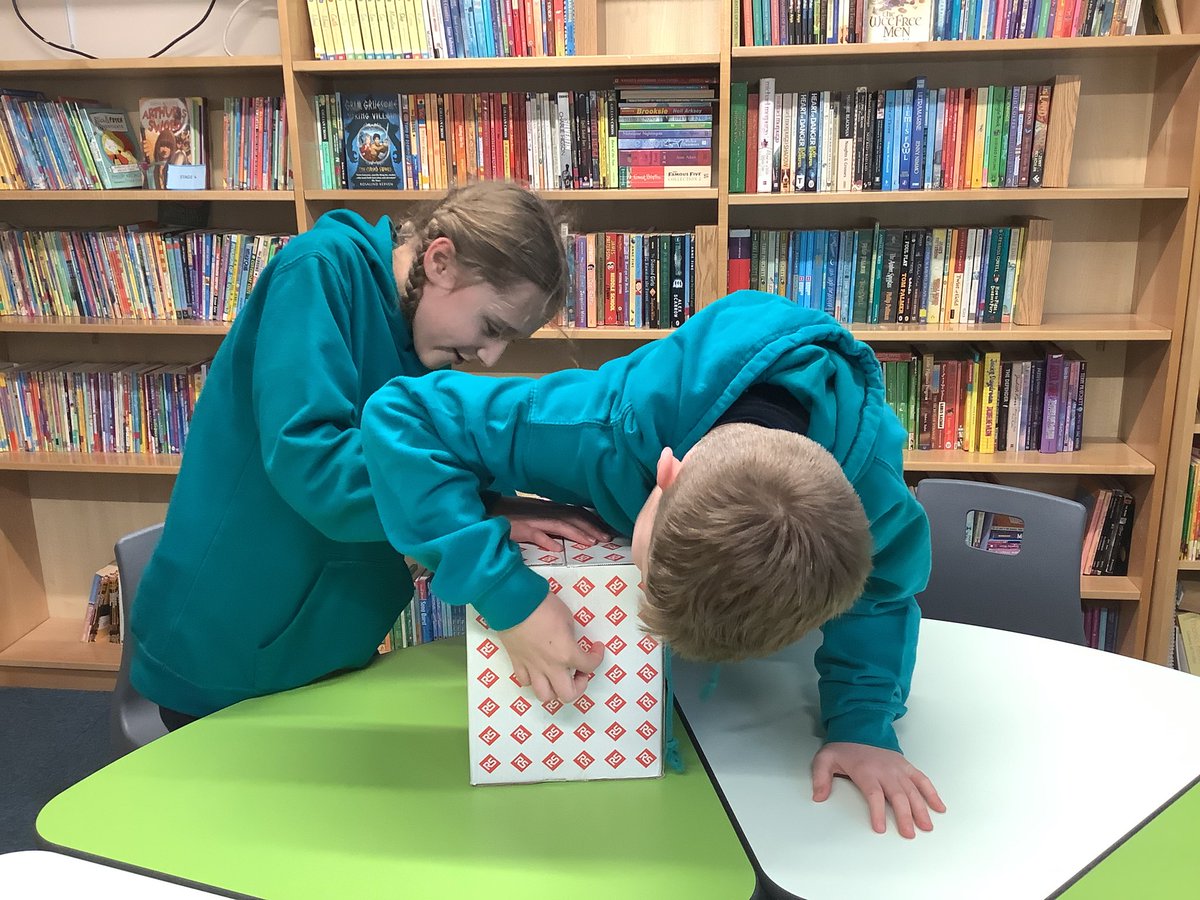
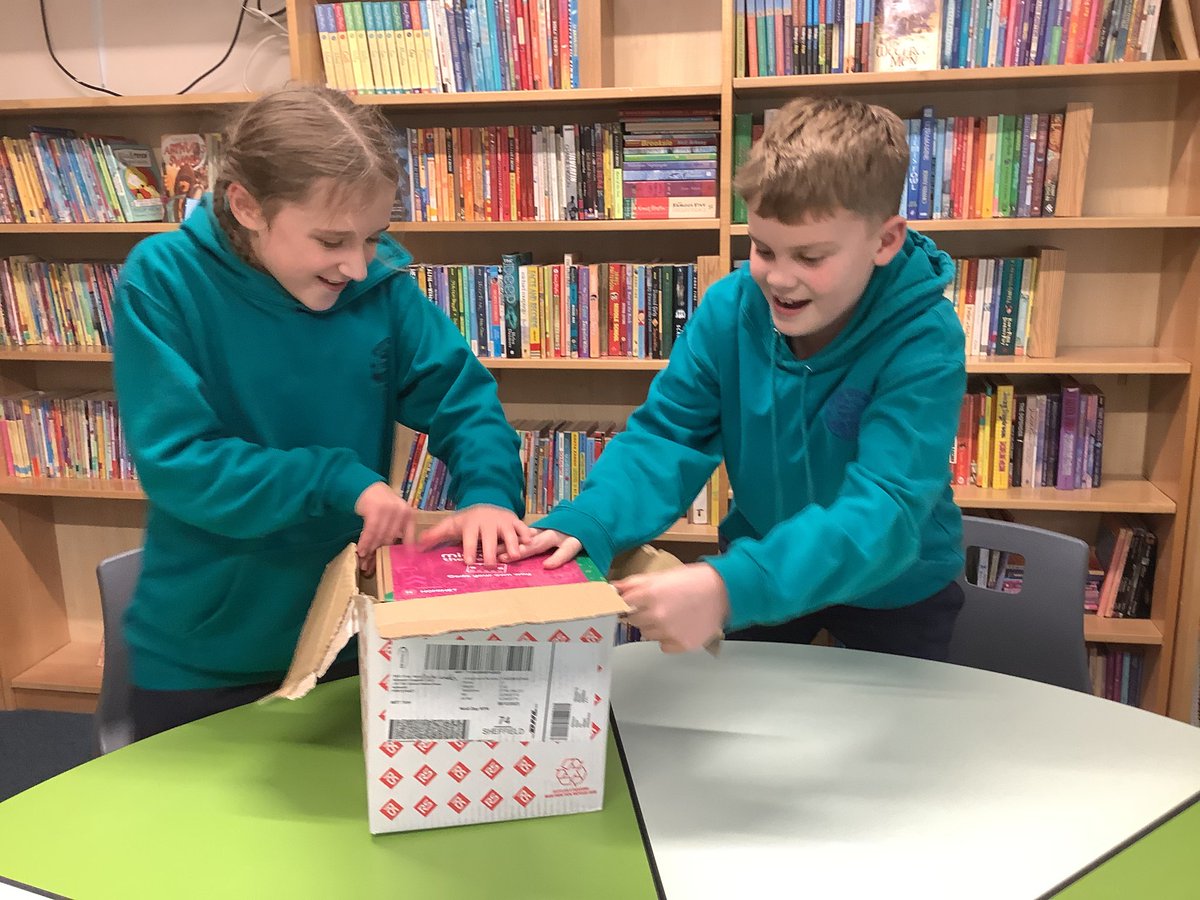
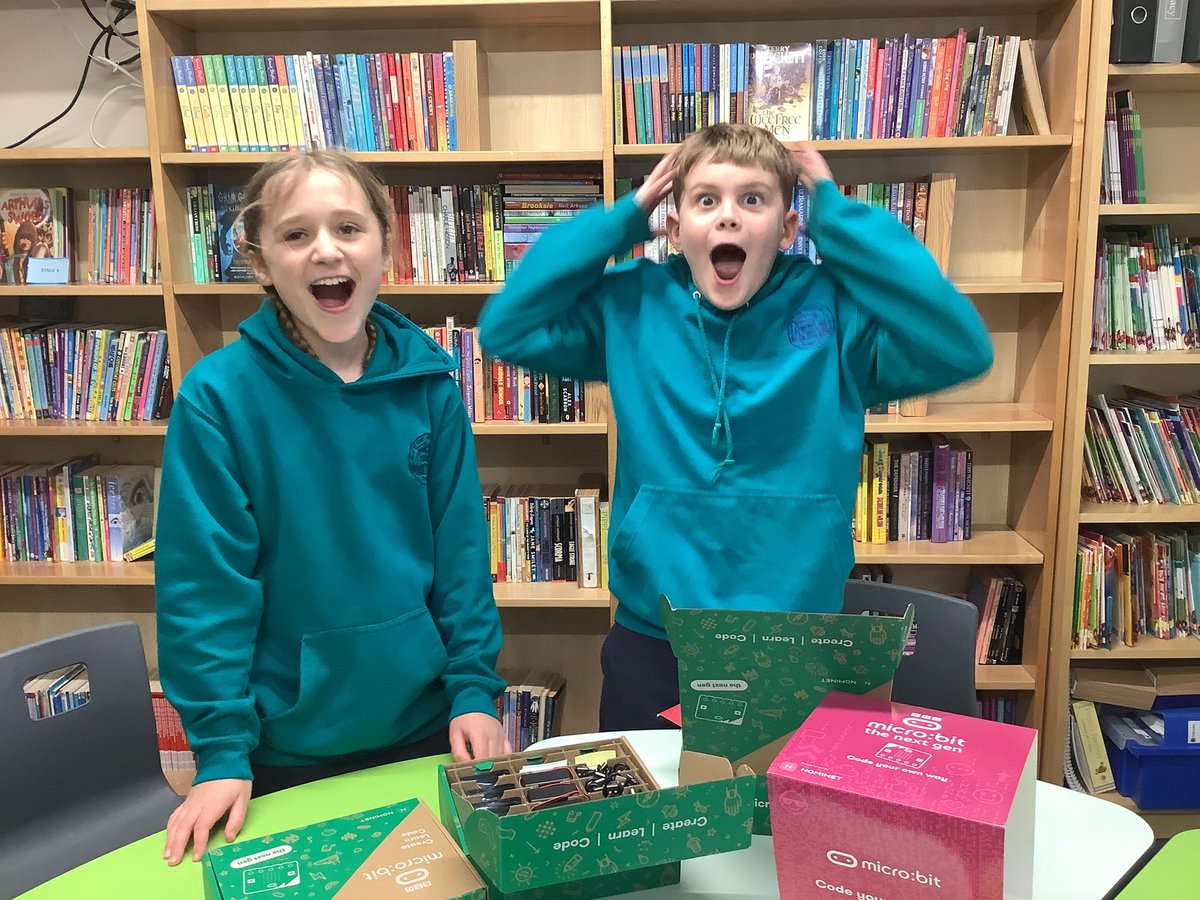
😀 It’s safe to say our #digitalleaders were excited with their parcel today - 30 micro:bits and accessories from @microbit_edu! We can’t wait to use them across the curriculum in class, plus starting the new micro:bit project pathway in @codeclub. #ackworthhowardcomputing
In our computing lesson today, Year 4 learned about how to create a network in our internet topic. We used string to illustrate how networks connect around the world! #AckworthHowardComputing
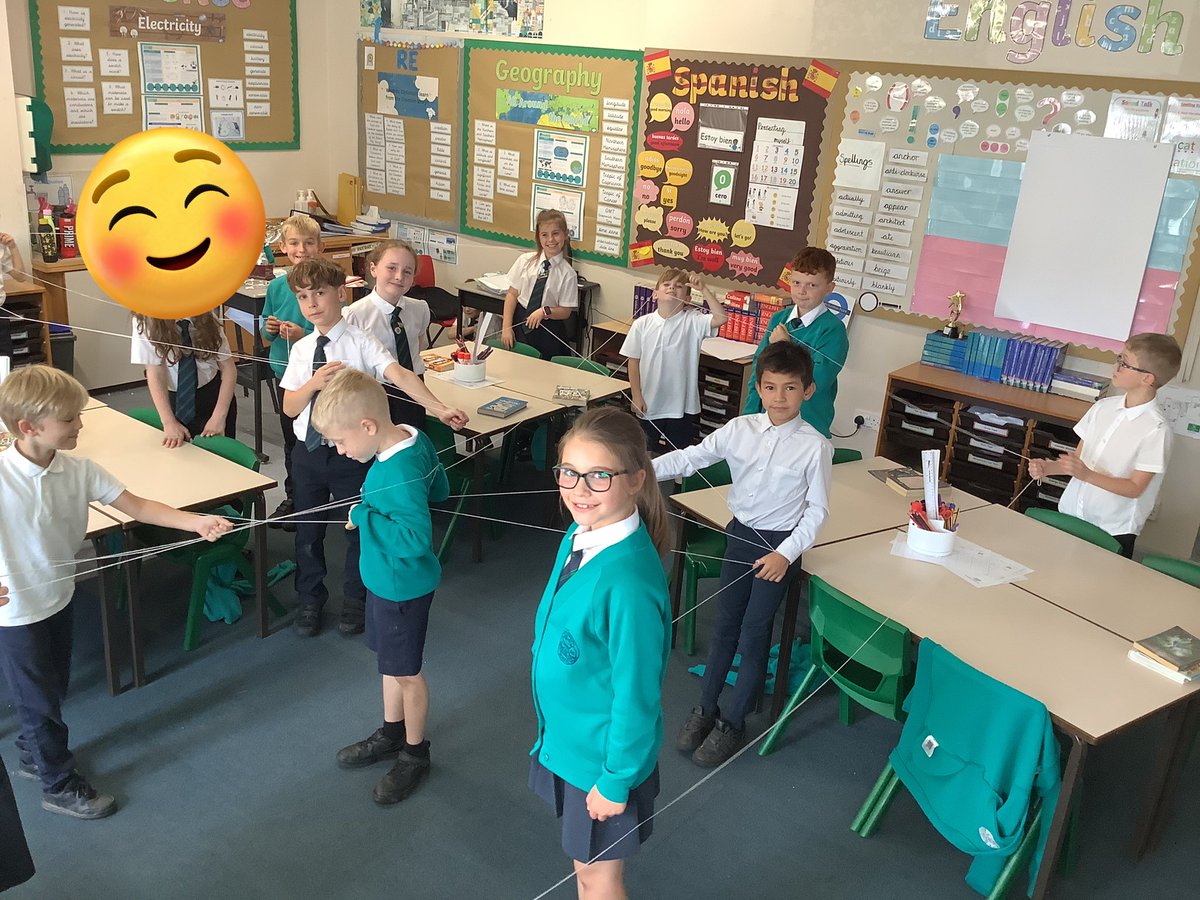
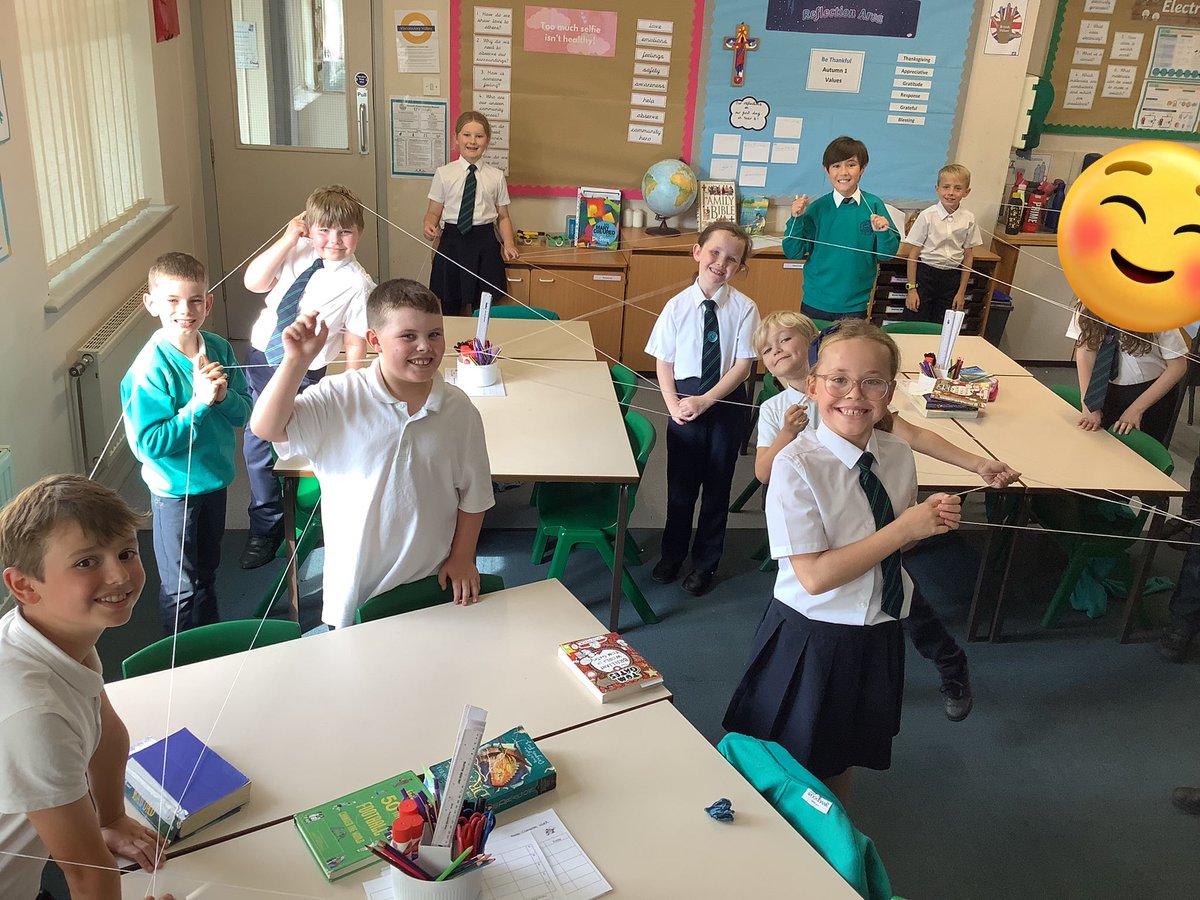
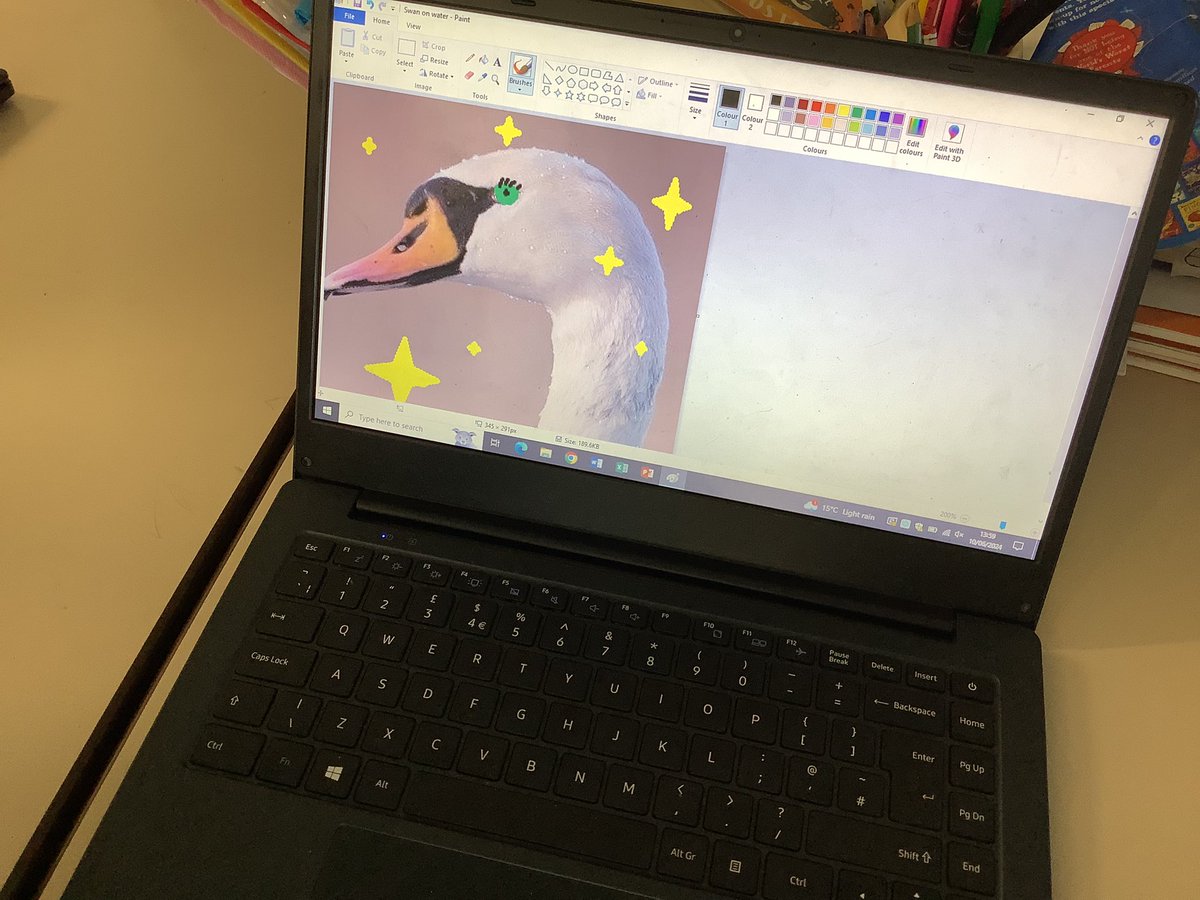
Year 4 have been looking at photo editing. We have had to crop, resize, rotate and change the perception of a picture by adding extra features or altering the colours through filters. Great discussions about the ethics of photo editing too! #AckworthHowardComputing
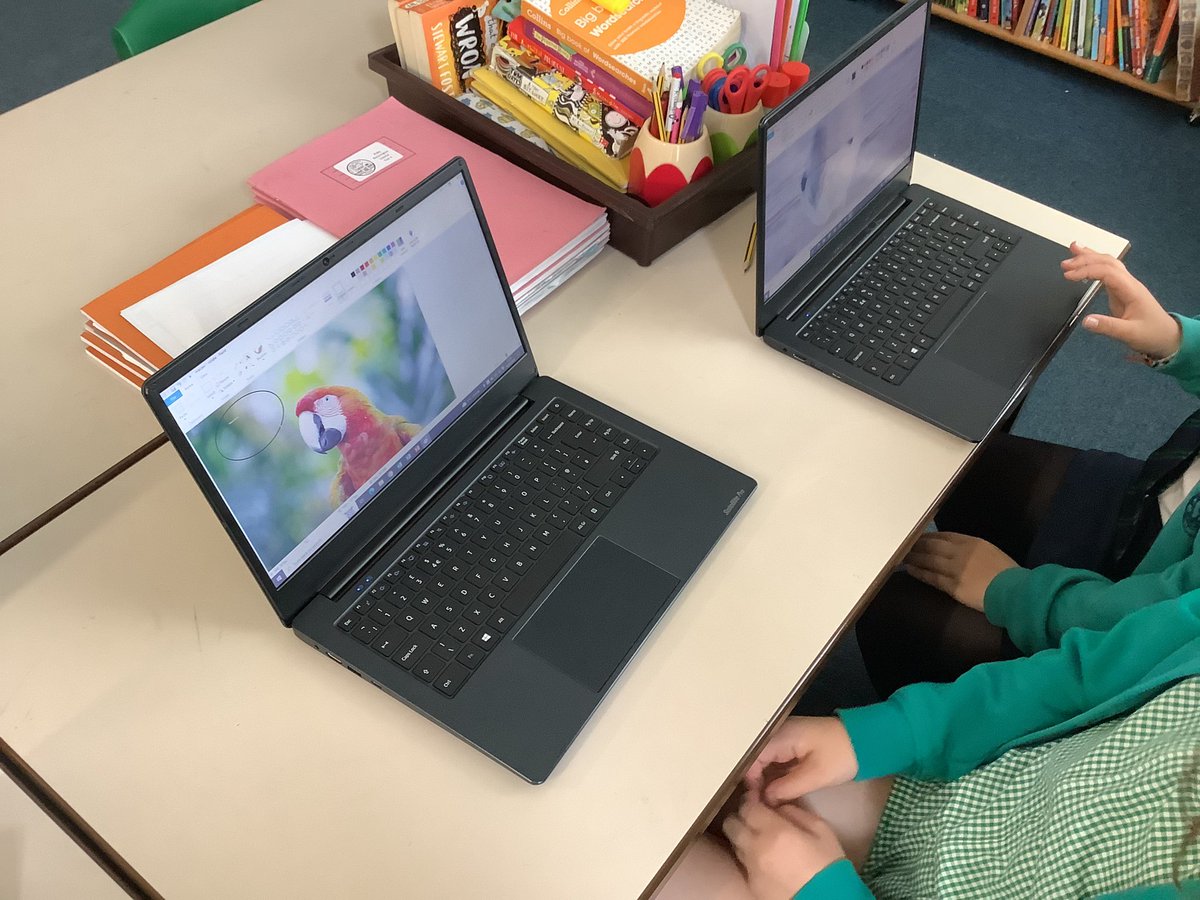
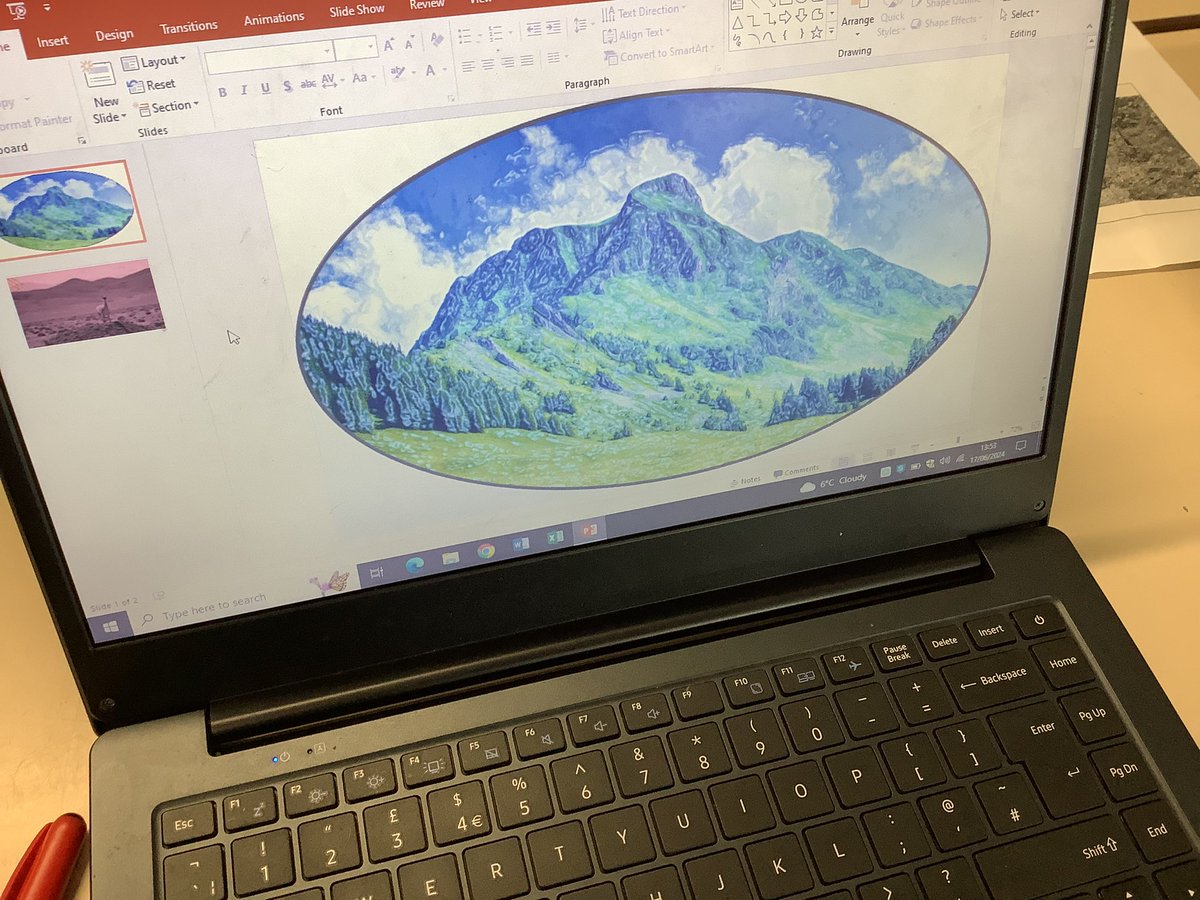
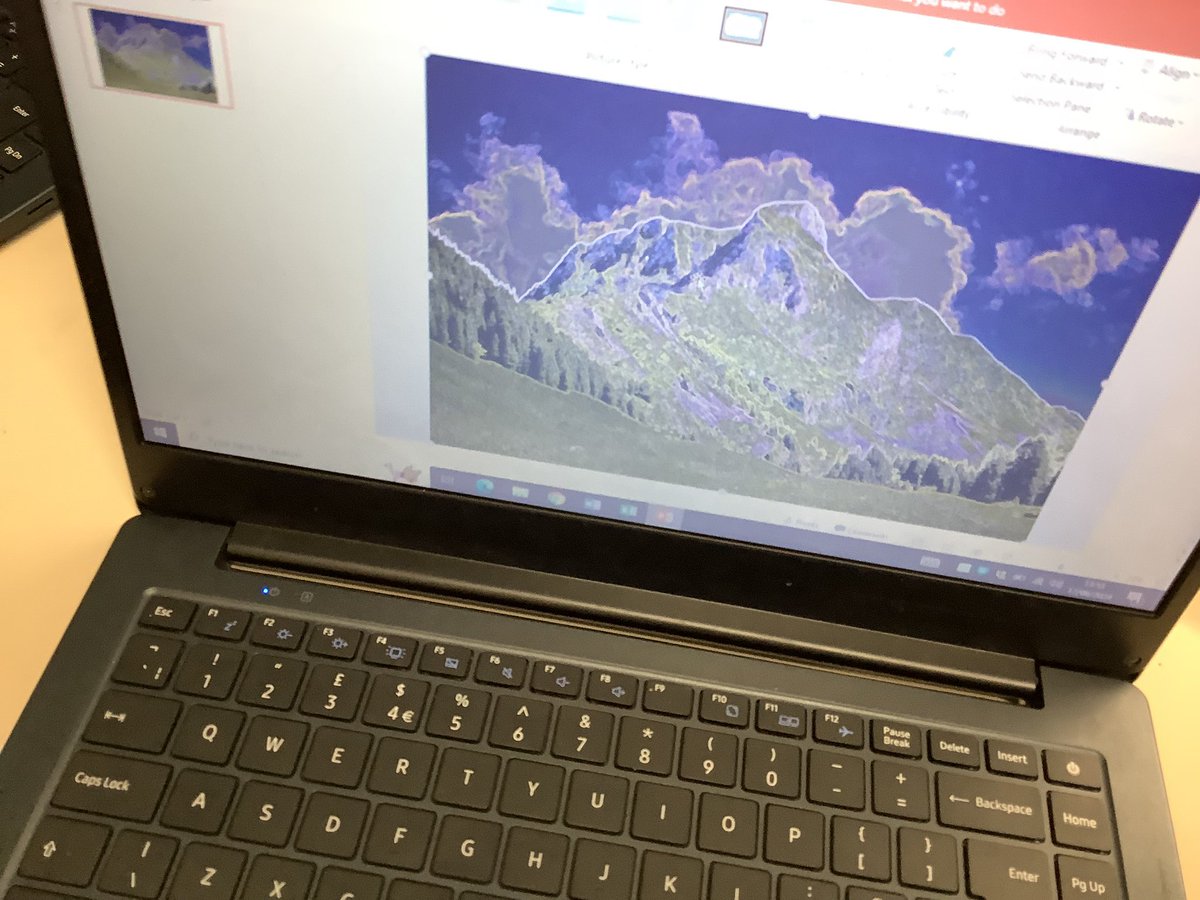
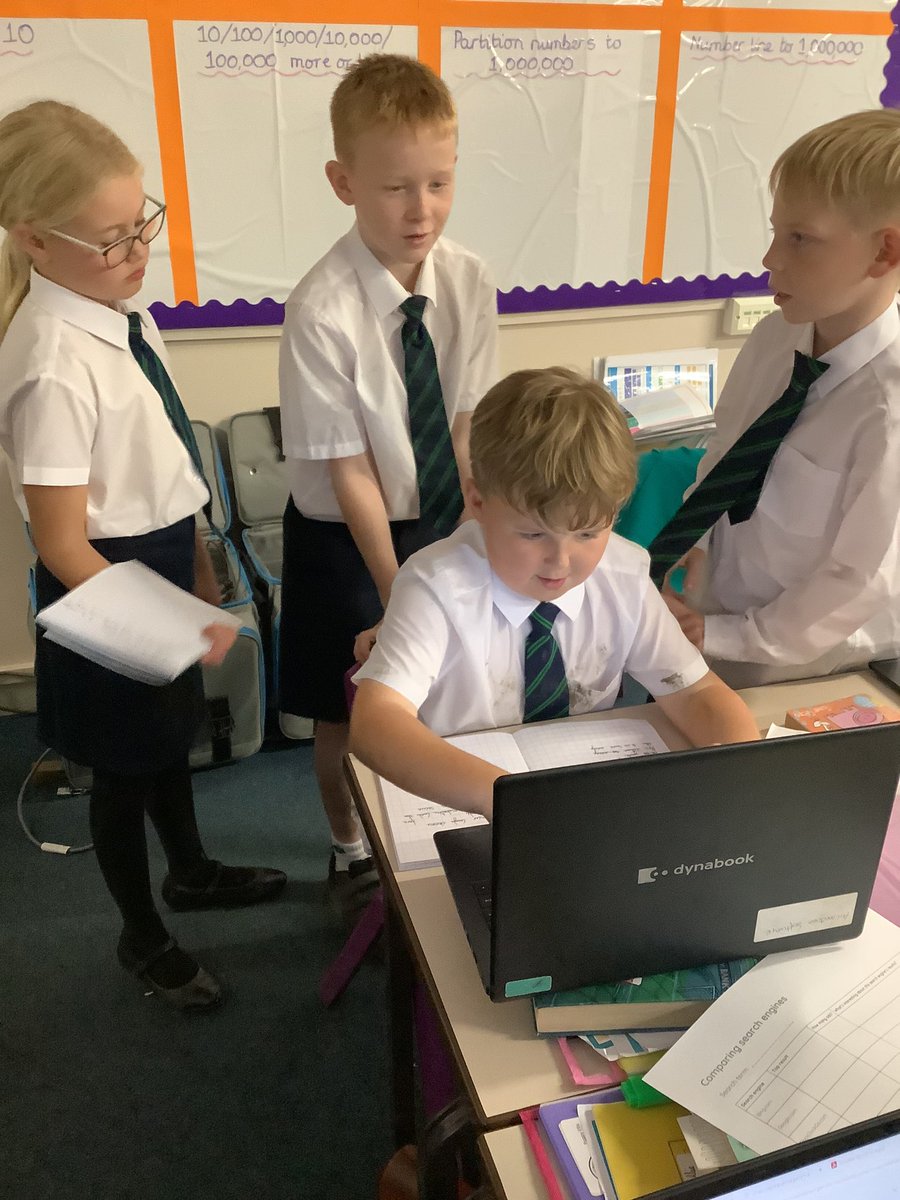
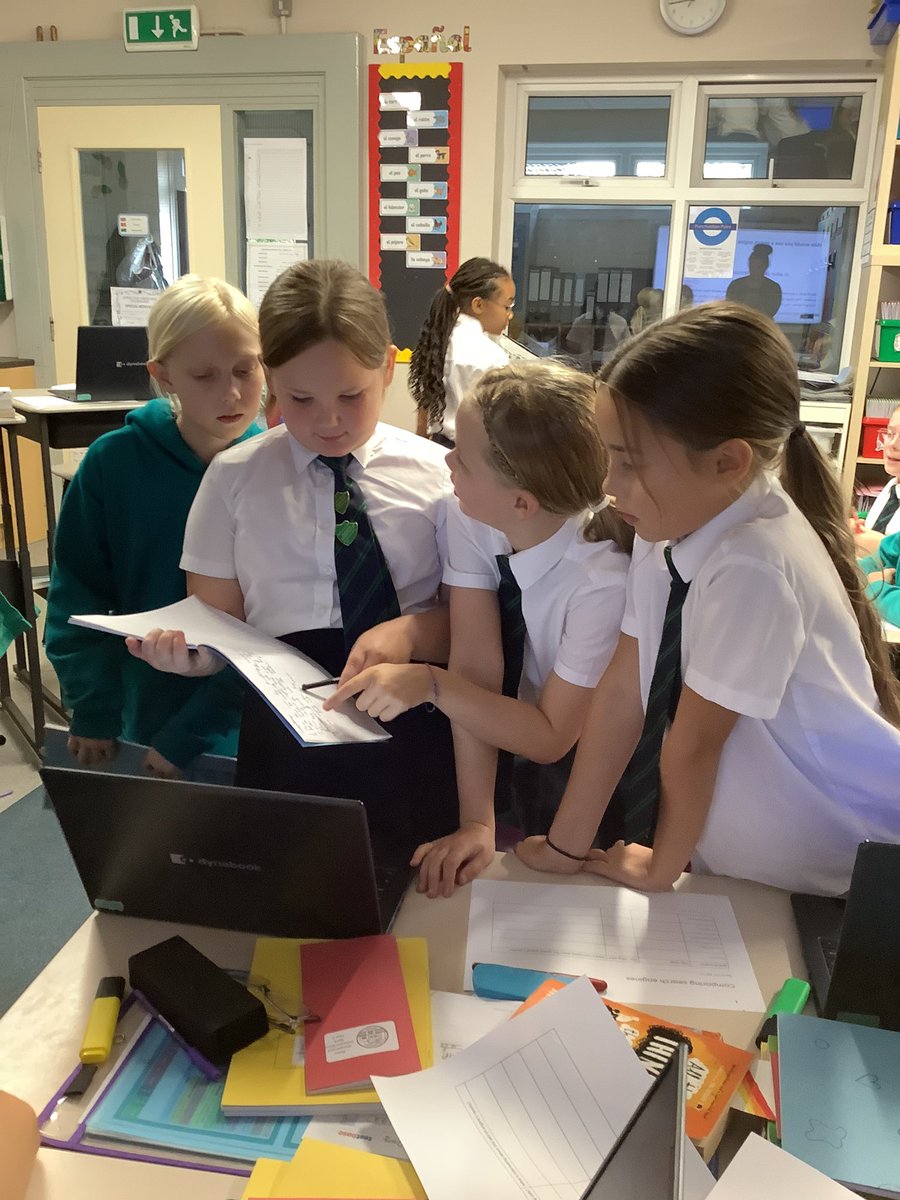
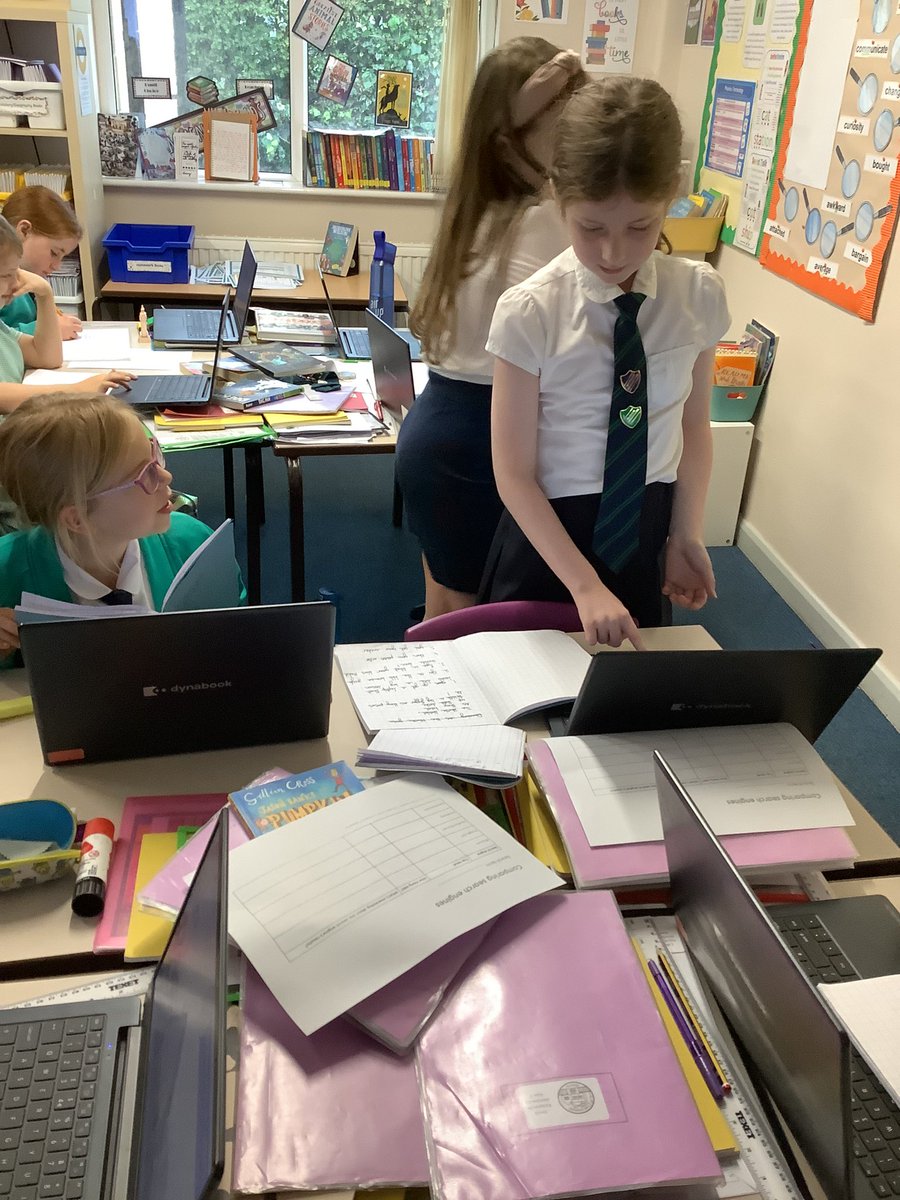
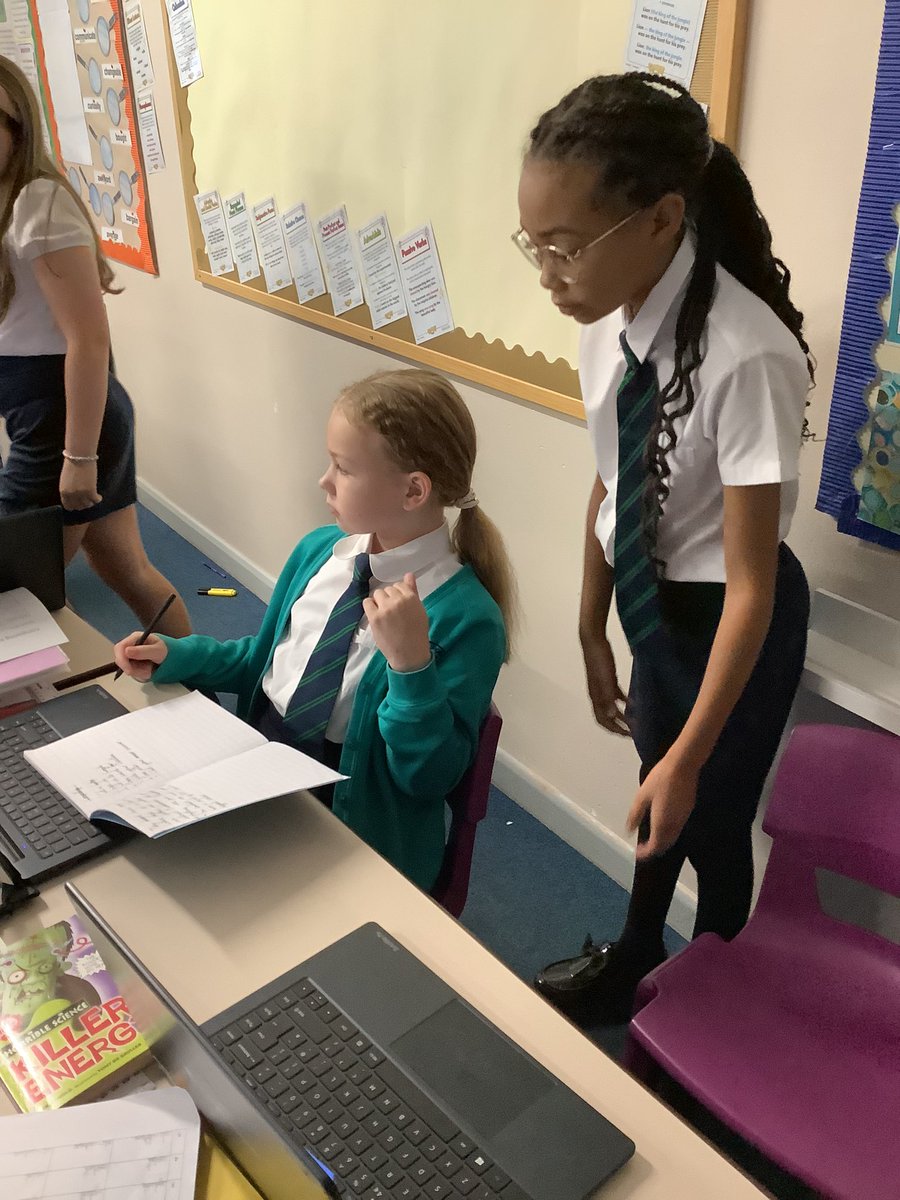
Year 5 have continued to develop their computing skills this week, comparing a range of search engines and refining their searches to ensure they find specific information. Excellent team work year 5! #AckworthHowardComputing
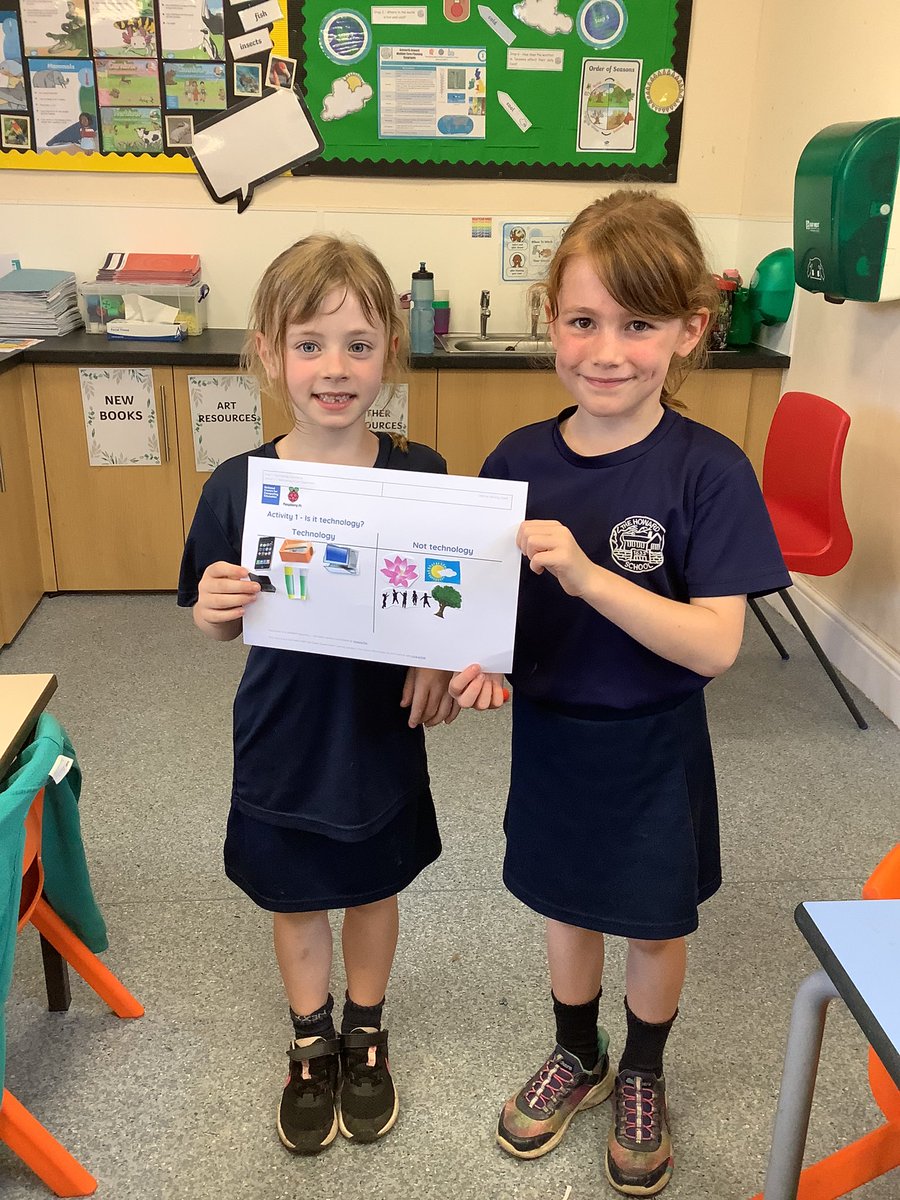
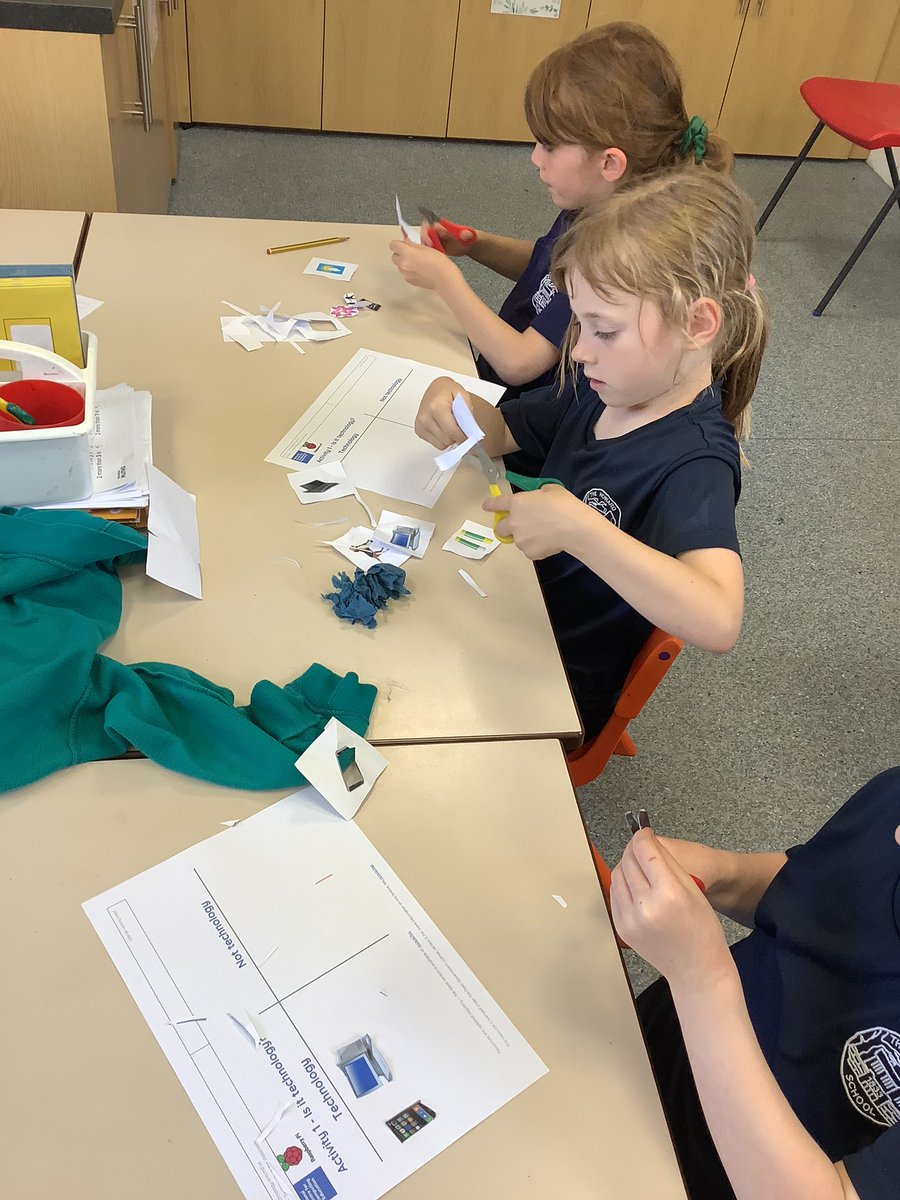
Class 1 really enjoyed their computing lesson today about technology. We discussed that technology is anything man made. Children completed an activity of categorising different objects into technology and not technology. Well done everyone! #AckworthHowardComputing

Class 1 have enjoyed their computing lesson this week. We have all mastered logging on and off and opening different app’s. Linked with our school value of creativity this term, children had fun creating something on the paint app. Well done everyone! #AckworthHowardComputing

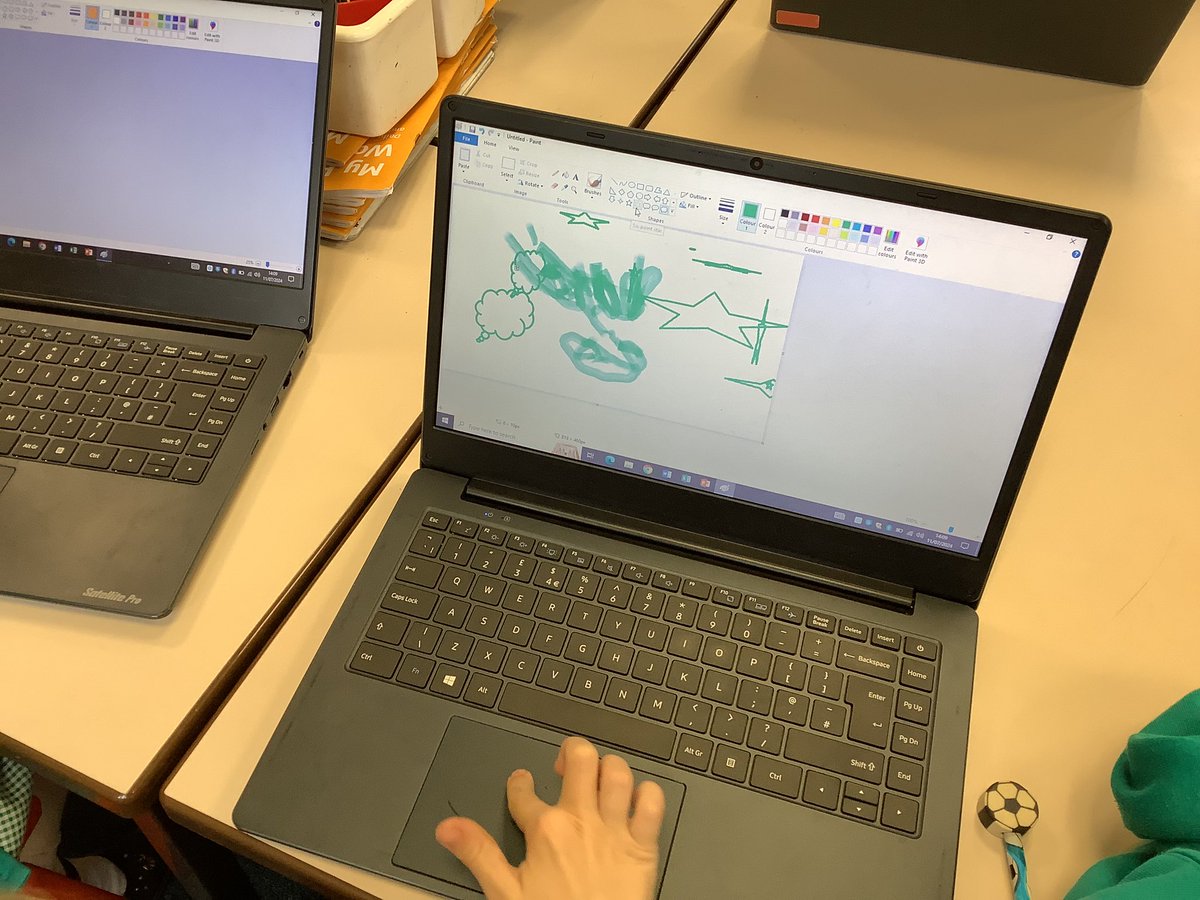
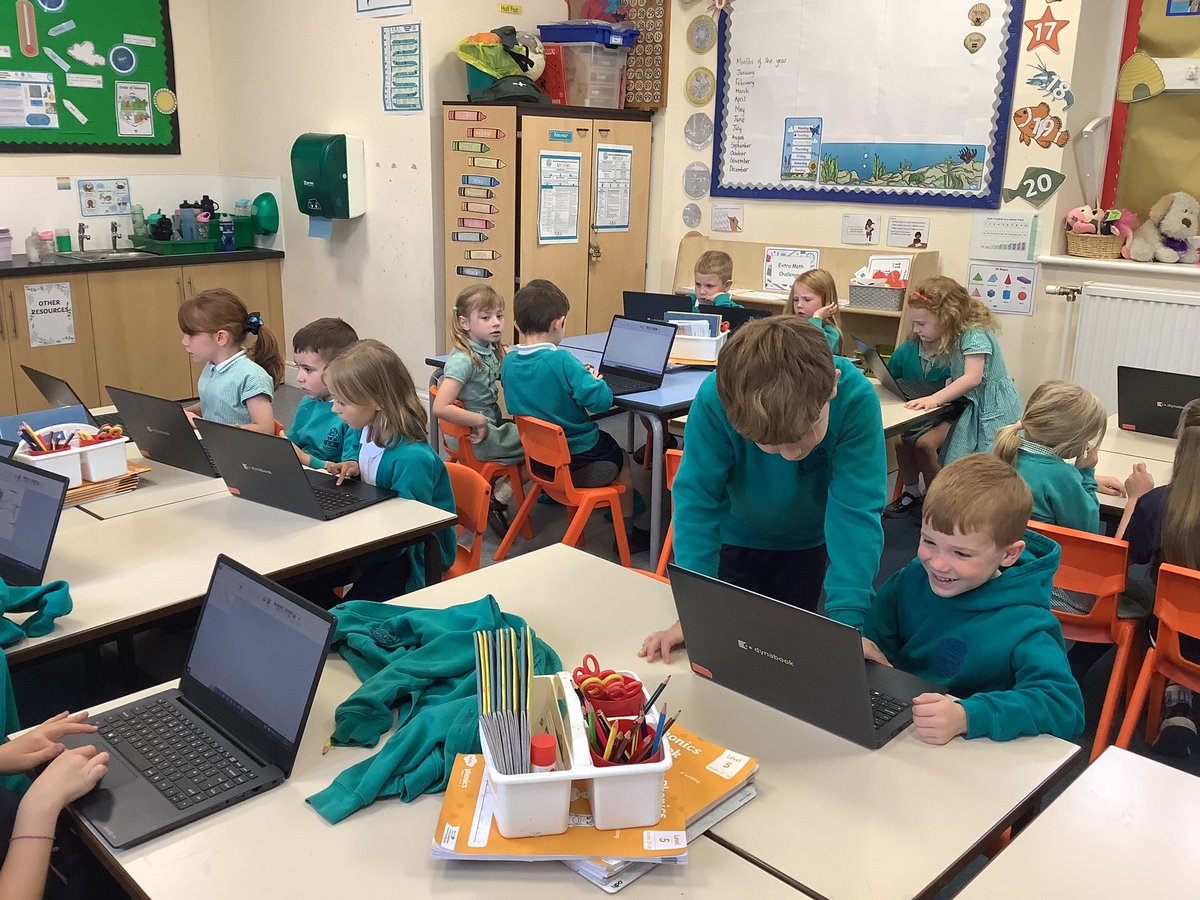
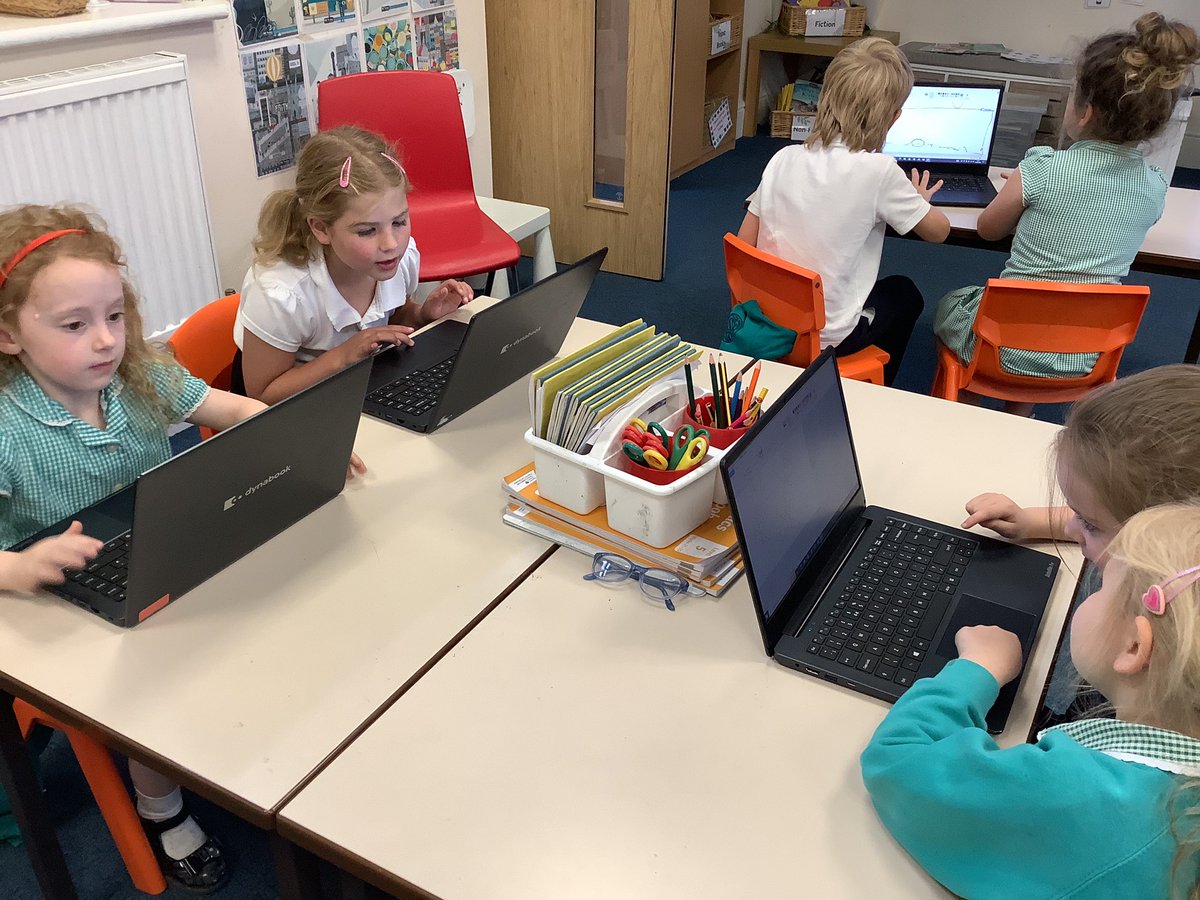
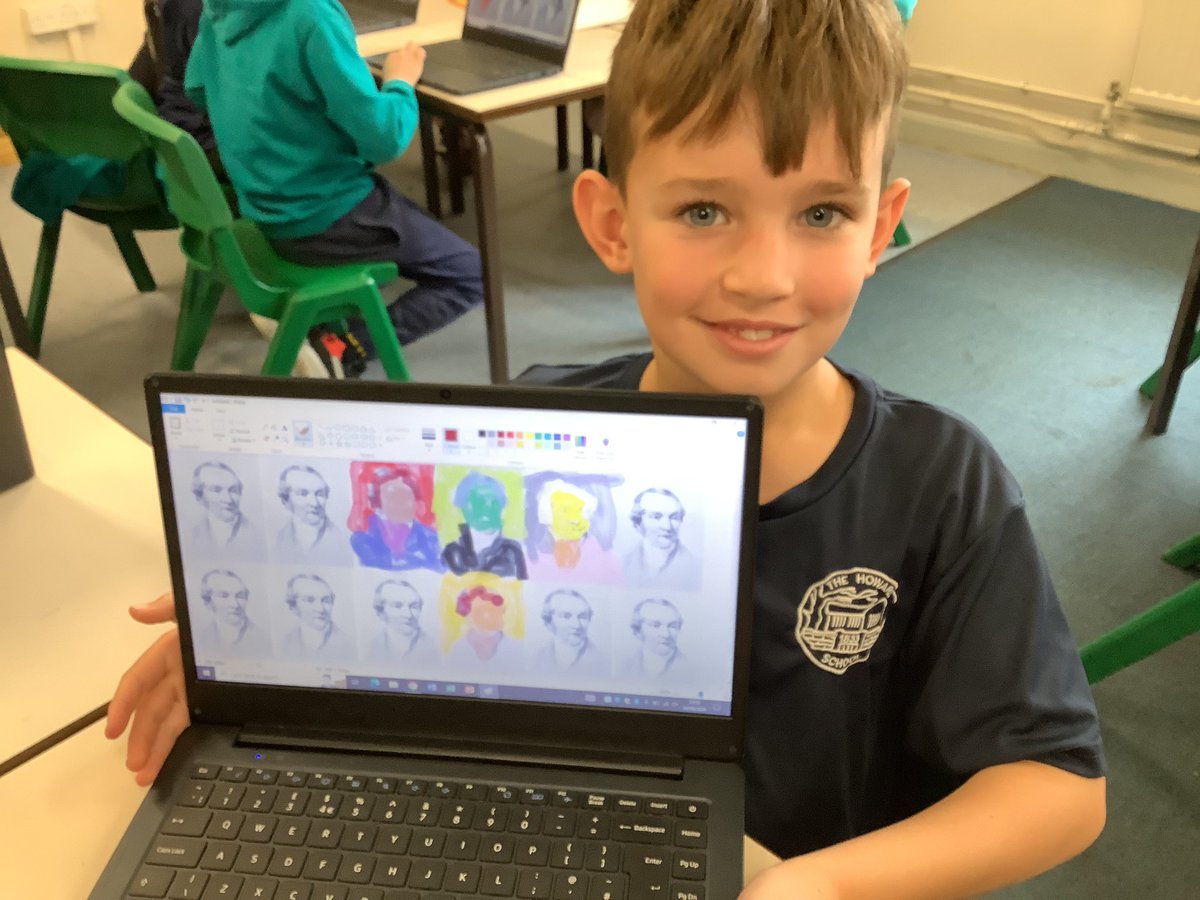
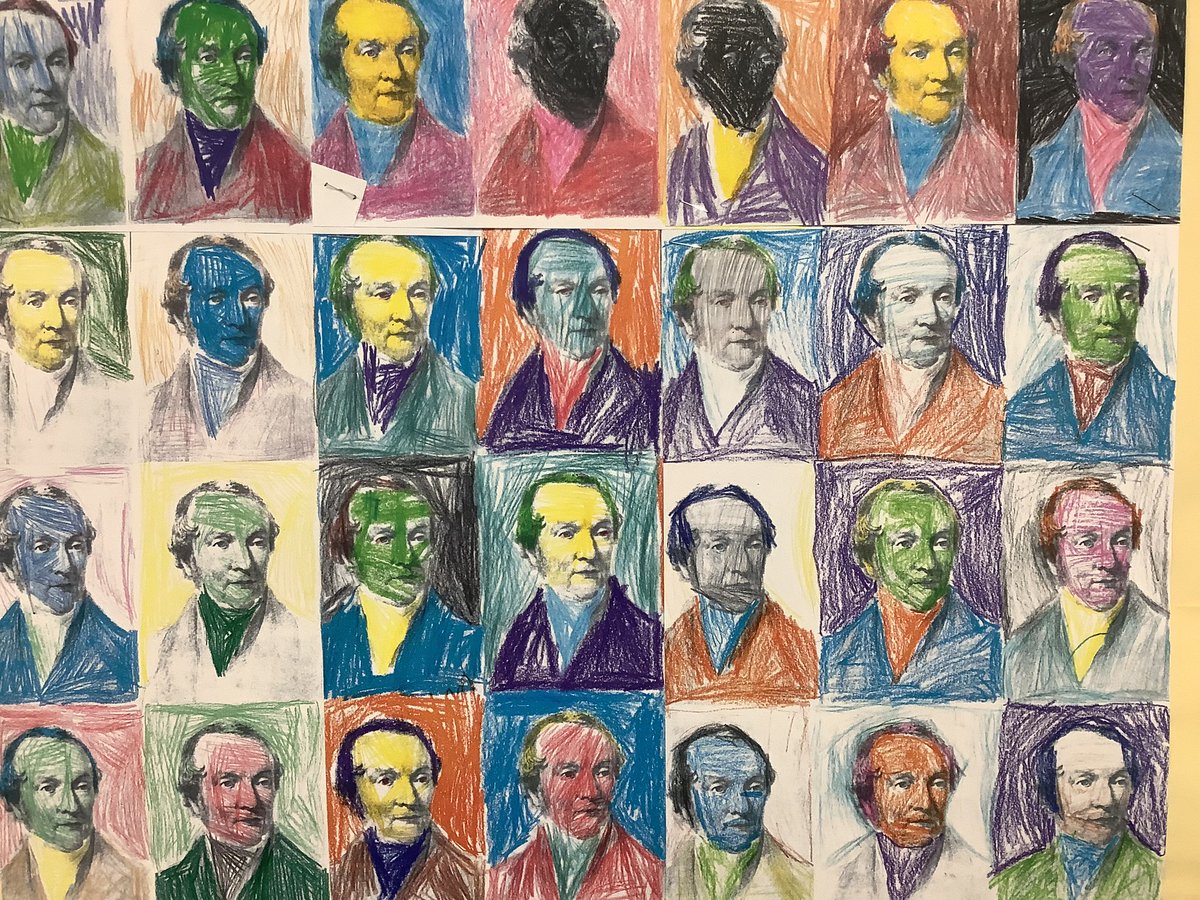
💻 In computing, Year 3 have been learning about digital devices. This week, they recreated some school heritage day artwork using a laptop. They evaluated the pros and cons of using a digital device versus creating art on paper. #AckworthHowardComputing
Class 4 used the micro:bit today to practise the process of selection. They programmed the micro:bit to display an emoji of their choosing when A was pressed. Great effort, Y4! @microbit_edu #AckworthHowardComputing
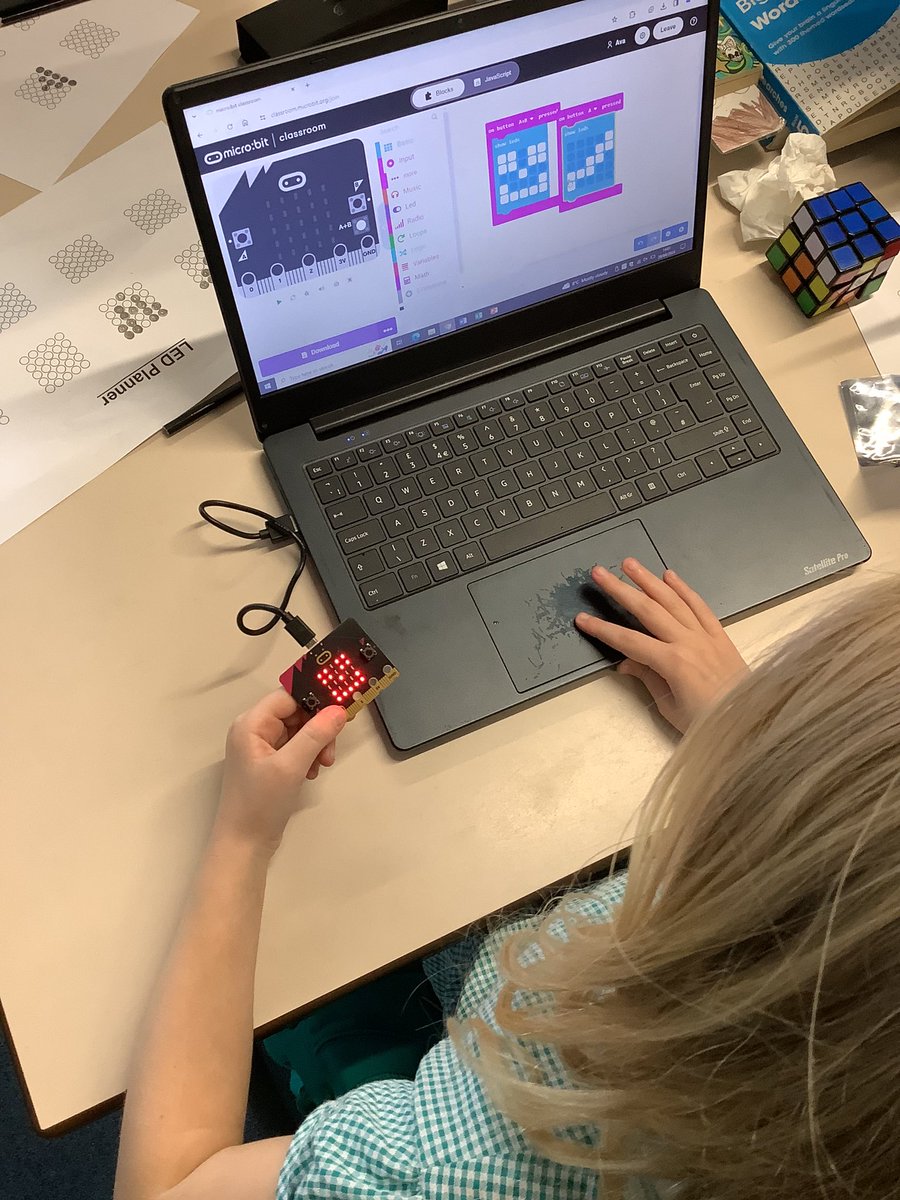
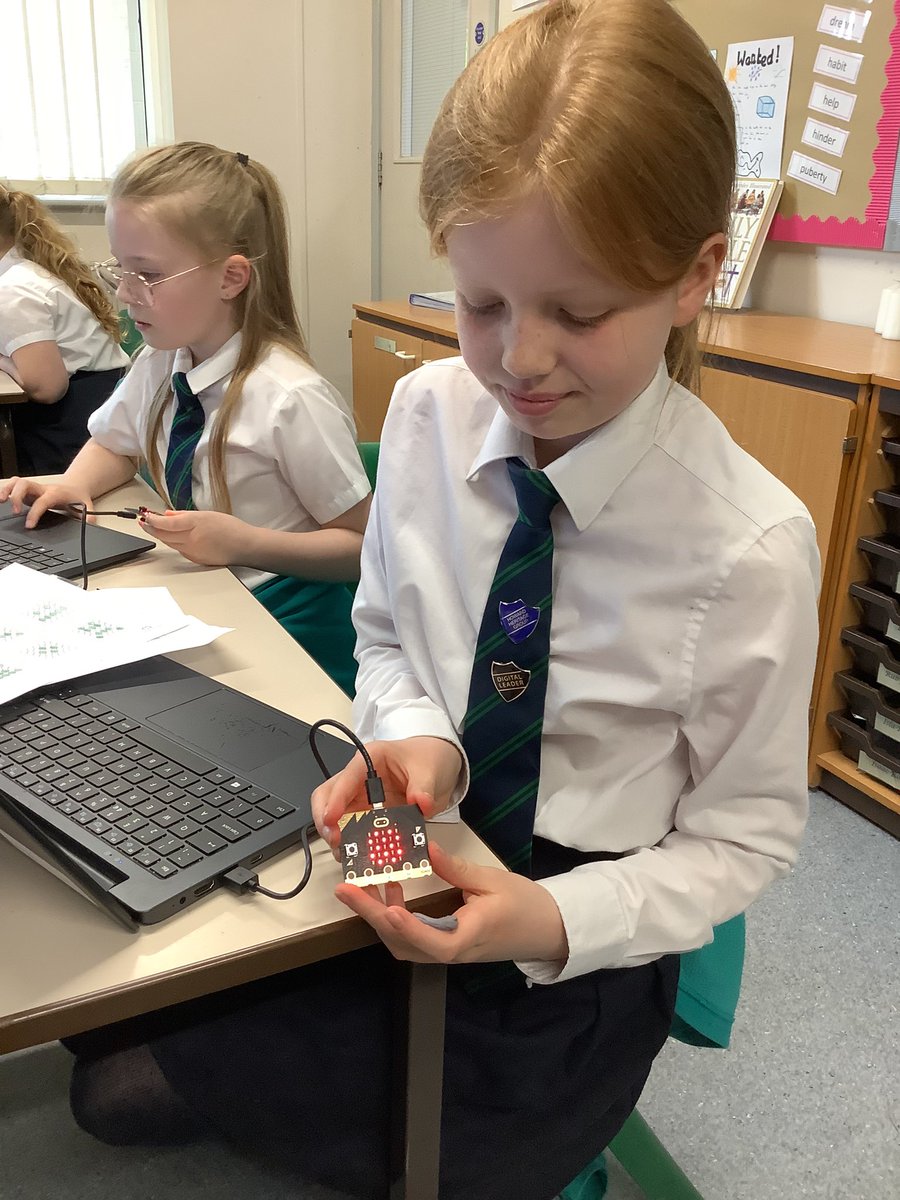
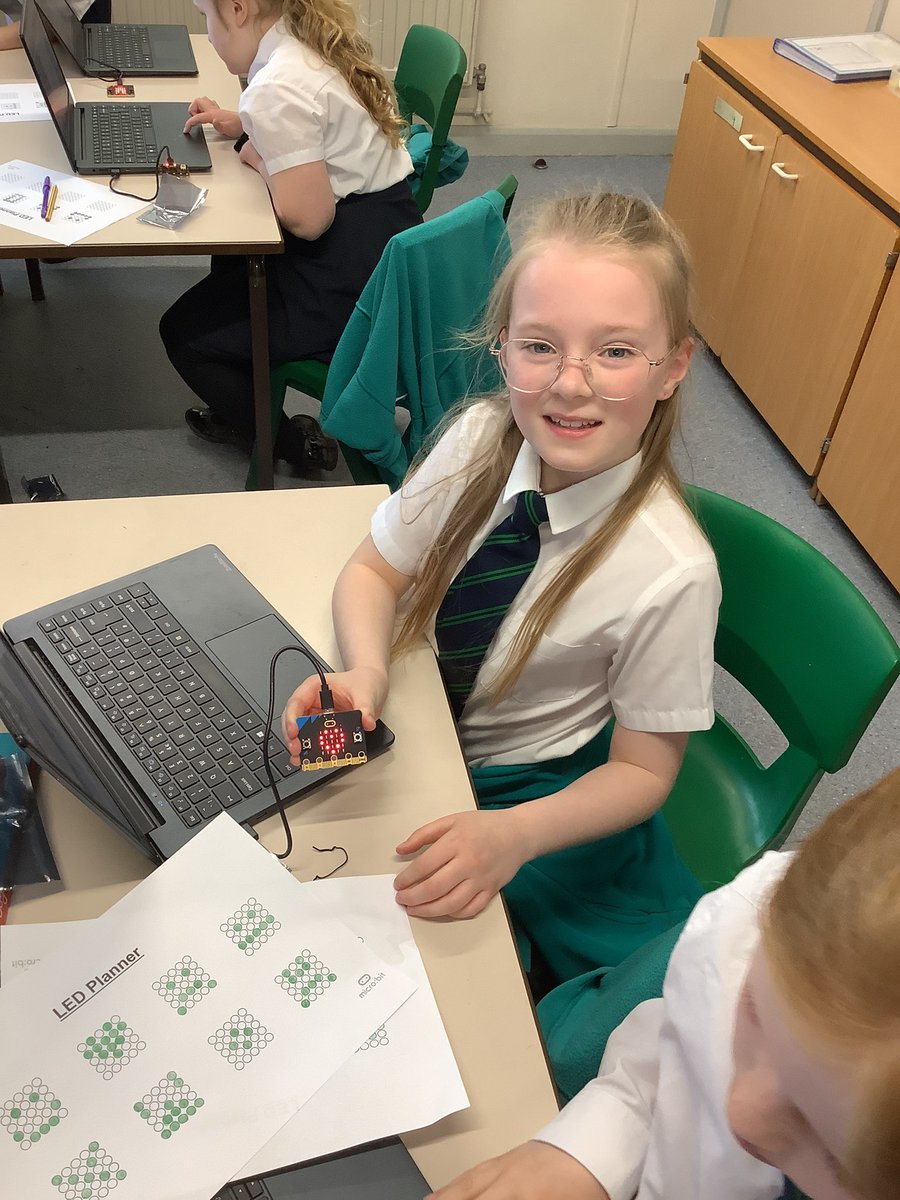
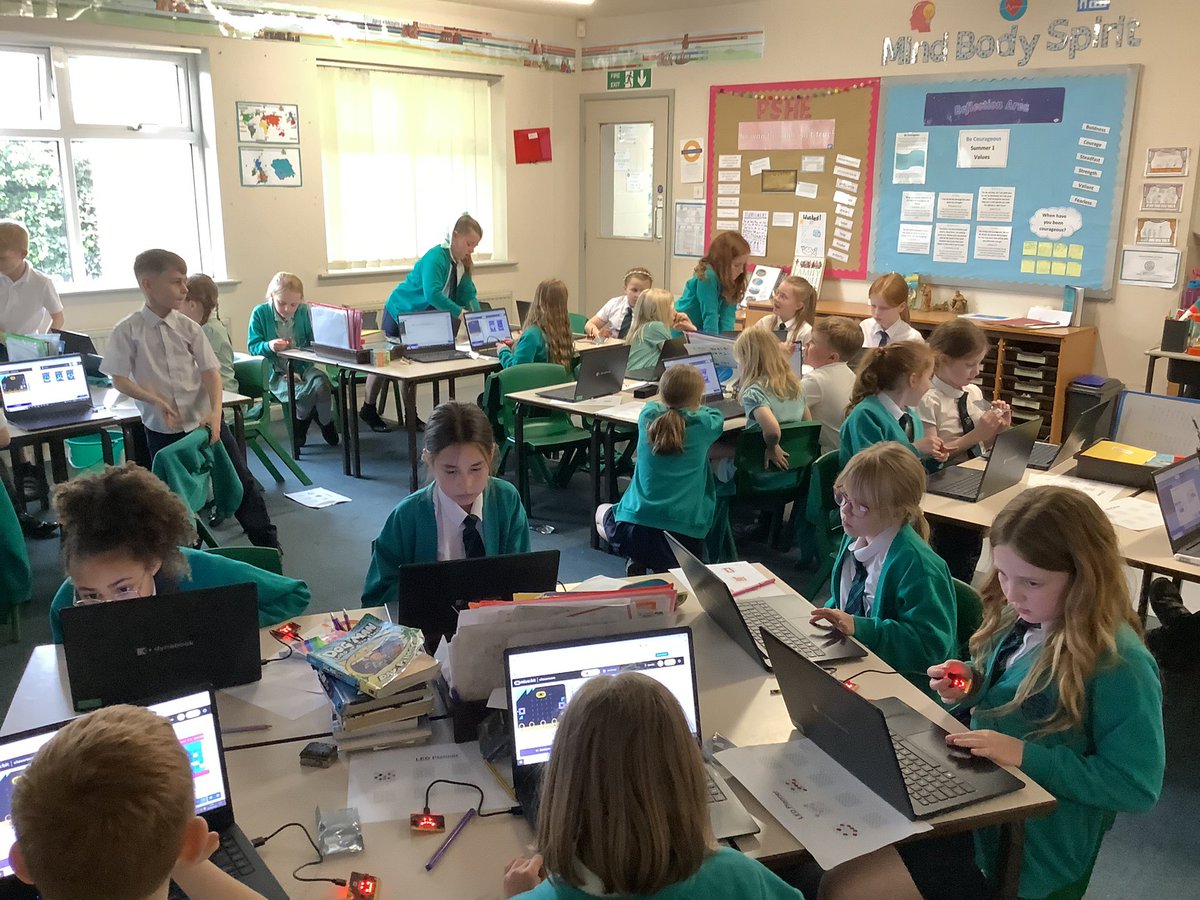
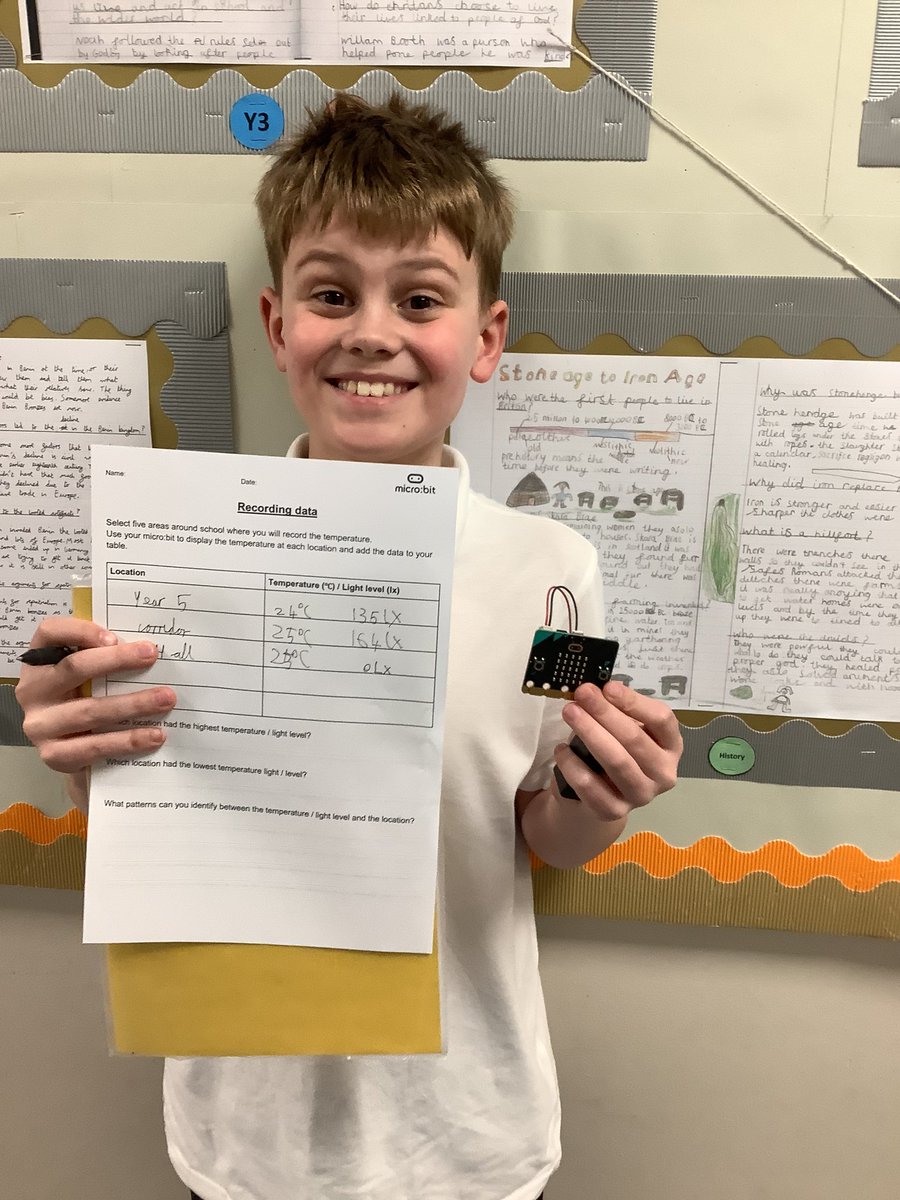
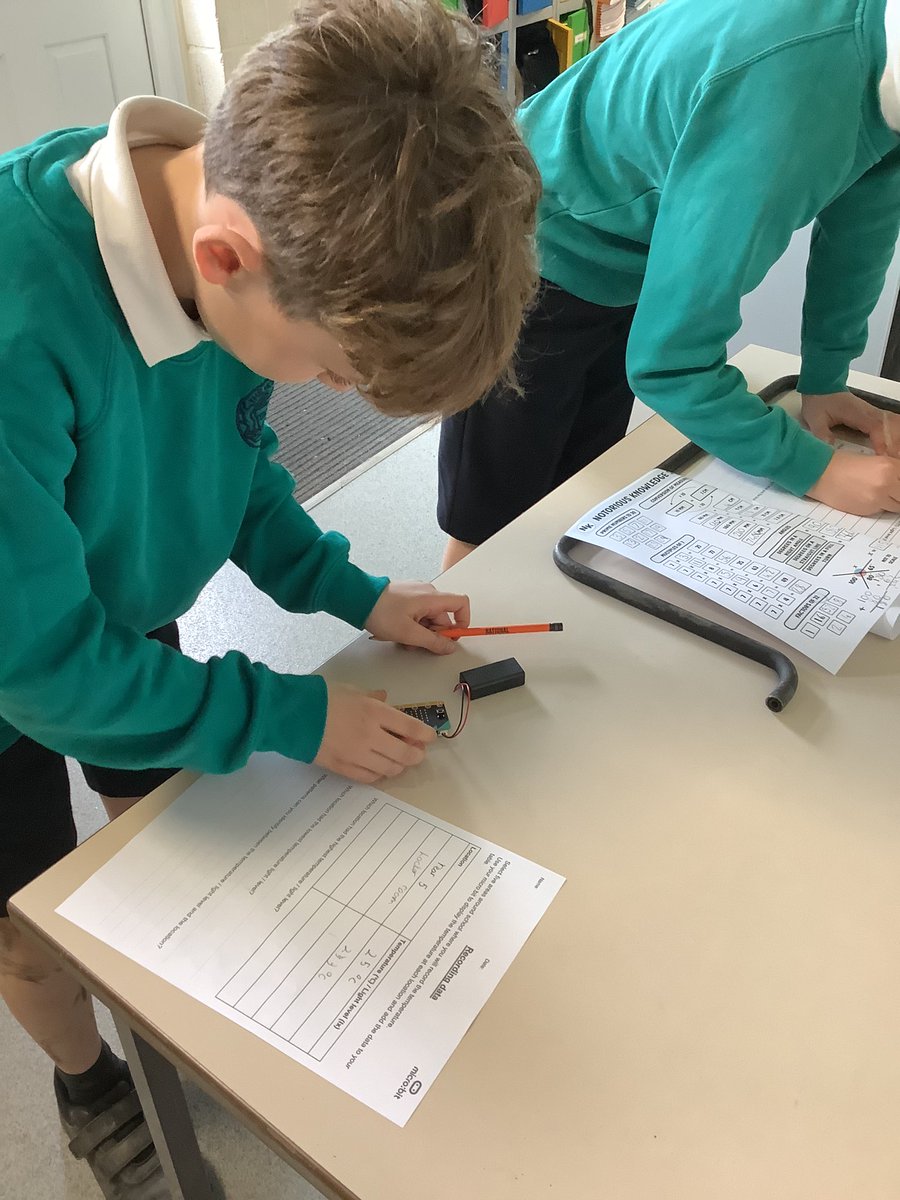
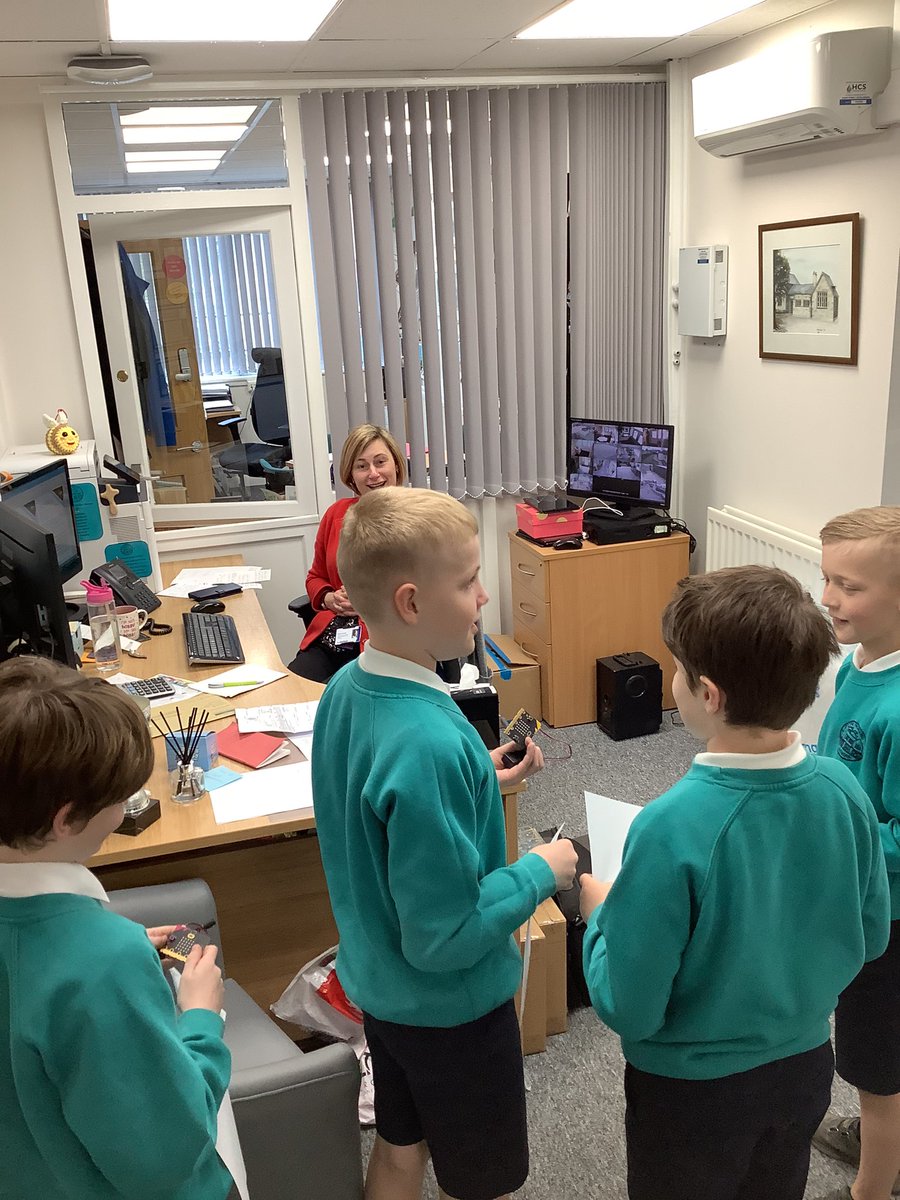
This afternoon, Year 5 have been trying to get the school shut down! They learnt that classrooms should be at least 16°C. They coded @microbit_edu to utilise the sensor and tested the temperature in various rooms around school. #AckworthHowardComputing
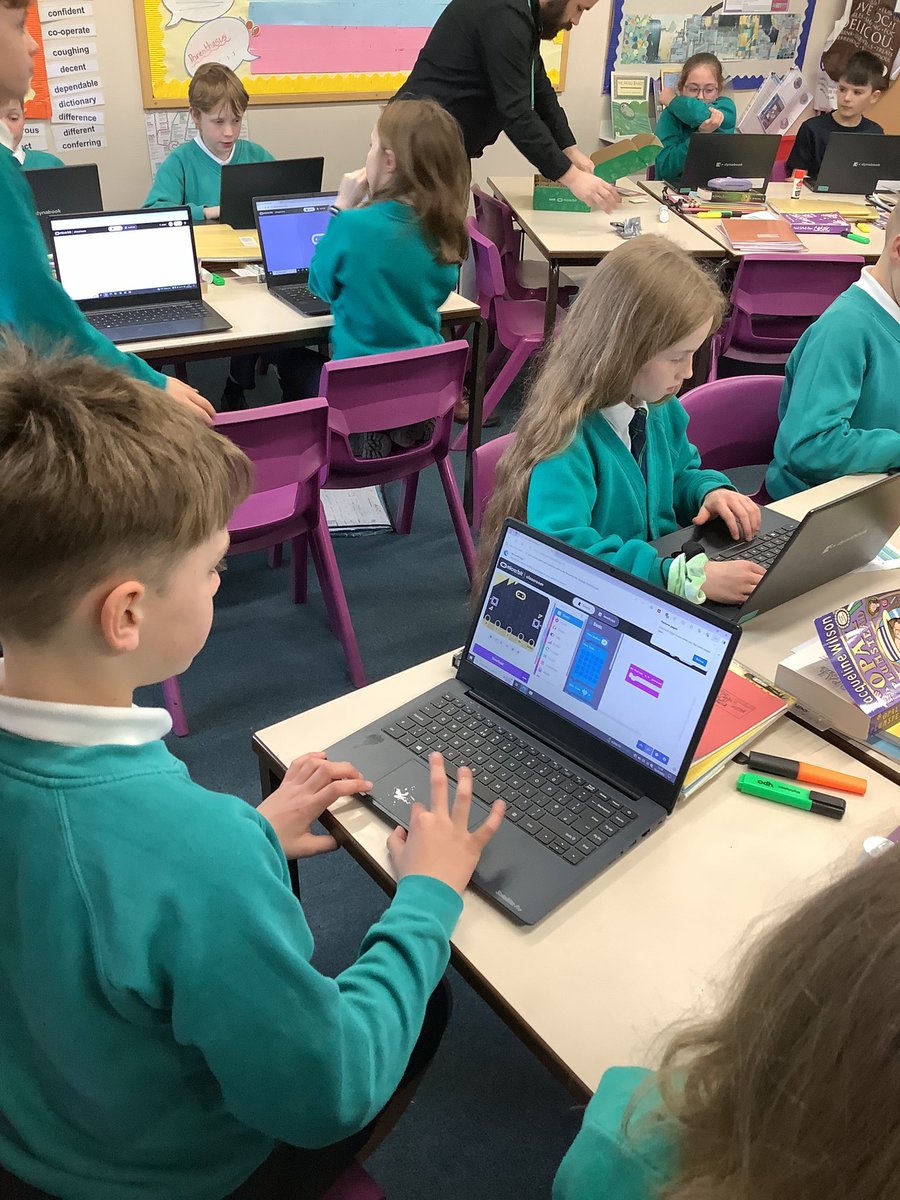
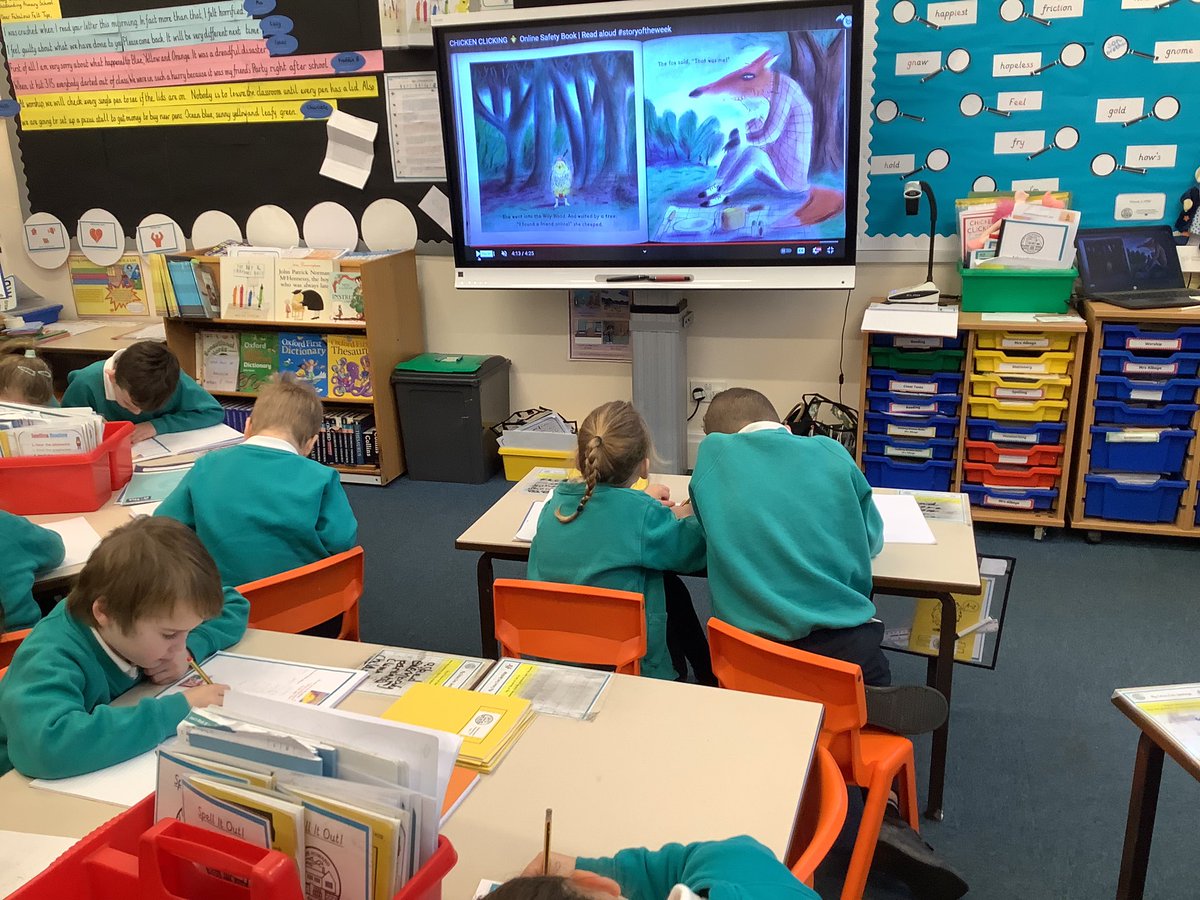
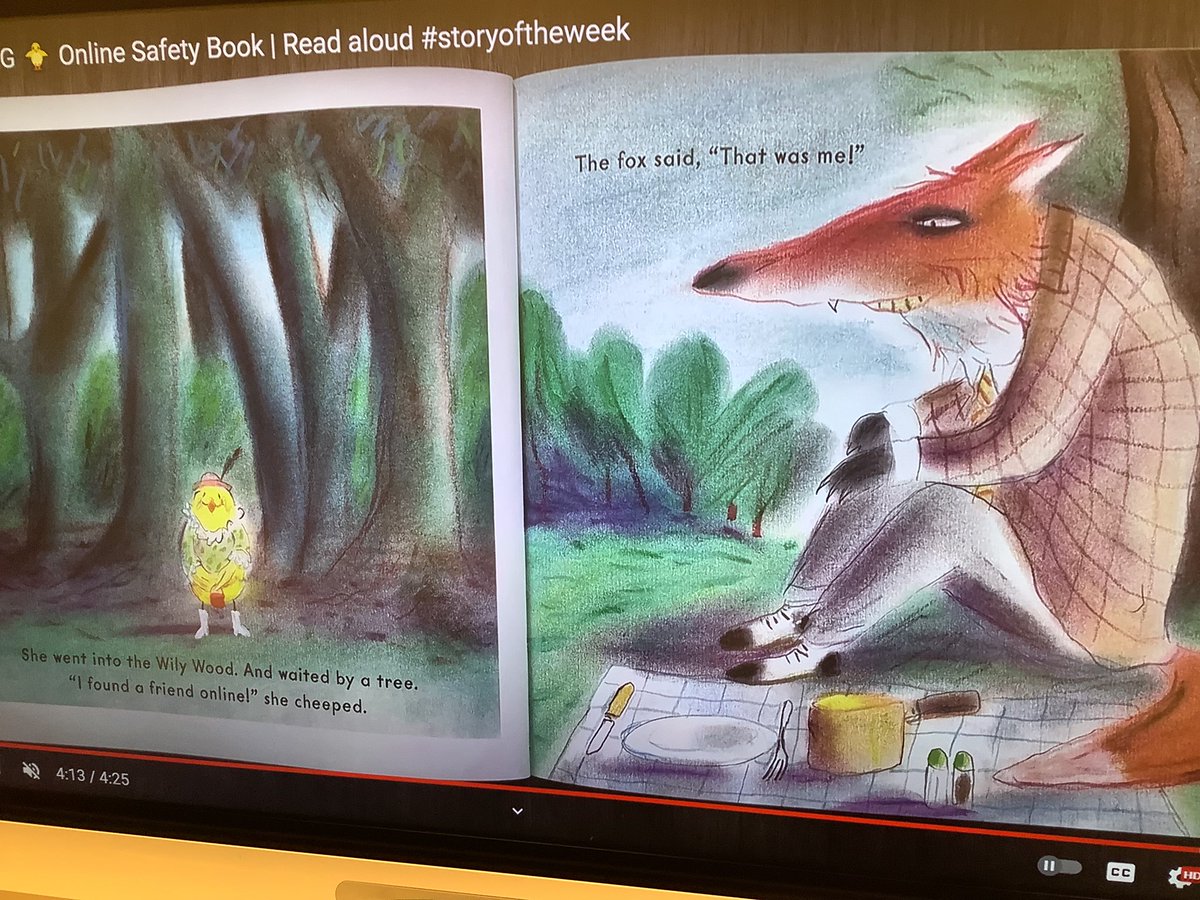
Year Two have been enjoying reading the story Chicken Clicking as part of their work on online safety. They were able to offer the chick lots of advice on how to stay safe online. #ackworthhowardcomputing #ackworthhowardsaferinternetday #ackworthhowardreading
This week Year 1 did an amazing job using their computer skills to paint, creating digital art. #AckworthHowardComputing
Year 5 have enjoyed starting their new computing unit on flat file databases by creating their own paper database for animals. They could see how much time it takes to sort through data manually and the benefit of a computer database! #AckworthHowardComputing @UH_NCCE
Year 4 have explored the app Audacity that they will use to record their podcasts at the end of their topic. Today they learned about outputs, inputs and recorded their first sentence to introduce themselves. #AckworthHowardComputing
Year 6 have started their new computing unit. This half-term they will be using the software ‘TinkerCAD’ to explore making 3D models. Today they explored the software from different perspectives. #AckworthHowardComputing
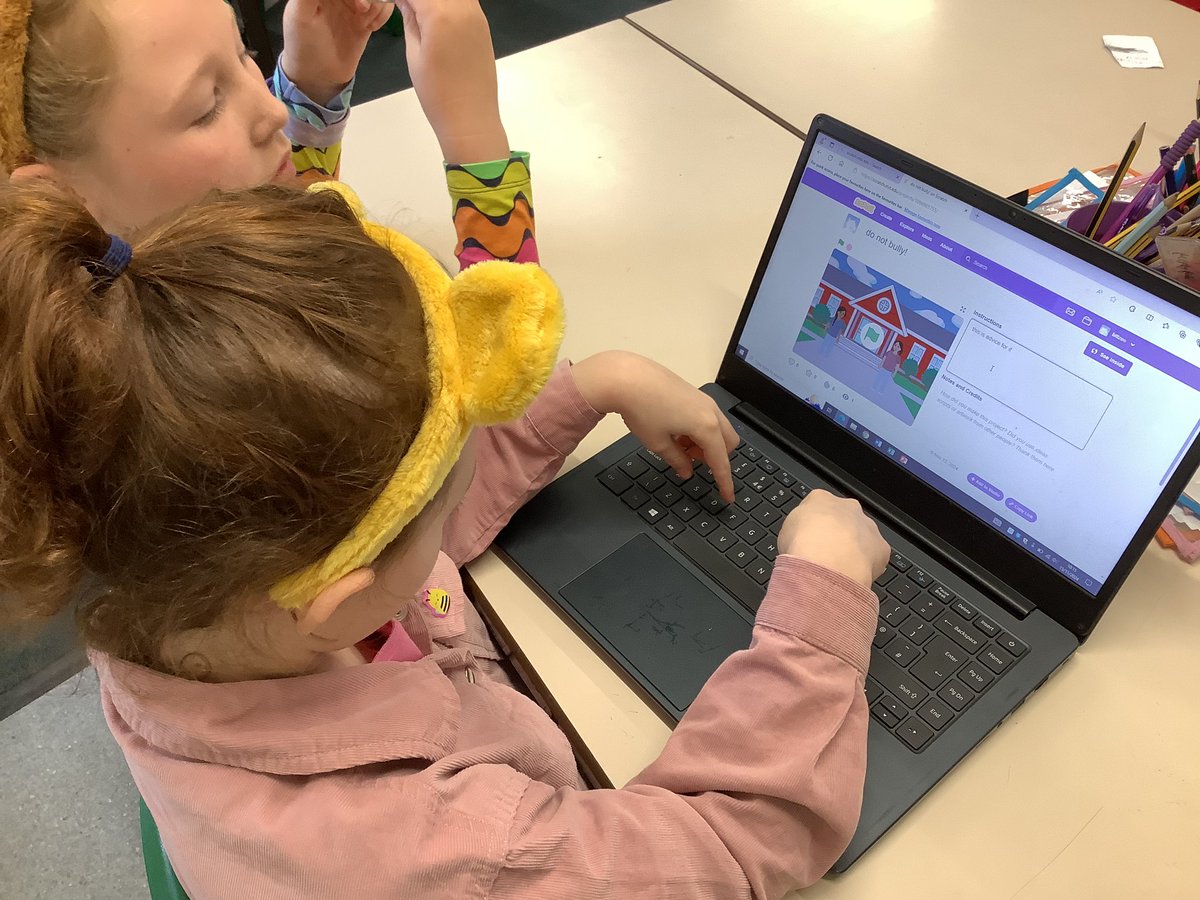
🤝Year 3 have been hard at work in computing, creating animations on @scratch giving advice for those experiencing bullying. Some of them can be found here: scratch.mit.edu/studios/359246… #AckworthHowardComputing @ABAonline #AntiBullyingWeek #ChooseRespect
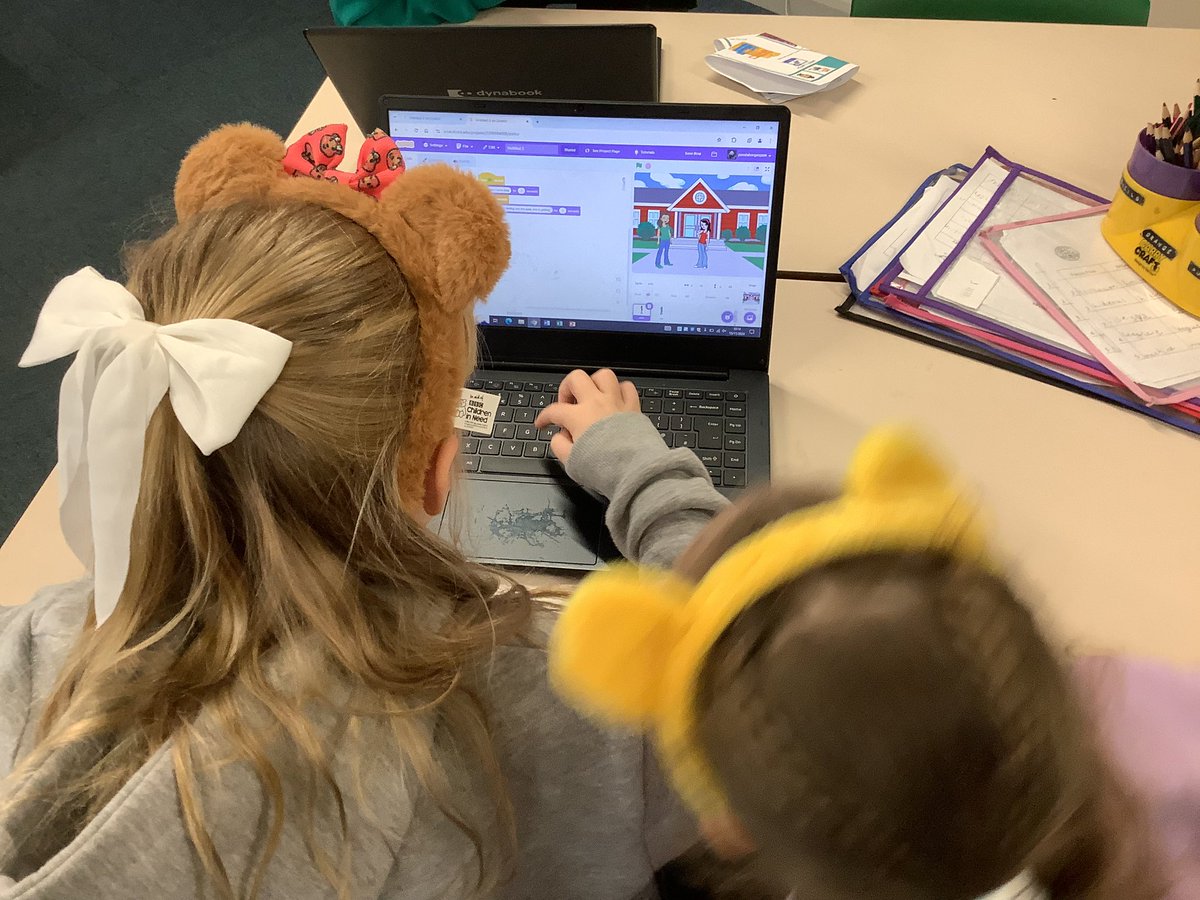
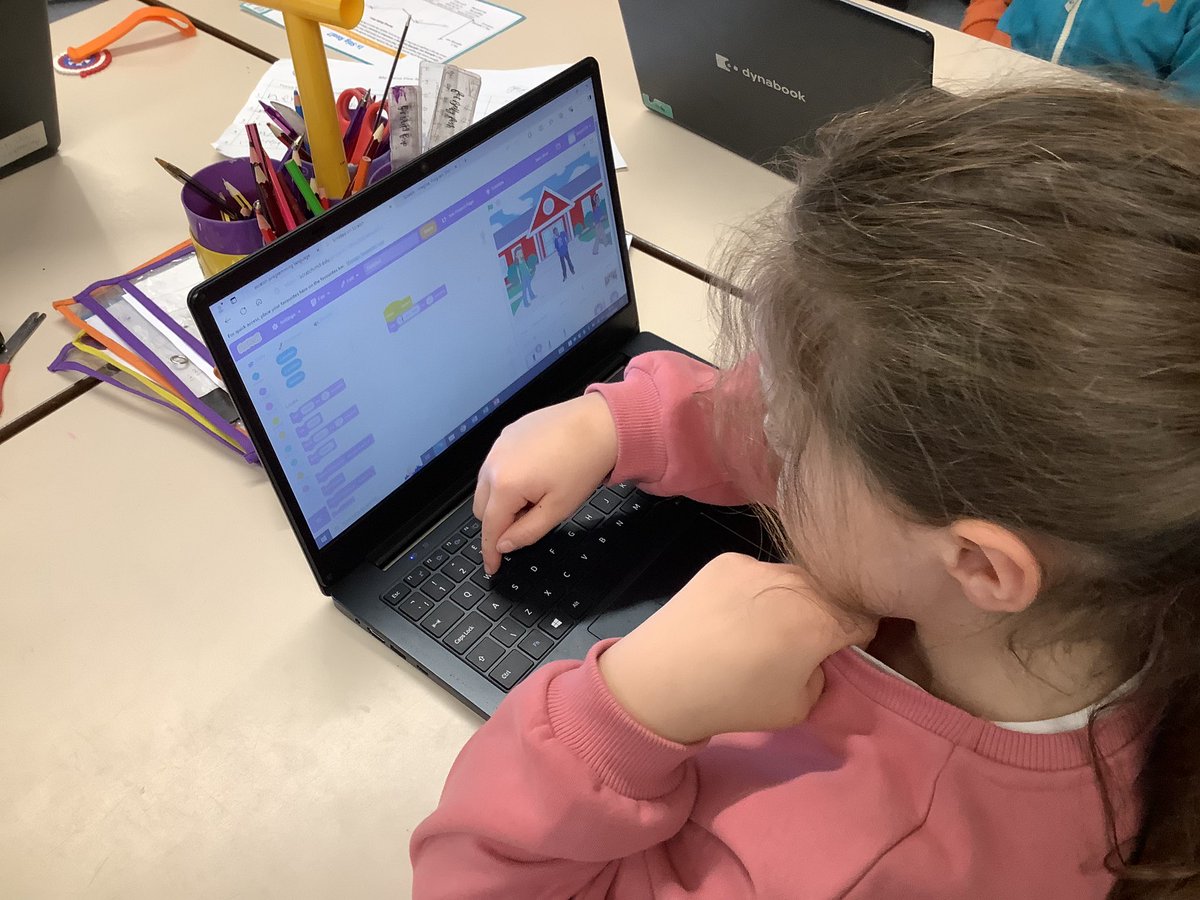
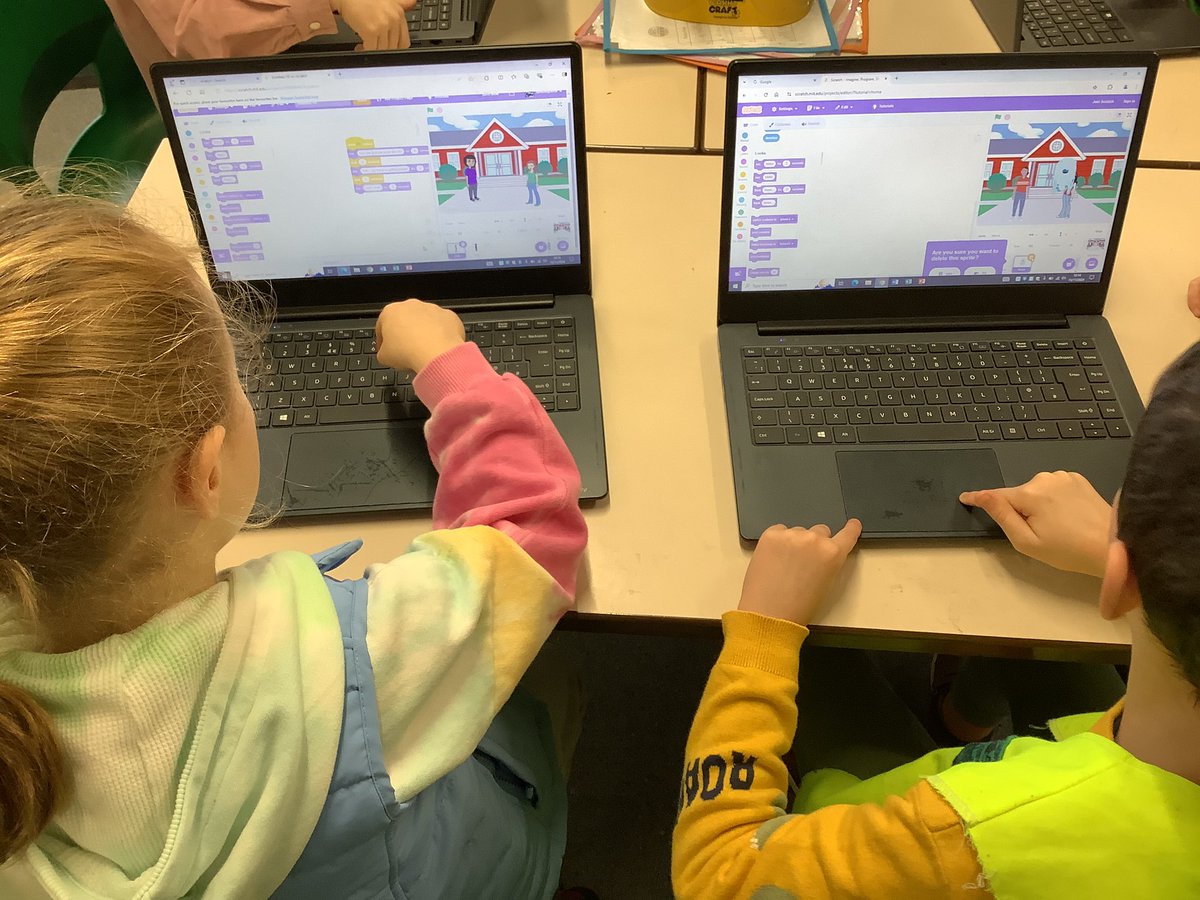
🛜 Year 3 have been learning about how computers are connected. They learnt how digital files can be stored on a server. Computers can access these through a network switch. Some computers need a wire, while others don’t! #AckworthHowardComputing
Year 5 have continued to develop their computing skills this week, comparing a range of search engines and refining their searches to ensure they find specific information. Excellent team work year 5! #AckworthHowardComputing
💻 In computing, Year 3 have been learning about digital devices. This week, they recreated some school heritage day artwork using a laptop. They evaluated the pros and cons of using a digital device versus creating art on paper. #AckworthHowardComputing
In our computing lesson today, Year 4 learned about how to create a network in our internet topic. We used string to illustrate how networks connect around the world! #AckworthHowardComputing
Class 1 have enjoyed their computing lesson this week. We have all mastered logging on and off and opening different app’s. Linked with our school value of creativity this term, children had fun creating something on the paint app. Well done everyone! #AckworthHowardComputing
Class 1 really enjoyed their computing lesson today about technology. We discussed that technology is anything man made. Children completed an activity of categorising different objects into technology and not technology. Well done everyone! #AckworthHowardComputing
Year 4 have been looking at photo editing. We have had to crop, resize, rotate and change the perception of a picture by adding extra features or altering the colours through filters. Great discussions about the ethics of photo editing too! #AckworthHowardComputing
Impressing judges and staff with this presentation. #AckworthHowardComputing #CoolestProjectsUK @CoolestProjects
Good luck to George who is at @CoolestProjects in Bradford today, showcasing his @scratch projects amongst some of the best young coders in the country. Howard the bear is giving his full support! #coolestprojectsUK #AckworthHowardComputing
Class 4 used the micro:bit today to practise the process of selection. They programmed the micro:bit to display an emoji of their choosing when A was pressed. Great effort, Y4! @microbit_edu #AckworthHowardComputing
This afternoon, Year 5 have been trying to get the school shut down! They learnt that classrooms should be at least 16°C. They coded @microbit_edu to utilise the sensor and tested the temperature in various rooms around school. #AckworthHowardComputing
Year Two have been enjoying reading the story Chicken Clicking as part of their work on online safety. They were able to offer the chick lots of advice on how to stay safe online. #ackworthhowardcomputing #ackworthhowardsaferinternetday #ackworthhowardreading
😀 It’s safe to say our #digitalleaders were excited with their parcel today - 30 micro:bits and accessories from @microbit_edu! We can’t wait to use them across the curriculum in class, plus starting the new micro:bit project pathway in @codeclub. #ackworthhowardcomputing
🎄 This week, the children in @CodeClub have been busy creating a variety of Christmas-themed games and animations. #AckworthHowardComputing
This week Year 1 did an amazing job using their computer skills to paint, creating digital art. #AckworthHowardComputing
Impressing judges and staff with this presentation. #AckworthHowardComputing #CoolestProjectsUK @CoolestProjects
Year 4 have explored the app Audacity that they will use to record their podcasts at the end of their topic. Today they learned about outputs, inputs and recorded their first sentence to introduce themselves. #AckworthHowardComputing
Good luck to George who is at @CoolestProjects in Bradford today, showcasing his @scratch projects amongst some of the best young coders in the country. Howard the bear is giving his full support! #coolestprojectsUK #AckworthHowardComputing
Year 6 have started their new computing unit. This half-term they will be using the software ‘TinkerCAD’ to explore making 3D models. Today they explored the software from different perspectives. #AckworthHowardComputing
🛜 Year 3 have been learning about how computers are connected. They learnt how digital files can be stored on a server. Computers can access these through a network switch. Some computers need a wire, while others don’t! #AckworthHowardComputing
Year 5 have enjoyed starting their new computing unit on flat file databases by creating their own paper database for animals. They could see how much time it takes to sort through data manually and the benefit of a computer database! #AckworthHowardComputing @UH_NCCE
🎨 In computing, Year 2 enjoyed creating digital artwork in the style of Mondrian. They used the line and fill tools to help them. They also learnt how to save and retrieve their work! #AckworthHowardComputing #AckworthHowardArt
Class 4 used the micro:bit today to practise the process of selection. They programmed the micro:bit to display an emoji of their choosing when A was pressed. Great effort, Y4! @microbit_edu #AckworthHowardComputing
😀 It’s safe to say our #digitalleaders were excited with their parcel today - 30 micro:bits and accessories from @microbit_edu! We can’t wait to use them across the curriculum in class, plus starting the new micro:bit project pathway in @codeclub. #ackworthhowardcomputing
Year 5 have continued to develop their computing skills this week, comparing a range of search engines and refining their searches to ensure they find specific information. Excellent team work year 5! #AckworthHowardComputing
Year Two have been enjoying reading the story Chicken Clicking as part of their work on online safety. They were able to offer the chick lots of advice on how to stay safe online. #ackworthhowardcomputing #ackworthhowardsaferinternetday #ackworthhowardreading
This afternoon, Year 5 have been trying to get the school shut down! They learnt that classrooms should be at least 16°C. They coded @microbit_edu to utilise the sensor and tested the temperature in various rooms around school. #AckworthHowardComputing
In our computing lesson today, Year 4 learned about how to create a network in our internet topic. We used string to illustrate how networks connect around the world! #AckworthHowardComputing
Year 4 have been looking at photo editing. We have had to crop, resize, rotate and change the perception of a picture by adding extra features or altering the colours through filters. Great discussions about the ethics of photo editing too! #AckworthHowardComputing
Class 1 really enjoyed their computing lesson today about technology. We discussed that technology is anything man made. Children completed an activity of categorising different objects into technology and not technology. Well done everyone! #AckworthHowardComputing
Class 1 have enjoyed their computing lesson this week. We have all mastered logging on and off and opening different app’s. Linked with our school value of creativity this term, children had fun creating something on the paint app. Well done everyone! #AckworthHowardComputing
💻 In computing, Year 3 have been learning about digital devices. This week, they recreated some school heritage day artwork using a laptop. They evaluated the pros and cons of using a digital device versus creating art on paper. #AckworthHowardComputing
🤝Year 3 have been hard at work in computing, creating animations on @scratch giving advice for those experiencing bullying. Some of them can be found here: scratch.mit.edu/studios/359246… #AckworthHowardComputing @ABAonline #AntiBullyingWeek #ChooseRespect
Something went wrong.
Something went wrong.
United States Trends
- 1. Lakers 47.7K posts
- 2. Dillon Brooks 5,305 posts
- 3. Giants 82K posts
- 4. #WWERaw 65.5K posts
- 5. Bron 22.5K posts
- 6. Patriots 121K posts
- 7. Drake Maye 22.8K posts
- 8. Dart 34.3K posts
- 9. Suns 16.5K posts
- 10. Collin Gillespie 1,579 posts
- 11. Diaz 33.6K posts
- 12. Devin Williams 7,390 posts
- 13. Ryan Nembhard 3,278 posts
- 14. Pats 15.3K posts
- 15. Gunther 14K posts
- 16. Devin Booker 2,382 posts
- 17. Joe Schoen 3,236 posts
- 18. Younghoe Koo 6,349 posts
- 19. Abdul Carter 10.4K posts
- 20. Mets 18.5K posts