
#reactts 검색 결과

#day70 out of 💯 #100DaysOfCode I finished my react app that creates a new note 📝 once I input the information. I did not use the cmd create react app. I built it from scratch & downloaded all the packages manually. #reactts #reactjs #typescript
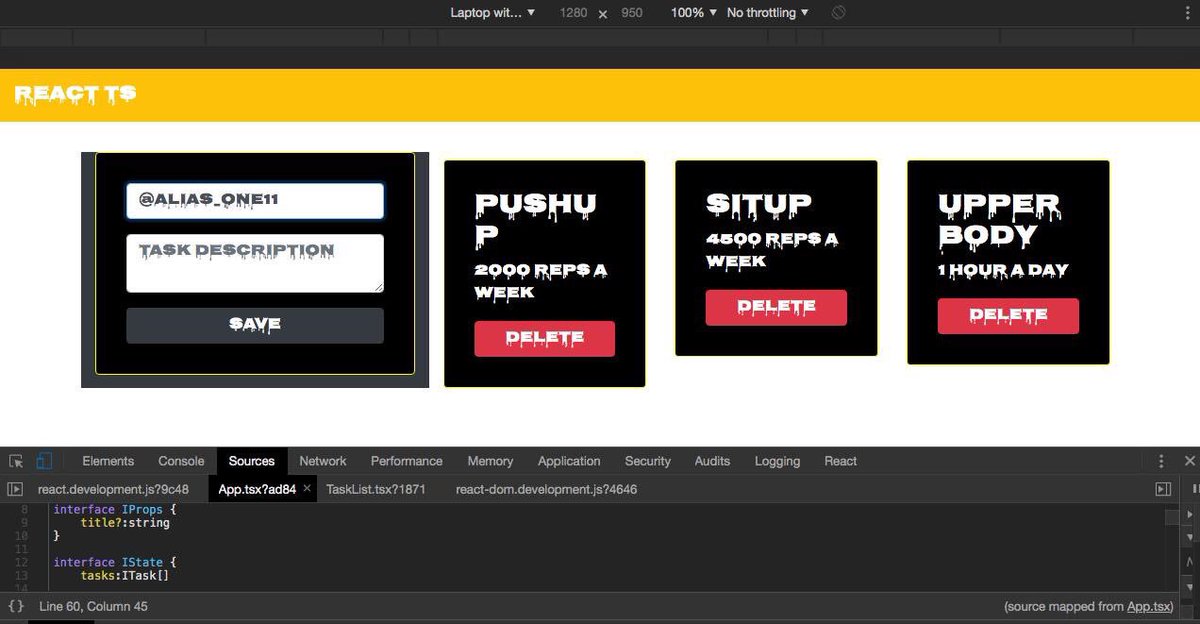
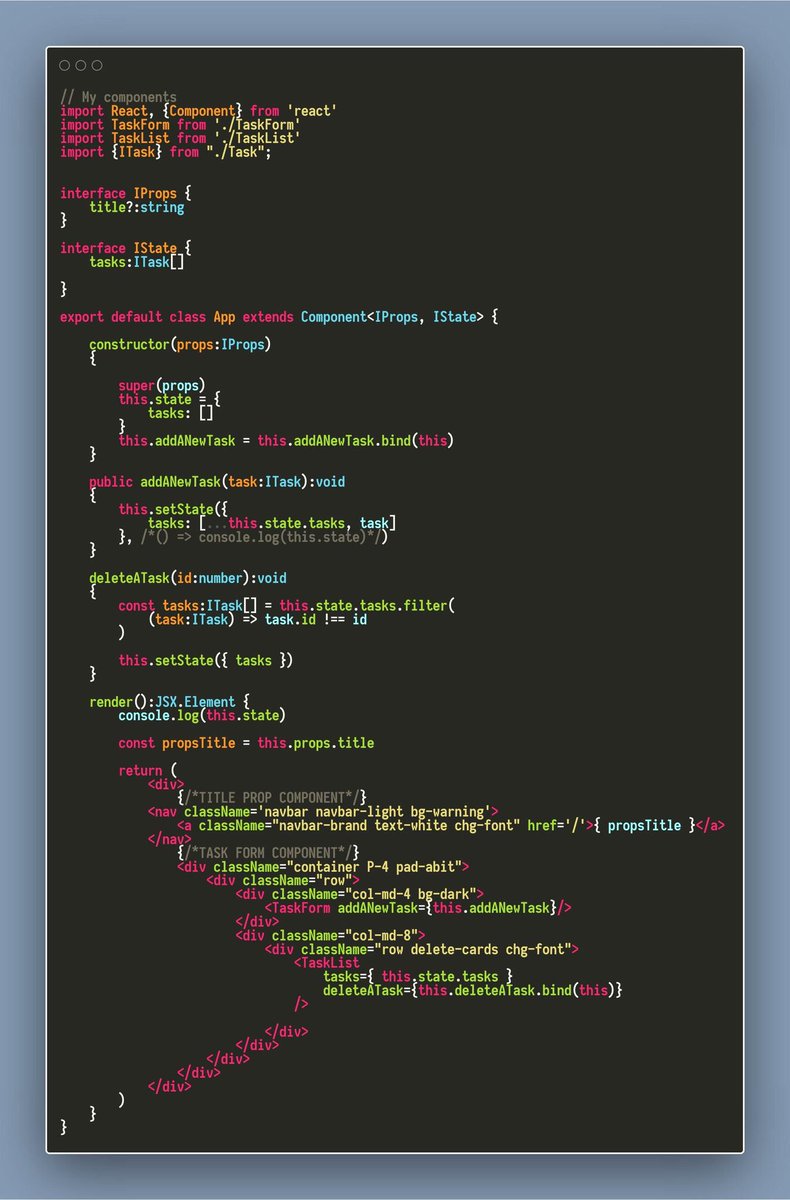
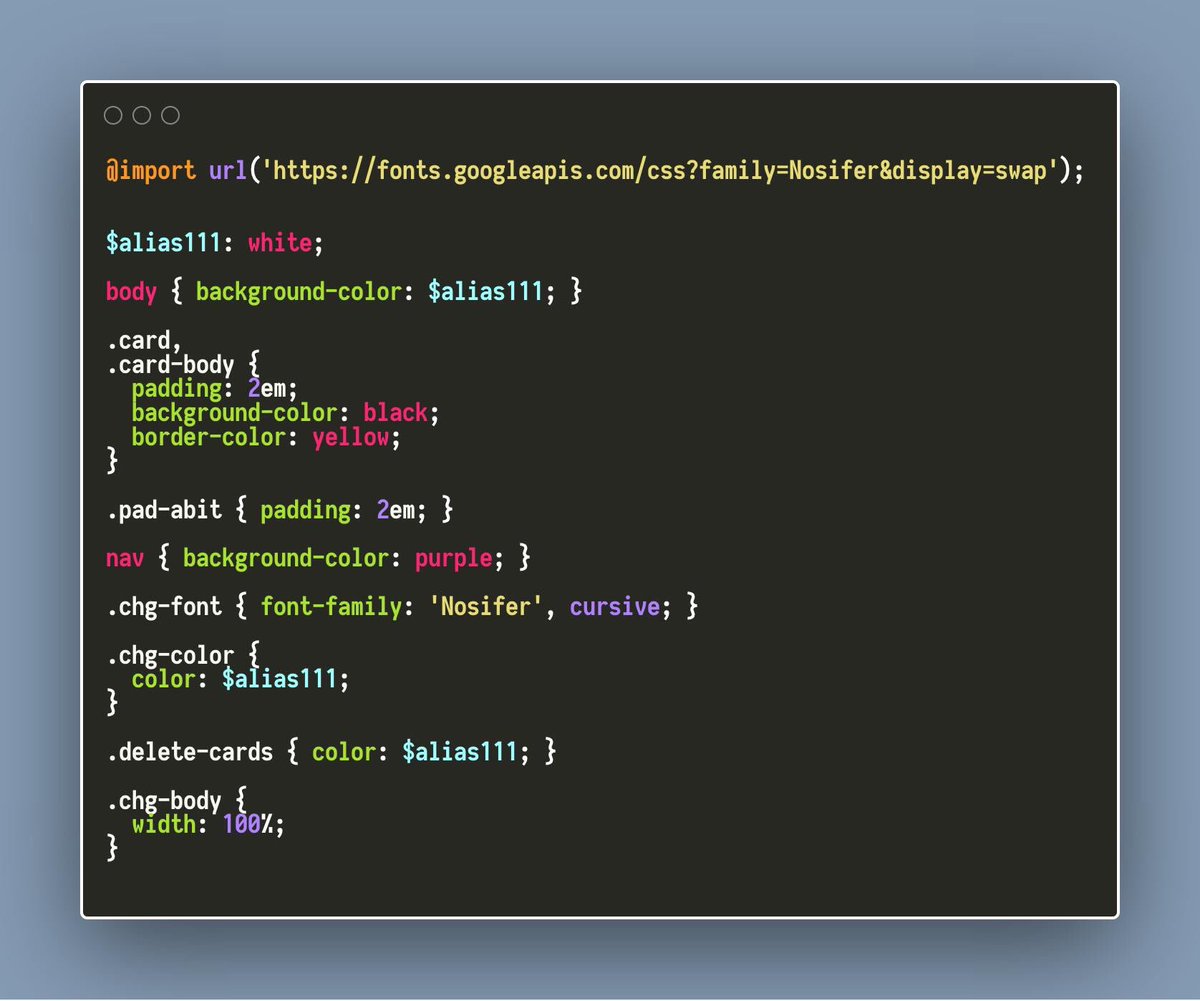

🎉 Day 17 of #100daysofcode was a victory! 🚀 While I took a break from data science, I triumphantly conquered a sneaky little bug in my React.ts project that had been giving me a tough time! 🐞💪😅 🌐 #Alx_DS #ReactTS #100daysofdata
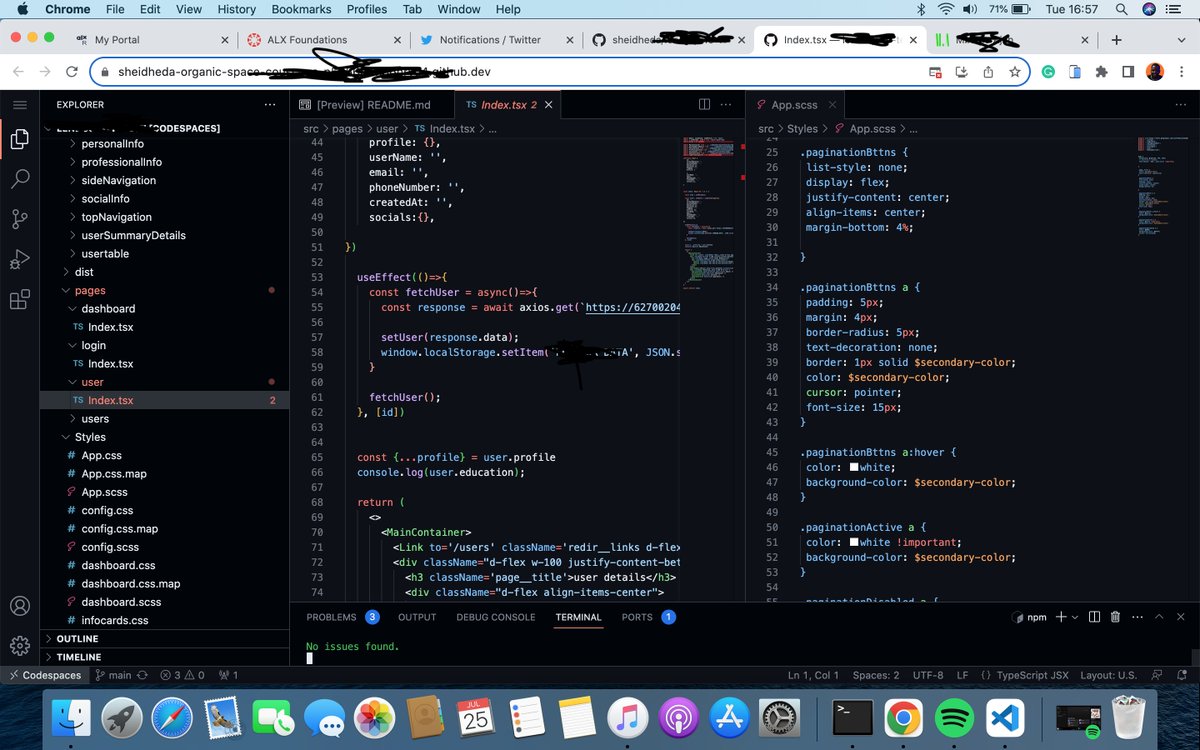





R1D11-17 kind of a different way to do this but I just don’t check twitter enough to tweet my #100daysofcode progress here, but I am keeping a personal progress log that I push to my current git repo so here’s my progress for the week 🥴 #reactjs #reactts #womenwhocode




Part 7 #ReactTS Typing Context If you use React’s Context API, TypeScript helps you define the context value. Typing Refs React refs can be typed to ensure they reference the correct element.
Part 8 #ReactTS Typing Custom Hooks When creating custom hooks, you can define the type of inputs and outputs. Typing API Responses When fetching data from APIs, you can define the type of the expected response.
Part 4 #ReactTS Makes your code easier for others (and yourself) to understand. Better IntelliSense: Provides autocomplete and helpful suggestions in your code editor. Easy Refactoring: Changing your code becomes safer and easier.

Part 5 #ReactTS Key TypeScript Features in React Typing Props Props are the data passed to components. With TypeScript, you define the type of each prop. Typing State React’s useState lets you manage state. In TypeScript, you can specify the type of state.

Part 1 #ReactTS TypeScript in React TypeScript is a programming language that builds on JavaScript by adding type checking. It helps you catch errors early and makes your code more predictable and easier to maintain.
Part 2 #ReactTS When you use TypeScript with React, you can write React components and apps with better clarity, making your code safer and easier to understand. Simple Explanation Think of TypeScript as a safety net for your code. It checks your code while you're writing..
Part 6 #ReactTS Typing Events When handling events (like button clicks), you can type the event for more safety. Typing Function Components When defining a React function component, you can specify the return type with React.FC or explicitly.

Part 10 #ReactTS Code becomes easier to understand for others. Summary TypeScript adds types and structure to your React code, making it more reliable and easier to maintain. By learning to type props, state, events, and hooks, you can write React apps that are safer.
Part 3 #ReactTS it to make sure you’re using the right data types (like numbers, strings, or objects). This prevents a lot of bugs and confusion. Why Use TypeScript in React? Catches Errors Early: Detect mistakes before running your app. Improved Code Readability:
Part 9 #ReactTS Advantages of TypeScript in React Error Prevention: Catches type-related bugs during development. Improved Developer Experience: Better IntelliSense and autocomplete. Scalability: Makes large projects easier to manage. Self-Documentation:
Something went wrong.
Something went wrong.
United States Trends
- 1. Mets 52.4K posts
- 2. Orioles 20.2K posts
- 3. Powell 68.2K posts
- 4. Sheen 14.4K posts
- 5. Rodrygo 37.9K posts
- 6. Red Sox 8,977 posts
- 7. Stearns 15.1K posts
- 8. Nimmo 3,093 posts
- 9. Bregman 3,949 posts
- 10. Rule 5 7,165 posts
- 11. Jimmy Neutron 11.5K posts
- 12. The Fed 101K posts
- 13. Erika 83.5K posts
- 14. Jeff Garcia 11.9K posts
- 15. Cohen 12.2K posts
- 16. John Henry 1,365 posts
- 17. Jim Knowles N/A
- 18. Bellinger 3,422 posts
- 19. GeForce Season 18.9K posts
- 20. Noni 9,023 posts