
#googleslideshelp hasil pencarian

And that's it! You've successfully added a unique AI-generated image to your Google Slides presentation. Experiment with different prompts and styles to enhance your slides. Happy presenting! 🌟 #GoogleSlidesHelp #PresentationTips

【アーキ・事例】 Geminiアプリの「Canvas機能」を使って、Googleスライドを自動生成する手順を解説。プロンプトから構成案を作成し、そのままスライド化・出力までスムーズに行えます ※情報は執筆当時のものです blog.g-gen.co.jp/entry/generati… #GoogleWorkspace #Gemini #GoogleSlides #技術ブログ


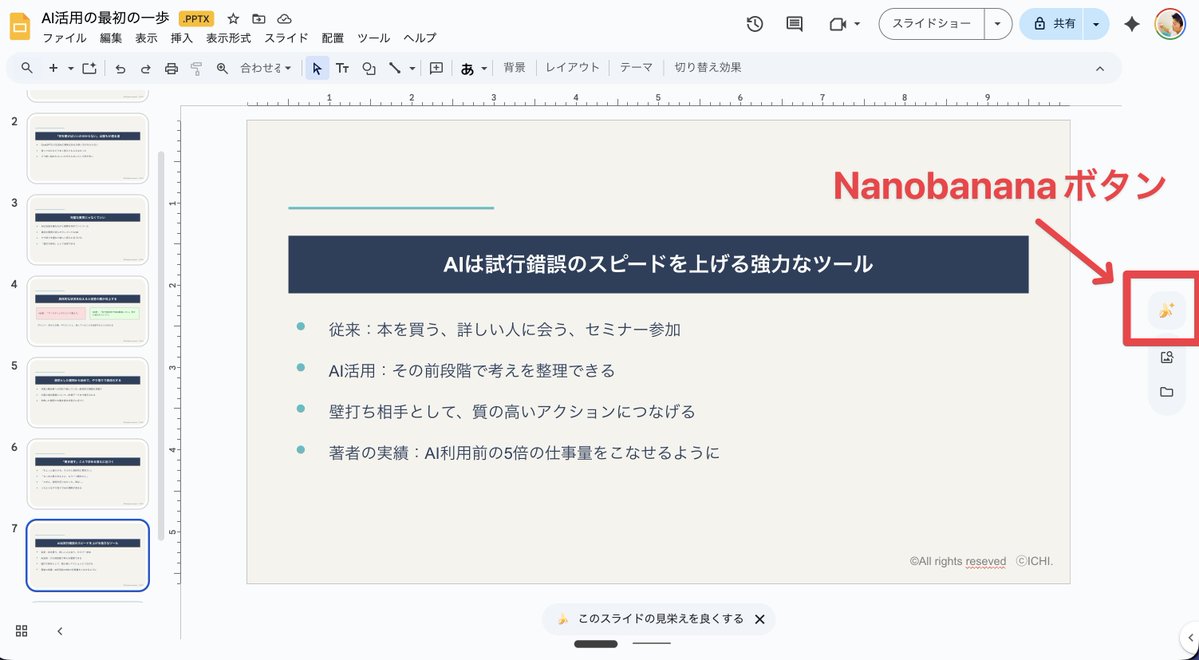
Gemini 3が来てから、google slideにも「スライドの見栄えを良くする」みたいなオプションが追加されたのだけど、ページの説明をイラストを足して見栄え良くした「一枚絵」に変換するという糞機能なので、使い道無くて泣いてる・・・出来た一枚絵を参考に、元のスライドを修正するくらいしか使い道ねえ

Google Gemini can generate slides and presentations for you now - here's how livesocial.seismic.com/tg4XZX


📒 ICYMI: you can now use the @GeminiApp to create @Google Slides from a URL, a PDF document, an outline, a brief description, or more. All you have to do is select "Canvas", type "Please create a slide deck about..." and add the topic, then wait and export to Slides:

#MarketingDigital 🎴 C'est quoi "Google Slides" ? Google Slides est un outil de présentation en ligne développé par Google pour concevoir directement des diapositives sur le web et les projeter sous forme de diaporamas… • #outils audreytips.com/glossaire-web/…


You can prompt it to enter canvas,and export to Google slides. From there you can manipulate your slides.

Nano Banana Pro creates amazing slides. But currently, we can’t export them as PPT files, which would be a great feature. Is there any way we can have this? @joshwoodward @OfficialLoganK @GeminiApp @NanoBanana
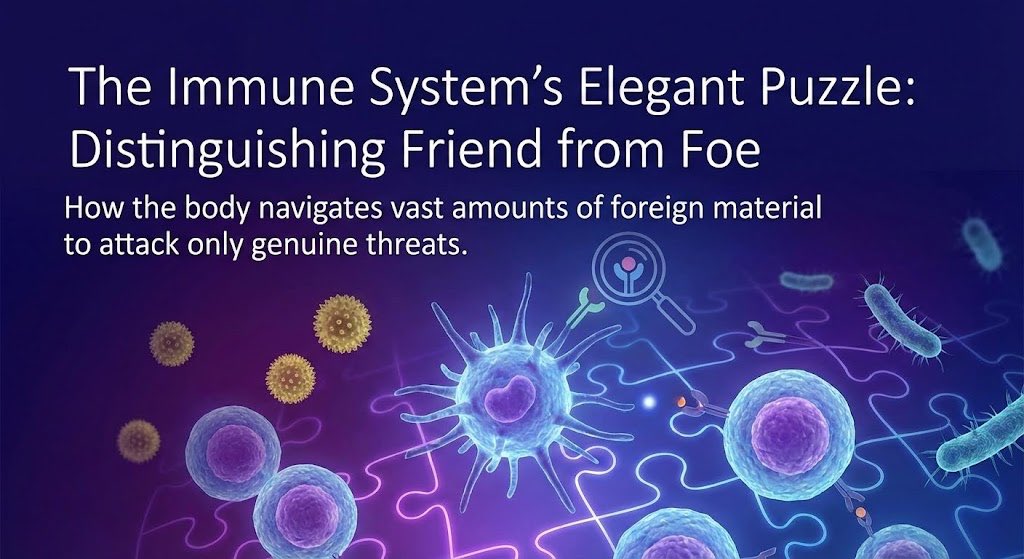
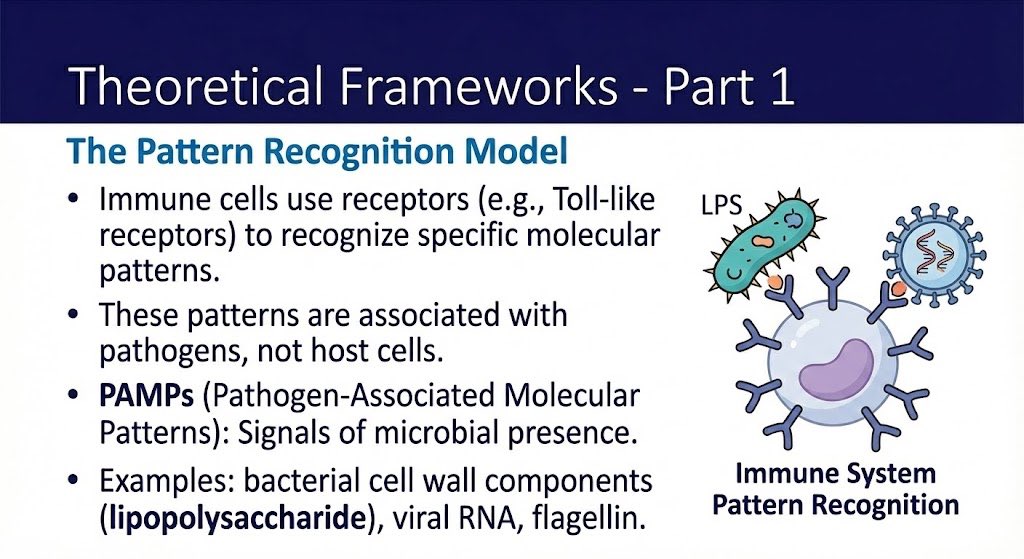
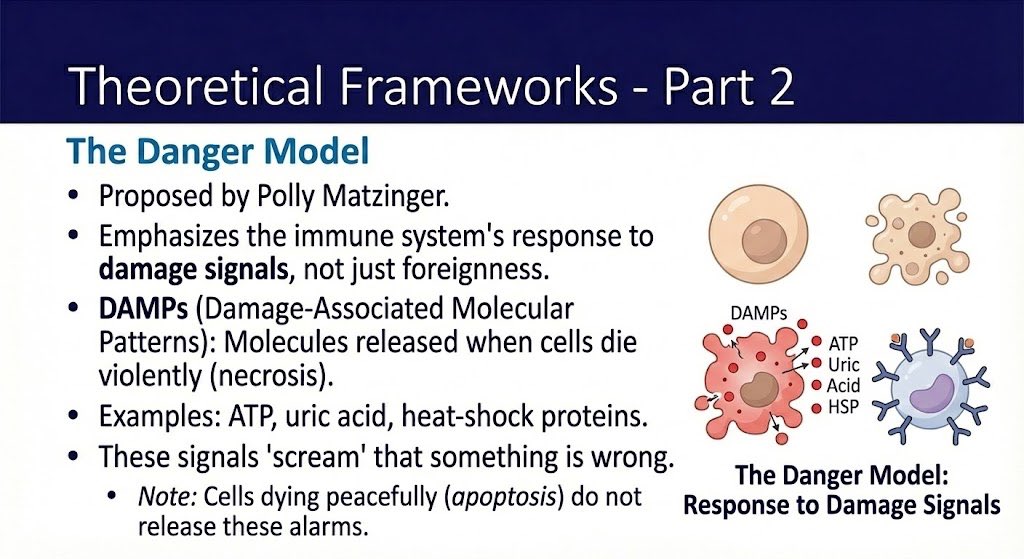
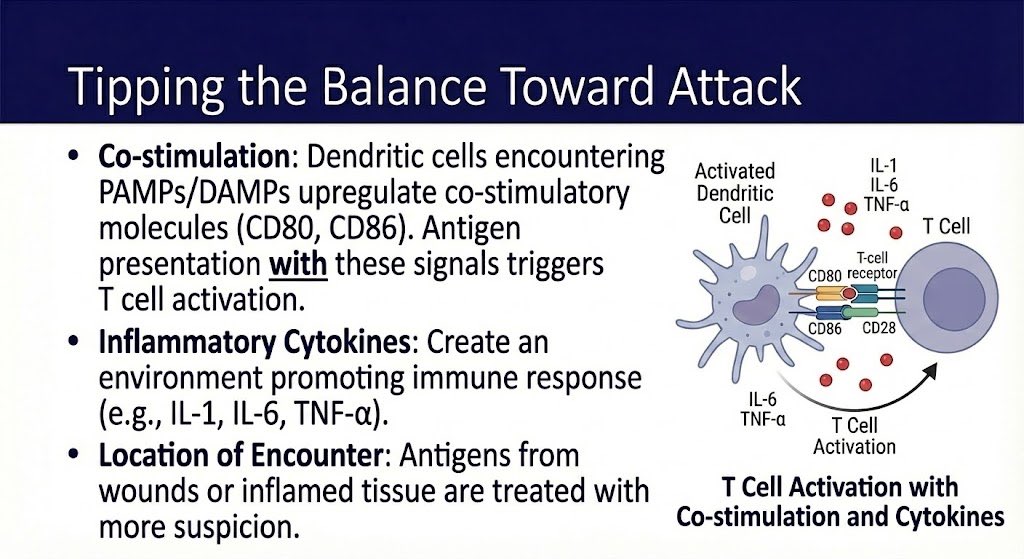

i've used google slides and vgen for that!! gslides is easier imo, but i like vgen's interfact more

Googleスライドの新機能「このスライドの見栄えを良くする」に助けられてます。 この週末に仕上げてないといけないセミナースライド。書くことは決まっているけど、構成ぎめとコンテンツの仕上げが大変。それをボタン一発で解消!…

つまりだよ、Google スライドはPDFをインポートできるので、HTMLで原稿をもとにスライドにして、Webページを印刷用PDFとしてダウンロードして、それをスライドにインポートして、それを画像変換で漫画とかにしていくと、一気にできるってことだな。やってみよう。

【Googleスライドの新機能は大した事ない?】 Googleスライドに画像生成機能が実装されたようです。 シンプルなスライドも、かなり作り込んだデザイン、レイアウトに変えてくれる。 試しに1枚目の画像に対して2枚目のような指示をしてみました。(インフォグラフィックの指定あり) すると↓
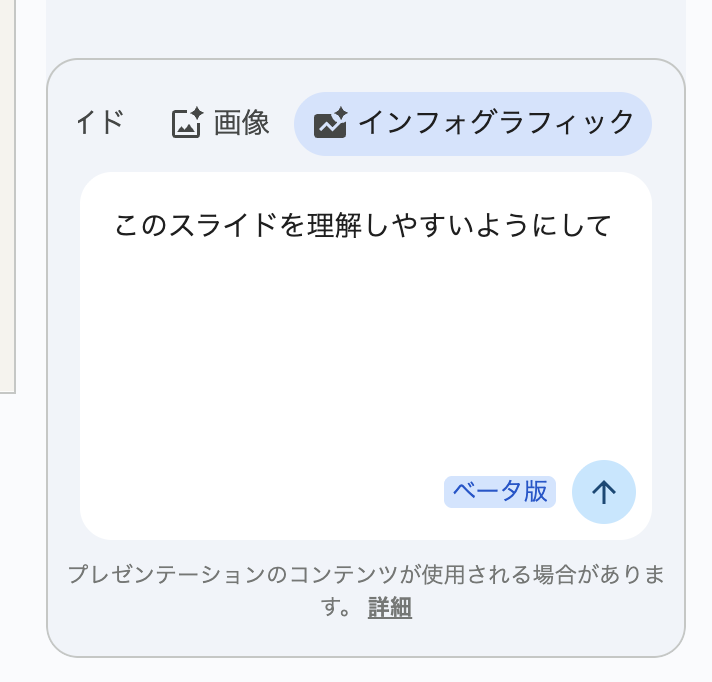

notebookLMでメモ程度にまとめたドキュメントから来週の登壇スライド一撃で震えてる、これがGoogleの本気だ・・・ 以下スライド作成用プロンプトこれだけです == 番号に沿って、3D絵文字風のイラストを入れて。スライドに対する文字は大きめ・文字数は少なめ。


Want to master Google Slides like a pro? 💡✨ Presentation expert Lea Pica shares her top tips for creating efficient, eye-catching slides. From smart shortcuts to design hacks—these insights will level up your next presentation! Link: youtu.be/_L9rQAeTIog

Soo. I did another talk this week and in hindsight I should start using sli.dev. Google Slides standard templates are ugly and showing code and animations are not beautiful enough.
sli.dev
Slidev
Presentation slides for developers
I just learned about sli.dev by @antfu7 and that he also works at Vercel. Should I revamp my Microfrontend talk tomorrow to use Slidev instead of Google Slides?
sli.dev
Slidev
Presentation slides for developers

Transform your slides from drab to fab! This week, we’ll discover the new tools and features within Google Slides. Learn how to create dazzling slides that will inspire your class! Check out our course calendar: hubs.ly/Q03VR7TR0 #google #present #edchat #otispd

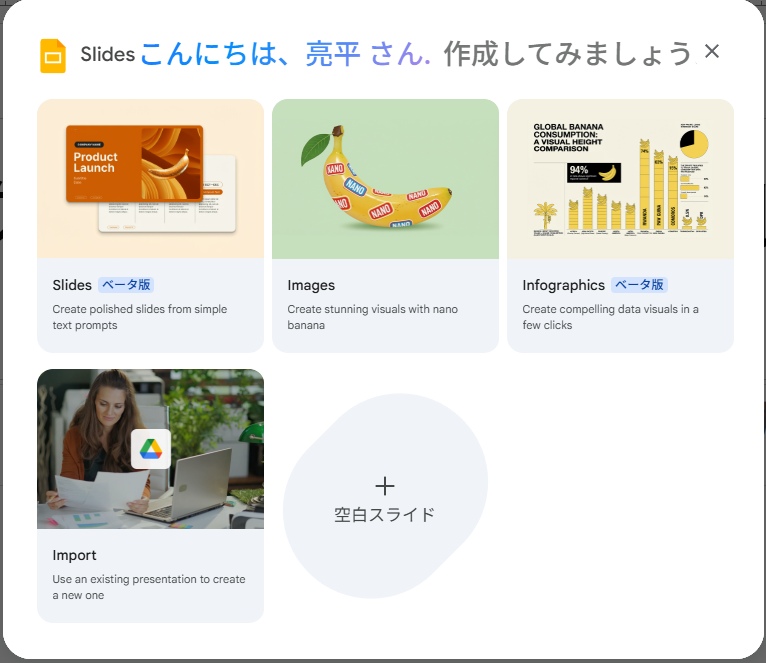
なるほど、「Slides」を選択すると、googleスライドの画面上でプロンプトを入力可能に→出力としてはこんな感じの1ページ。画像なので、NotebookLMで作成したのと同じ感じですね。
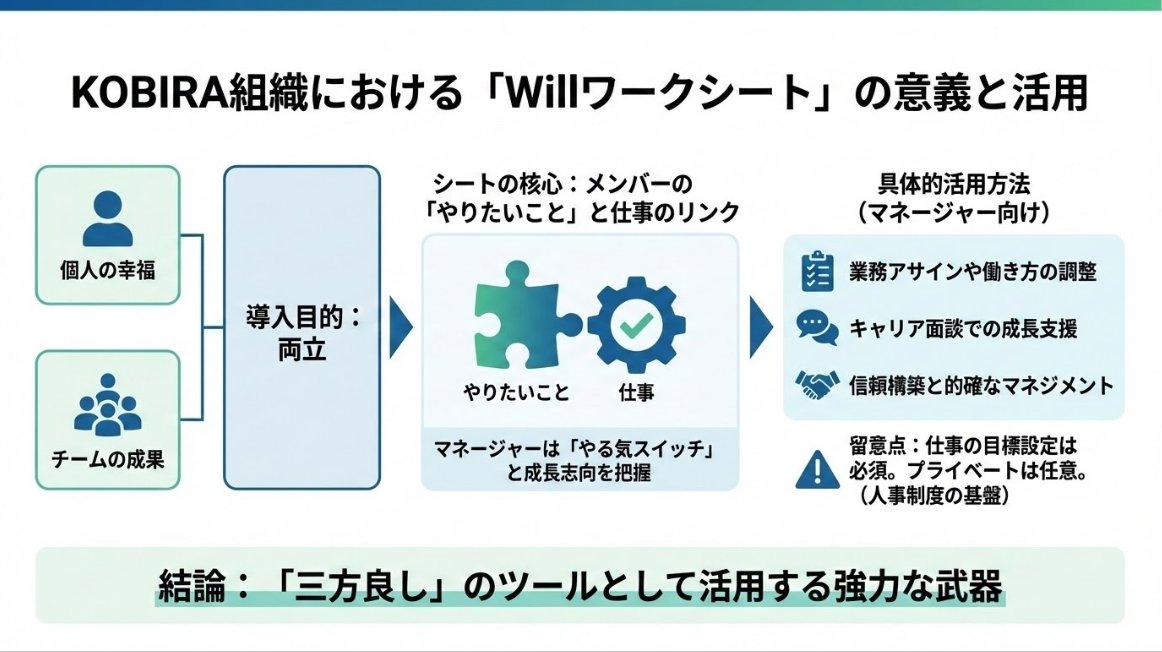
え、ちょっとまって、googleスライド立ち上げたらこんなの出てきたんだけど…これはいよいよNotebookLMのスライドがgoogleスライドに…???🤩

We just published a beginner-friendly guide on how to make an image transparent in Google Slides! Read the full tutorial here 👇 slidestack.com/blog/how-to-ma… #JeniferLopez #AlexandraDaddario #AngelinaJolie #meganfox #PriyankaChopra #annahathway

Google Tips. type in the url address bar for a quick access to create a new document sheets.new -> Google Sheets slides.new -> Google Slides docs.new -> Google Documents remember this or save/bookmark this for later 🫰

I actually used that function to create these slides for a presentation that relied heavily on your data: docs.google.com/presentation/d…

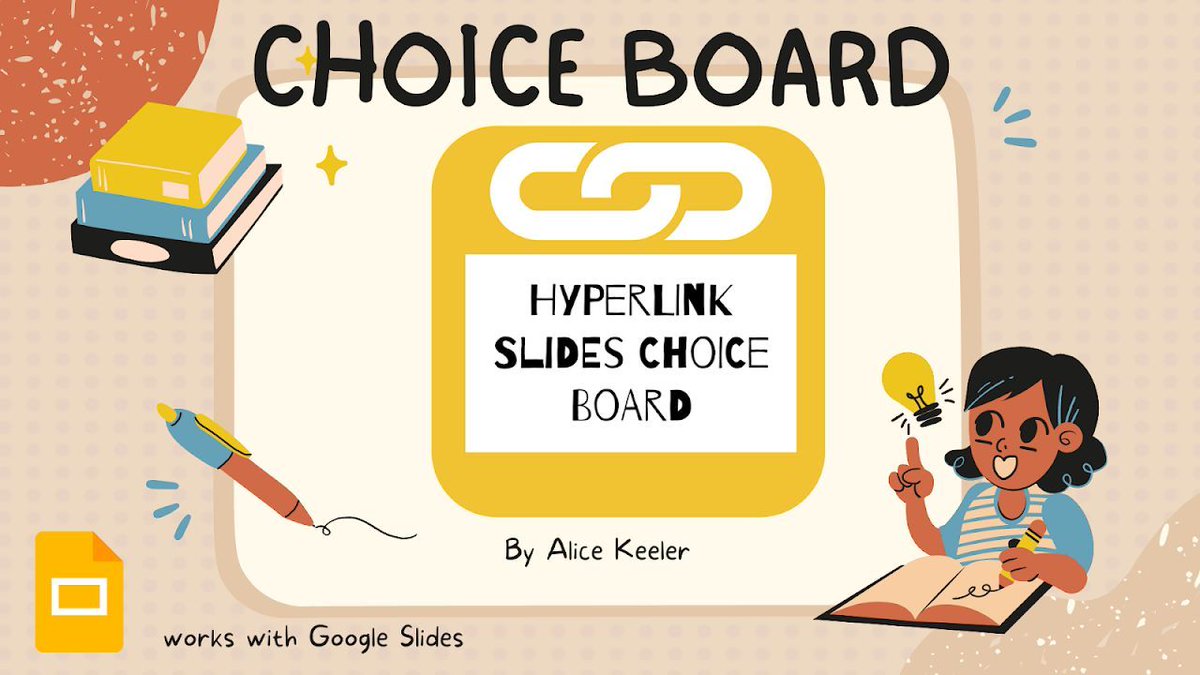
🎯 Turn your first slide into a clickable menu: use shapes, text boxes, or images as “buttons” to generate linked slides for each option. Each slide gets a “home” arrow back to the menu. Perfect for choice boards or HyperDocs. 🔗 workspace.google.com/marketplace/ap… #GoogleEDU…
Something went wrong.
Something went wrong.
United States Trends
- 1. #GivingTuesday 13.7K posts
- 2. #JUPITER 271K posts
- 3. The BIGGЕST 465K posts
- 4. #ALLOCATION 271K posts
- 5. Lucario 11.3K posts
- 6. Good Tuesday 37.4K posts
- 7. Michael Dell 2,644 posts
- 8. #GMMTVxTPDA2025 869K posts
- 9. Costco 36.6K posts
- 10. Michael and Susan 1,229 posts
- 11. #AreYouSure2 67.3K posts
- 12. Taco Tuesday 12.9K posts
- 13. Trump Accounts 6,468 posts
- 14. Dart 42.4K posts
- 15. Hoss Cartwright N/A
- 16. Kanata 28.8K posts
- 17. Mainz Biomed N.V. N/A
- 18. King Von 1,034 posts
- 19. Tennessee 138K posts
- 20. JOSSGAWIN AT TPDA2025 131K posts