

You might like


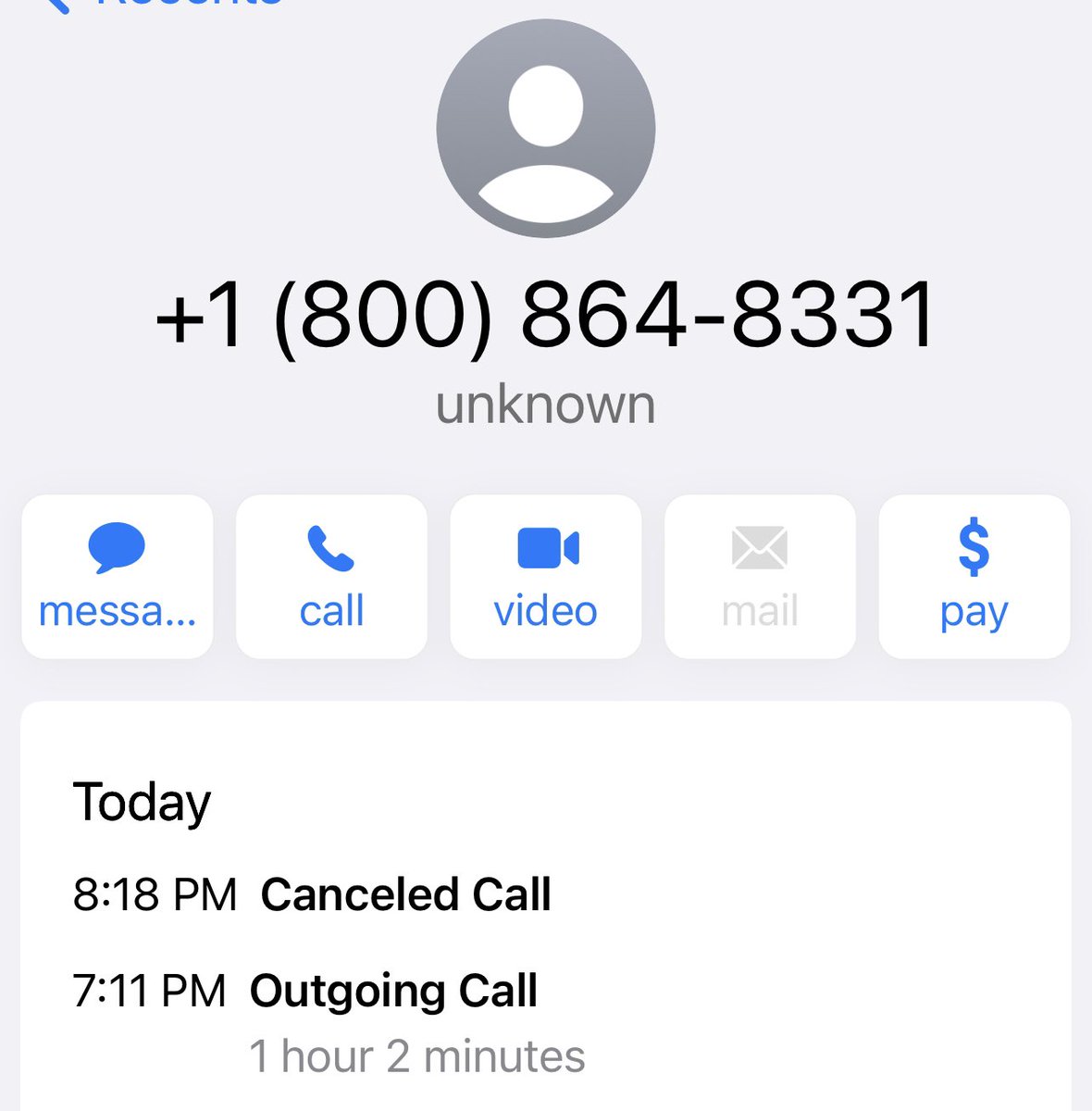
Very frustrated with #UnitedAirlines. I have been on the phone with them two times waiting for close to an hour both times. Talked to an agent who said I needed to call 800-864-8331 for refund Department…that was the number I had called and was on hold for when they answered…
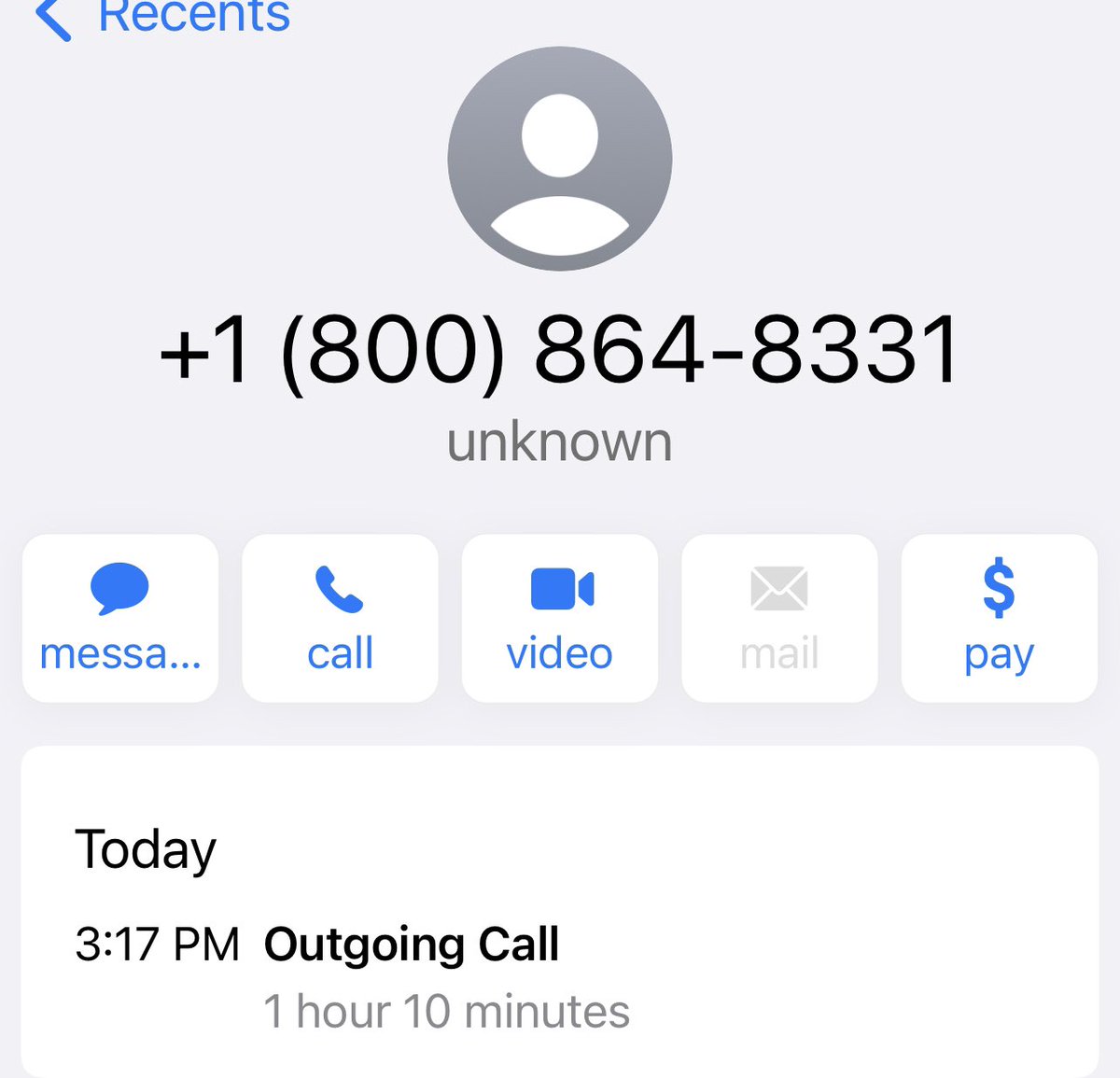
I was very sad when my 40th birthday fell during both the quarantine and on Mother’s. After getting an order ready and trying to process 12 times, 30 minutes we are unable to process the order. So No Olive Garden. #sosad #worstbirthdayever #OliveGarden
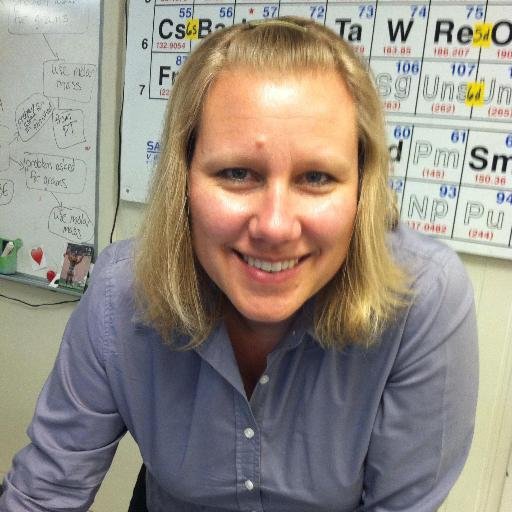
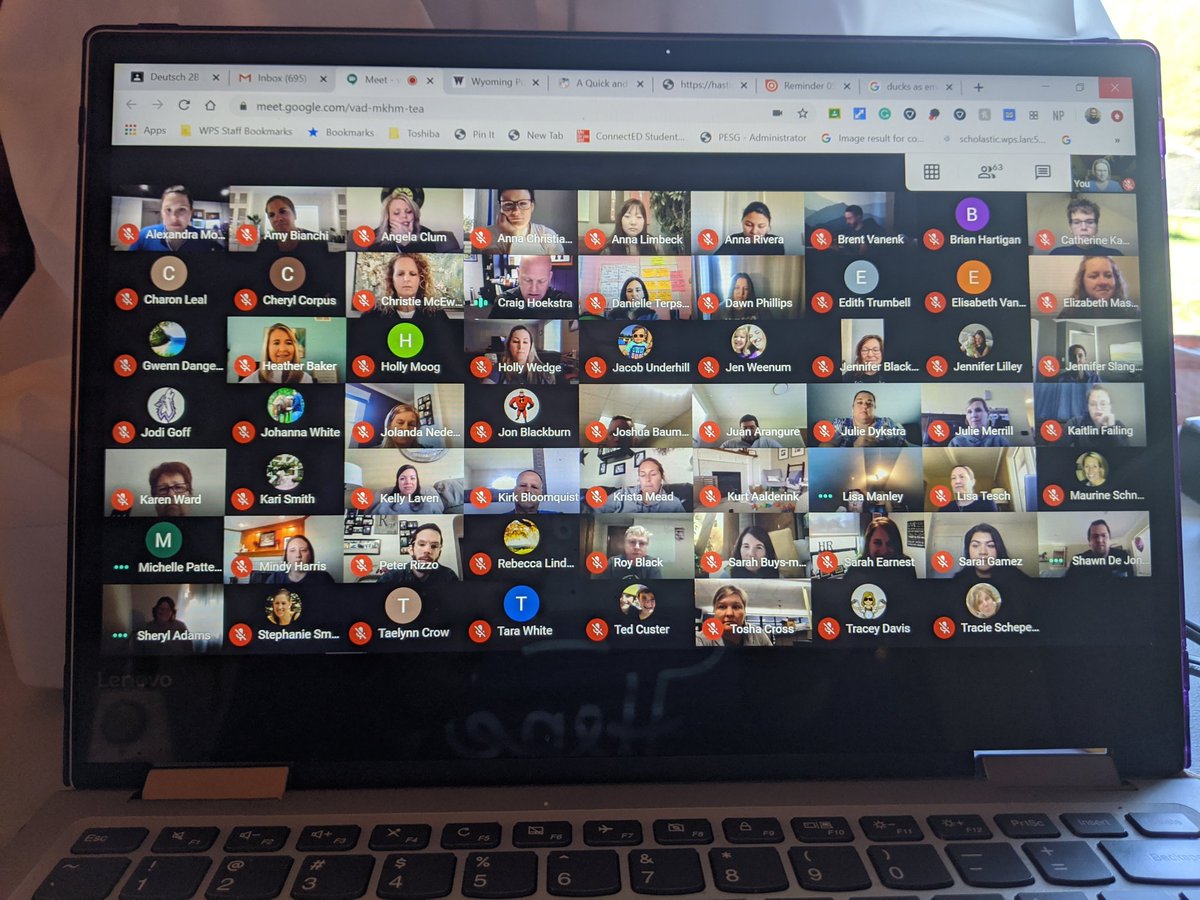
Miracle of miracles with my support, Rochelle Swanson went to Zoom, Loom, and Google Classroom today!!! #BetterTogetherWPS #TheWPSAdventure
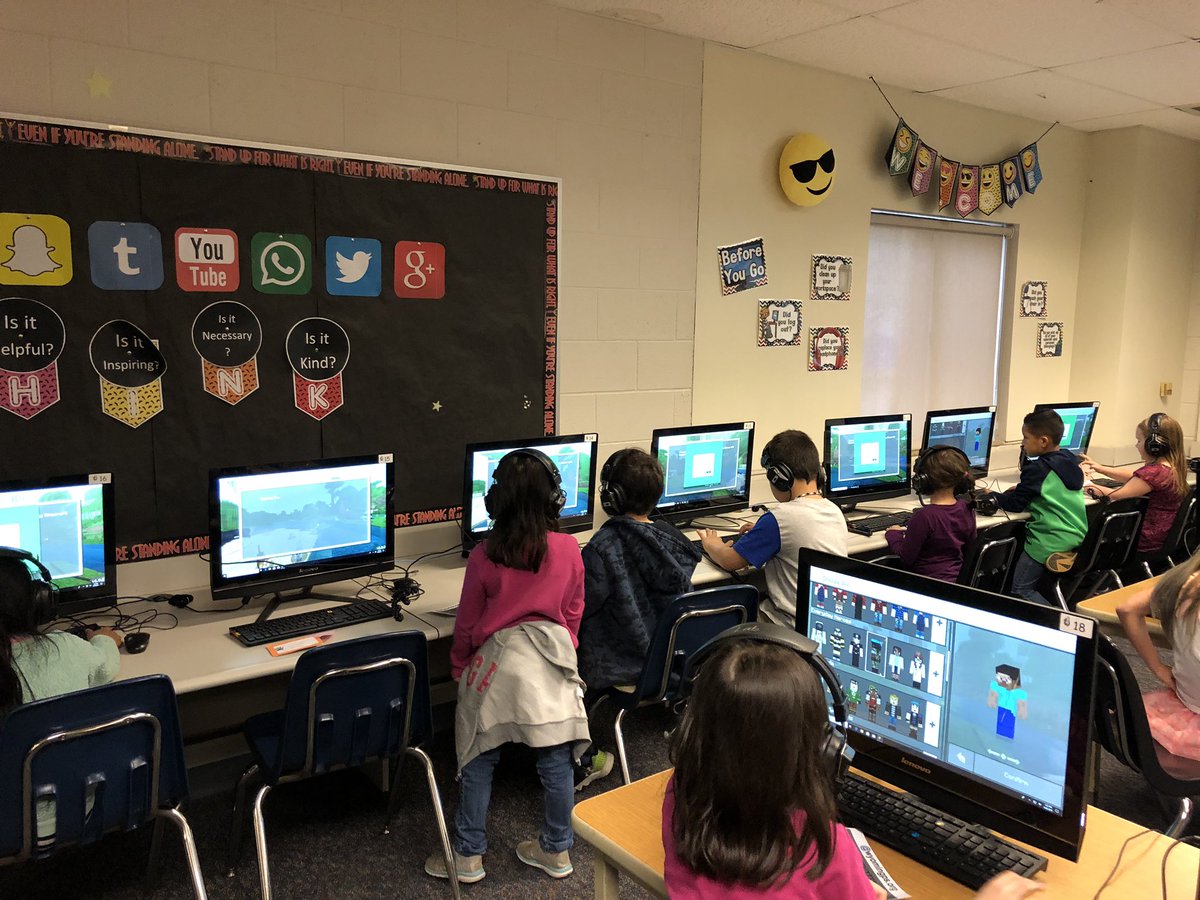
I just earned the Minecraft Mentor badge on education.minecraft.net! @playcraftlearn education.minecraft.net/about-badges/ #MinecraftEdu #PlayCraftLearn

Unstructured #play is what prepares a young brain for life, love and schoolwork by changing the neural connections in the prefrontal cortex ow.ly/hjTa50ufvle #edchat #parents #parenting #earlyed #elemchat


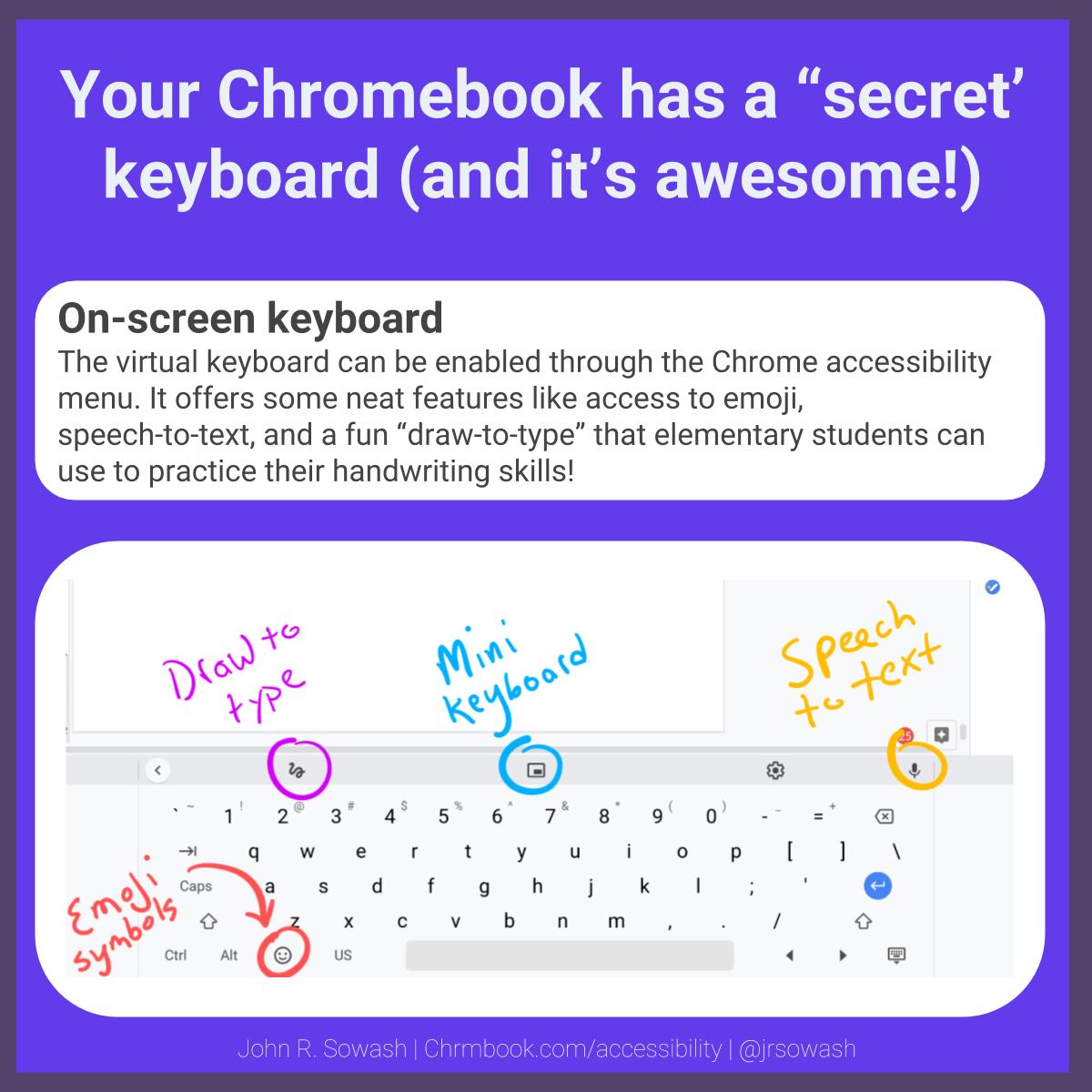
Elementary teachers: your students can practice their handwriting by taking advantage of the "draw-to-type" feature on your #Chromebook! More accessibility tips for Chromebooks: bit.ly/2Ut7eg4 #elechat #gafe4littles
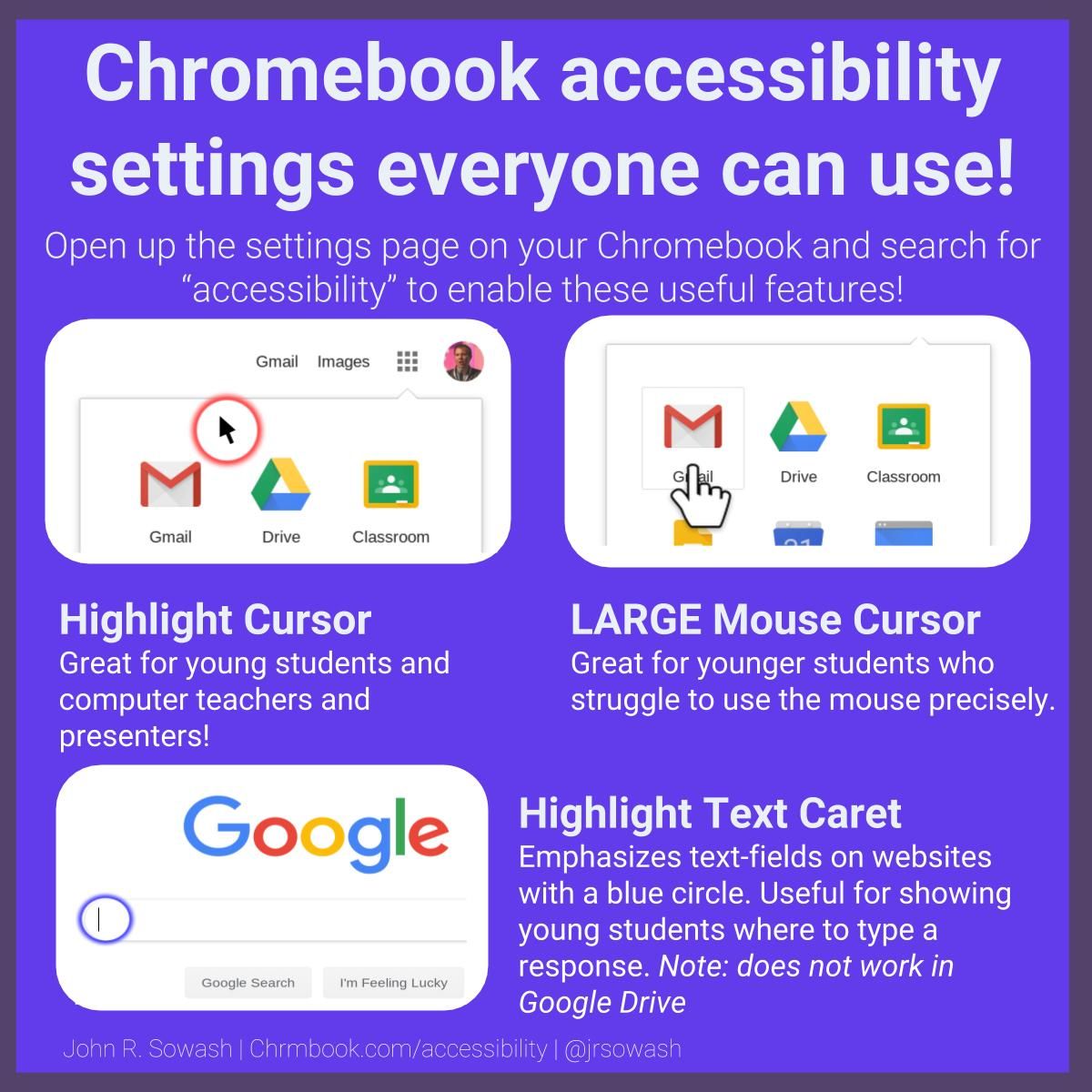
Elementary teachers: turn on these mouse accessibility features to help your littles use the mouse pointer more effectively! More Accessibility Tips: bit.ly/2Zgpayk #elechat #gafe4littles
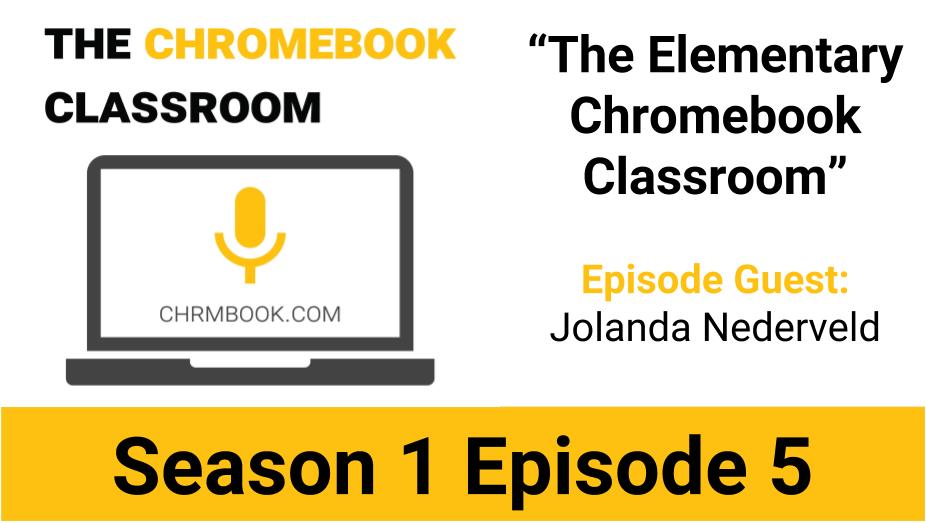
S1E5 The Elementary Chromebook Classroom with Jolanda Nederveld #PodcastEDU #GoogleEDU #TeachwithChrome bit.ly/2ZW40pl
What a great idea for a #SummerBucket list of #STEM activities.

A4: I made this list to help dads (and families) spend more time learning together at home (which increases the classroom learning) #SatChat

This is awesome!!!!

This is one of my favorite green screen projects! 4th graders used the green screen magic to report from inside their dioramas. They researched, rehearsed, built the diorama, filmed in the green studio & edited their videos using @DoInkTweets. #gslearning @gr8ful2teach

Do you want to amplify 📢 the voice 🗣️ of your students 👩🎓👨🎓? Check this ultimate combo! 🤼♂️ @PlayCraftLearn ⛏️ + @Flipgrid 💚👈 Learn how to embed a #FlipGridFever 🔥🌡️ topic into a #MinecraftEDU world 🌎 and combine the power ⚡️ of these awesome tools 💻📚 in your lessons!
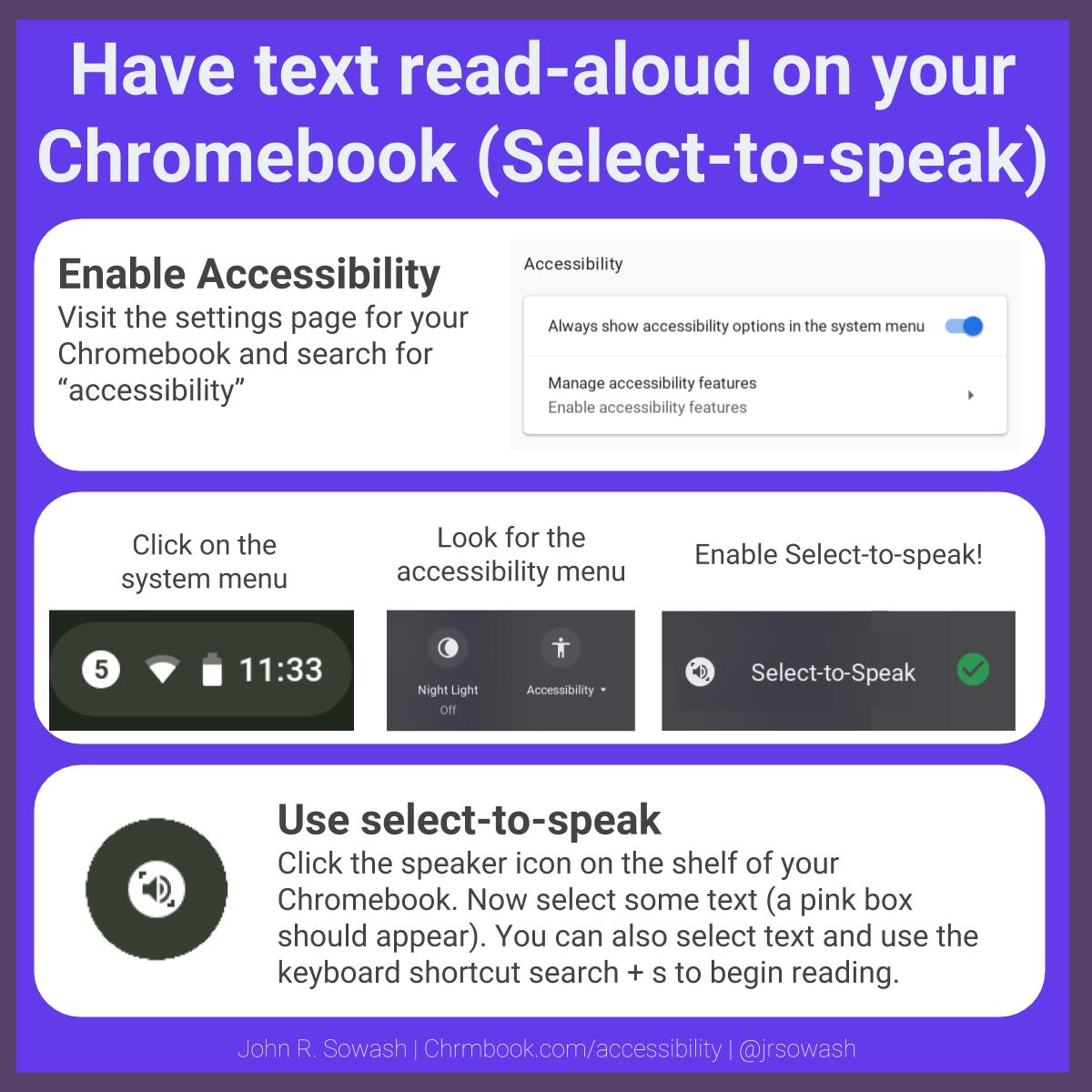
Having text read aloud is one of the most common accommodations written into IEPs. Your #Chromebook has a built-in text to speak feature called "Select-to-speak." More Chromebook Accessibility Tips: bit.ly/2FEOCUW #sped #inclusion
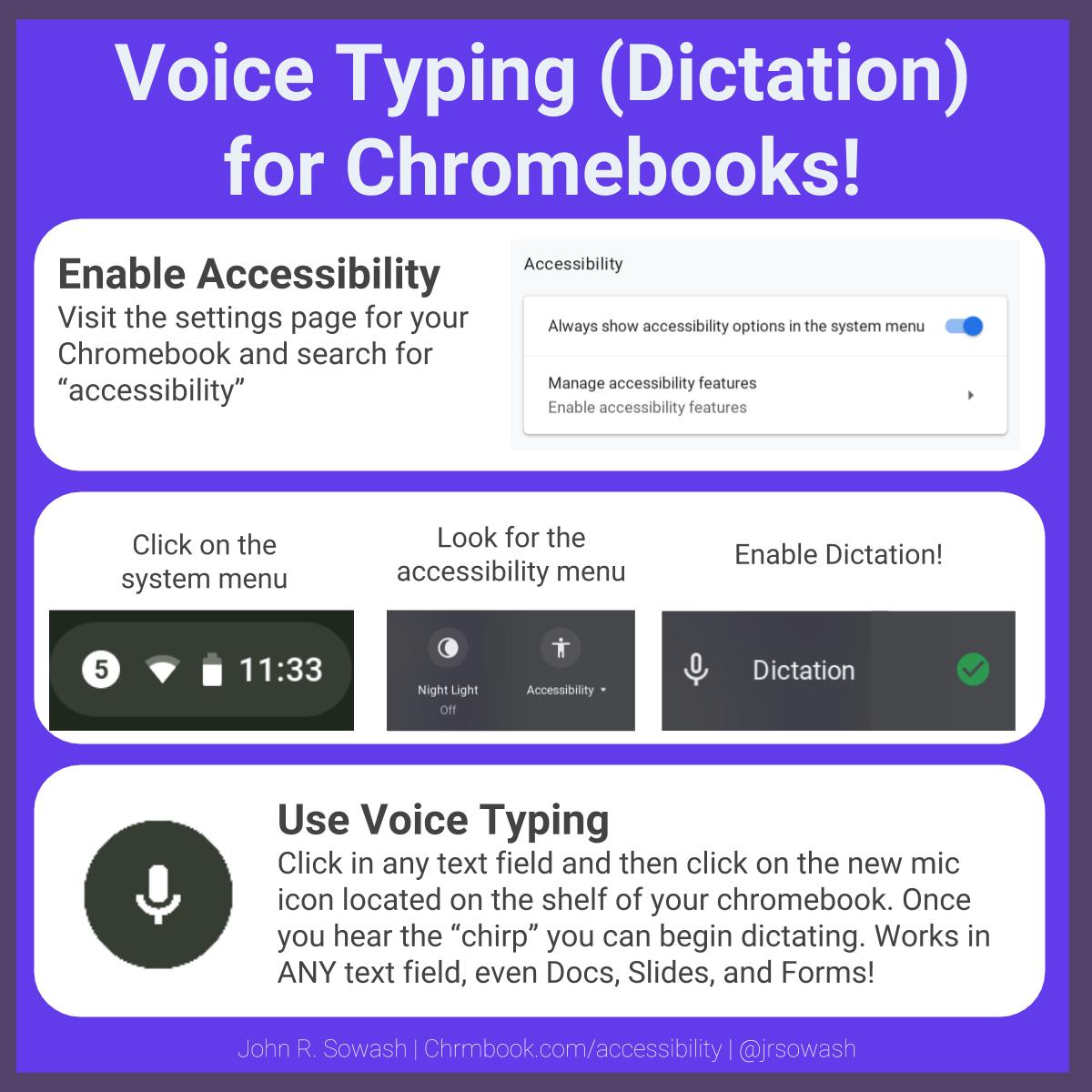
Did you know that your #Chromebook has a built-in voice typing (dictation) feature? Just click and start talking! And YES, it works with #GoogleClassroom, Docs, Slides, and ANY text field! 🤯 More #accessibility tips: bit.ly/2U5oH37

Another amazing resource from @ericcurts - Control Alt Achieve: Hipster Google 2 - Even More Google Tools You Probably Never Heard Of: controlaltachieve.com/2019/04/hipste…
Wonderful student! Great job Avery!!!

Wyoming High’s Avery Robinson wins Prestigious MHSAA Scholar Athlete Award: wktvjournal.org/wyoming-highs-…

25 FREE Google Drawings graphic organizers -- and how to make your own wp.me/p3bT67-Jm via @jmattmiller




































































United States Trends
- 1. #TheTraitorsUS N/A
- 2. #TNAiMPACT N/A
- 3. Draymond N/A
- 4. Colton N/A
- 5. Aaliyah Chavez N/A
- 6. Sixers N/A
- 7. #thepitt N/A
- 8. Jarry N/A
- 9. Kawhi N/A
- 10. Trey Miguel N/A
- 11. Fanone N/A
- 12. #criticalrolespoilers N/A
- 13. #911onABC N/A
- 14. Embiid N/A
- 15. Oliver Moore N/A
- 16. The System N/A
- 17. Bear Bronson N/A
- 18. Jack Smith N/A
- 19. Sengun N/A
- 20. City of Norman N/A







Something went wrong.
Something went wrong.