

Take a look at the latest updates and improvements. Milestone M33 (March 24-April 06) is here! 🎯 neeto.com/neetocode/blog…

🎉 We’re thrilled to announce the new file explorer feature in NeetoCode! You can now create files for your programming language projects seamlessly. Happy coding!
🛠️ NeetoCode users on Firefox: We've fixed the overflow issue for terminal-based projects like Ruby and Python. Happy coding!
🚀 NeetoCode now includes filtering based on columns. Simplify your data management and get more done!
🌟 Introducing the keyboard shortcut pane—see all shortcuts at a glance and enhance your productivity!
📢 Fixed a discrepancy where project operations on the code environment page weren’t showing on the projects page.
🕒 We identified an issue in NeetoCode where timezones weren't updating correctly. Happy to report that the problem has been resolved!
NeetoCode encountered an issue with internal links opening our app within an HTML iframe. We've fixed it! Internal links should now function correctly.
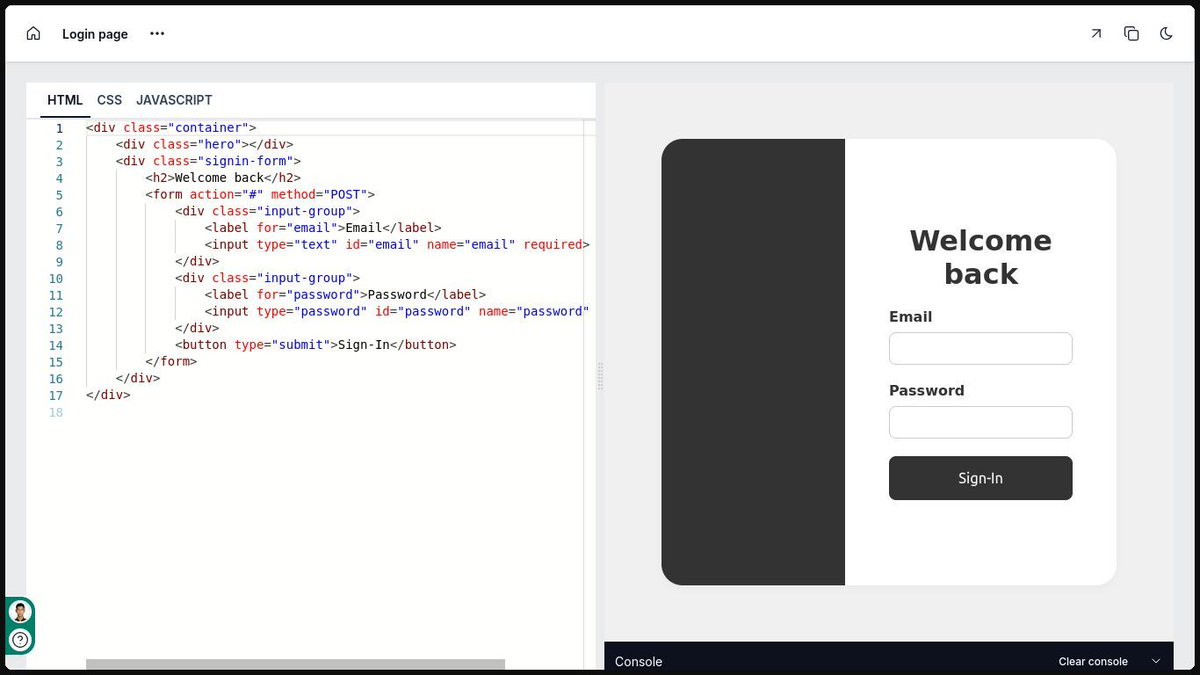
🌟 You can now archive projects that are not actively worked on. No need to delete—just move them to the archive!
🛠️ By reducing component re-renders, we've enhanced performance. Enjoy a more efficient coding experience! 💻
🚀 We've streamlined our login process! NeetoCode now opens directly without unnecessary redirects. Your path to code just got easier!
💡 Based on your feedback, NeetoCode now offers a layout switch for terminal-based environments! Enjoy more control over your coding workspace. Horizontal or vertical, the choice is yours!
🌟 External package support for React projects! Use Axios for HTTP requests, Ramda for functional programming, and TailwindCSS for styling. Dive in and enhance your codebase today!
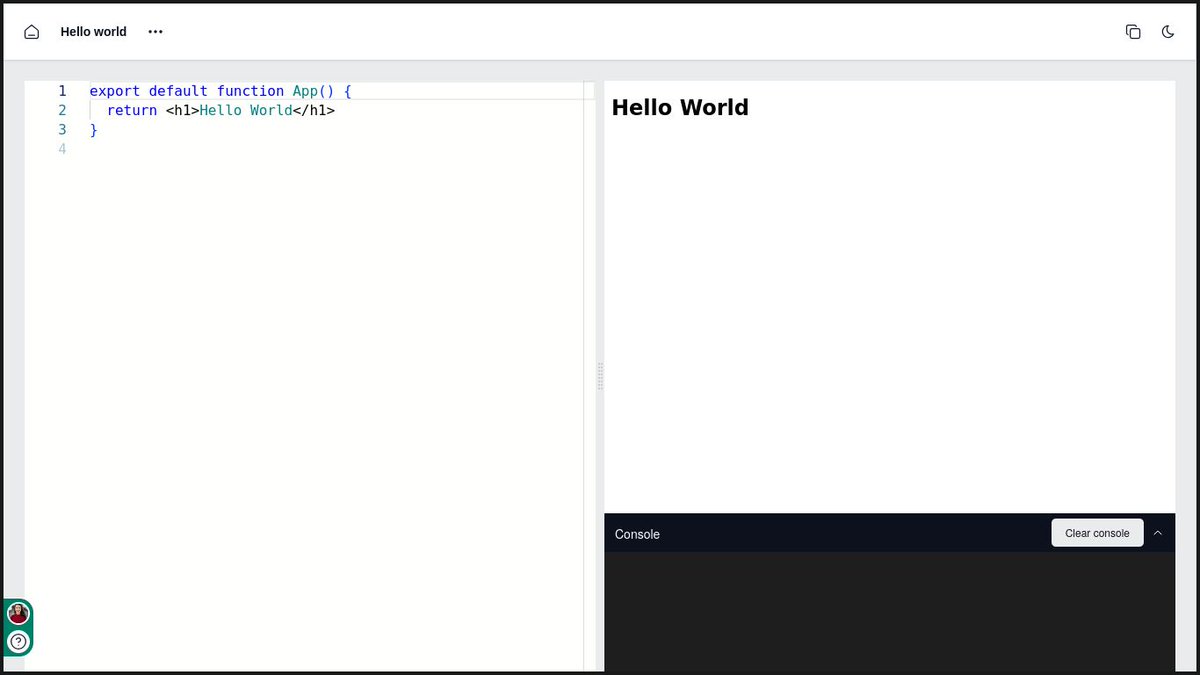
🎉 Added a clear console button to the ReactJS project environment. Keep your console tidy and focus on what matters!
🛠️ We’ve resolved the color selection issue in NeetoCode terminal output. Now, it’s easier to see what you’ve selected! 👀✨
🚀 The clone function on the code environment page now skips the extra step and opens your cloned project directly. More efficient, more awesome!
We have introduced new functionality to the projects table in NeetoCode, allowing users to arrange and refine their search results by name, creation date, or last modification date. Be sure to explore these new features!
🛠️ We have been using the console-feed package for displaying logs. Since the package is not very actively maintained, we've decided to maintain our version of it. Check it out here: buff.ly/4cSsX9y

We’ve resolved an issue in NeetoCode where certain characters in student code weren’t recognized, causing database errors. All set now!
🚀 Say goodbye to undefined outputs in NeetoCode’s console. Cleaner console, smoother coding!





United States Xu hướng
- 1. Starlight Christmas N/A
- 2. Piers 36.5K posts
- 3. Pulisic 11.2K posts
- 4. Chargers 17.8K posts
- 5. Tracy Morgan 1,175 posts
- 6. Alina Habba 18.8K posts
- 7. Wolves 104K posts
- 8. Paramount 85.2K posts
- 9. Cunha 18K posts
- 10. Jasmine Crockett 24.9K posts
- 11. Carragher 51.6K posts
- 12. Busta 2,203 posts
- 13. Farmers 96.4K posts
- 14. #MUFC 19.1K posts
- 15. #WOLMUN 10.4K posts
- 16. Amorim 45.7K posts
- 17. Kyle 34.1K posts
- 18. Mason Mount 8,617 posts
- 19. Manchester United 47.4K posts
- 20. Go Birds 7,139 posts
Something went wrong.
Something went wrong.