

Cardio Zones
@ZoneTrainingApp
#AppleWatch #VO2Max Karvonen Zoladz #Cycling #Running | Rest HR | #HeartRateMonitor | Regulate heart rate in your #myZones #workout | No login needed #privacy
You might like


Get more running stats from your Apple Watch now: - Strides - Power - Ground contact time - Oscillation You need an Apple Watch 6 or higher for these stats. #running #AppleWatch #fitness #HeartHealth
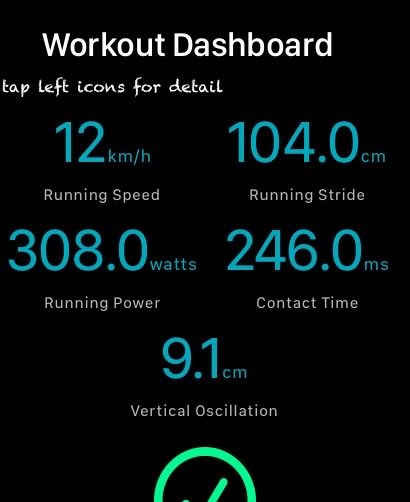
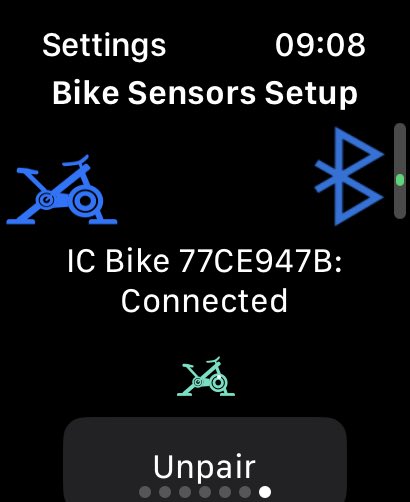
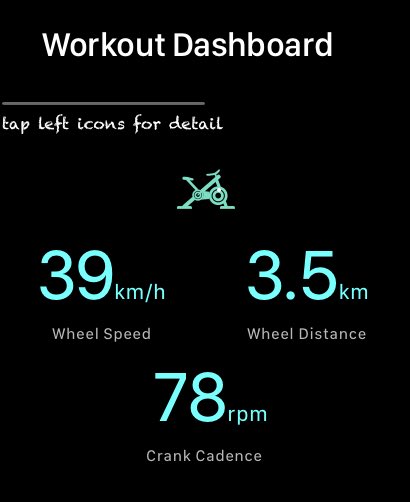
I hope to add more features to the Apple Watch app in the coming year. Here is the 1st one: Connect a Schwinn bike (or another bike) via the app's settings page; during the workout, you will see your distance, speed and cadence.

Lesser known Apple Watch Workouts: Shoveling Snow ❄️

Pro Tip: 1. Connect a bluetooth heart rate sensor (Polar, Wahoo, etc) to Apple Watch. 2. Start Running/Walking workout 3. When done, tap Cool down 4. If enough data is collected, it will announce a new calculated VO2 Max.
If you an Apple Watch user with a bluetooth heart rate monitor, and you connect the sensor to Healthkit (i.e. via Settings | Bluetooth), make sure to tell the cardio app of this. It will then optimally configure other sensors on your Apple Watch for your workout.
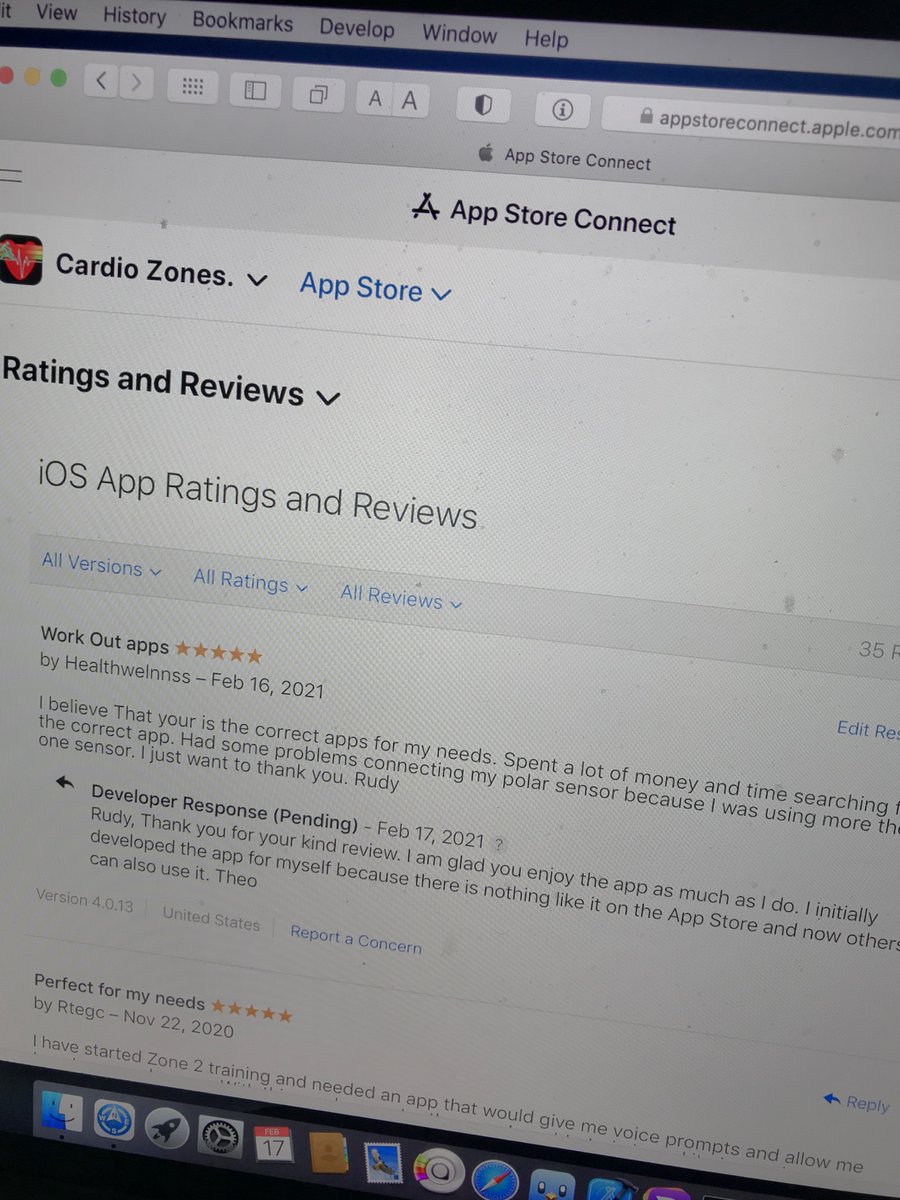
It is on lockdown days like today when I am feeling really down, when people like Rudy gives me an extra spring in my step.
For those who experienced problems with the Apple Watch app of Cardio Zones, which I reported to Apple via bug reports: Apple have resolved all these issues in watchOS 7. Please update to watchOS 7 to get the most out of the Cardio zones app. Have fun !
Here is what to expect from version 4 for #iOS13 if you already have iOS13 installed, you can download the beta version 4 of the cardio zones app on the app store #testflight testflight.apple.com/join/AR18iuQg
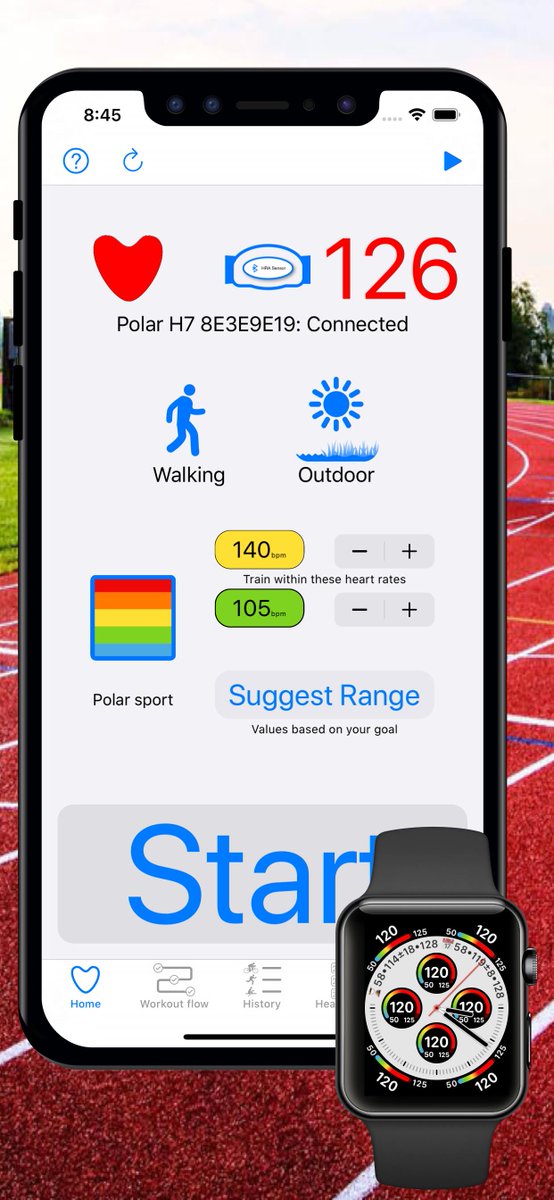
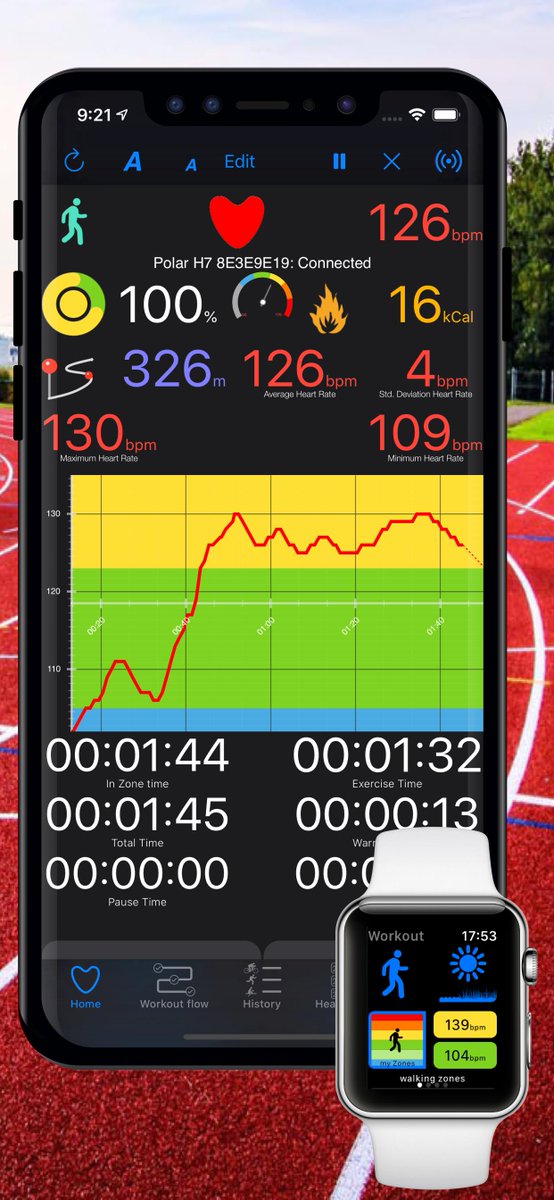
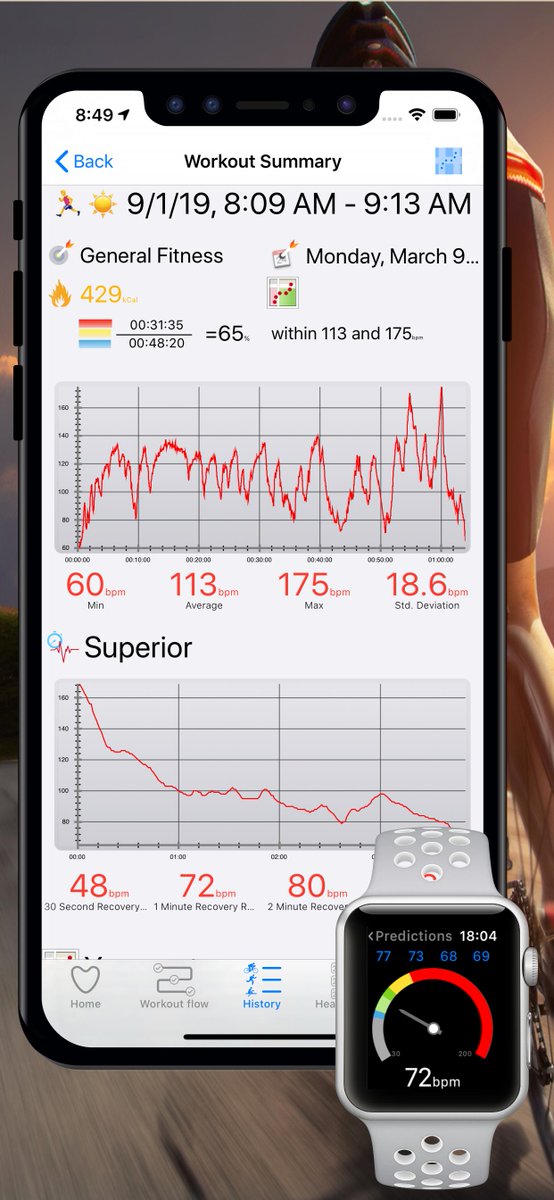
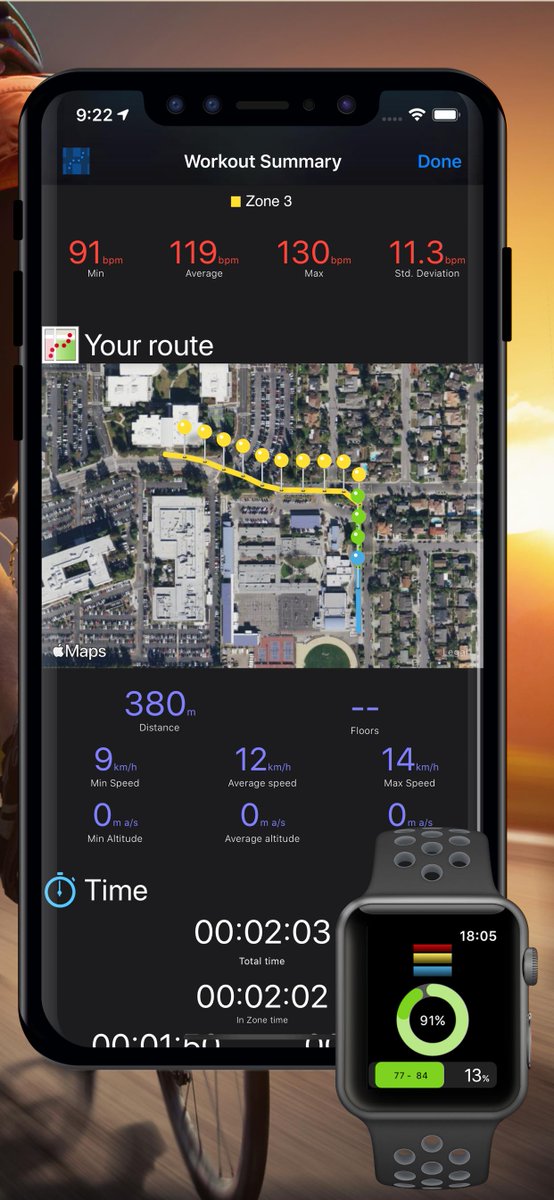
If you not already done so, you can earn the National Parks Challenge Badge by using the Cardio Zones on your Apple Watch, by running or walking for at least 4.8 km (3 miles). Here is my badge, on completing a 8km run this morning in London.
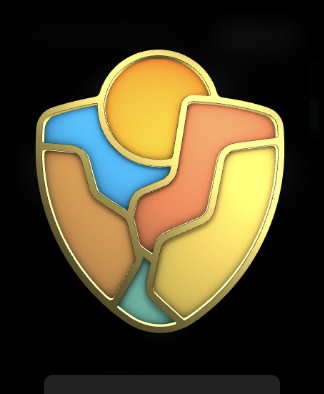
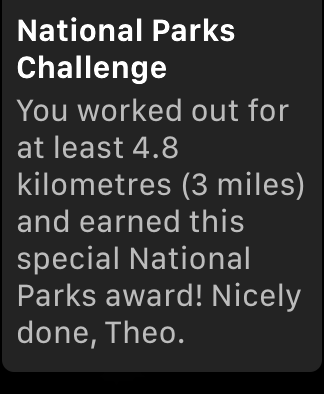
The recent update of the app include some enhancements for Apple Watch 4 complications.
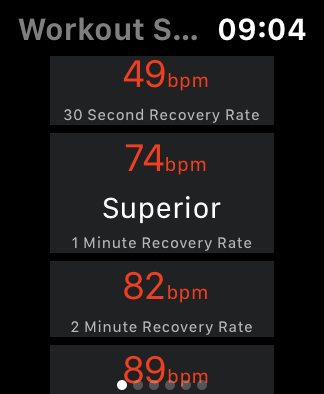
I can’t say who this person is but here you go: 74bpm drop in 1minute is super fit and what you will get from Olympic athletes. To measure your recovery rate, hit the “Cool down” button
New functionality: - View your total in zone times in graphic format, even for workouts that were not recorded by this app (they need to be stored in Apple Health) #AppleWatch
Not reading correct sex or birthdate from Apple Heath. 1. Check permissions: Apple Health App>Sources>Cardio Zones 2. Turn Apple Health On. Cardio Zone App> more>Settings > Apple Health 3. Close the app, wait 5 seconds 4. Reboot your iPhone to clear cached data in Apple Health.
Mondays are report date time. A weekly report contains: 1. Basic heart rate statistics, min, max, average and std. deviation. 2. Your best heart rate recovery rate for the week and reset Here is how you to get the weekly report anytime, and also reset your recovery heart rate.
In the new version 3, you can easier navigate through your workout history using a calendar format. - A red dot shows days with a workout. - Double tap on the current Month on the top (June 2017), will take you to todays date.
Version 3 also added the full range of sensors used during swimming. You will now see the stroke count, lap count for indoor swimming, and is also shared to Apple Health.





























United States Trends
- 1. Lakers N/A
- 2. Luka N/A
- 3. Clippers N/A
- 4. #TheTraitorsUS N/A
- 5. Kawhi N/A
- 6. Colton N/A
- 7. Vando N/A
- 8. Ayton N/A
- 9. #TNAiMPACT N/A
- 10. #criticalrolespoilers N/A
- 11. John Collins N/A
- 12. #LakeShow N/A
- 13. Draymond N/A
- 14. #thepitt N/A
- 15. Harden N/A
- 16. Hamonic N/A
- 17. Marcus Smart N/A
- 18. Zubac N/A
- 19. Autopilot N/A
- 20. Aaliyah Chavez N/A






Something went wrong.
Something went wrong.