

Nutrient
@nutrientdocs
Nutrient delivers the building blocks for modern businesses with SDKs, cloud-based document processing, low-code solutions for M365, and workflow automation.
قد يعجبك


Digital signature pads eliminate printing, scanning, and mailing documents back and forth. This React tutorial uses Nutrient Web SDK to build a signature component that lets users draw and insert signatures directly into PDFs. Setup involves Vite, the Nutrient viewer package,…

Editing PDFs programmatically in C# means loading the document, adding annotations (text, shapes, stamps, hyperlinks), setting properties like position and color, and saving. Nutrient .NET SDK handles password-protected files and supports various source types — local files,…

Follow the dots to the Nutrient booth at @ESPC_Community 2025 in Dublin, where both you and your integrations can recharge. 🔌 Check out the full conference agenda and look for our folks: sharepointeurope.com/conference/sch…
PDF annotations are objects you layer on documents without changing the underlying content — highlights, comments, shapes, stamps, form fields. Users can add them via UI tools or you can insert them programmatically based on business rules. This overview covers 17+ annotation…

I wrote my annual recap of the @nutrientdocs retreat — this year in Germany nutrient.io/blog/munich-re…

This guide walks through building a React image viewer using Nutrient Web SDK and Vite. Supports JPEG, PNG, and TIFF with a responsive interface that works across browsers and mobile without plugins. The setup takes minutes — scaffold the project, install the package, copy…

PDF.js is Mozilla's open-source rendering library, and it's great at what it does — which is rendering. Everything else (annotations, search, navigation, multipage handling) you build yourself. This Next.js tutorial shows you how. If that sounds like more assembly than you…
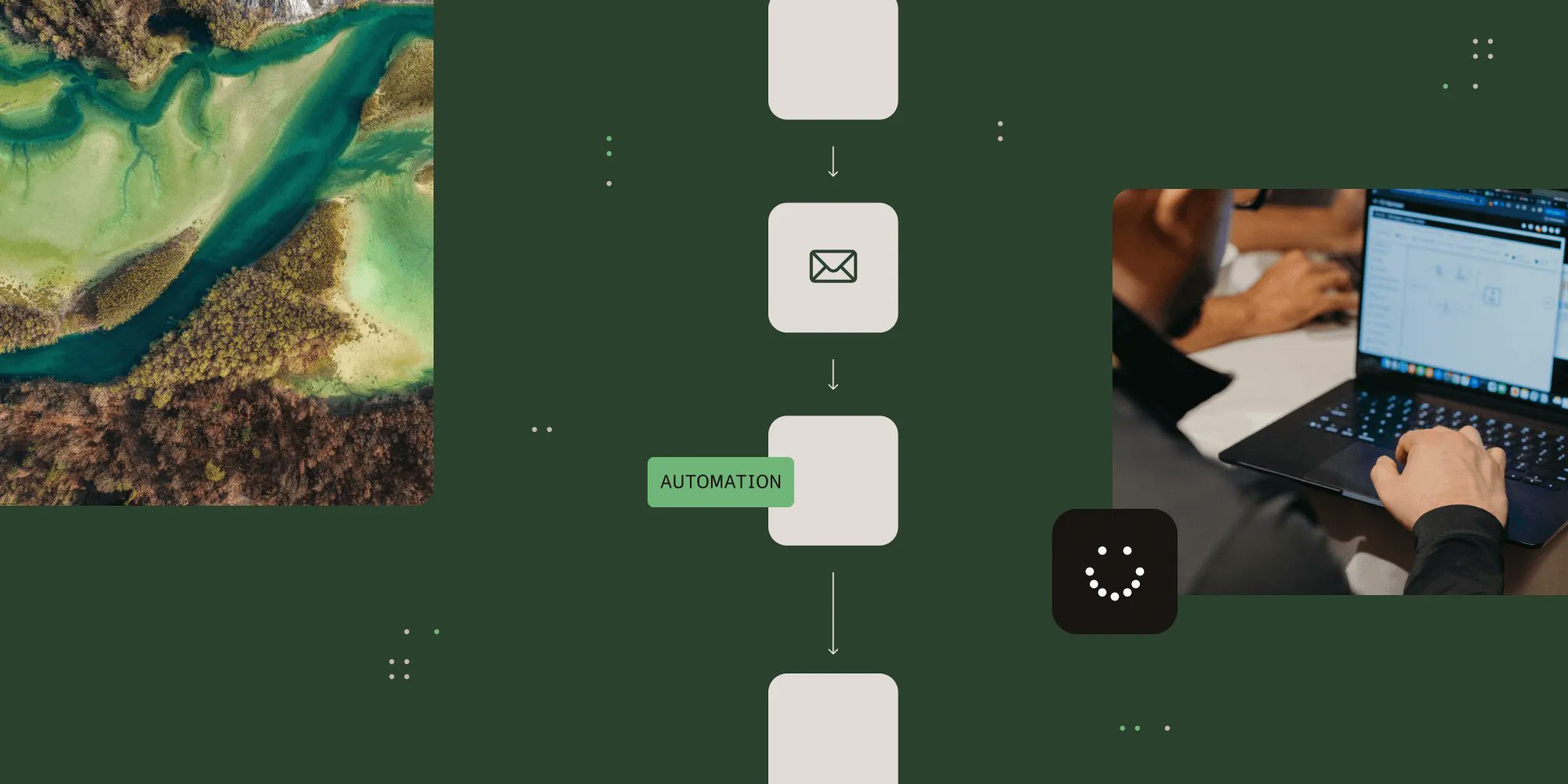
Your HR team just spent three days manually sending 200 personalized travel budget emails, and you're already apologizing for the inevitable copy-paste errors. There has to be a better way. Nutrient Workflow transforms workplace communication chaos into seamless automation that…
Converting Word documents to PDF used to require server-side tools, Office licenses, or complicated dependencies. Now you can do it client-side in the browser with Nutrient Web SDK — no backend required. Load a DOCX, call exportPDF(), optionally specify PDF/A conformance for…
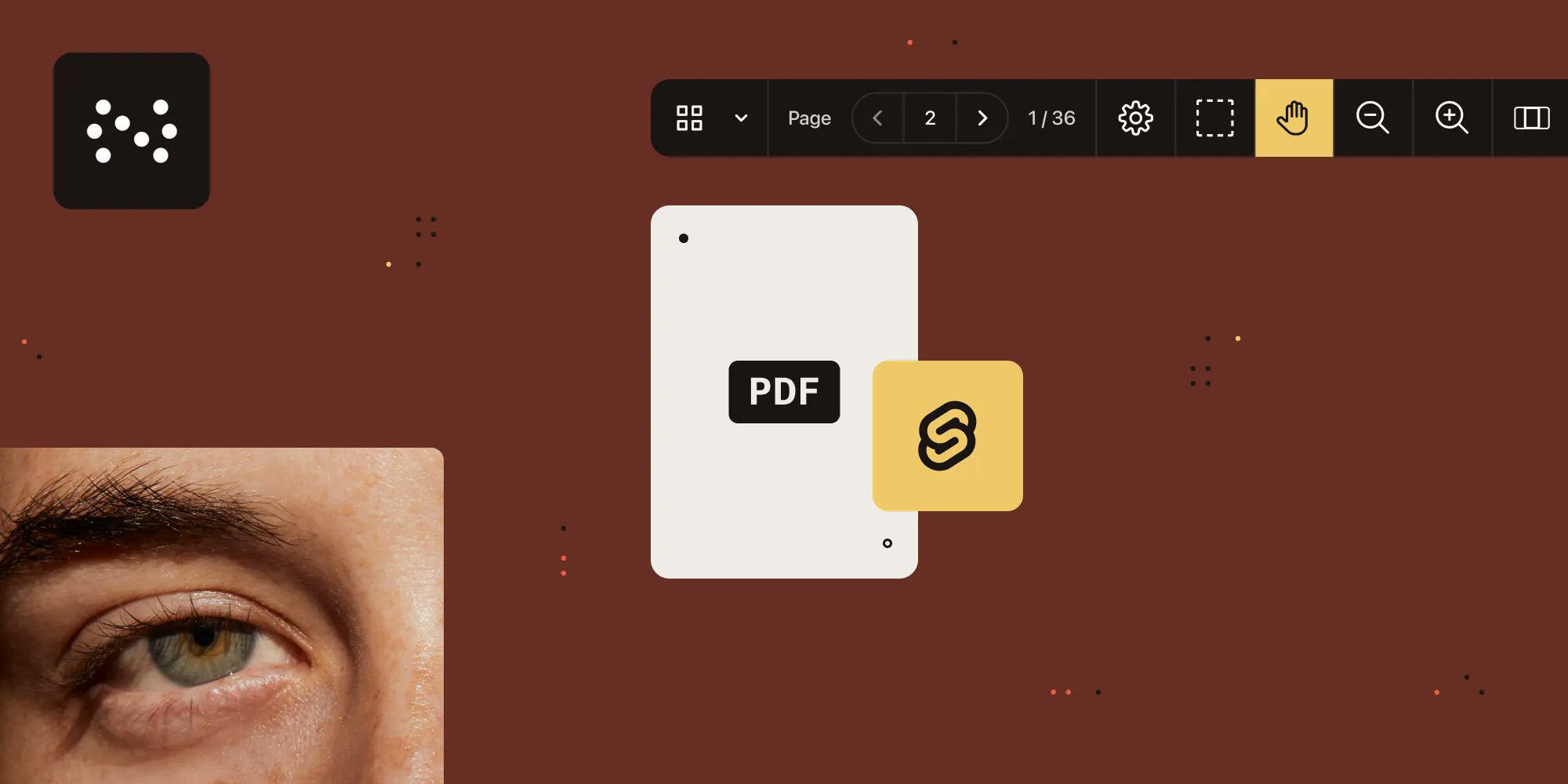
Svelte compiles to efficient JavaScript without a virtual DOM, which means your PDF viewer runs 30% faster than comparable frameworks. This tutorial shows how to integrate Nutrient Web SDK into Svelte with minimal code — annotations, forms, signatures, collaboration features…
Your support team is drowning in bug reports while engineers wait days for reproduction steps, and critical issues sit in limbo because nobody can recreate the environment. At Nutrient, a support engineer evolved from filing detailed bug reports to submitting pull requests with…

Generating PDFs in Angular comes down to two paths: jsPDF for simple tables and reports, or Nutrient Web SDK for anything involving templates, multipage assembly, or forms. One is fast and lightweight. The other won't make you regret your architecture six months later. This…
nutrient.io
Generating PDFs in Angular with jsPDF and Nutrient Web SDK
Discover how to effortlessly generate PDFs in your Angular application using jsPDF and Nutrient Web SDK. This comprehensive guide covers everything from setting up your Angular project to creating...
Building an image viewer with Viewer.js gives you zoom, rotation, fullscreen mode, and keyboard shortcuts. It's open source, works via CDN or npm, and handles the basics without drama. This walkthrough covers both the DIY Viewer.js approach and Nutrient's alternative — which…

Viewer.js is a lightweight MIT-licensed library for displaying images in Angular apps with zoom, pan, and rotation. It handles JPEGs and PNGs well enough for basic galleries. If your requirements extend beyond "show image, allow zoom," this guide also covers Nutrient's image…
Your dev team is spending weeks building features that AI could scaffold in hours, but you're stuck wondering if AI development actually delivers or if it's just clever demos. One Nutrient engineer transformed from AI skeptic to productivity powerhouse by discovering a…

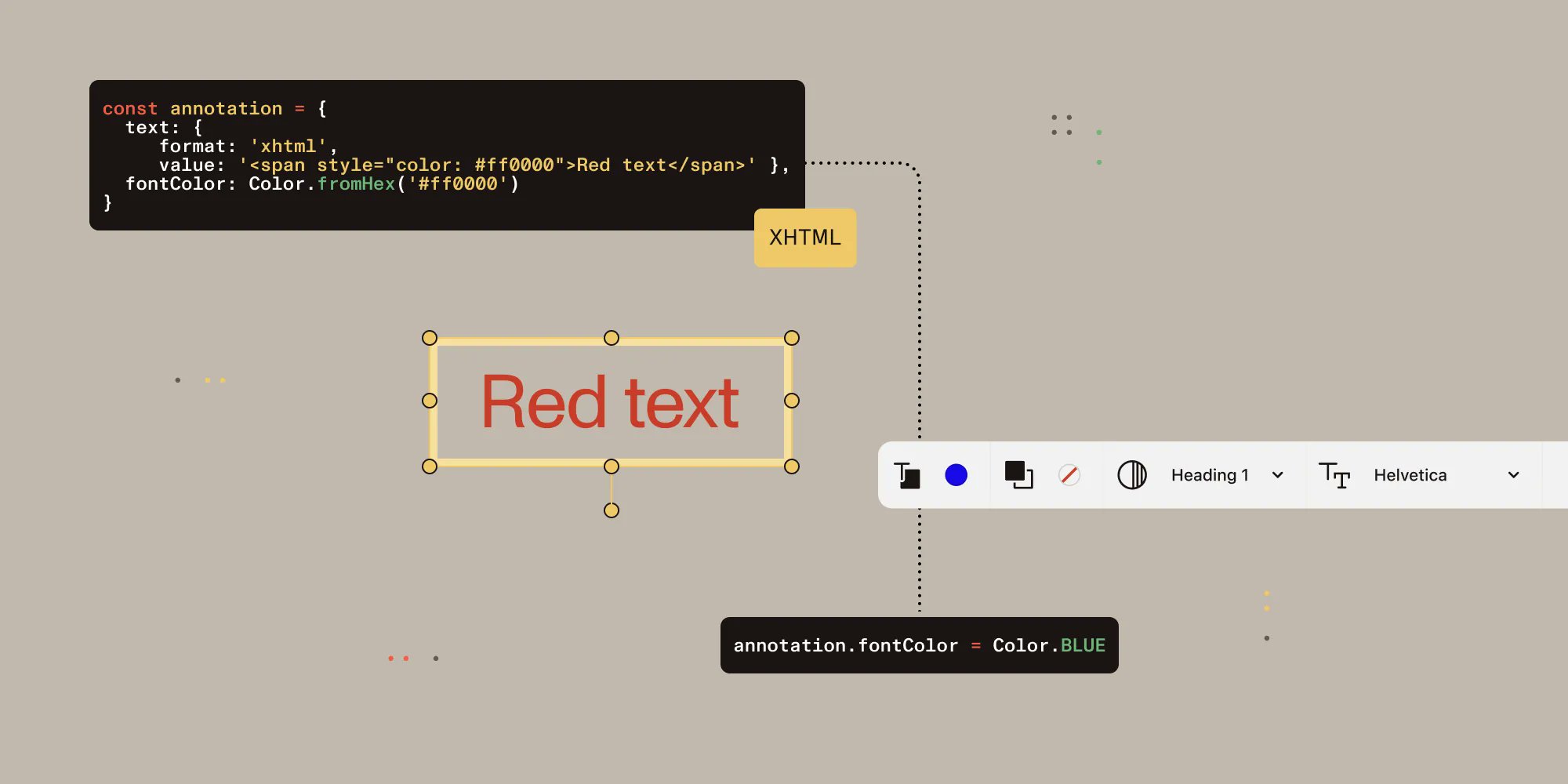
Your rich text PDF annotations look perfect in testing but render completely differently across iOS, Android, and web platforms. Users are confused, and your team is firefighting platform-specific bugs. The issue is synchronization between XHTML content and annotation properties…
Your team spent two months building a custom PDF text extraction pipeline with Tesseract OCR, only to discover it breaks on scanned invoices and borderless tables. Sound familiar? PyMuPDF is fast for native PDFs but requires extensive custom work for real-world documents.…

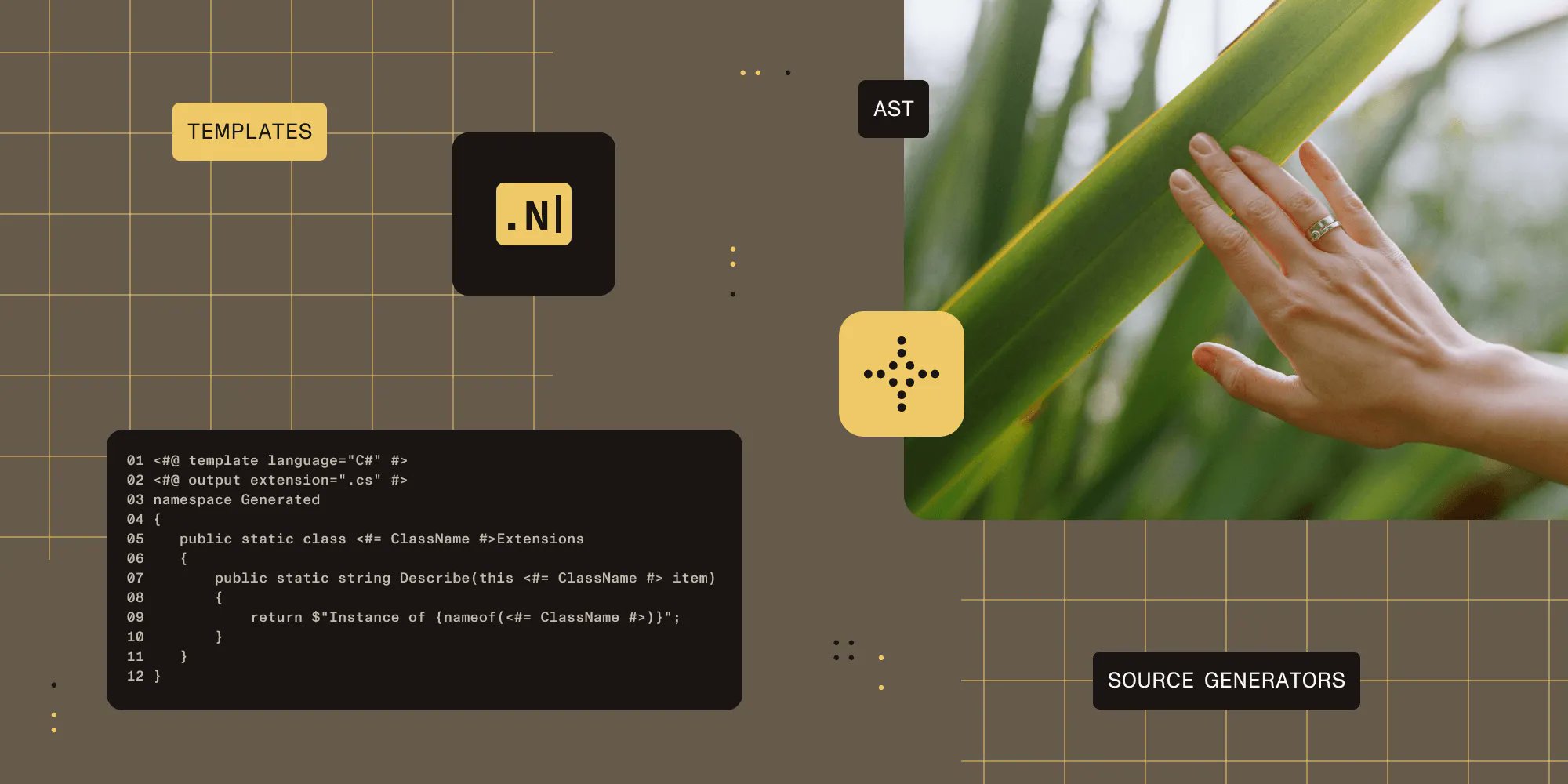
Your engineers are copying and pasting the same boilerplate code across dozens of classes because 'that's just how it's done.' But what if the compiler could write that code for you? Metaprogramming flips the script on repetitive coding. Using .NET's T4 templates for broad-brush…
But it's Next.js so obviously the PDF viewer breaks with SSR. We've heard that one a few times. Here's how to build a Next.js PDF viewer that actually works - no workarounds no headaches just step-by-step instructions your devs will actually enjoy. bit.ly/48qbUfS
Your API needs to handle file uploads with metadata, but you're treating HTTP multipart like a black box that either works or mysteriously breaks. HTTP multipart isn't magic — it's human-readable plaintext with boundaries and structured content, born from email protocols and now…
































































































United States الاتجاهات
- 1. #AEWDynamite 18.7K posts
- 2. Giannis 76.5K posts
- 3. #Survivor49 2,371 posts
- 4. Claudio 28.4K posts
- 5. #TheChallenge41 1,776 posts
- 6. Jamal Murray 4,766 posts
- 7. Kevin Overton N/A
- 8. #SistasOnBET 1,883 posts
- 9. Will Wade N/A
- 10. Ryan Nembhard 2,887 posts
- 11. Achilles 5,122 posts
- 12. #iubb 1,179 posts
- 13. Jericho Sims N/A
- 14. Bucks 50.7K posts
- 15. Kevin Knight 1,917 posts
- 16. Tyler Herro 1,652 posts
- 17. Steve Cropper 4,319 posts
- 18. Dark Order 1,662 posts
- 19. Yeremi N/A
- 20. Wiggins 4,751 posts






Something went wrong.
Something went wrong.