
#everyonecancreate search results

Every class in our school now has access to a class set of Styluses to help them create even better work on their iPad days or with their 1-1 iPads. We are looking forward to using them to help with our LC initiative of #everyonecancreate @GlasgowRTC @DL_for_All


This World Creativity and Innovation Day, surprise your students with creative lessons that “pop.” 🌟 In just 30 minutes or less, students can make the everyday extraordinary with this simple pop art project. #worldcreativityday #everyonecancreate #WCID

Behind every behavior is a story. Adverse Childhood Experiences (ACEs) like abuse, neglect, or household instability can shape how students learn and respond. Apple’s #EveryoneCanCreate helps teachers use art & storytelling to nurture healing, voice & resilience. #BeThePrototype


As a media specialist, this Day 2 @GaETConf session hit differently. “Building Resilience in the Classroom with Apple’s Everyone Can Create” reminded me that creativity isn’t a subject, it’s a mindset that helps students think, reflect, and persevere.


📱Day 12-12 Days of High School 🏫 Today’s final activity ‘5 Top Tips for Creating with GarageBand’ Follow the video (youtu.be/Y_9Ztln-nUA) Share using #12daysofhighschool2024 See you again in Dec for the 12 Days of Christmas! @EdISGlasgow @DL_for_All #everyonecancreate
youtube.com
YouTube
Scotland RTC

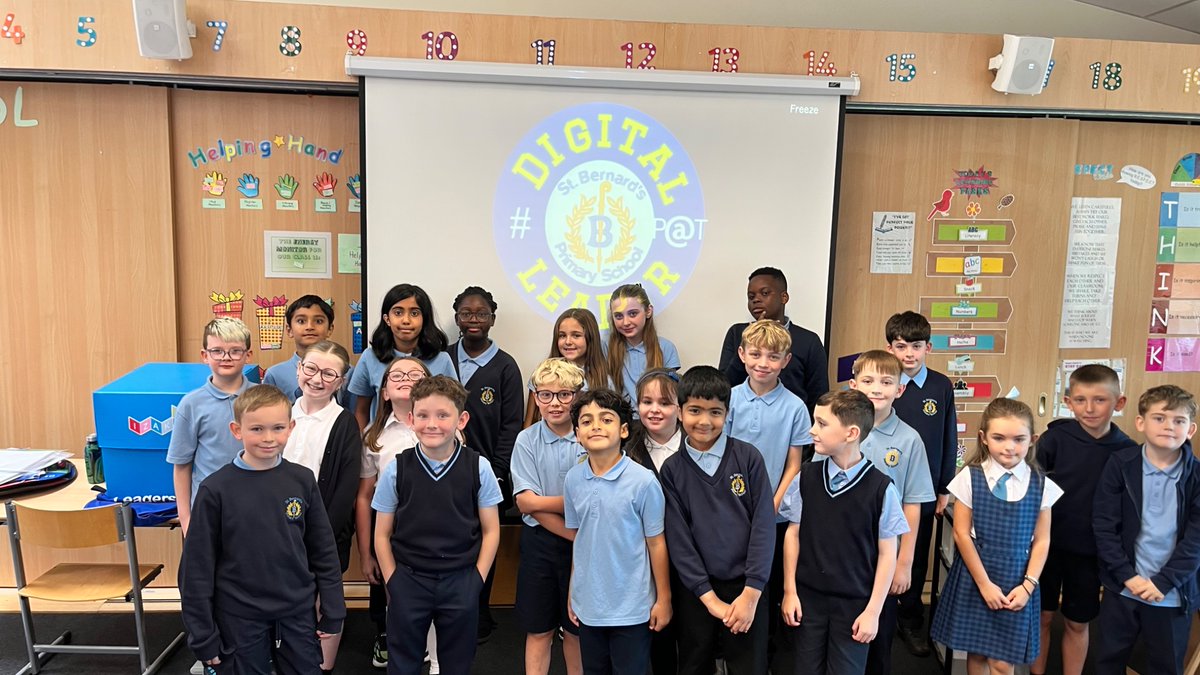
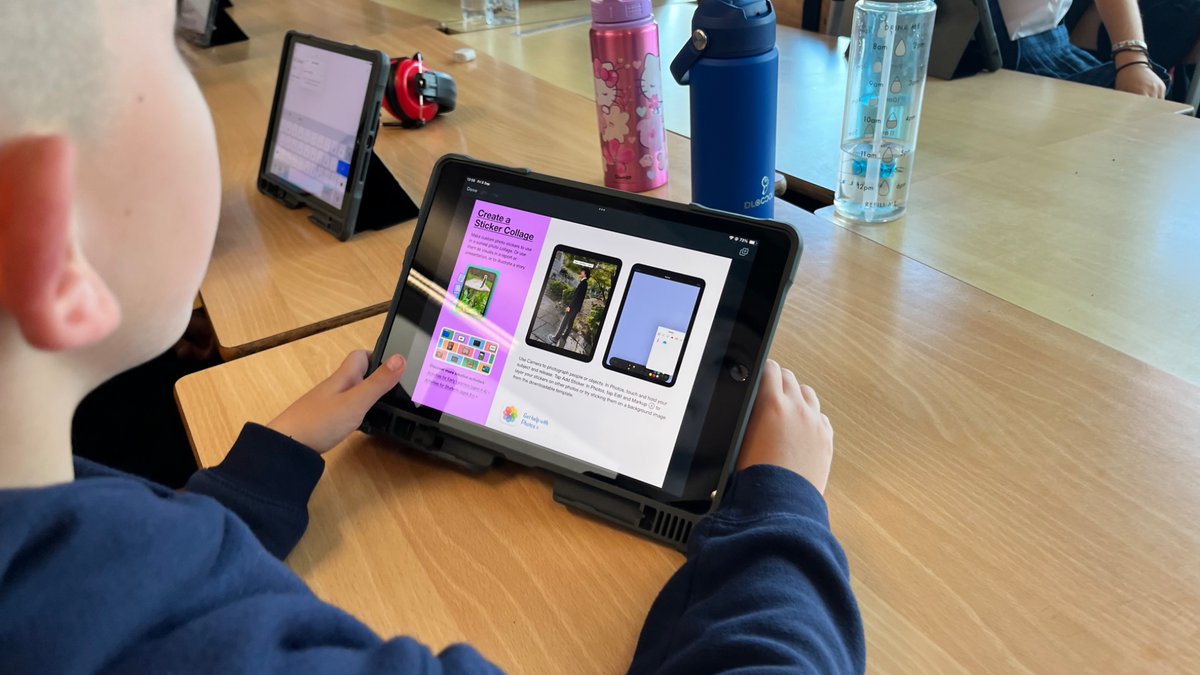
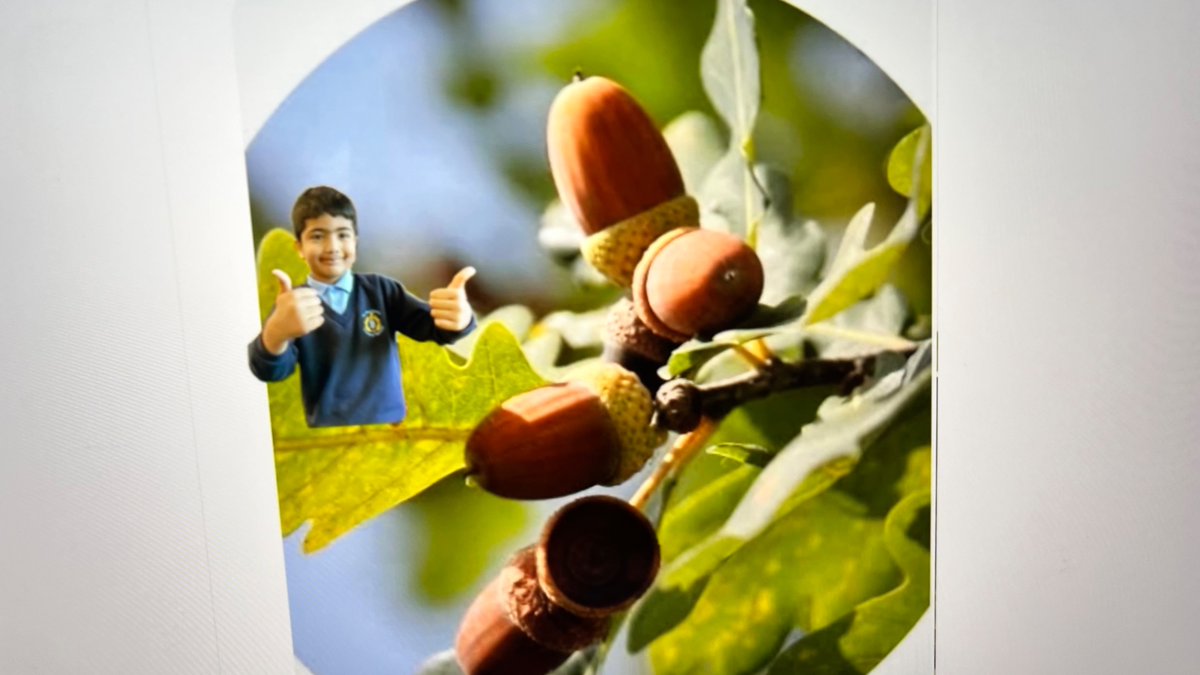
👋 Welcome to our new P4 Digital Pupil Action Team members! 🌟 We kicked off our first meeting with Everyone Can Create — photo collages using stickers & markup 🎨📸💻 #DigitalLeaders @AppleEDU #EveryoneCanCreate @DL_for_All


New Post: 7 Ways AI Art Generators Enhance Creative Writing in the Classroom - lots of ideas and examples! #artar #EveryoneCanCreate #AppleEducationCommunity #AppleEDUchat education.apple.com/story/250013443

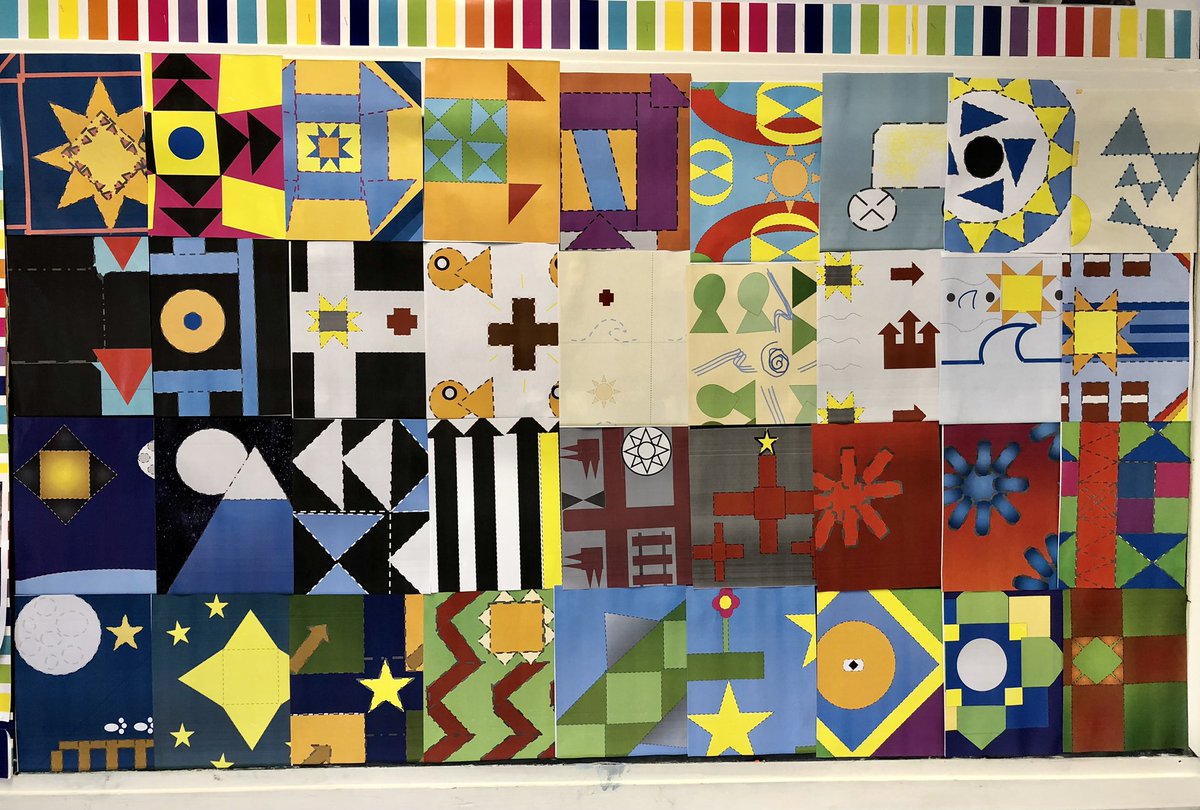
Secret Quilt Codes & Prepositional Poems Project completed #EveryoneCanCreate Fifth grade students designed secret quilt codes, wrote accompanying prepositional poems, and recorded @MicrosoftFlip videos to share with greater #ADWcommUNITY via mixtape. #Flipsider



iPhoneのオリジナルアプリを作る英語の授業📱 Designing original iPhone App with Keynote🇯🇵 #everyonecancreate @tim_cook @AppleEDU


Stop by @AppleEDU Playgrounds to learn creative ways to infuse teaching and learning! #Everyonecancreate #IDEAcon


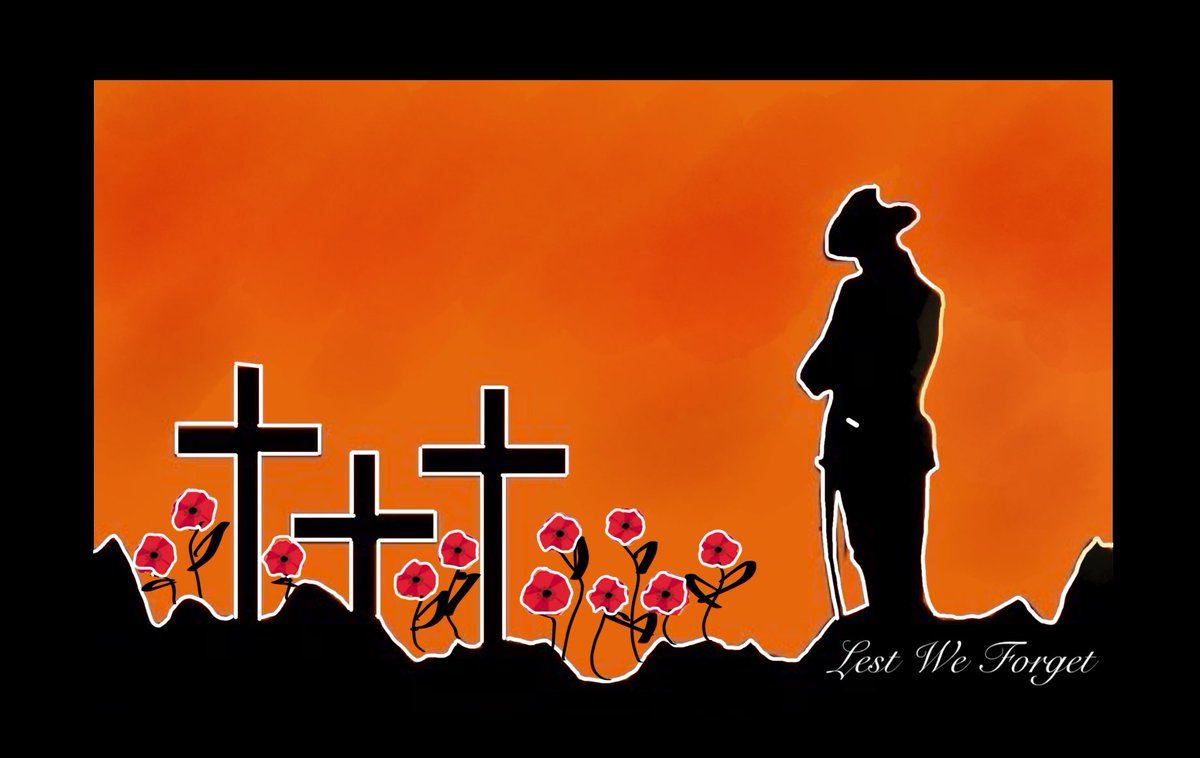
Love this @AppleEDU 30min Lesson Idea - So many ways one lesson can be used across the curriculum. So simple & effective. #ANZACDAY #LestWeForget #everyonecancreate #apple #ipad #markup
This World Creativity and Innovation Day, surprise your students with creative lessons that “pop.” 🌟 In just 30 minutes or less, students can make the everyday extraordinary with this simple pop art project. #worldcreativityday #everyonecancreate #WCID
📱Day 11-12 Days of High School 🏫 Today's activity ‘Revision Resources using iMovie’ Follow the video (youtu.be/kK0ehWs3Q2U) Share using #12daysofhighschool2024 See you tomorrow at 9am for our final Day @EdISGlasgow @DL_for_All #everyonecancreate
youtube.com
YouTube
Scotland RTC

P1a have been developing their photography skills. They are working on editing their photos to find the best shot! This week we did this with scavenger hunts and selfies! Inspired by ideas from @MarcWithersey @KristiMeeuwse @AppleEDU #everyonecancreate #digitalskills
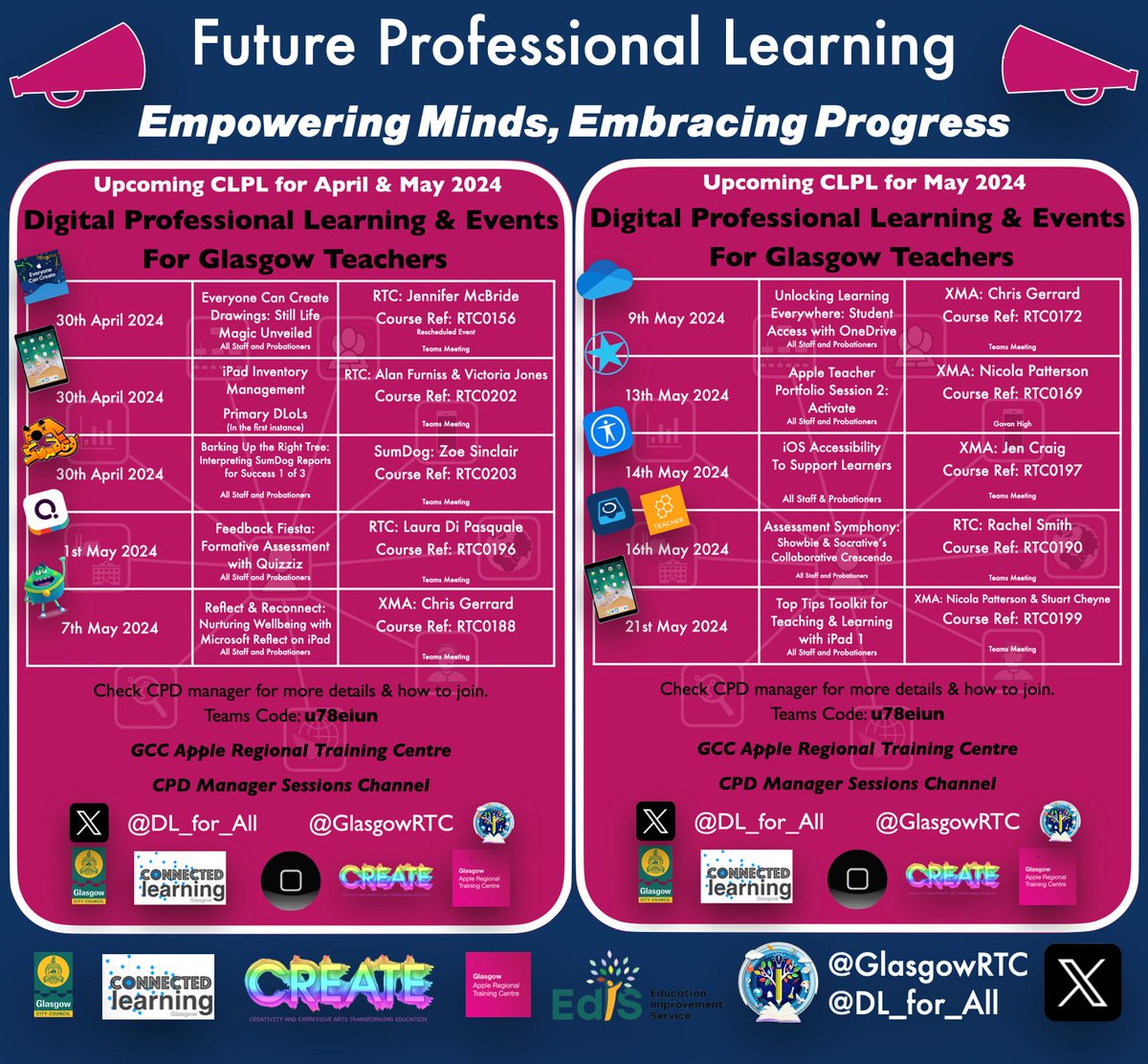
📢Unlike @moulinrouge 🆘💃this week, we are keeping the momentum going @GlasgowRTC! Dive into #EveryoneCanCreate🎨Still Life Magic #iPadInventoryManagement📱with @MrsV_Jones, 1st of 3 @sumdog🧮sessions & @LauraKeeney01's @quizizz fun! 🌟@EdISGlasgow #AppleRTC

Have you ever considered using Freeform to Draft a Blueprint? The possibilities are endless with Freeform. I had so much fun making The Four Faced Liar with shapes in this new #EveryoneCanCreate activity on the #AppleEducationCommunity. education.apple.com/learning-cente…

Here's another easy #PopArt iPad project idea. Photograph a window and use Markup to color a scene/setting from a book or story inside the window. Here's my example and lesson plan: education.apple.com/resource/25001… #worldcreativityday #everyonecancreate #AppleEducationCommunity #WCID
education.apple.com
Opening Windows - Pop Art Style
In this lesson, we'll explore how to harness this power by photographing an actual window and using Markup to transform its view into a setting or event from a story.
Ever tried the mark up tools? So many possibilities to get creating right from photos. Was working through an idea about math vocabulary with the Pop Art steps. Explore Tools All-Around - #AppleEducationCommunity #EveryoneCanCreate education.apple.com/story/250013541


This World Creativity and Innovation Day, design lessons that 💥POP💥and inspire your students to make their bright ideas even brighter. This #EveryoneCanCreate project can be done in 30 minutes or less, using iPad (and a little imagination!) 🤩 lnkd.in/gN6TYKtb

Oh my! I am thrilled to see this lesson being used! Your students are doing a great job. Love those Hamilton shoes! Thanks for sharing with me. #everyonecancreate #popart @AppleEDU

Last day to sign up for the Early Years Can Create Photography workshop hosted by @ACSRTC forms.gle/j3cKHJFrscrvKj… @AppleEDU @AcademiaGroup #everyonecancreate #EYFS #earlyyears #EdTech #education #iPad

The emerging worlds of mobile-first creators is arriving #everyonecancreate

生徒から英単語の覚え方を教えてほしいとチャットをもらったので、動画で返事をしてみた。単語の覚え方アナログ編。音楽は、 #suno で作ってみた。制作時間約1時間。瞬発力で作ったから、ちょっと雑になったが、伝えたいことは伝えられたと思う。動画はトリミングしたもの。 #everyonecancreate

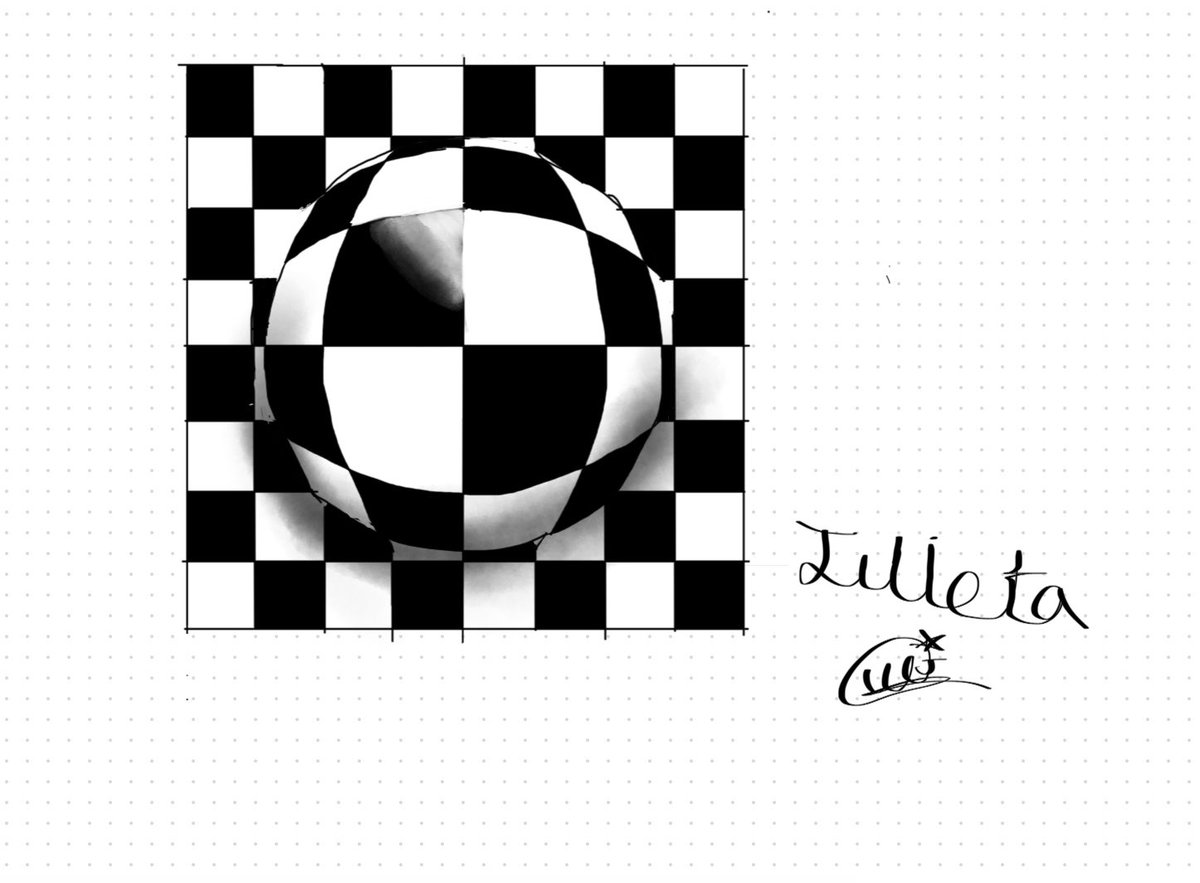
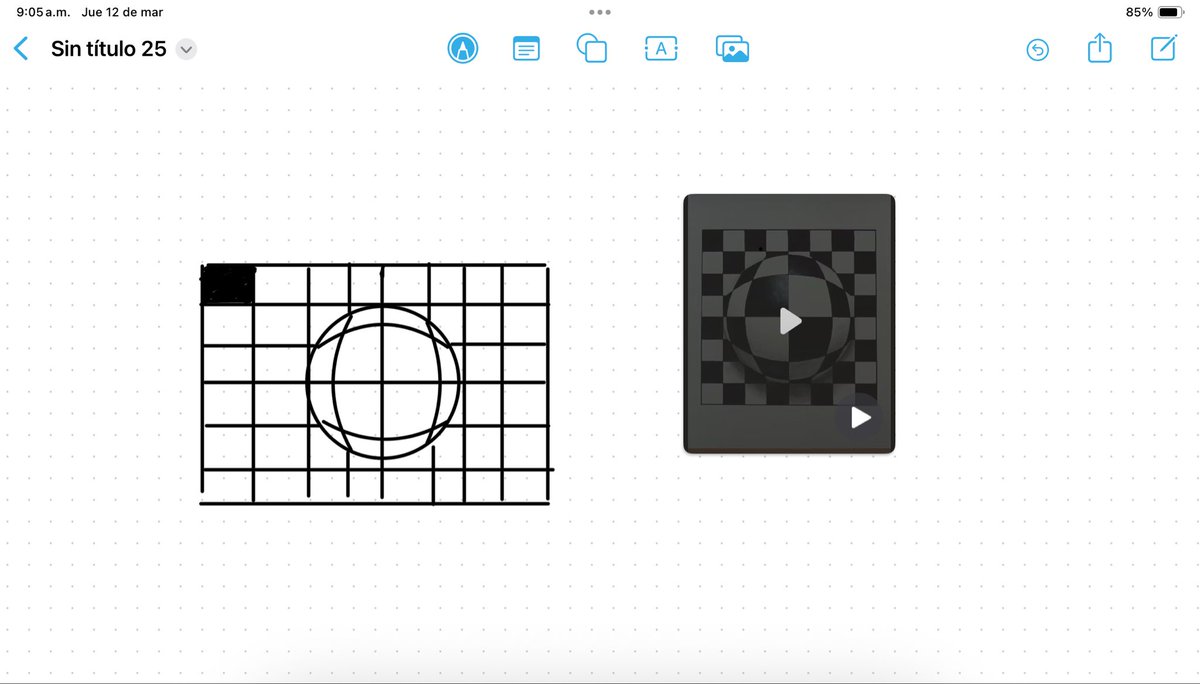
En la clase de 5to de primaria los estudiantes trabajaron el arte óptico primeramente sobre papel y posteriormente en Freeform , sus ejercicios fueron muy acertados y quedaron muy satisfechos. #appleteacher @CSBoficial #ADE #EveryOneCanCreate @JersonZepeda @oz_csb @JJHoyos_CSB


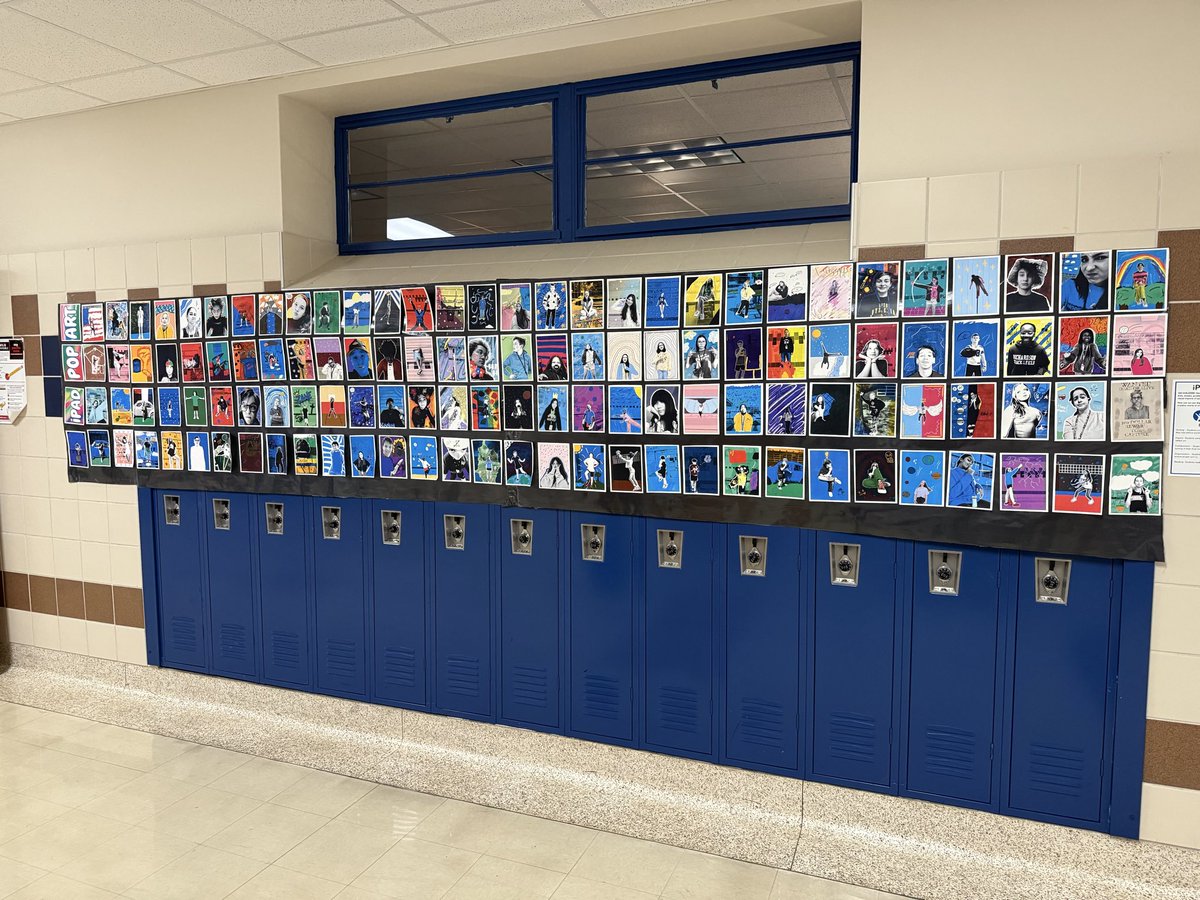
👀 Check out this Pop Art wall by the Comm Arts students at @rwestjh! Students took a photo and followed the steps from the @AppleEdu #EveryoneCanCreate Pop Art activity. Love the student creativity and personalities shining through! @HMBTeaches #RISDDreamBig
「iMovie教えてください。」今年赴任してきた40代半ばの先生が僕のところに。生徒たちが文化祭用の動画を作るので、自分も使えるようになりたいという。学びたいを持っている先生と話をするのは楽しい。 #ade2025 #AppleEDUchat #everyonecancreate #imovie


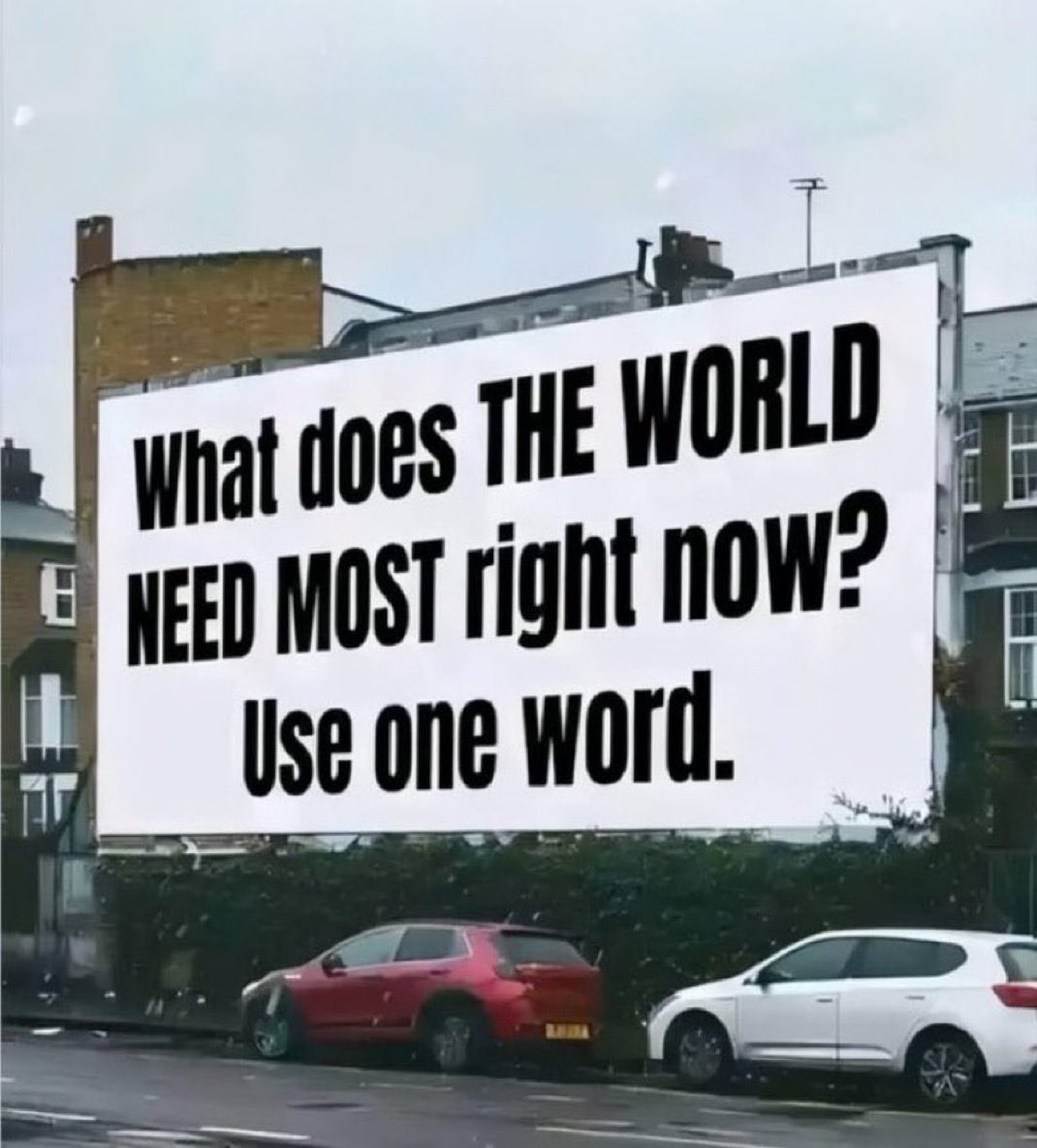
What the World Needs Now @Everyone #EveryoneLovesMe #EveryoneCanCreate #everyoneneeds #everyoneシviralシviralシfypシviralシalシ #everyoneN #everyoneシ゚ @FriemanJane @YoPedro @CharlesBivona @Ceni


Modular dev = breaking barriers 🚀 With AI + Web3, Endless is building an ecosystem where anyone (not just devs) can create, earn, and collaborate with ease. 🌍 #EveryoneCanCreate

This is one of the coolest things I have seen in a long time! aresluna.org/frame-of-prefe… Check it out on your Mac to experience previous #macOS ('84-'05) ran through the virtual machine. Wow! #LearningWithApple #EveryoneCanCreate #AppleTeacher #AppleEDUChat #AppleLearningCoach

Creativity was in full swing at this year’s Everyone Can Create Camp! From sketching in the sunshine to building stop-motion stories, students brought ideas to life using iPads and a whole lot of imagination. Swipe through the highlights! #IDLA #iDigLearning #EveryoneCanCreate


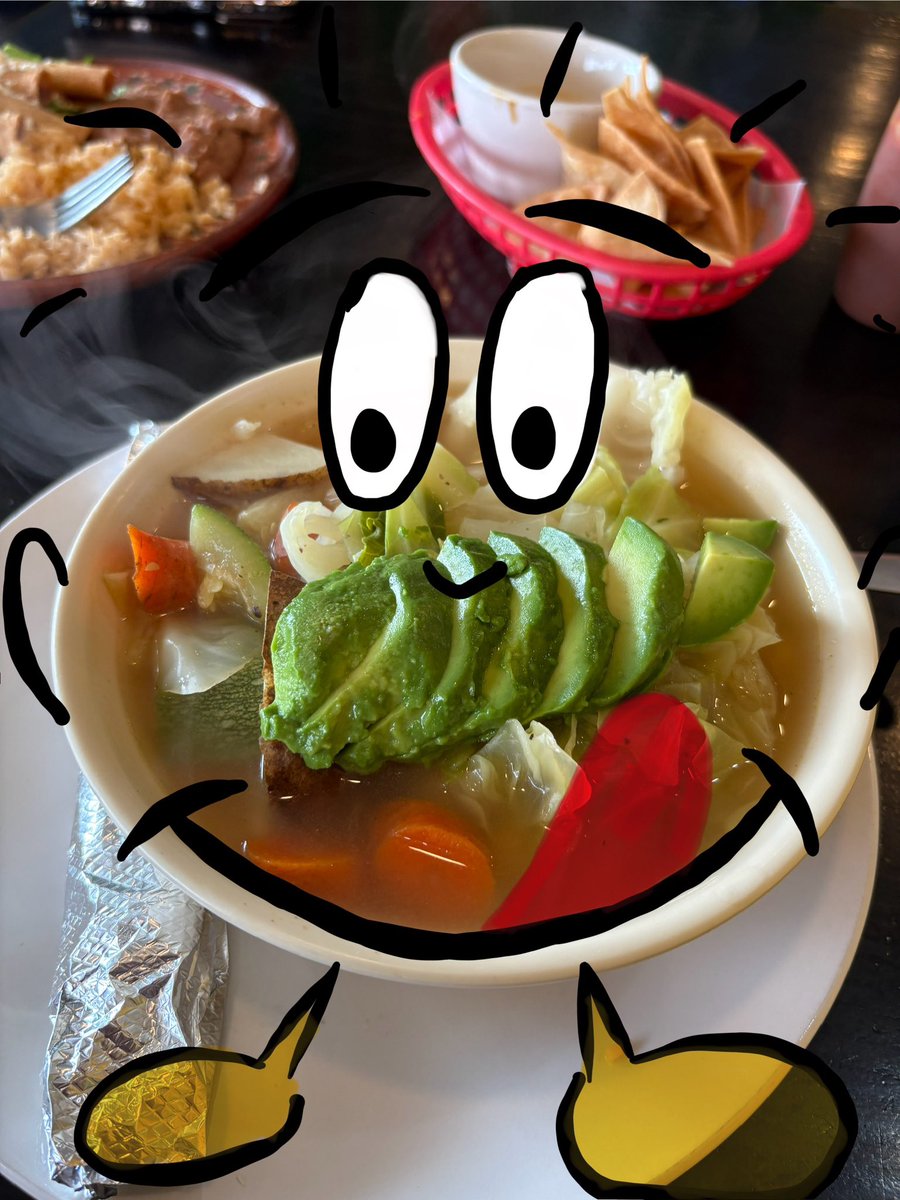
Not an everyday object but definitely a must when in La Joya! #iPadMarkup #EveryoneCanCreate @AppleEDU @cgarza0930 @msgracia15 @Leticia_FF77 @KarinaMarin @SaraLeeSanchez2 @marisol_garza_1 @MarlenHinojosa8 #LJTECHi3 @LaJoyaISDEdTech

My ipad markup tool activity! @AppleEDU #EveryoneCanCreate @cgarza0930 @msgracia15 @pily579 @Leticia_FF77 @KarinaMarin @SaraLeeSanchez2 #LJTECHi3 @LaJoyaISDEdTech
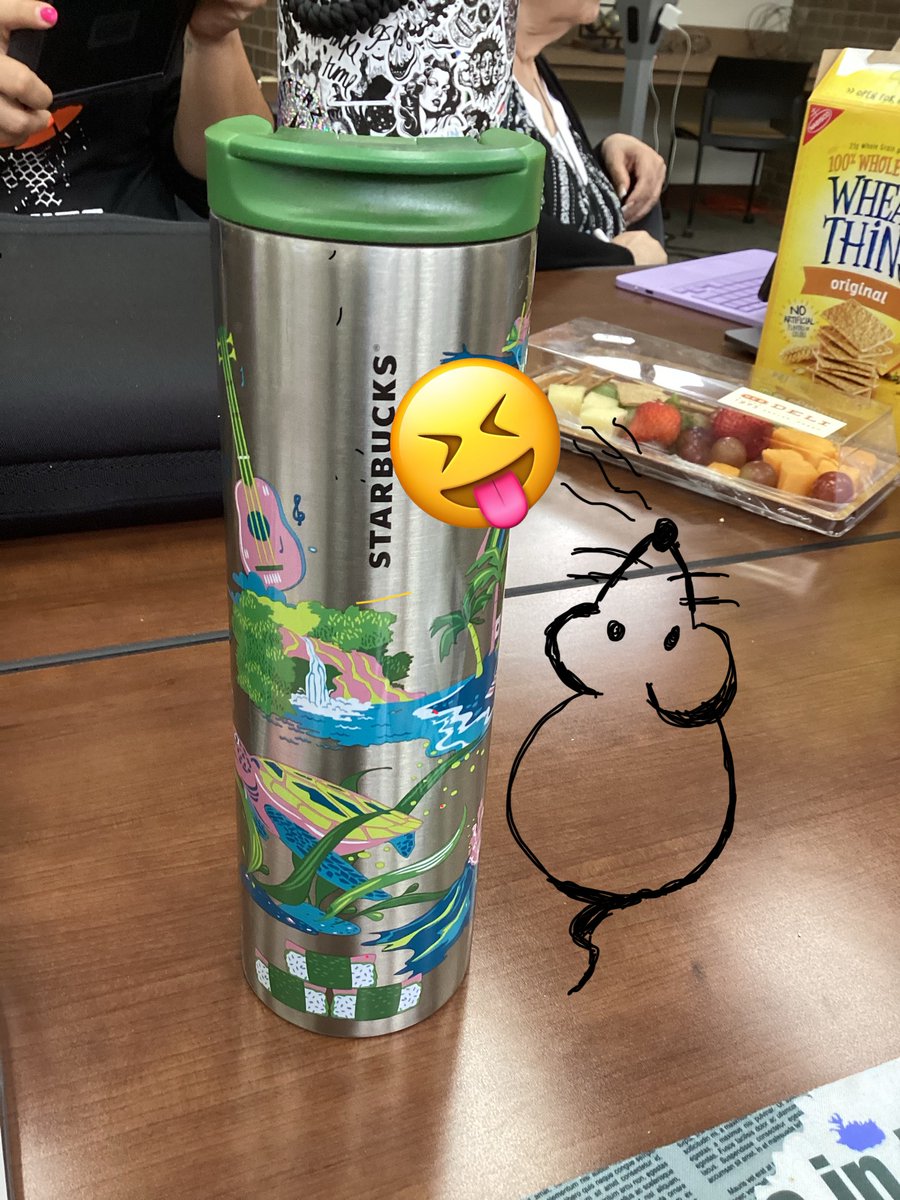

The Markup tool will be very useful when creating fun tasks for my students!✍️ @cgarza0930 @msgracia15 @Leticia_FF77 @KarinaMarin @SaraLeeSanchez2 @marisol_garza_1 @MarlenHinojosa8 #LJTECHi3 @LaJoyaISDEdTech @AppleEDU #EveryoneCanCreate
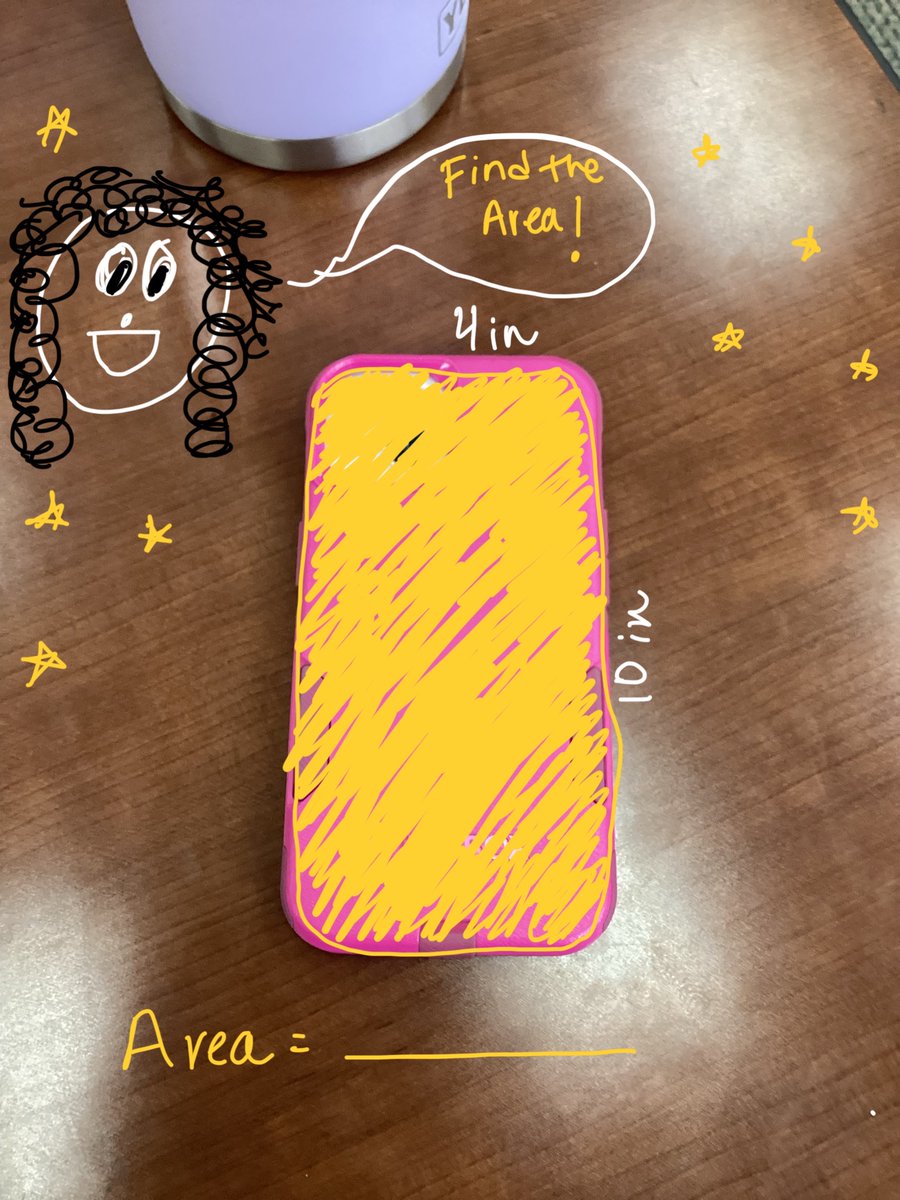

@cgarza0930 @msgracia15 @Leticia_FF77 @KarinaMarin @SaraLeeSanchez2 @marisol_garza_1 @MarlenHinojosa8 #LJTECHi3 @LaJoyaISDEdTech Making trails for my bike stickers … Have fun riding 💚 using iPads mark up tool @AppleEDU #EveryoneCanCreate


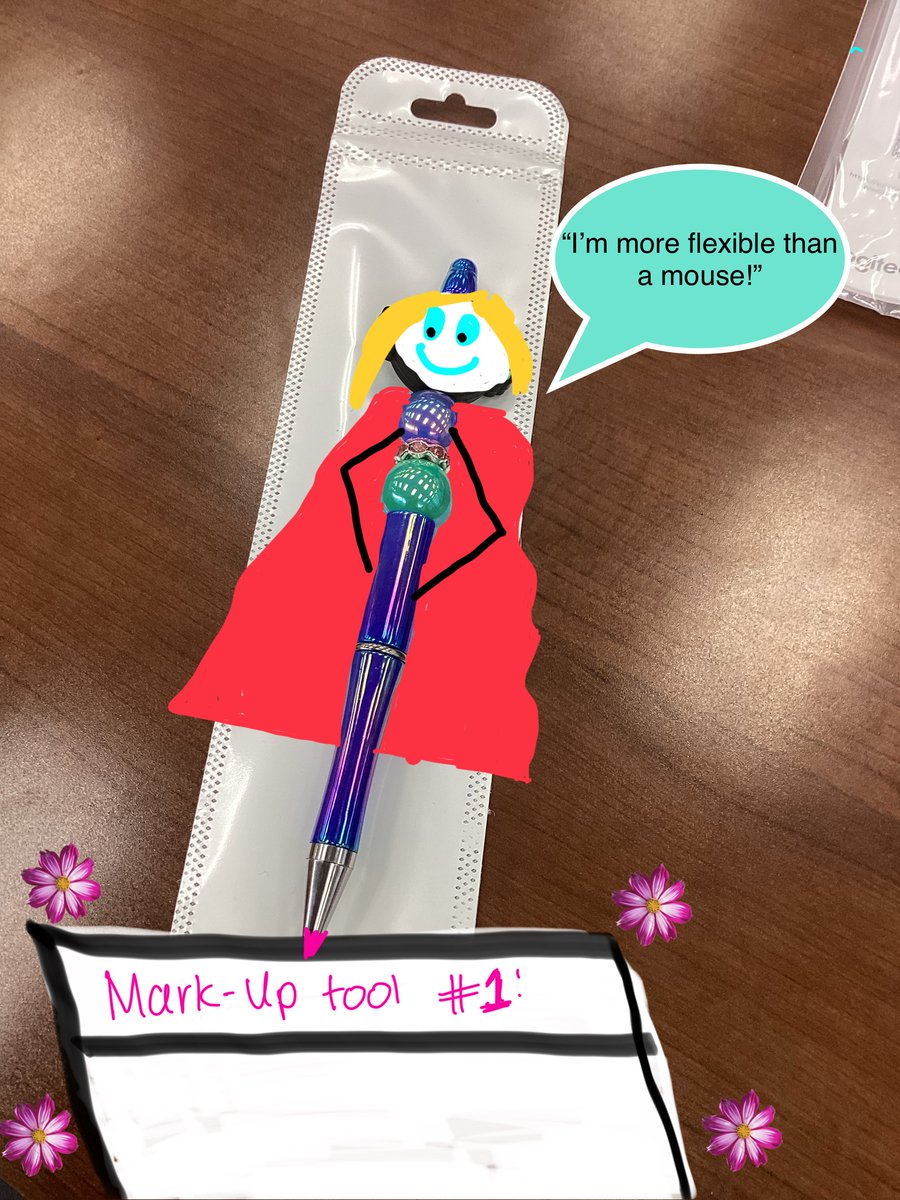
Loving the Mark-Up tool on my iPad! Almost as much as my new pen 🥰 @AppleEDU #EveryoneCanCreate @cgarza0930 @msgracia15 @pily579 @Leticia_FF77 @KarinaMarin @SaraLeeSanchez2 #LJTECHi3 @LaJoyaISDEdTech

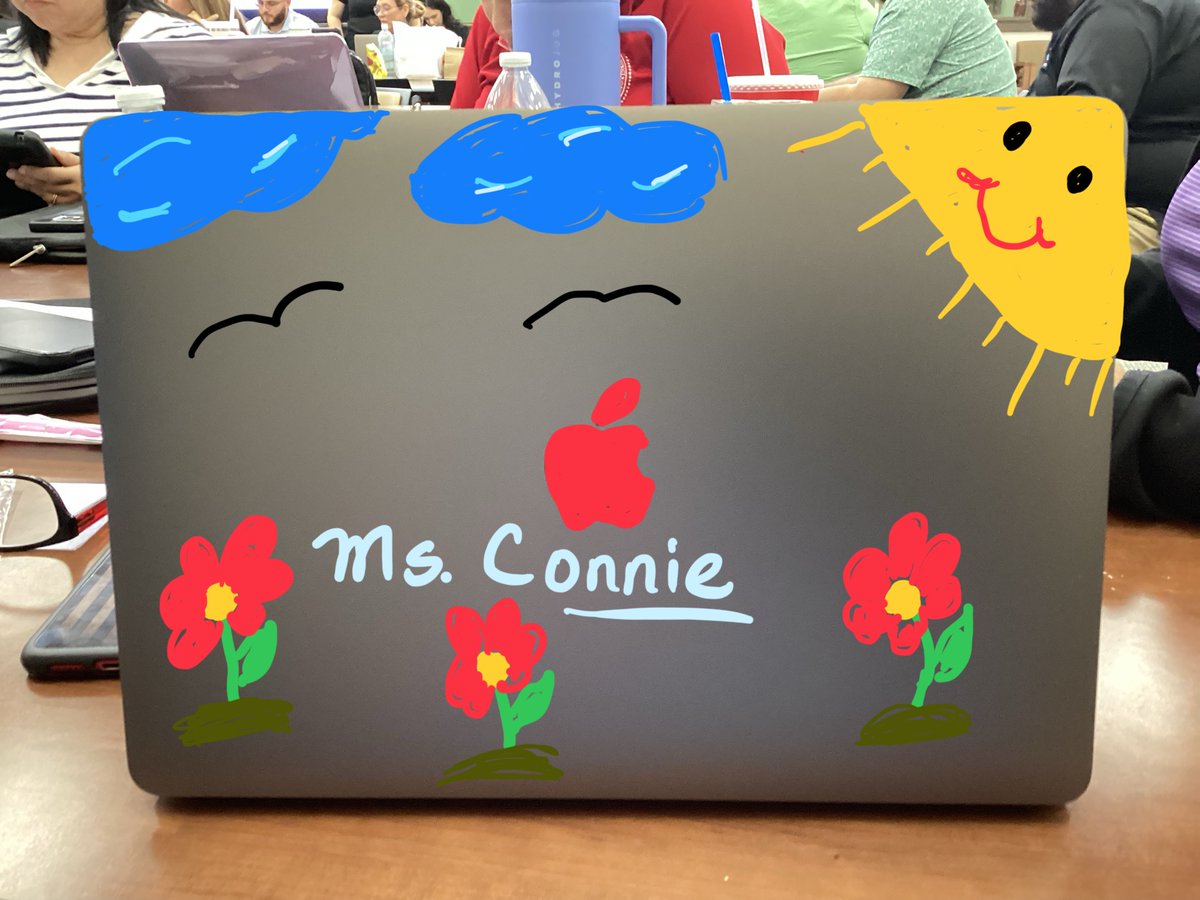
The iPad markup feature is such a game changer...writing, highlighting and giving feedback has never felt this smooth and fun! @cgarza0930 @msgracia15 @pily579 @Leticia_FF77 @KarinaMarin @SaraLeeSanchez2 #LJTECHi3 @LaJoyaISDEdTech #EveryoneCanCreate

@cgarza0930 @msgracia15 @pily579 @Leticia_FF77 @KarinaMarin @SaraLeeSanchez2 #LJTECHi3 @LaJoyaISDEdTech @AppleEDU #EveryoneCanCreate


Using iPad Markup tool to turn an object into a character on day 2 of #LJTECHi3 - @AppleEDU #EveryoneCanCreate. @CGarza0930 @msgracia15 @Leticia_FF77 @KarinaMarin @SaraLeeSanchez2 @marisol_garza_1 @MarlenHinojosa8 #LJTECHi3 @LaJoyaISDEdTech


An amazing community!!! Check it out it you’re teaching with iPad or Mac!!! 🌎🖥️ 📱@AppleEDU #EveryoneCanCreate #AppleTeacher #AppleEducationCommunity #AppleLearningCoach
Ask questions, exchange lesson ideas, and more in the Apple Education Community. Create your profile to get started today. education.apple.com/forum

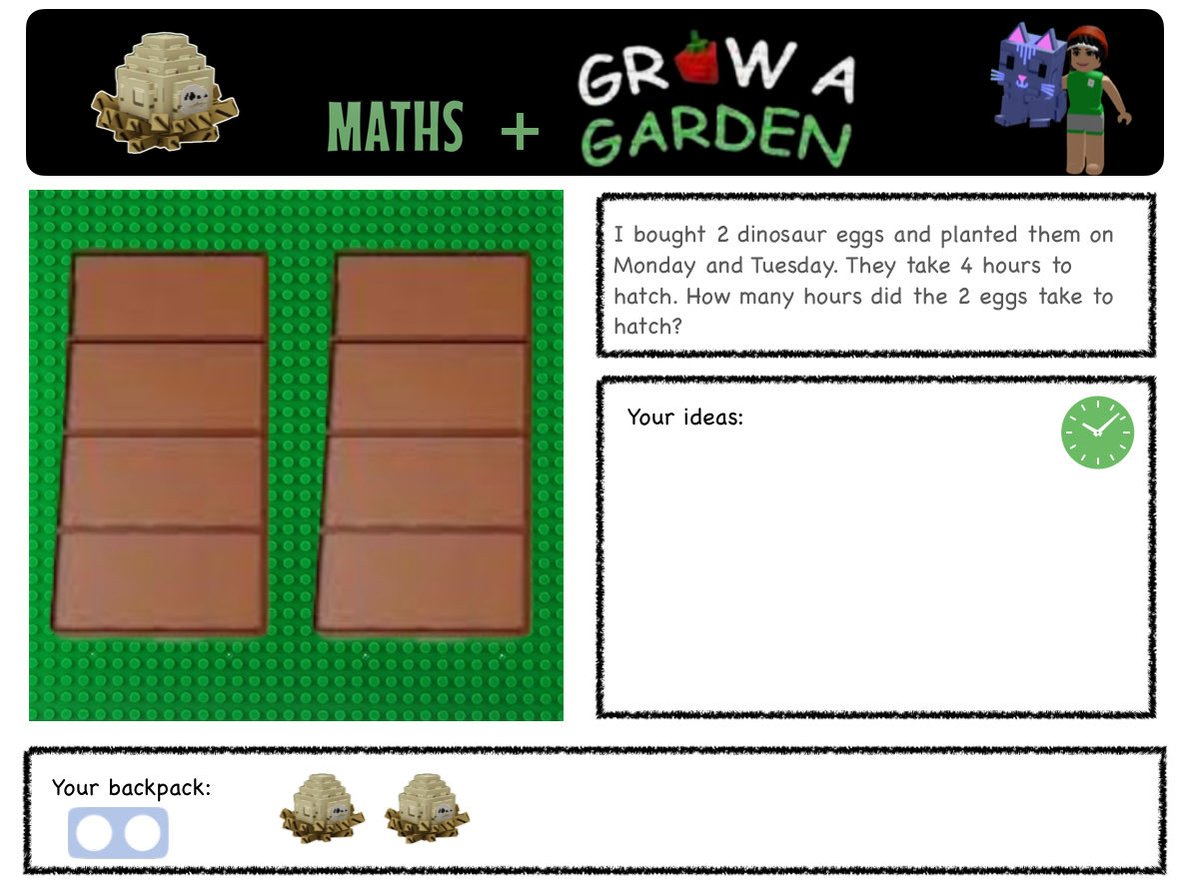
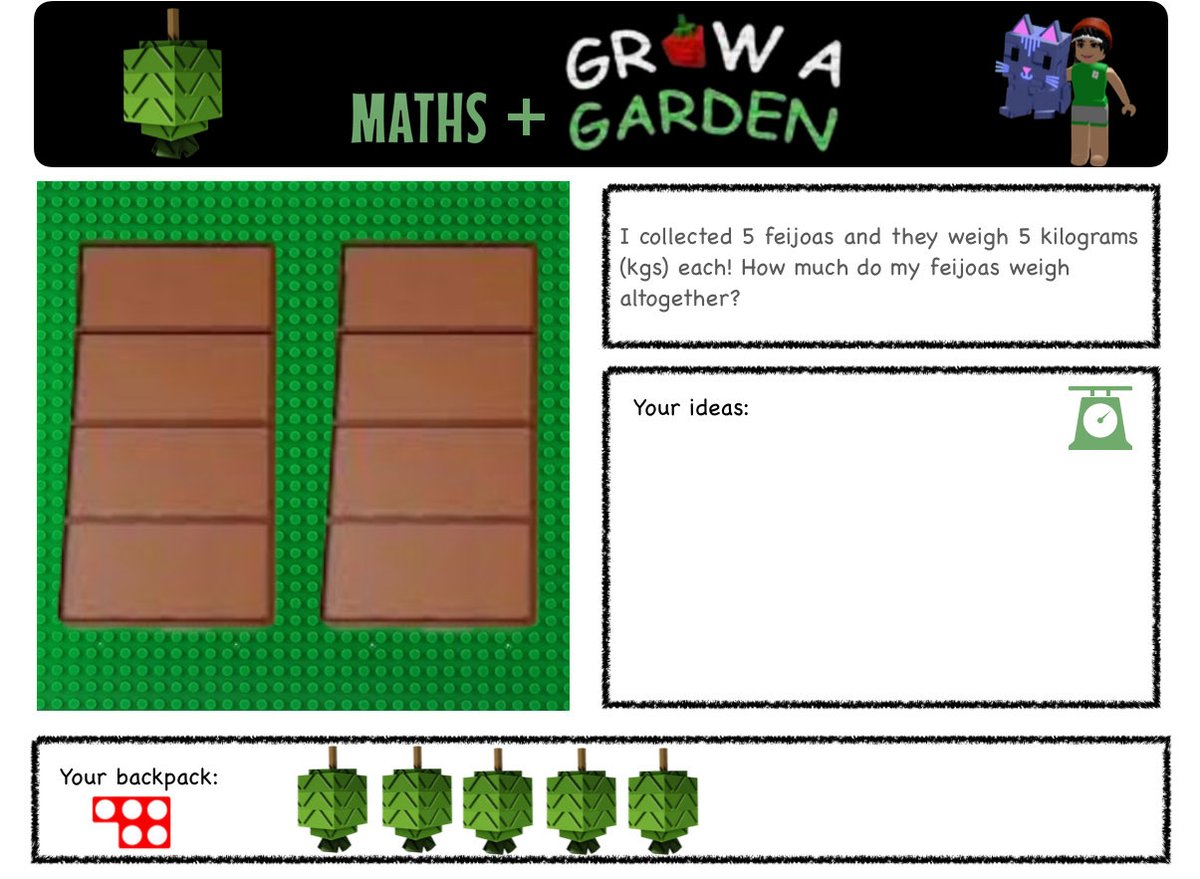
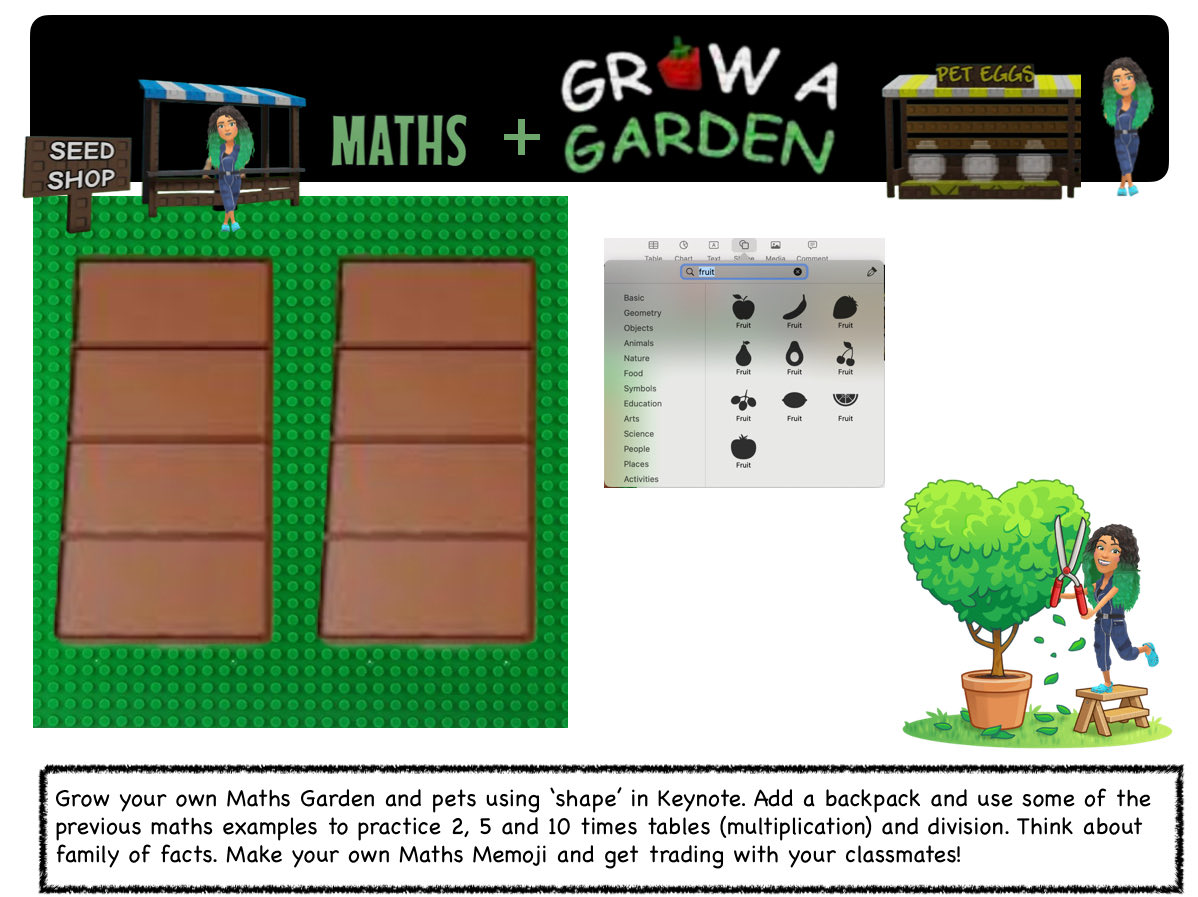


👋 Welcome to our new P4 Digital Pupil Action Team members! 🌟 We kicked off our first meeting with Everyone Can Create — photo collages using stickers & markup 🎨📸💻 #DigitalLeaders @AppleEDU #EveryoneCanCreate @DL_for_All
New Post: 7 Ways AI Art Generators Enhance Creative Writing in the Classroom - lots of ideas and examples! #artar #EveryoneCanCreate #AppleEducationCommunity #AppleEDUchat education.apple.com/story/250013443

Love the new #EveryoneCanCreate ideas on #AppleEducationCommunity. I had some fun playing with Early Learners Create a Sticker Collage. ✨ I tried the Reducio spell from Harry Potter, and now I’m smaller than a chocolate frog. Guess I’ll just stick to reading for now…

📢Unlike @moulinrouge 🆘💃this week, we are keeping the momentum going @GlasgowRTC! Dive into #EveryoneCanCreate🎨Still Life Magic #iPadInventoryManagement📱with @MrsV_Jones, 1st of 3 @sumdog🧮sessions & @LauraKeeney01's @quizizz fun! 🌟@EdISGlasgow #AppleRTC
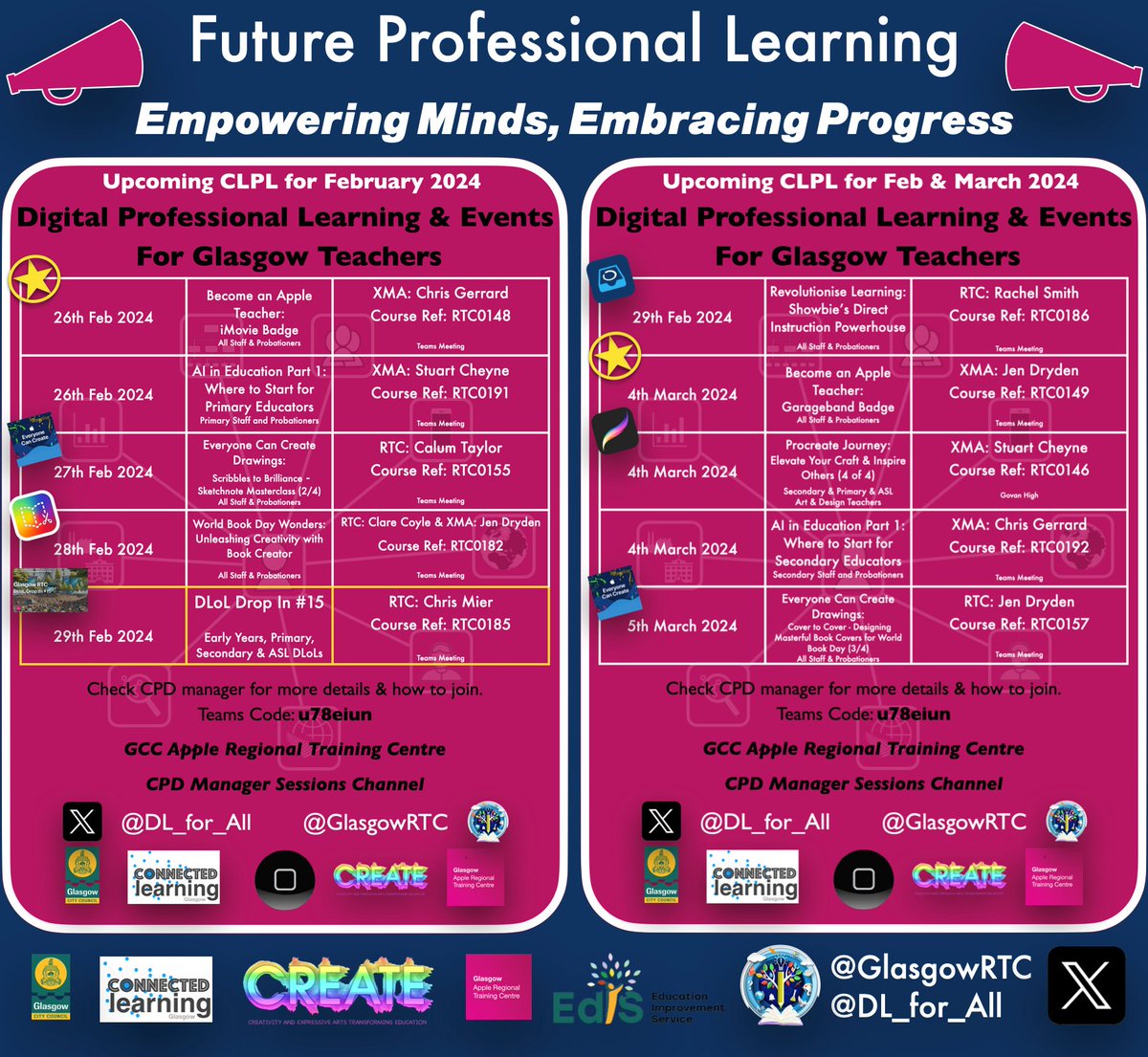
📢Diving into next weeks playbook with @AppleEdu's #EveryoneCanCreate & @BookCreatorApp – who says lesson plans can't have a splash of creativity?💡With @Showbie in tow, we're ready to conquer!🚀 Also AI in Prim Edu and a DLoL Drop-In —where innovation and inspiration collide!💥
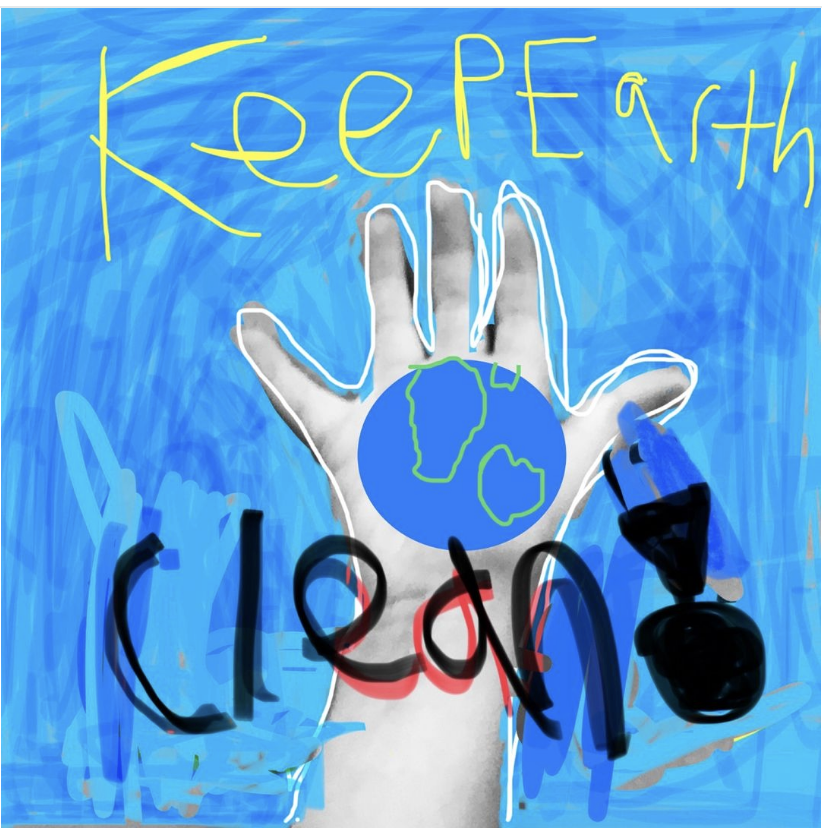
Love this @AppleEDU 30min Lesson Idea - So many ways one lesson can be used across the curriculum. So simple & effective. #ANZACDAY #LestWeForget #everyonecancreate #apple #ipad #markup
This World Creativity and Innovation Day, surprise your students with creative lessons that “pop.” 🌟 In just 30 minutes or less, students can make the everyday extraordinary with this simple pop art project. #worldcreativityday #everyonecancreate #WCID

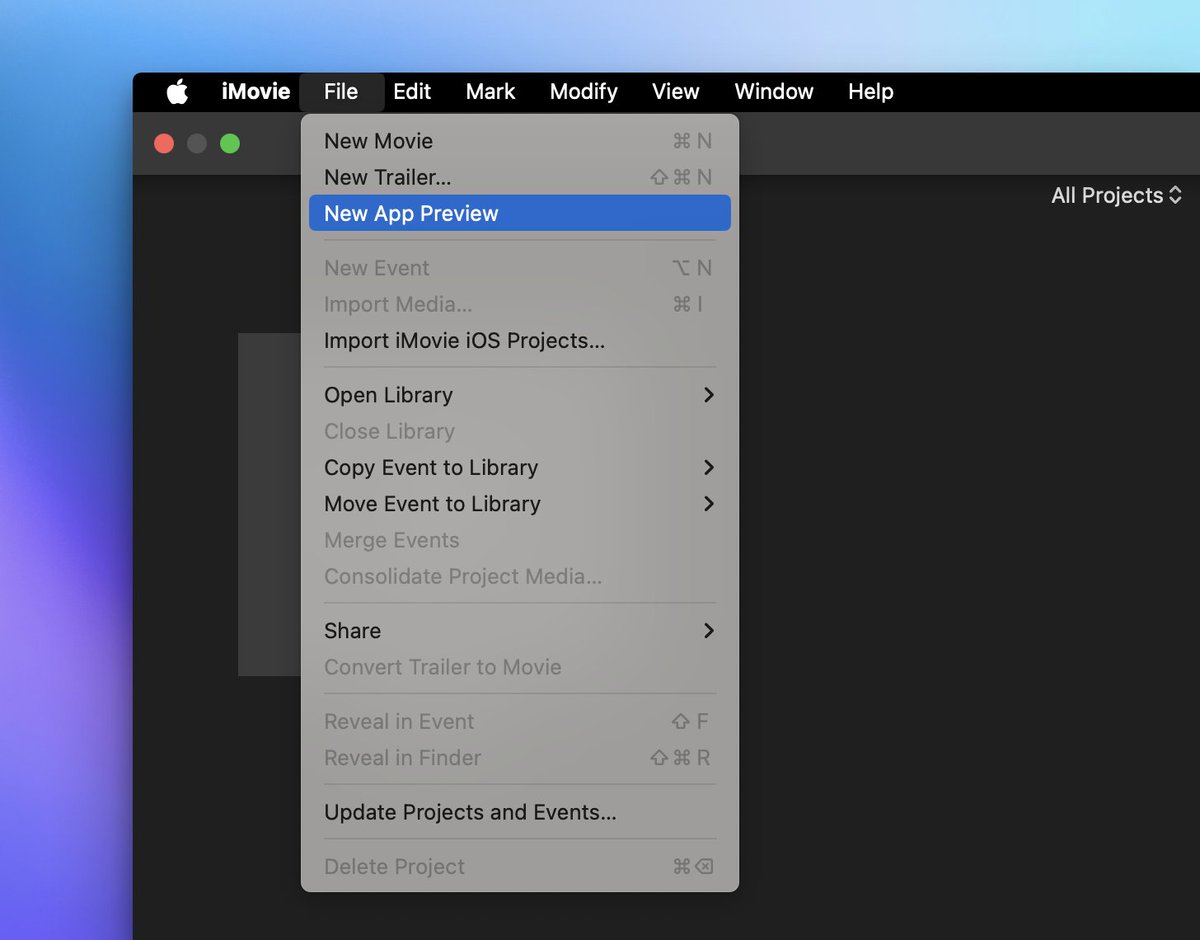
Did you know you can create/edit vertical videos in #iMovie for Mac? I didn't! Just choose File > New App Preview, import some vertical video and edit away! #EveryoneCanCreate #AppleTeacher @AppleEDU
Secret Quilt Codes & Prepositional Poems Project completed #EveryoneCanCreate Fifth grade students designed secret quilt codes, wrote accompanying prepositional poems, and recorded @MicrosoftFlip videos to share with greater #ADWcommUNITY via mixtape. #Flipsider

So grateful to be a part of Hong Kong's inaugural Apple Learning Coach cohort. Looking forward to collaborating with @kabel_ais & @mrgreenatais as we put our coaching plans into action leveraging the latest Everyone Can Create: Projects! @AppleEDU #AppleEDUchat #EveryoneCanCreate


At #IDEAcon? Join us on the Apple playground! Podcast, Photography, Stop Motion, Draw…so many ways to engage with learning! #EveryoneCanCreate! #AppleEDU #ADE
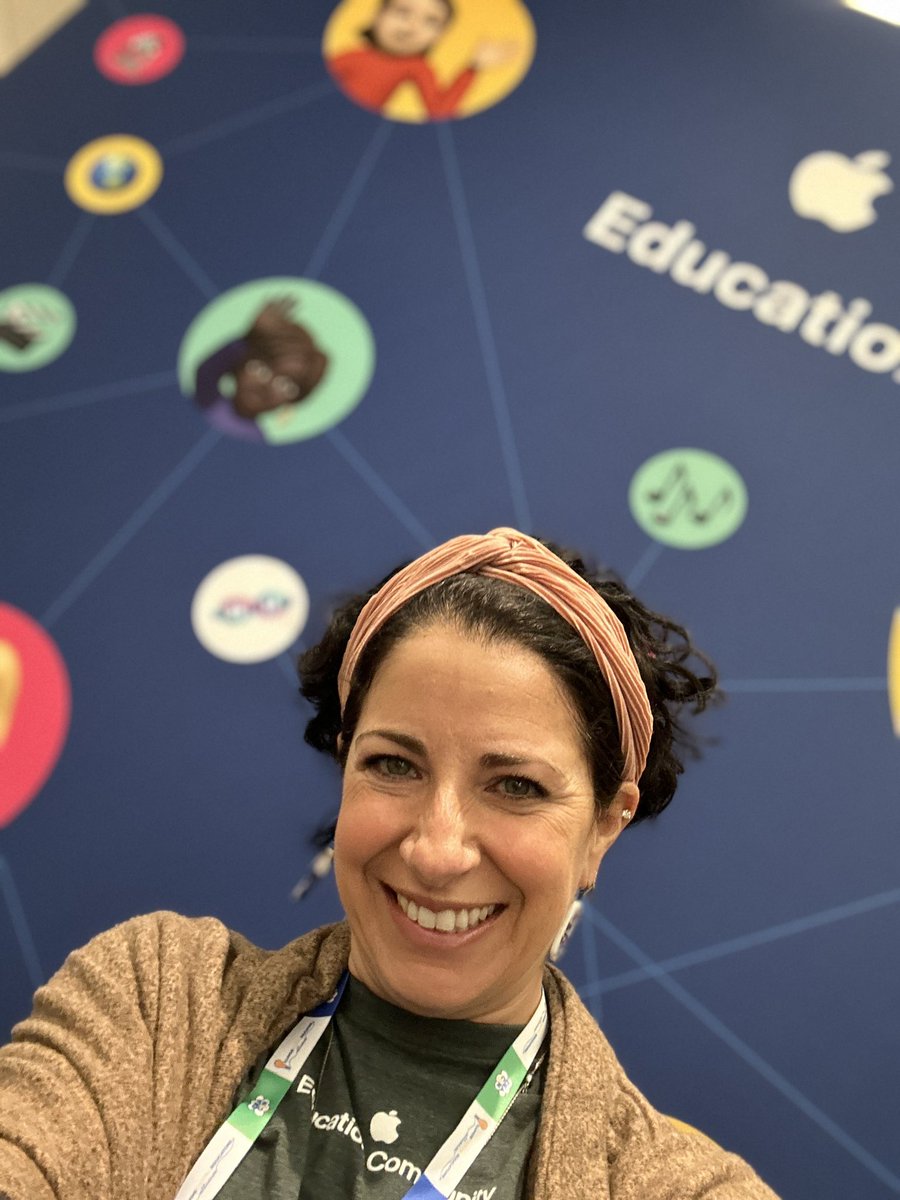

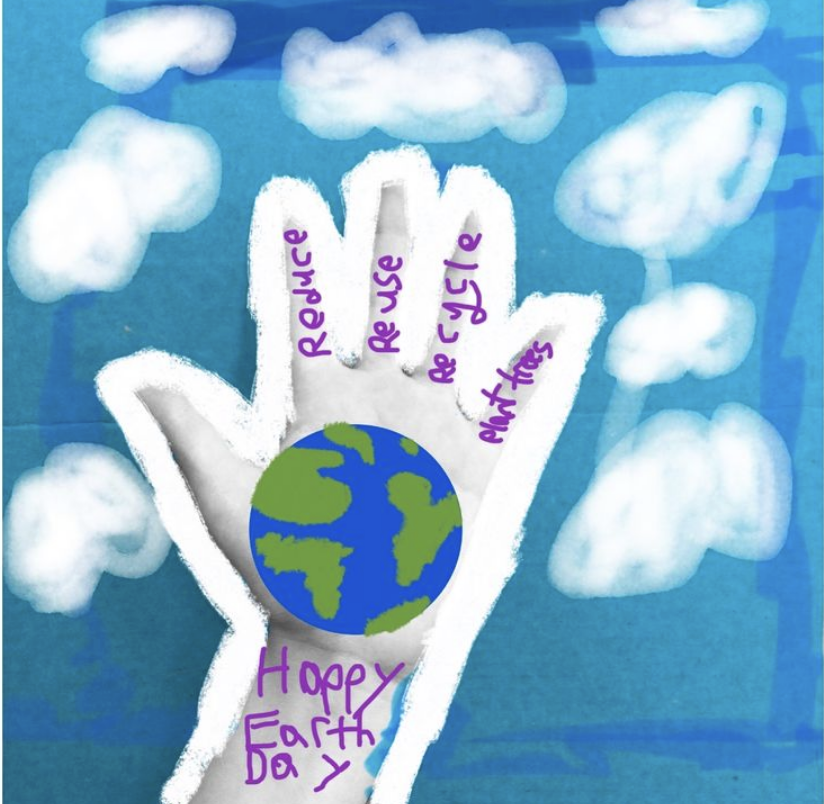
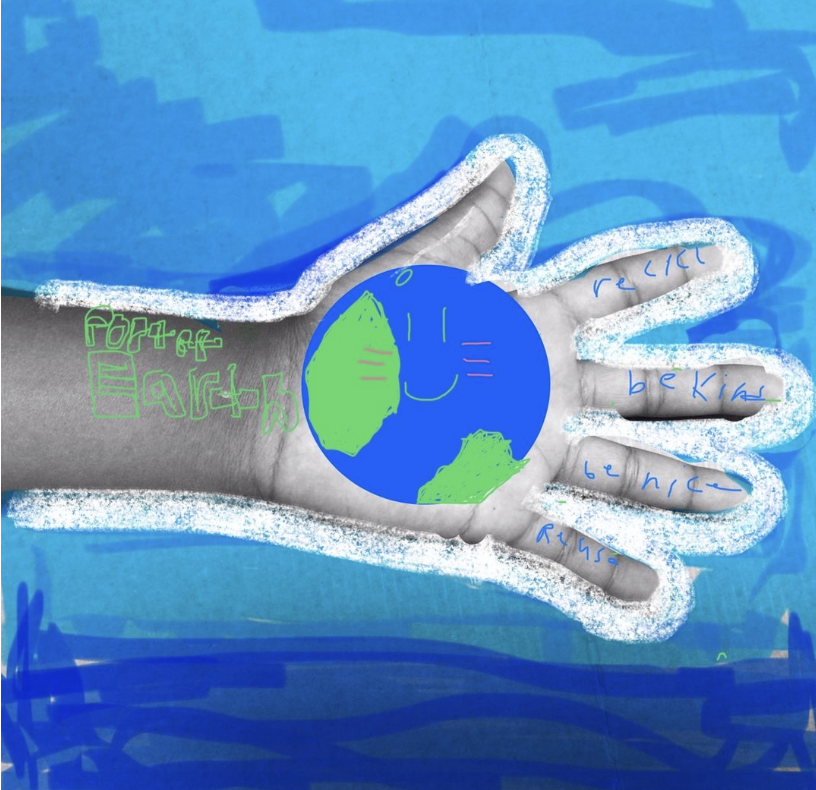
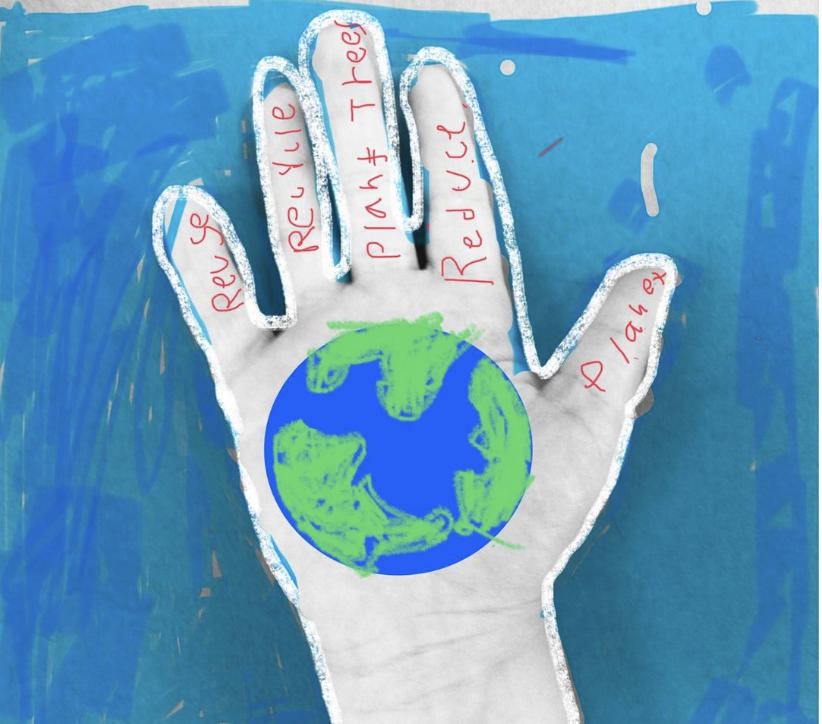

Een dagje netwerken en workshops geven, vandaag GarageBand en podcasts in de klas #iedereeniscreatief #everyonecancreate #ADE2019 #ADEFestivalofLearning #AppleEDUchat @AppleEDU #APLS

Behind every behavior is a story. Adverse Childhood Experiences (ACEs) like abuse, neglect, or household instability can shape how students learn and respond. Apple’s #EveryoneCanCreate helps teachers use art & storytelling to nurture healing, voice & resilience. #BeThePrototype
As a media specialist, this Day 2 @GaETConf session hit differently. “Building Resilience in the Classroom with Apple’s Everyone Can Create” reminded me that creativity isn’t a subject, it’s a mindset that helps students think, reflect, and persevere.

Exploring ecosystems with 5th graders became more real as students use #RealityComposer to creating their own miniature worlds. #AppleDistinguishedSchools #EveryoneCanCreate #sciencefiction



I’m excited to see our @GlasgowCC pupils use @Apple #Keynote to bring Glasgow’s icons—like Mackintosh & @irnbru to life!👏With #EveryoneCanCreate, #AppleEducation makes blending history, culture, and creativity so easy. Can’t wait to see others' creations!🎨✨@EdISGlasgow
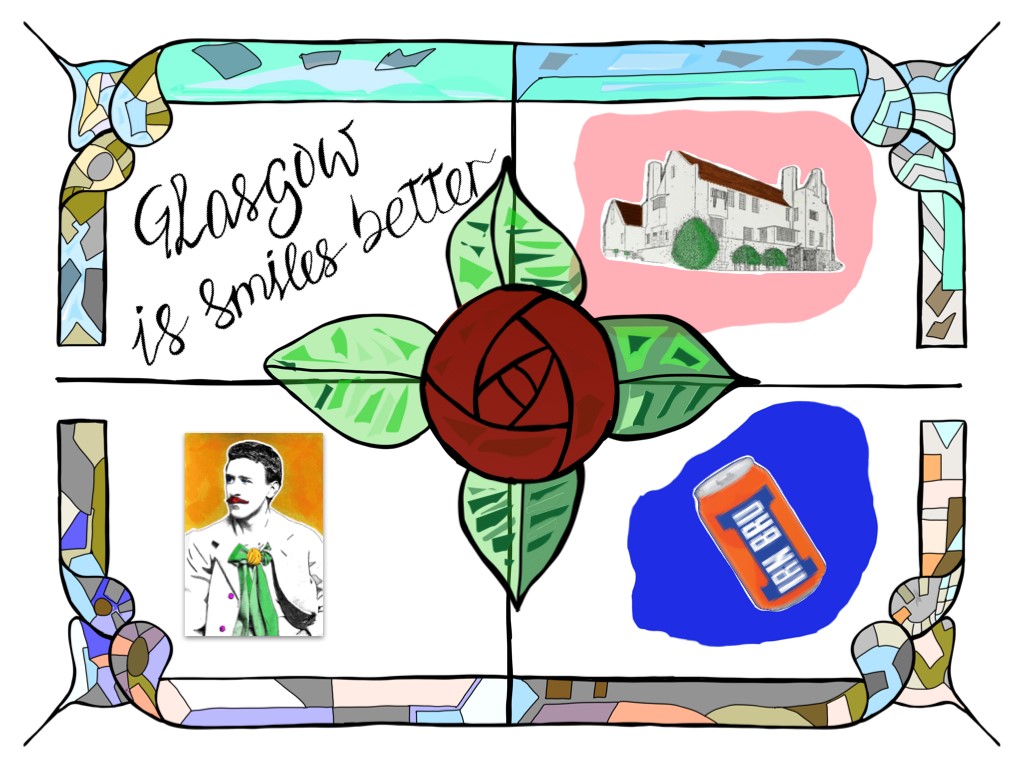

Here are the links for my photos run through in today’s Digital Art & Design #Everyonecancreate session with @AcademiaGroup @NOCpsEd @kmi_edu 🆓Download: books.apple.com/gb/book/everyo… Next is 📌 Computational Thinking & Coding, 🗓️20th Sept 7pm 🔗bit.ly/ctandcoding


Lessons that POP with the little ones using Photo + Markup tools for our exit point for the IEYC unit - Imagine That. @AppleEDU @IC_Association #EveryoneCanCreate #HIS_learning #Creativity


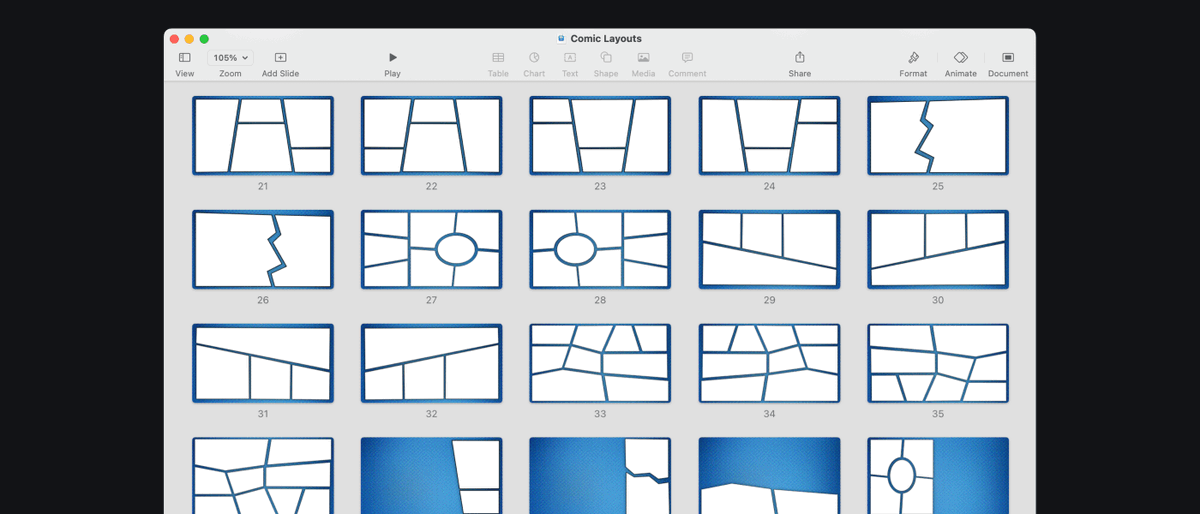
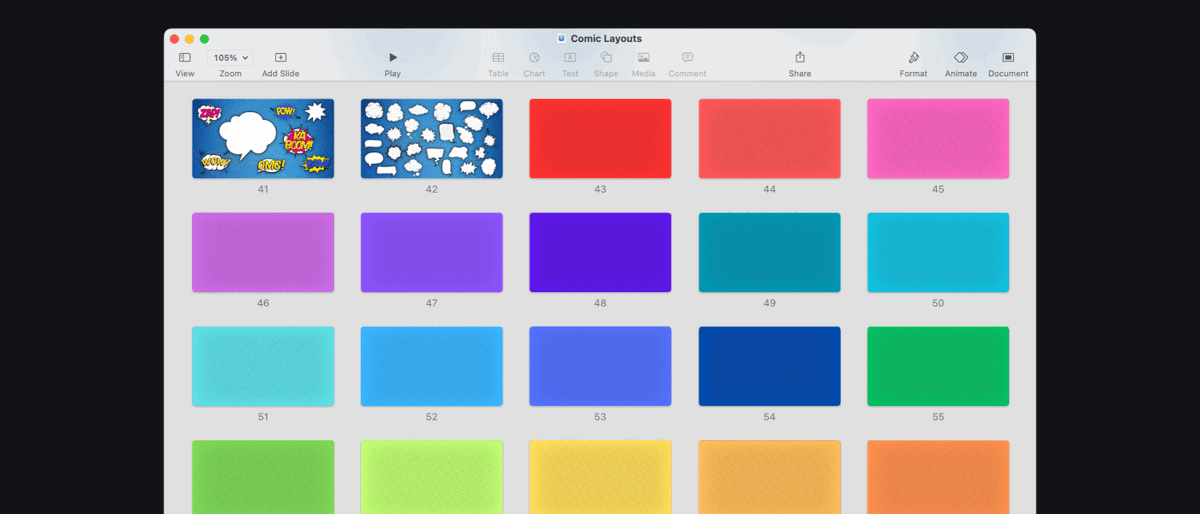
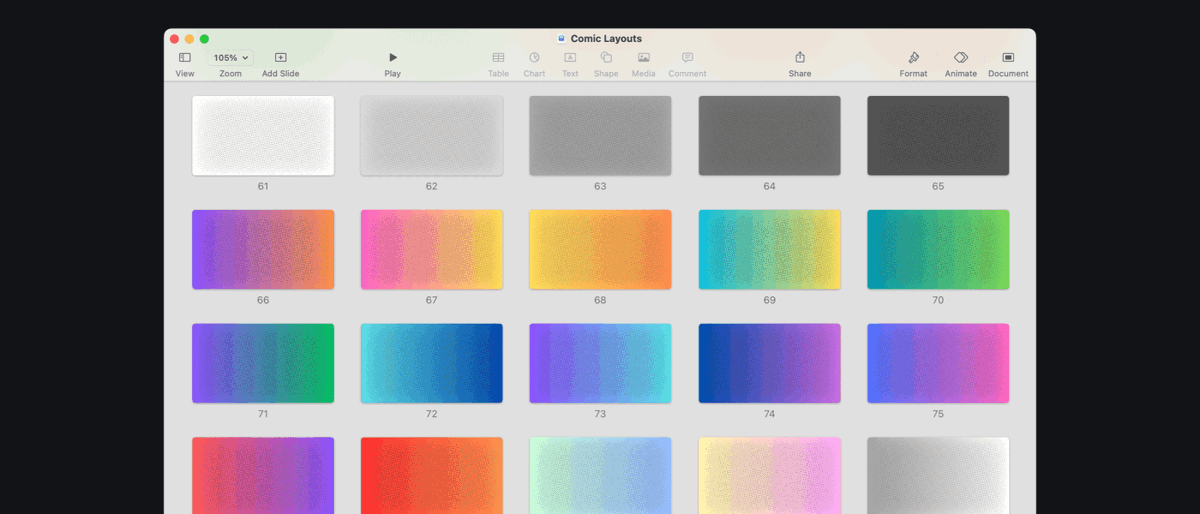
Just put some #Keynote comic frames and resources together for a project...nice collection of layouts, elements, and backgrounds! Great for Mac or iPad, perfect for the classroom! @AppleEDU #EveryoneCanCreate #AppleTeacher Go and grab a copy here: bit.ly/keynote-comics

Last day to sign up for the Early Years Can Create Photography workshop hosted by @ACSRTC forms.gle/j3cKHJFrscrvKj… @AppleEDU @AcademiaGroup #everyonecancreate #EYFS #earlyyears #EdTech #education #iPad
Something went wrong.
Something went wrong.
United States Trends
- 1. #SmackDown N/A
- 2. eBay N/A
- 3. Ricky Saints N/A
- 4. Jacy Jayne N/A
- 5. Always a Runner N/A
- 6. Charlotte Flair N/A
- 7. Spirit N/A
- 8. May Day N/A
- 9. Dr. Phil N/A
- 10. Oaks N/A
- 11. JB Bickerstaff N/A
- 12. Portable N/A
- 13. #SteinerMathDay N/A
- 14. Will Warren N/A
- 15. Jack Flaherty N/A
- 16. #GCWExpress N/A
- 17. Volpe N/A
- 18. Jacob Misiorowski N/A
- 19. Duncan Robinson N/A
- 20. Paul Reed N/A