
#mpscomputing search results

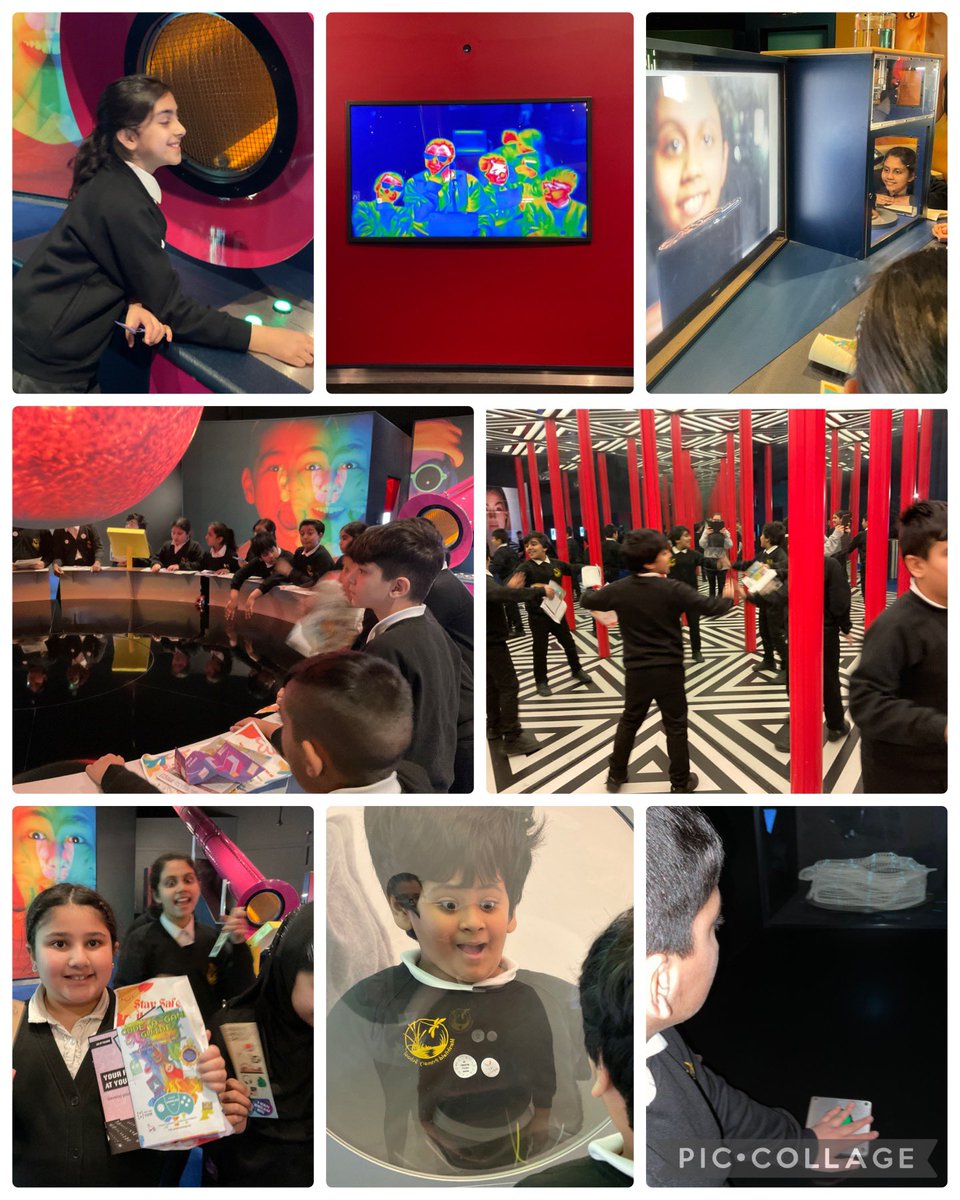
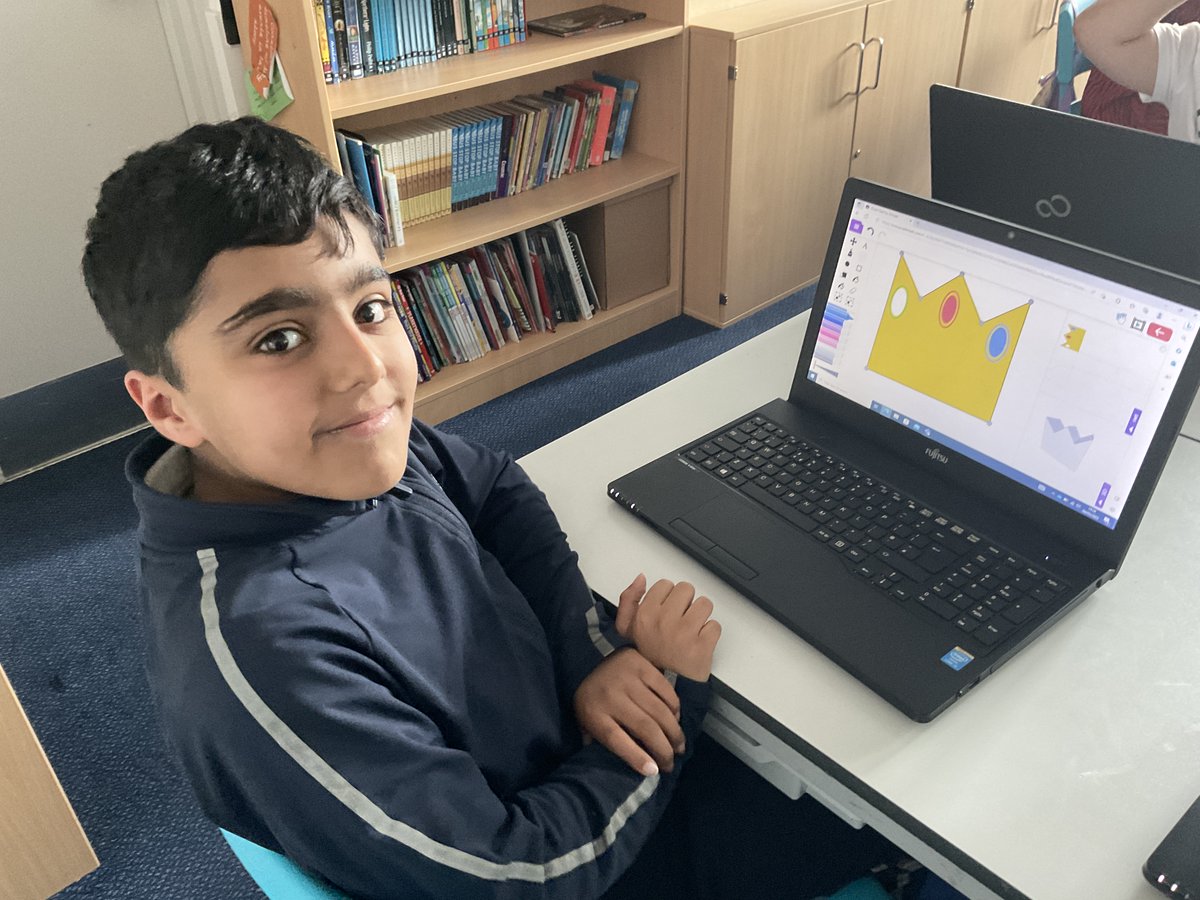
Year 5 had an incredible time at @MediaMuseum on #SaferInternetDay and as part of Yorkshire Games Festival. We had a great time designing our own video games using geometry, exploring the museum and increasing our knowledge of online safety further. 💻 #CarltonEdge #MPSComputing


Using ICT to support learning in Early Years 💻✨ The children explore interactive games, practice key skills, and use technology to enhance their learning in a fun and engaging ways. It’s great to see their confidence growing as they navigate digital tools! #MPScomputing


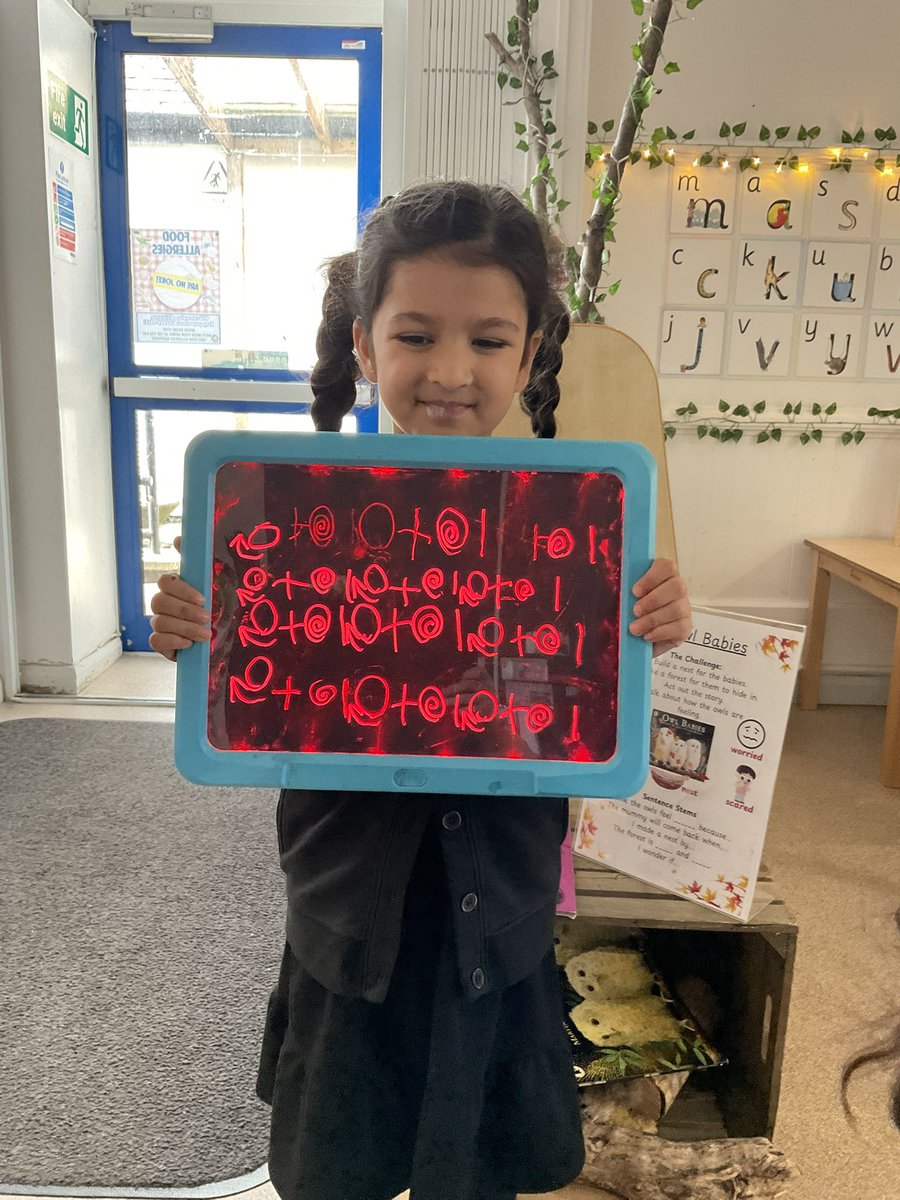

Year 6 Stan Lee have been learning how to code with Scratch. This week, we used what we have learned to far to create 'sprites' for the letters of our name, and animate them to spin, twirl and light up using block coding! #MPSComputing




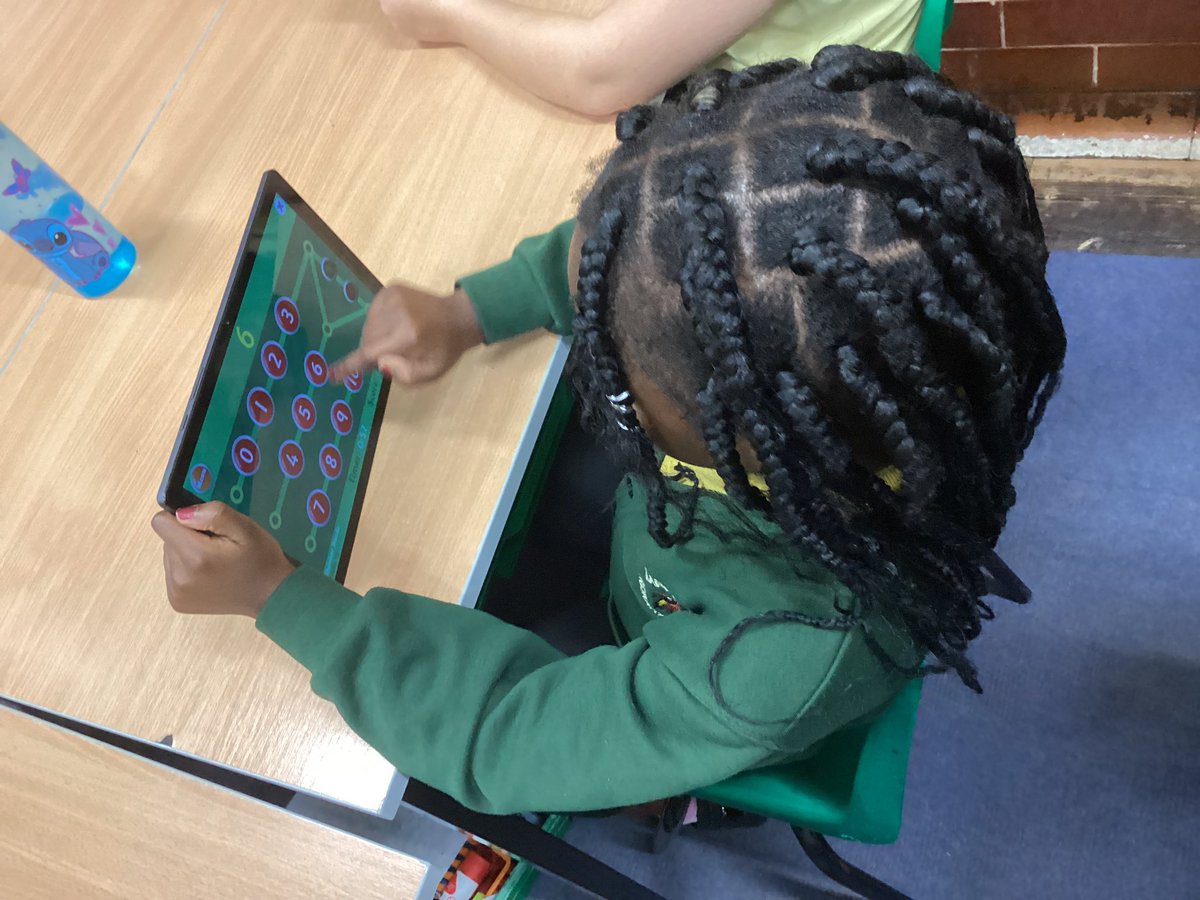
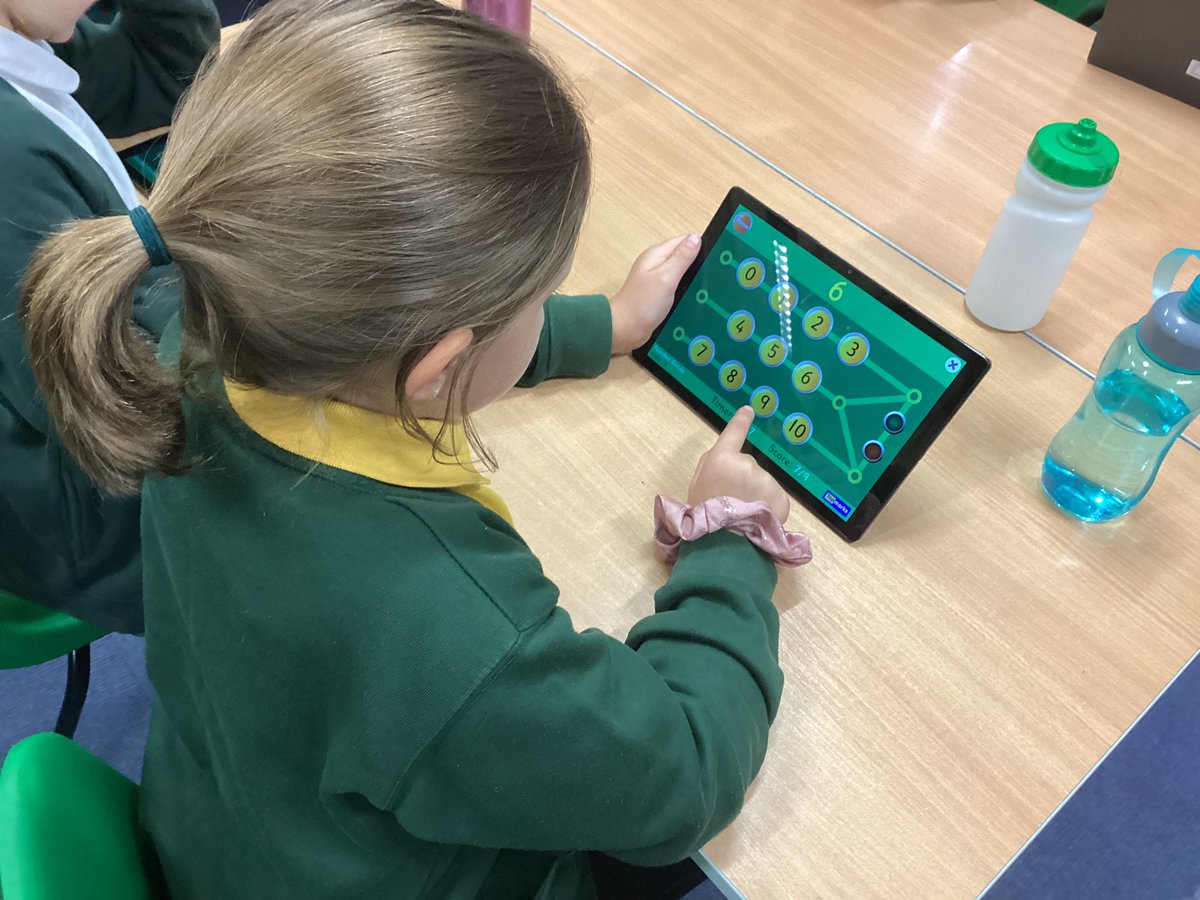
💪 We are learning to cross ten when we add and subtract so naturally, we need to brush-up on our number bonds to ten. Hit the Button is great for that! #MPSMaths #MPSComputing
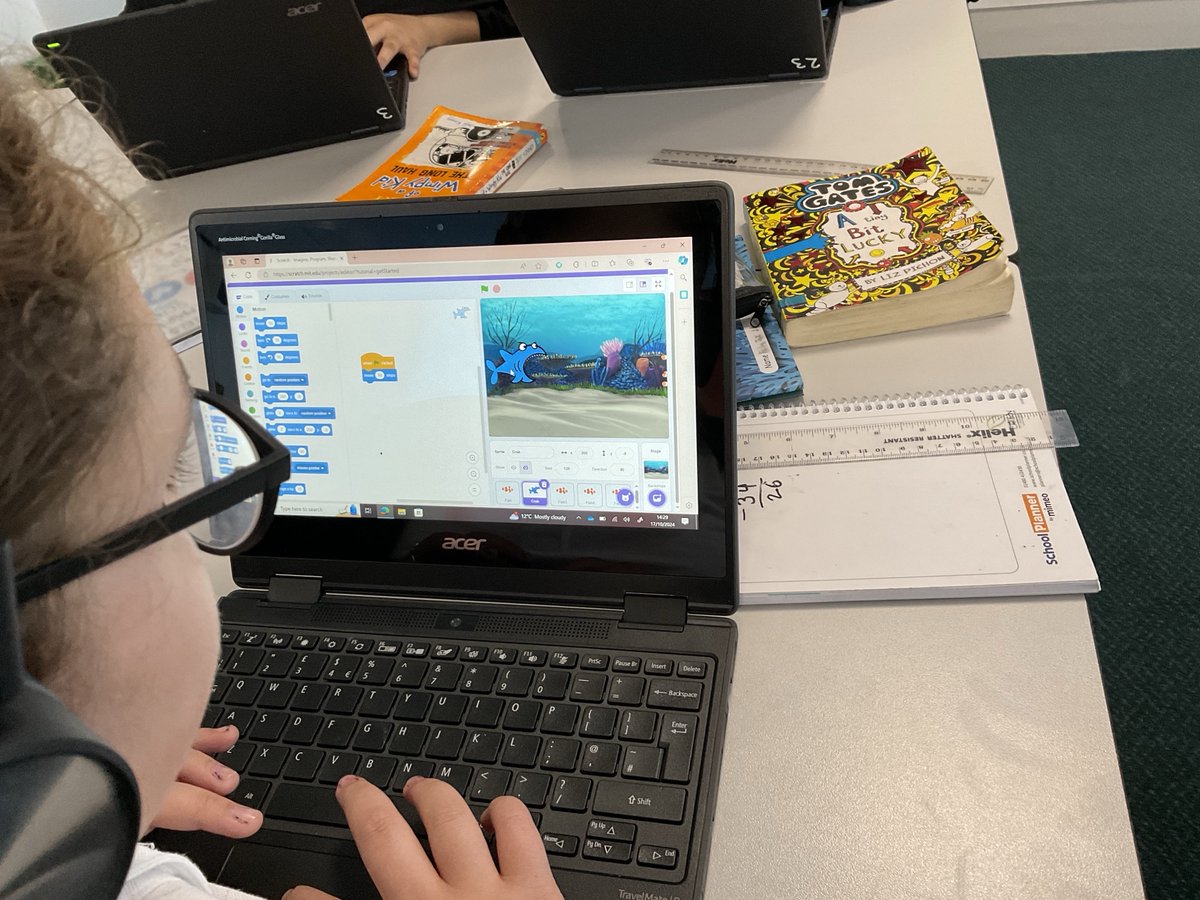
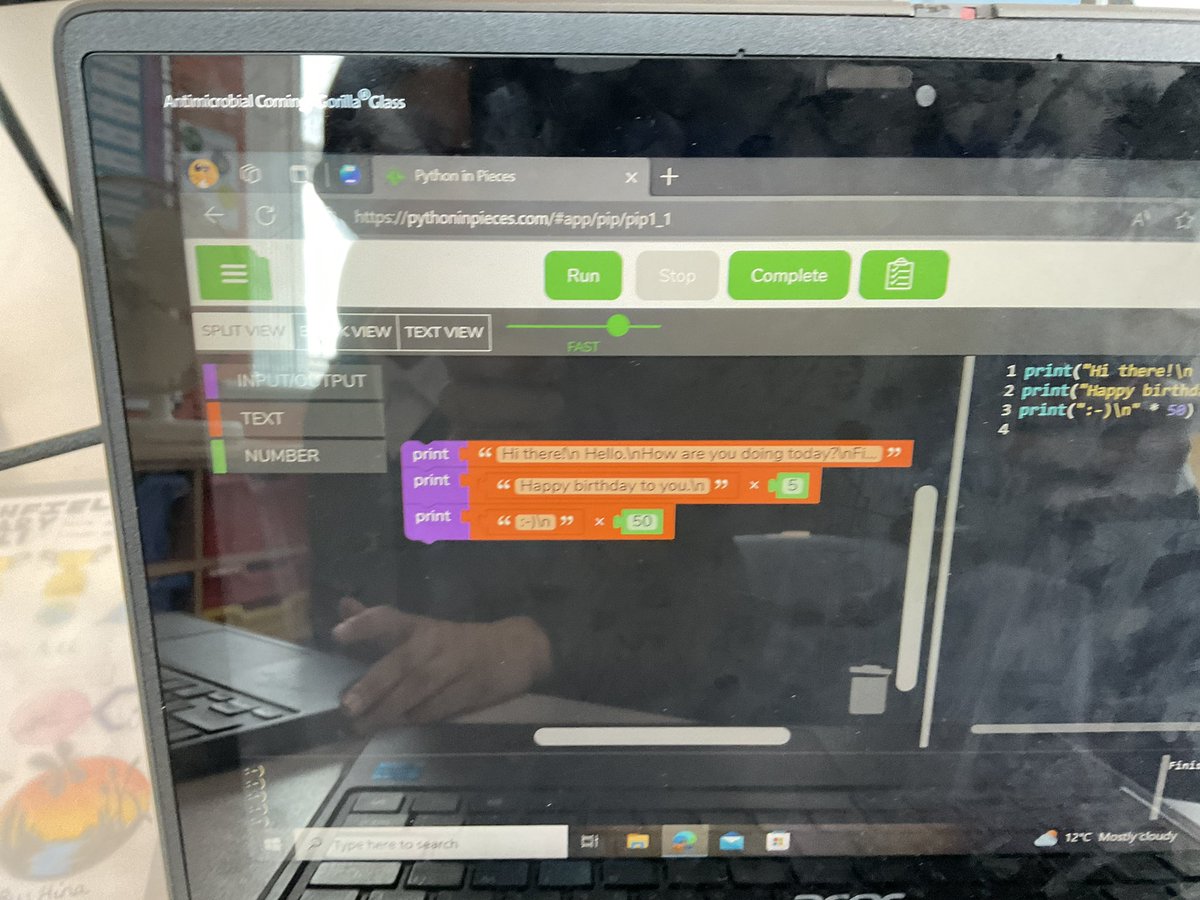
Year 6 Wolves enjoyed the challenge of “python in pieces”, extending their command of coding towards high school territory! #MPSComputing #Ambition @purpleMash


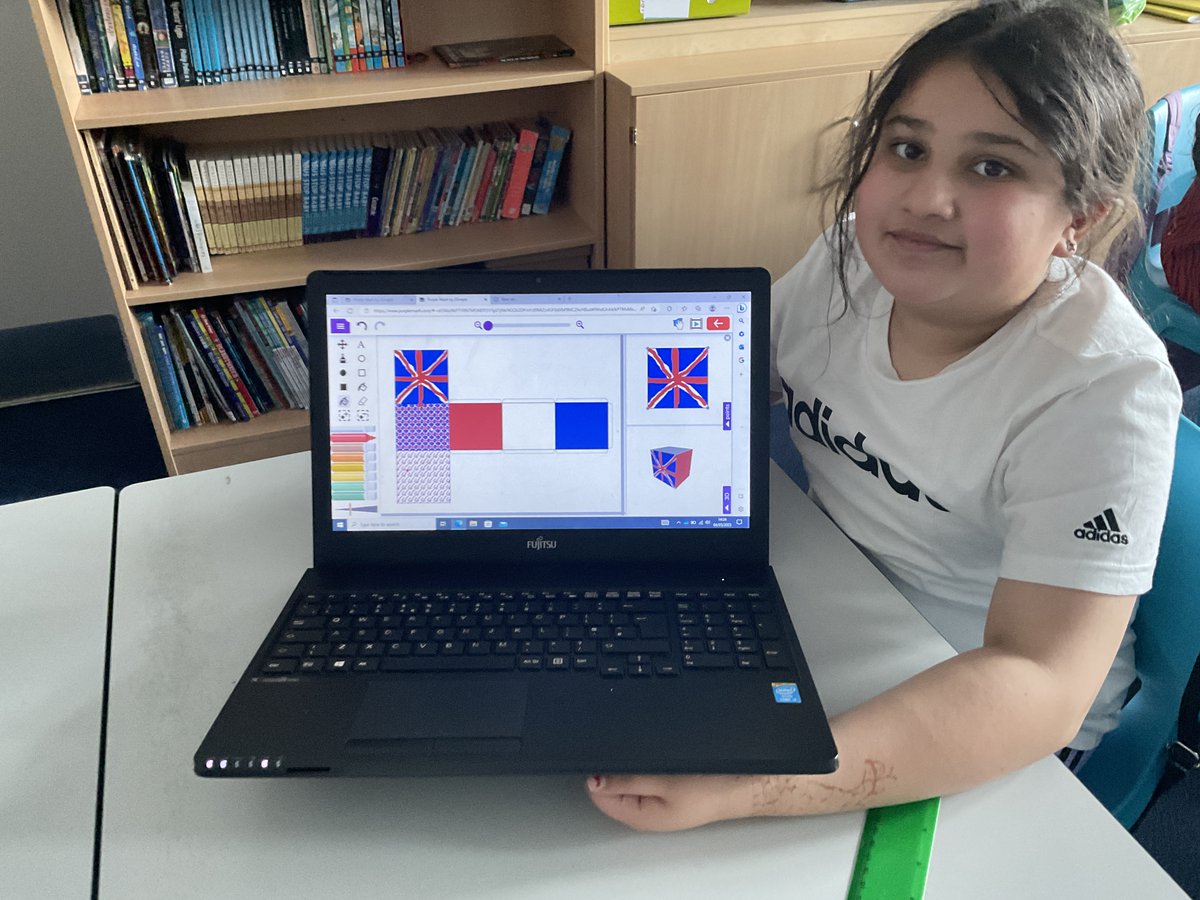
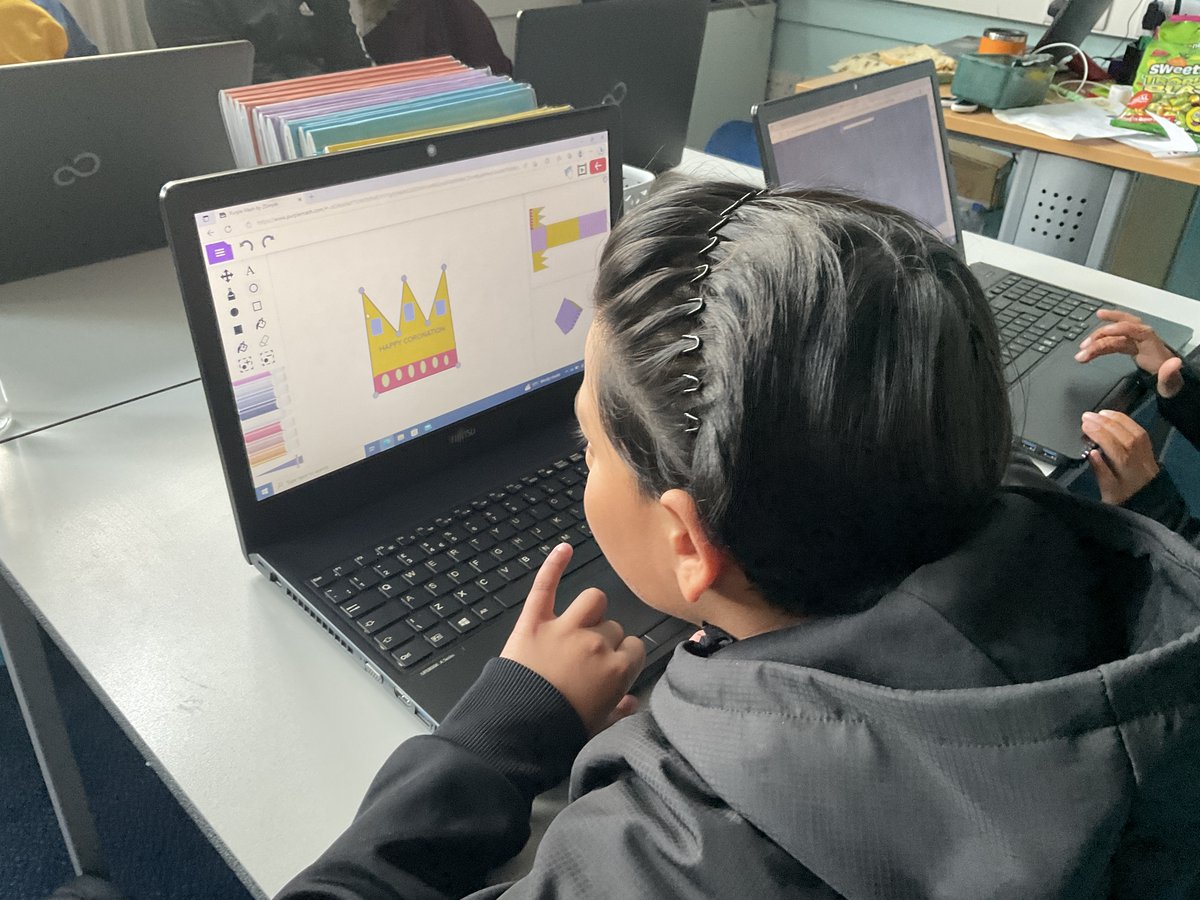
Year 5 used their computing skills today to design and create some coronation themed gift boxes. Looking forward to printing out our nets and creating our 3D products. There may even be some goodies to go inside. #MPSComputing #MPSMaths #KingCharlesCoronation #ExcellenceForAll


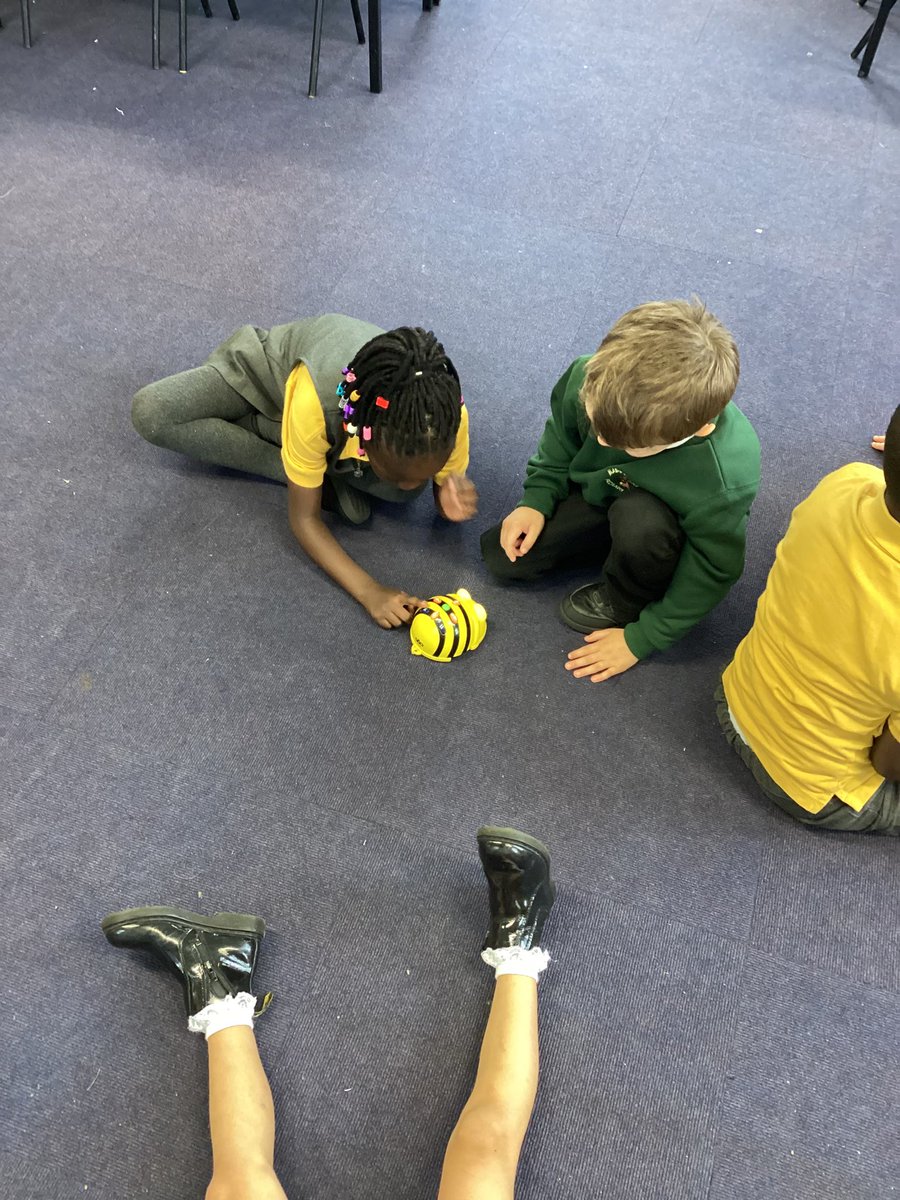
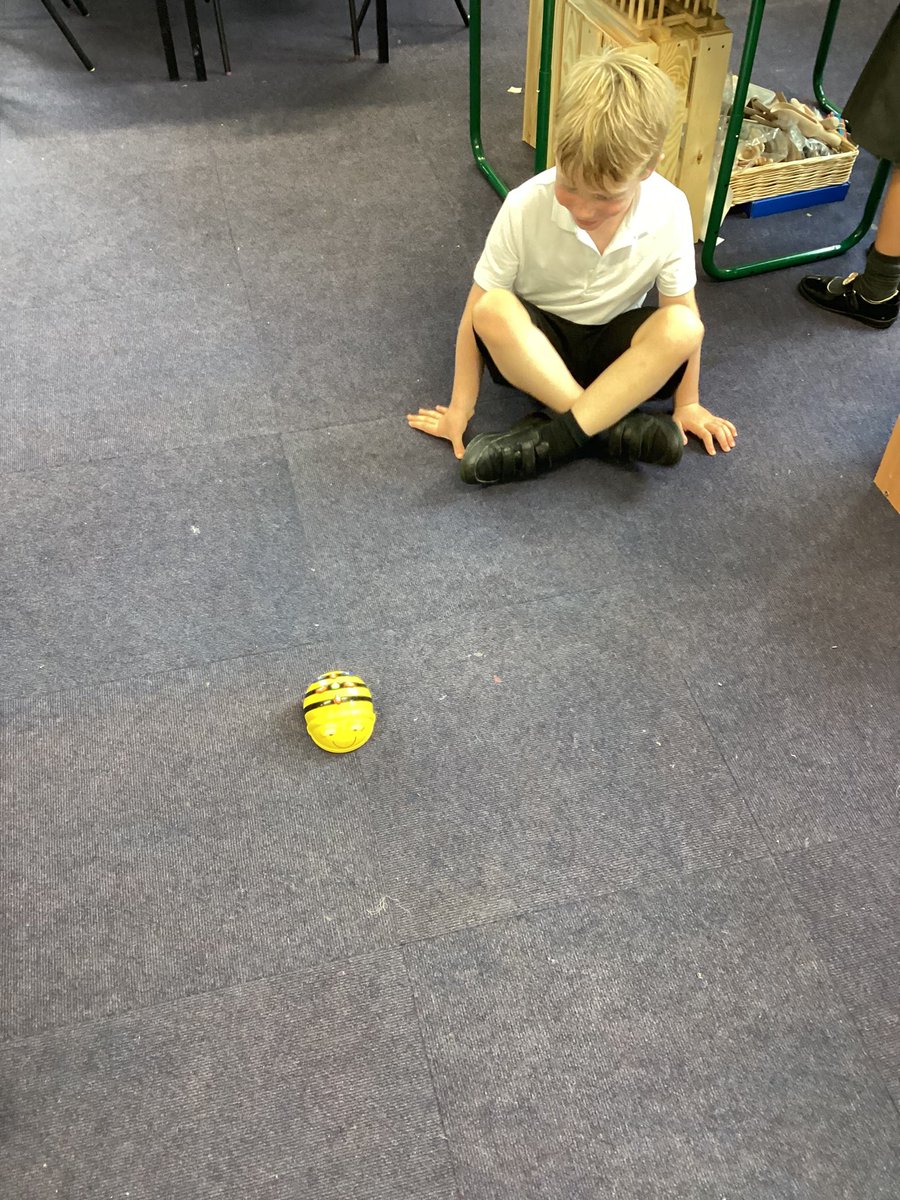
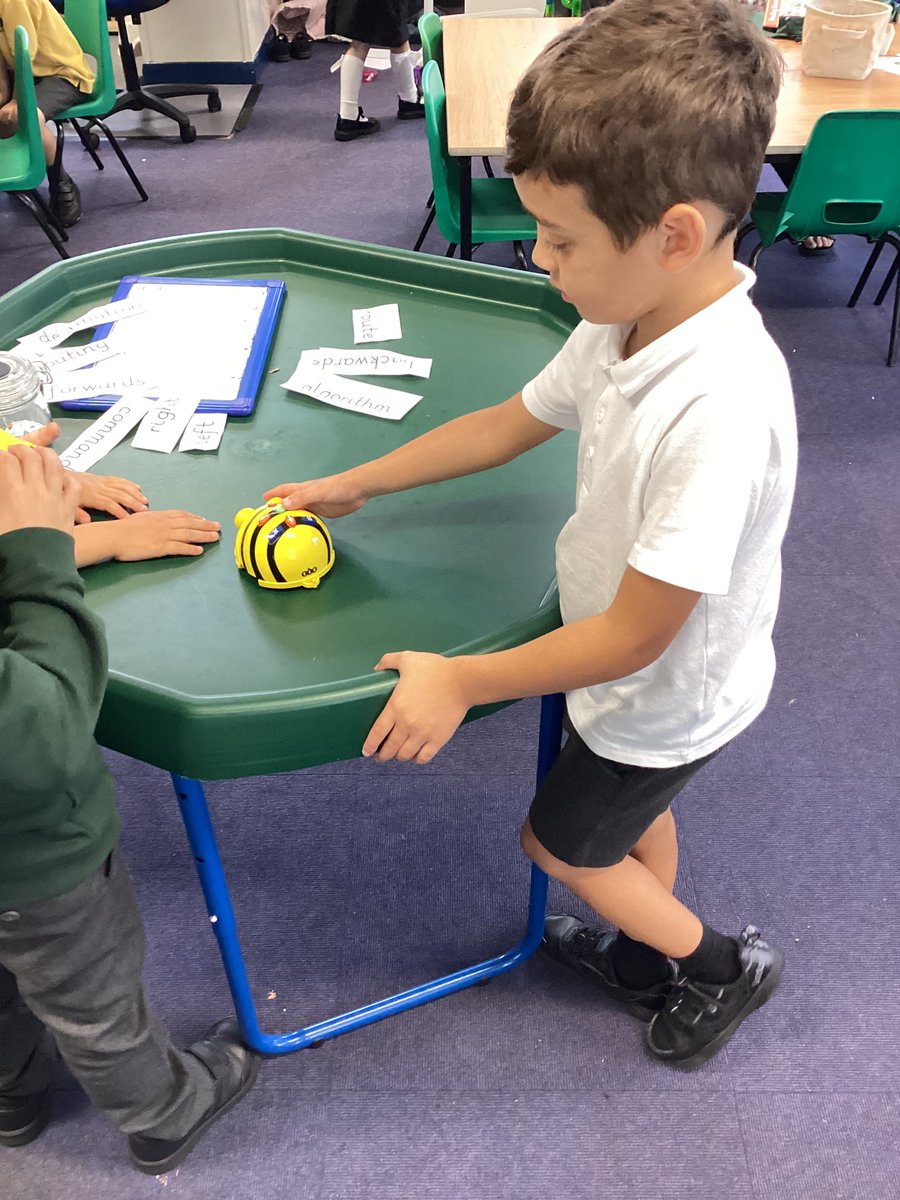
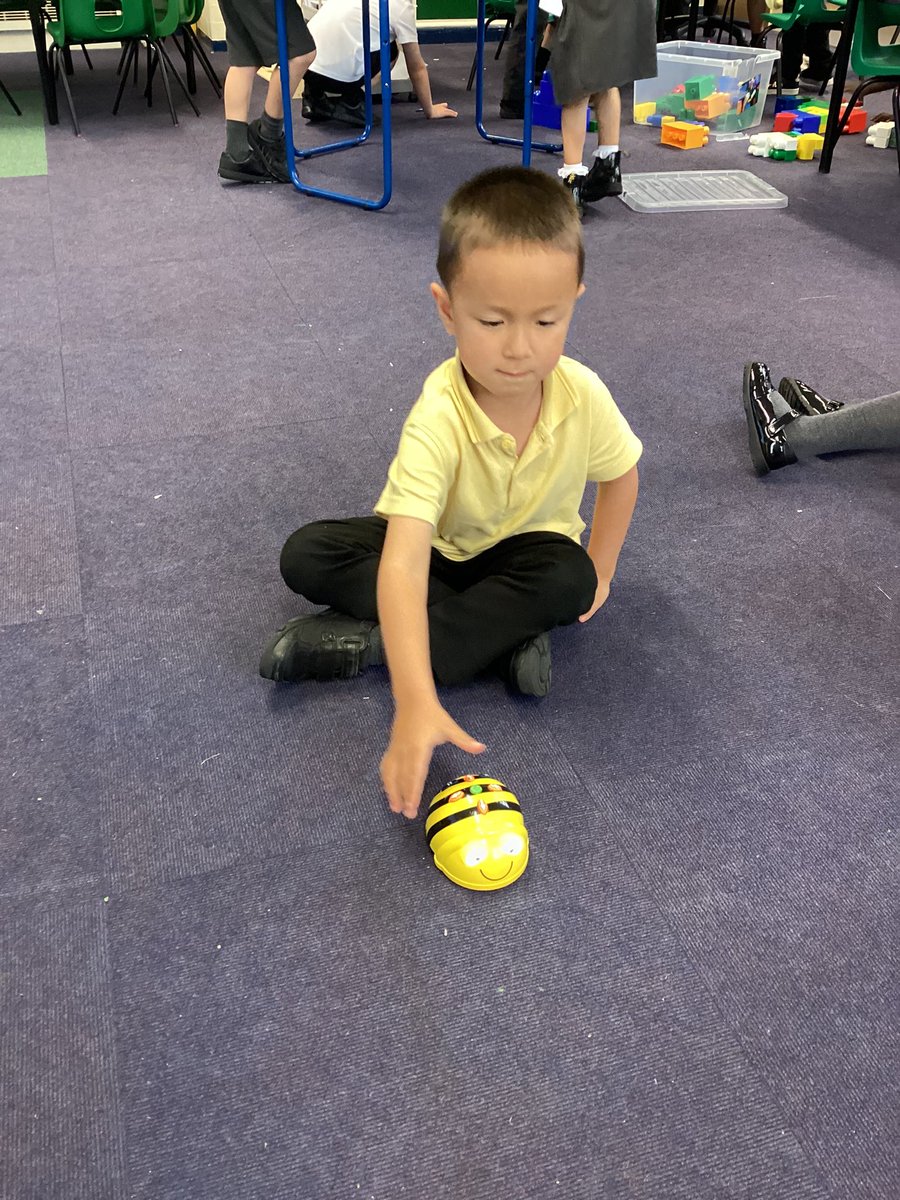
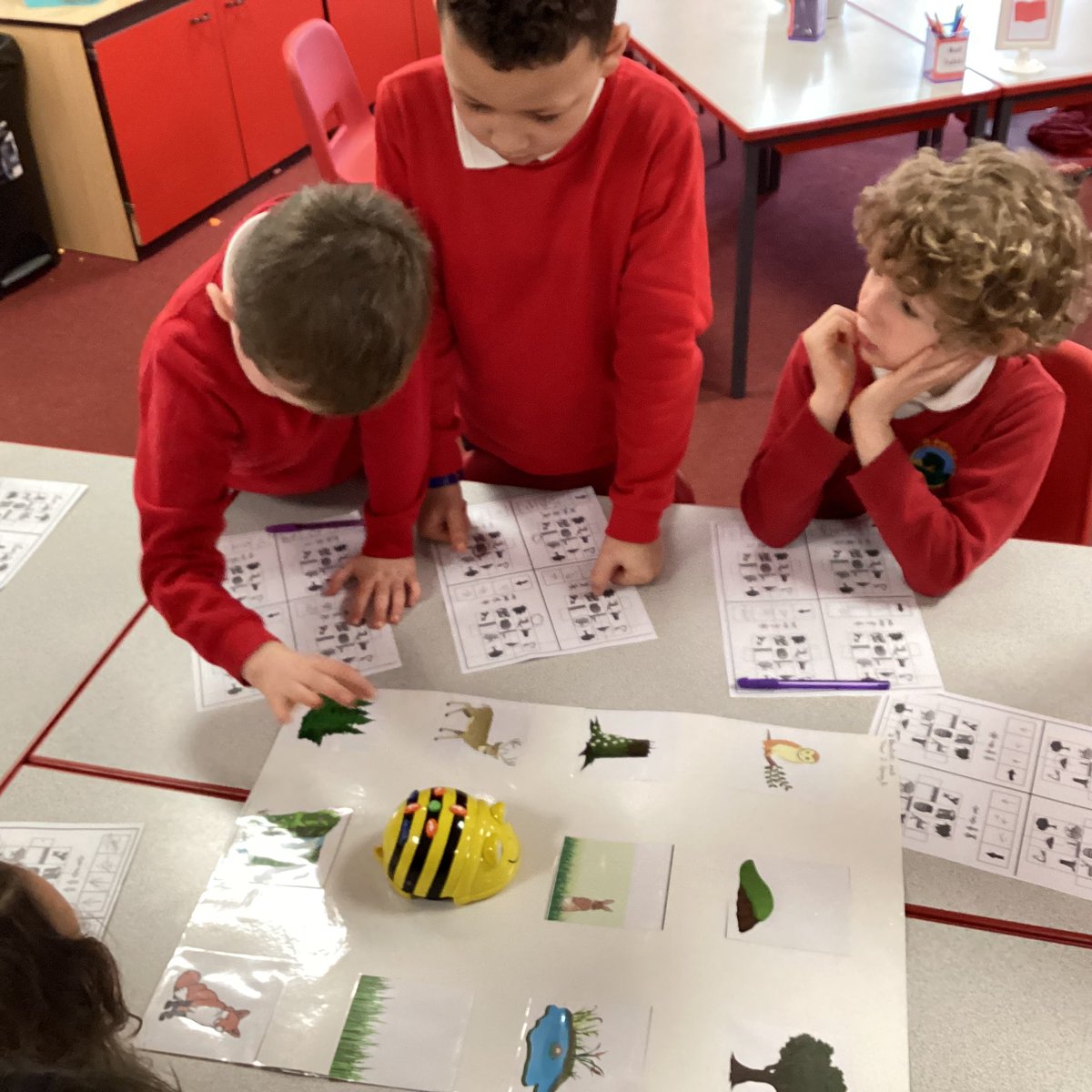
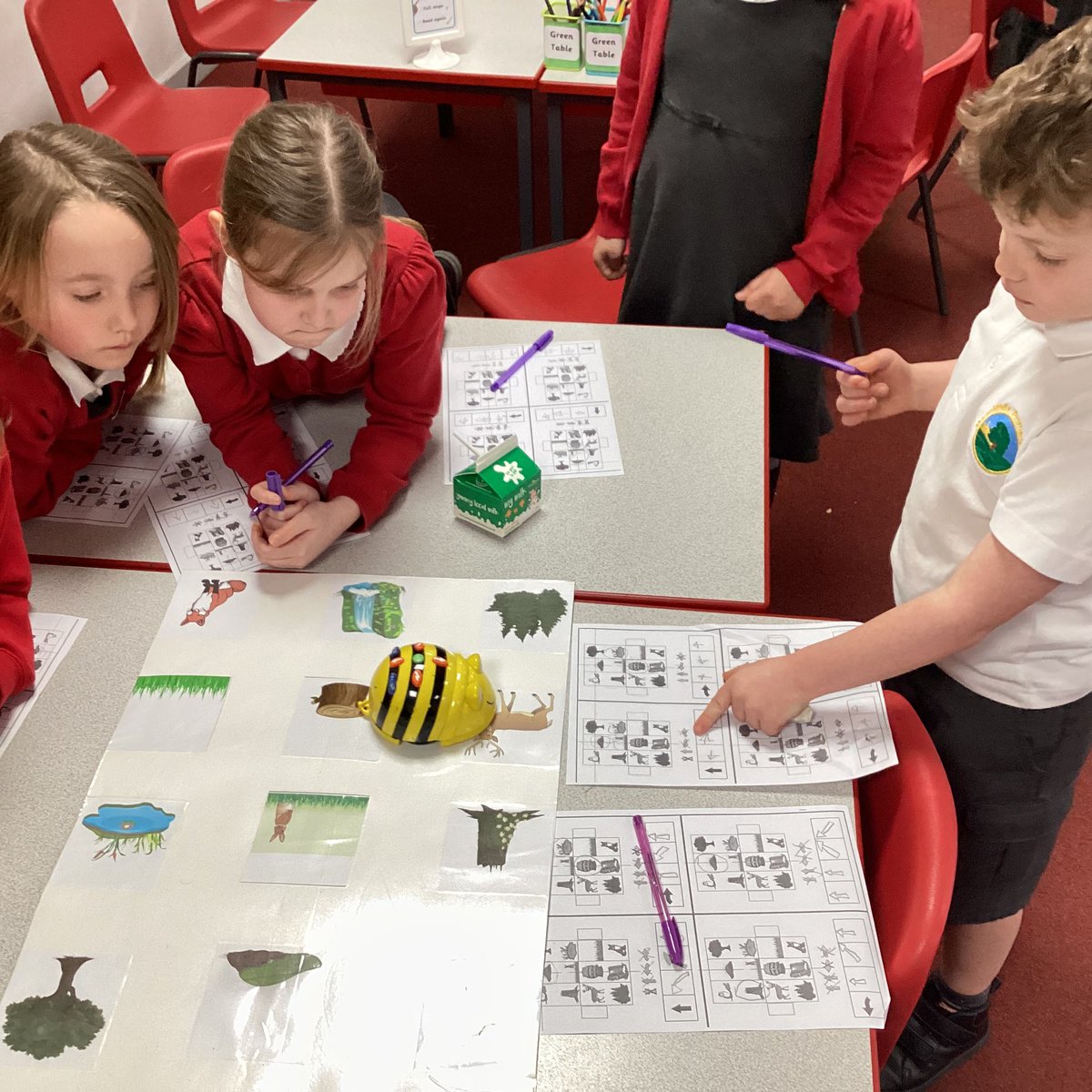
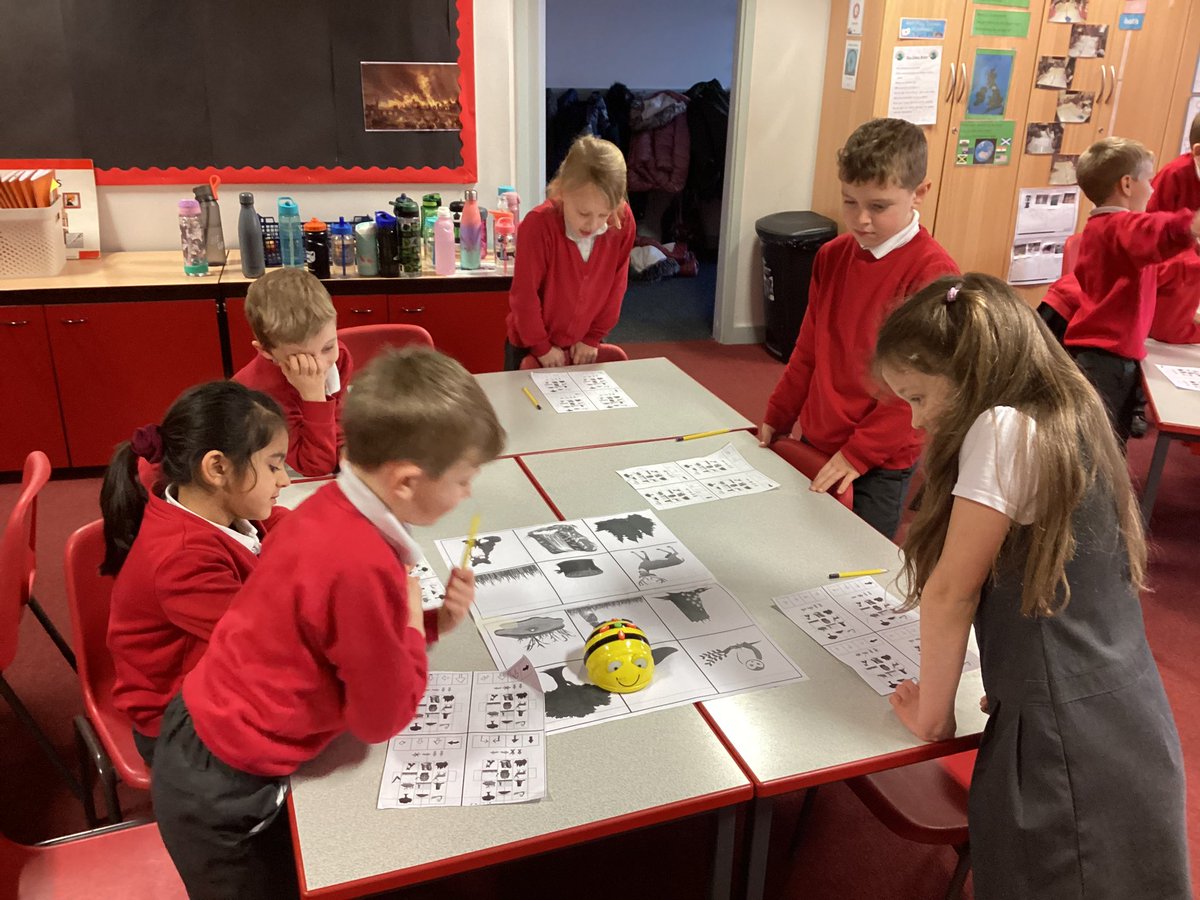
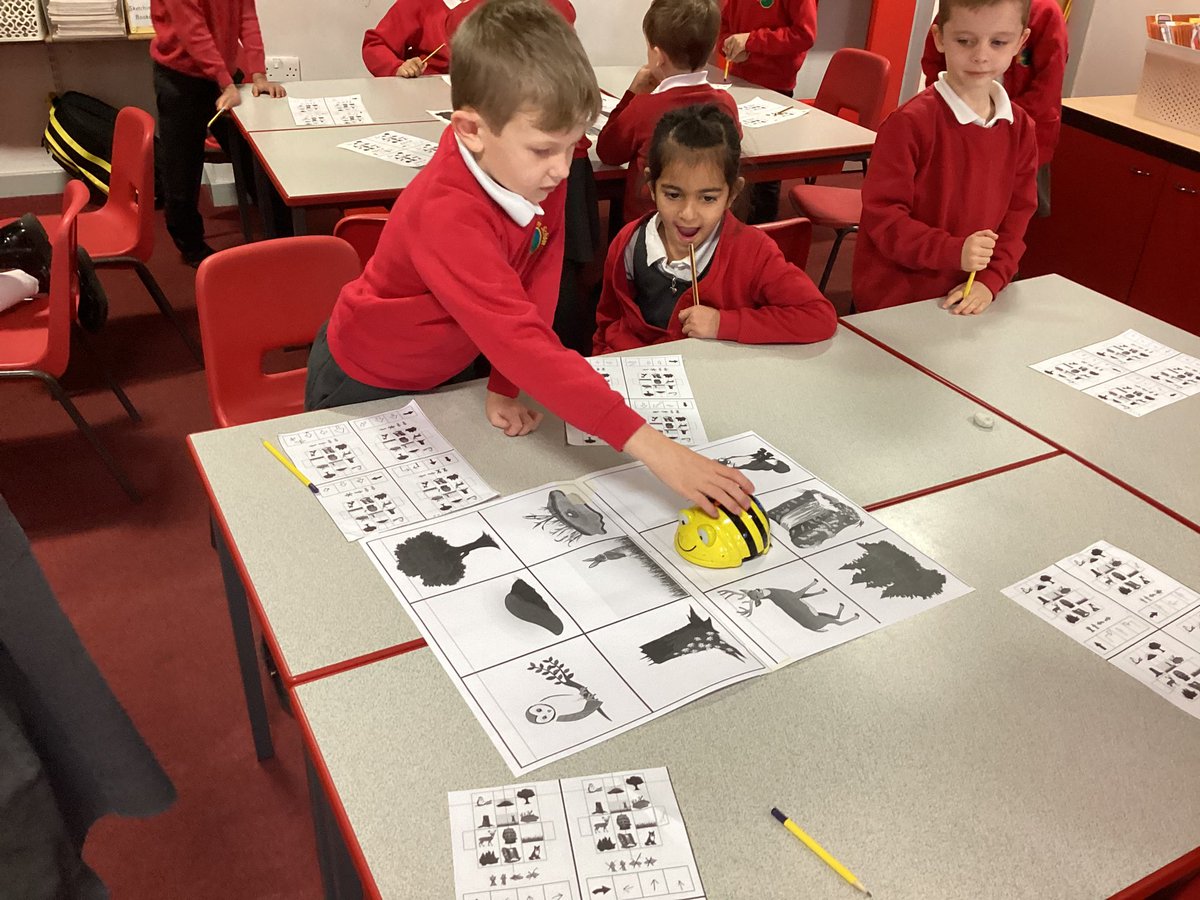
We have enjoyed programming our beebots to move them around the room. We have used the words forwards, backwards, left and right #mpscomputing 🧠💪🏻
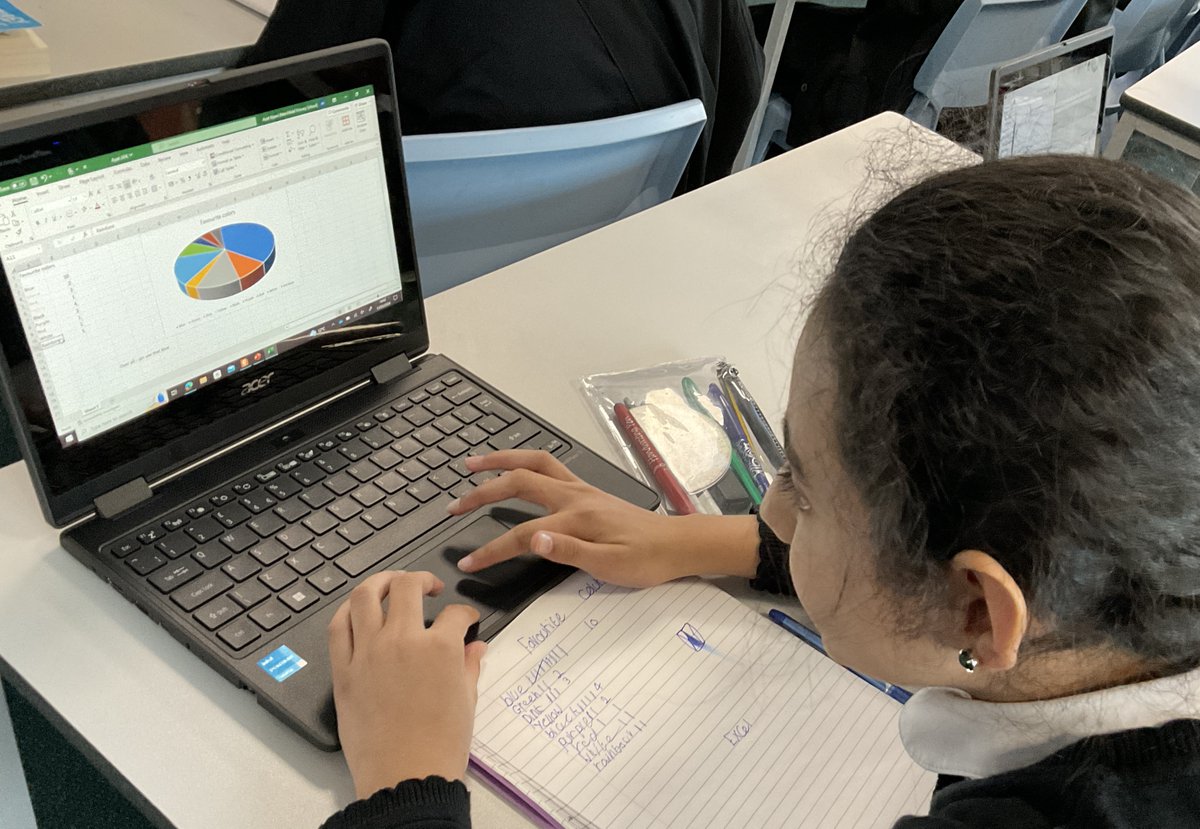
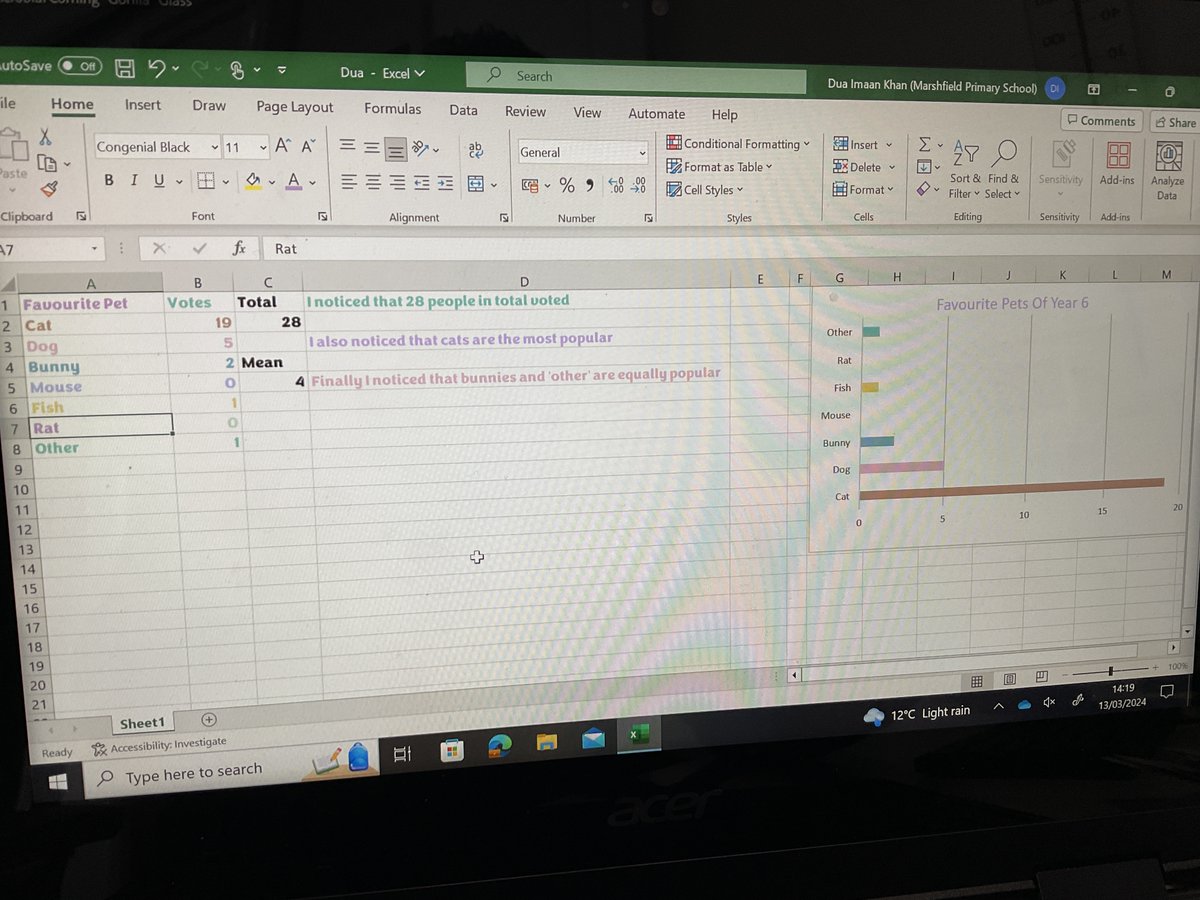
Year 6 Wolves used Excel to transform data from a table into a pie or bar chart! Next, we learned how to use the SUM button to total up data from columns and calculate the mean number! #MPSComputing #Ambition



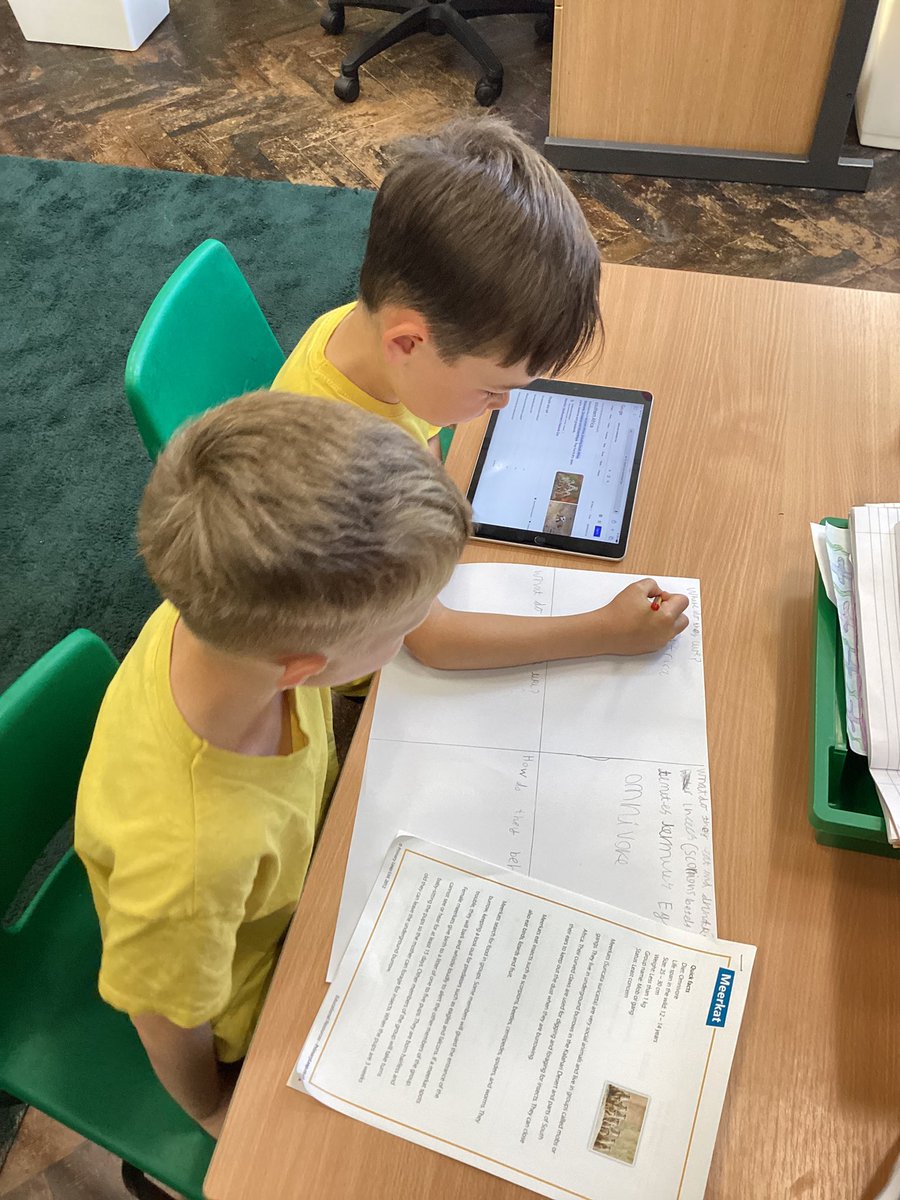
We are busy researching meerkats for a report for the Year 1s. Do you know what they look like? What they eat? Where they live? #MPSEnglish #MPSWriting #MPSComputing #MPSGeography
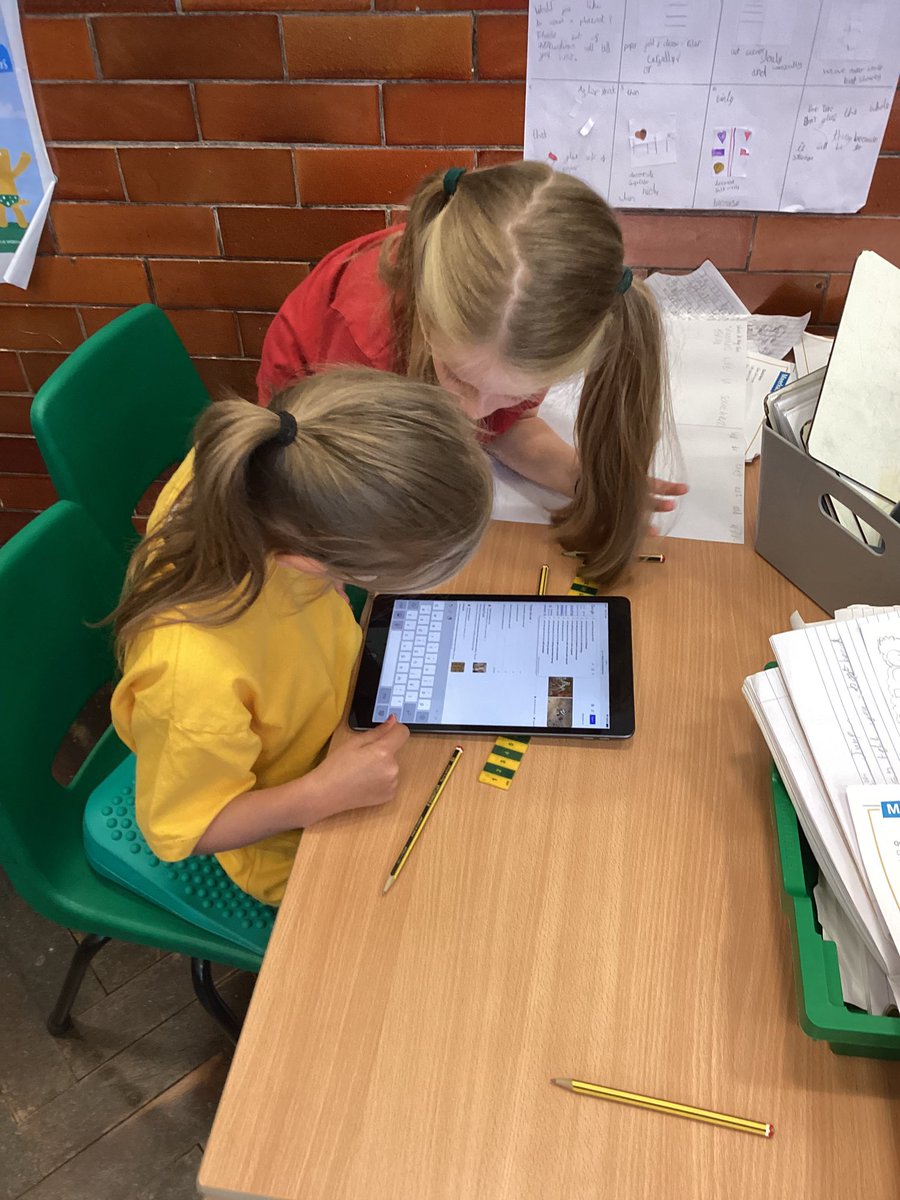

Year 4 have been exploring how the internet works by creating their own networks using string and sending emails via network switches and routers. We also had to decide whether to block or accept messages in our networks #mpscomputing #yr4 #mpsesafety
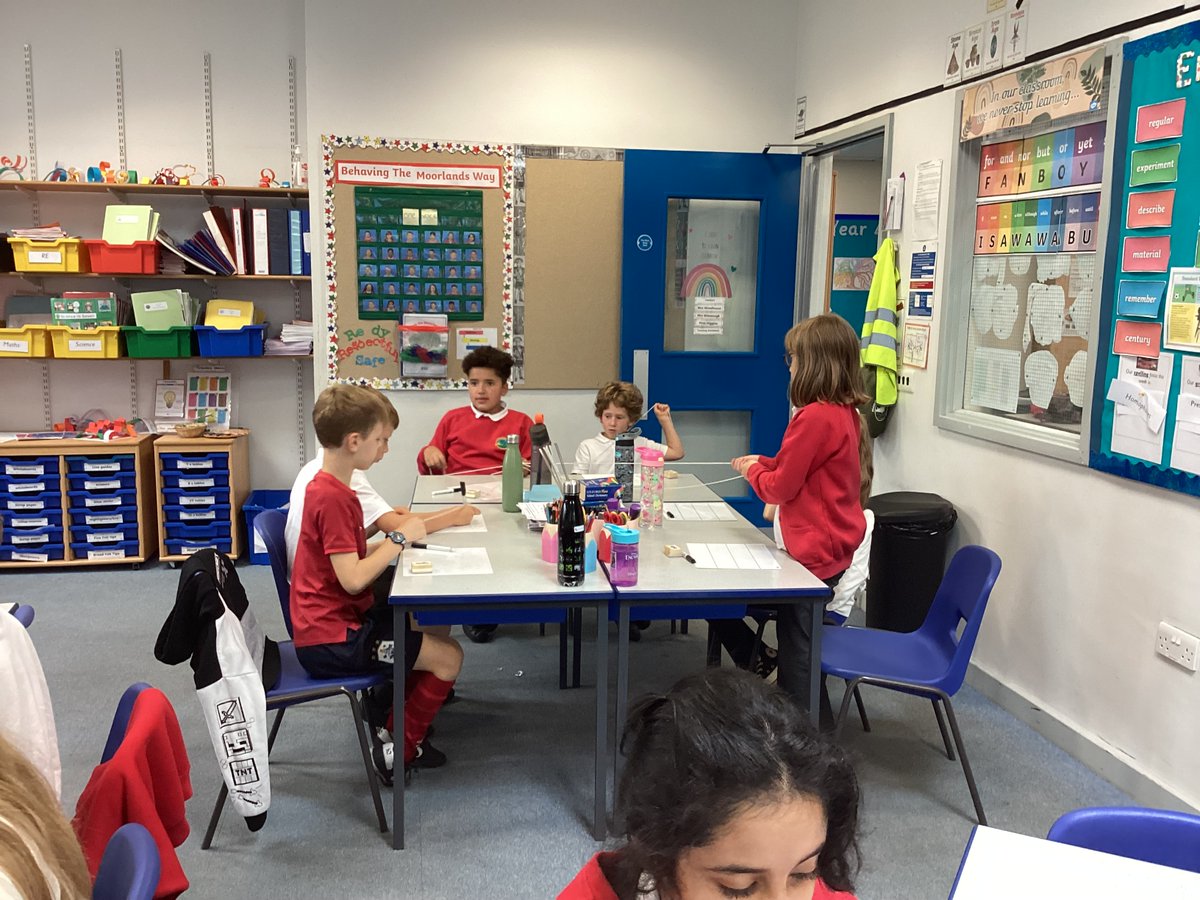


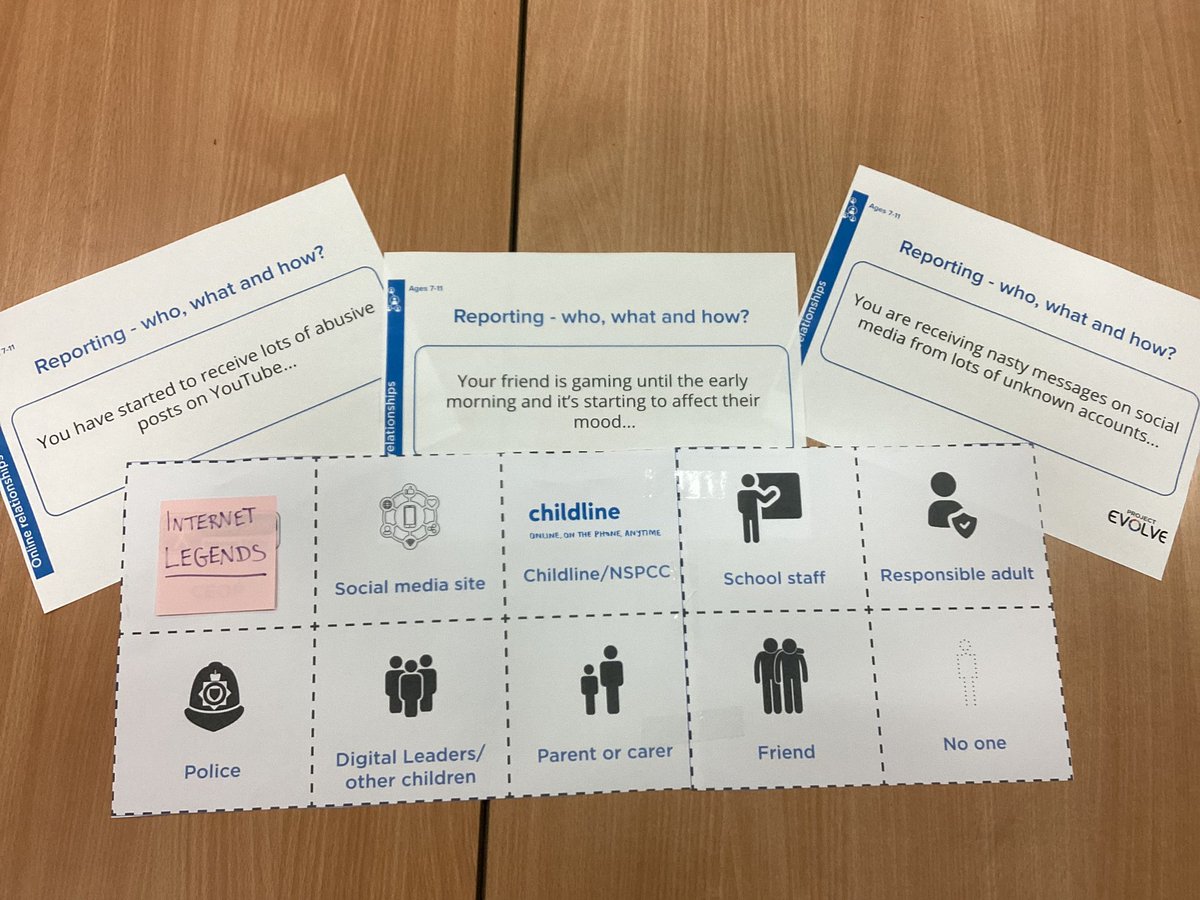
🧠💚Lots of great discussion around these talking points as part of our e-safety topic ‘Kind’ today. #mpscomputing #mpsesafety
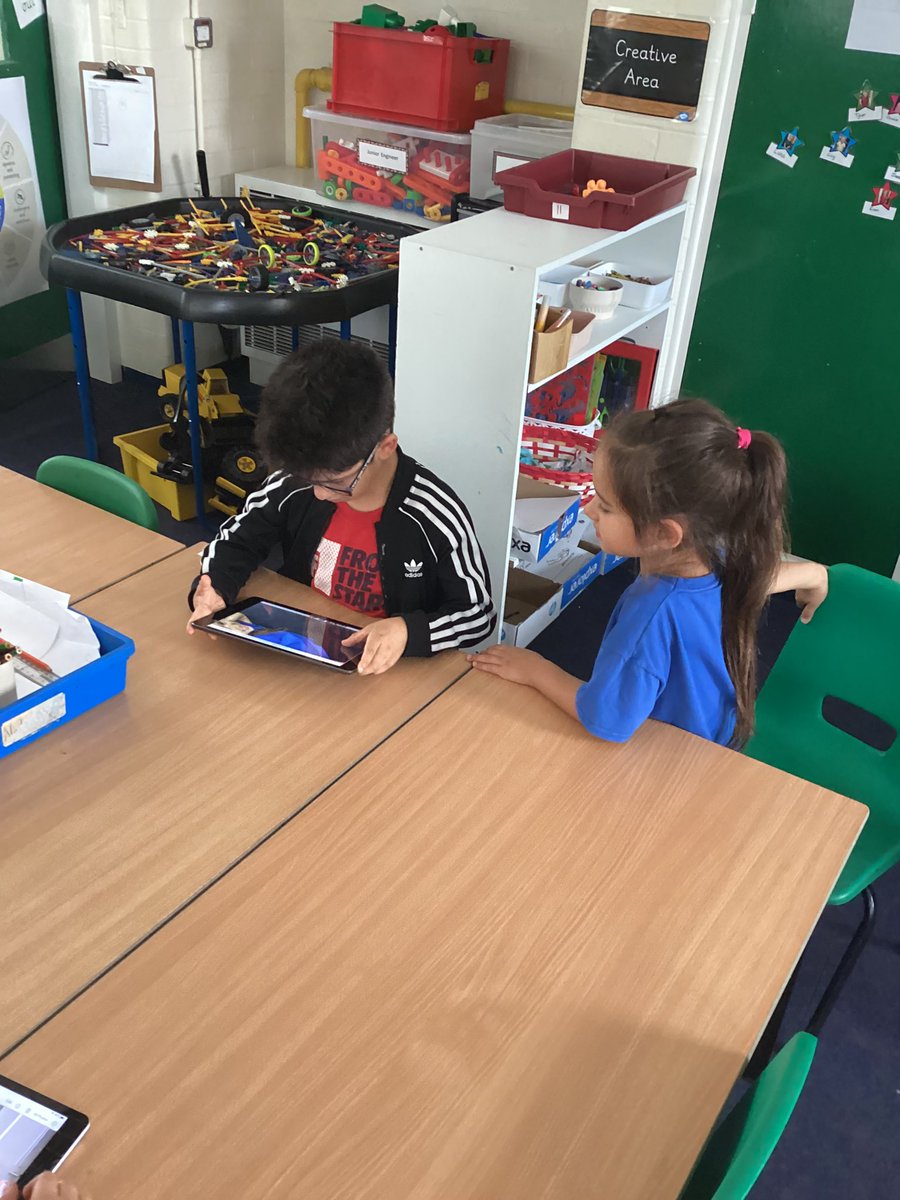
We enjoyed our STEM workshop yesterday, we learnt how to take selfies #mpsstem #mpsscience #mpscomputing
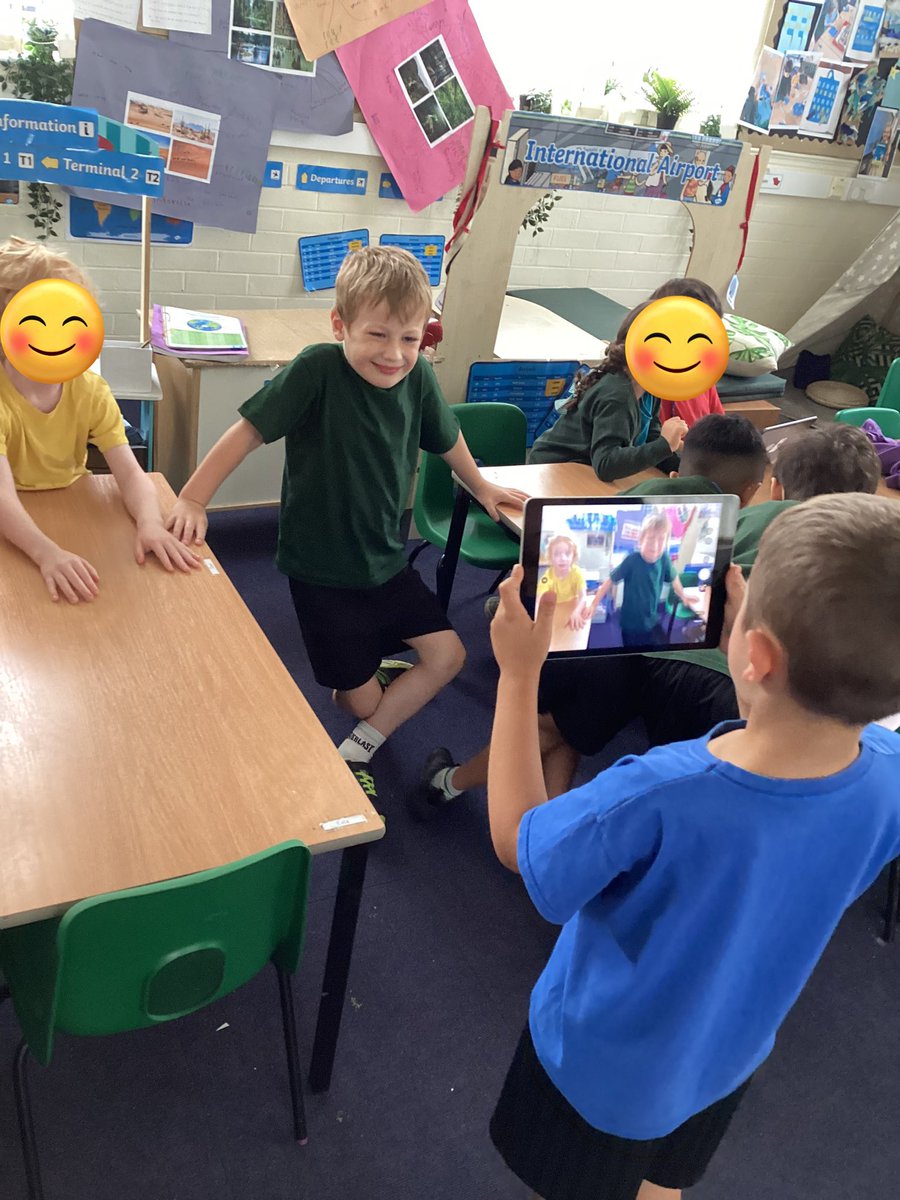
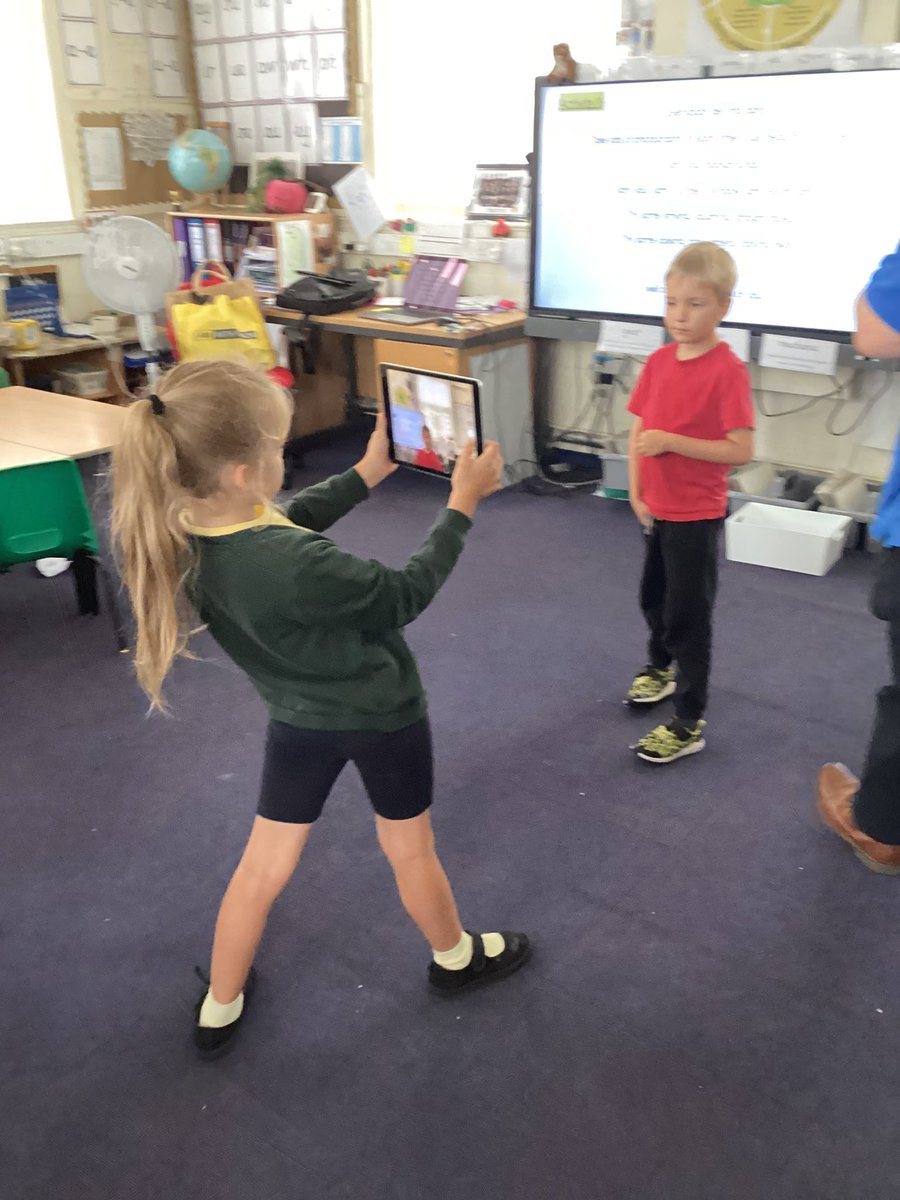
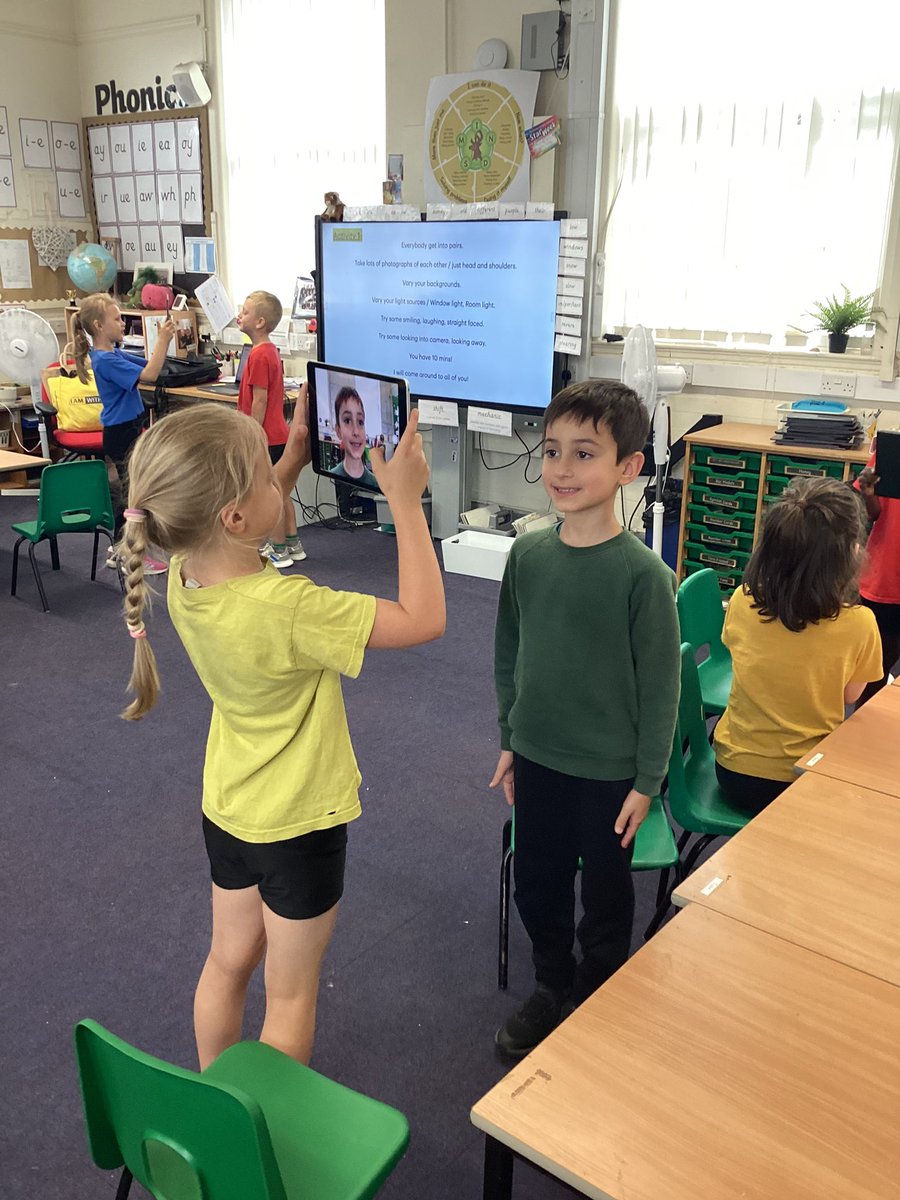

Elm class are being Sound and Computer engineers this afternoon exploring audio production, how to record and edit sound! We have learned all about device inputs and outputs and how these can affect the quality of recordings💪🧠 #MPScomputing
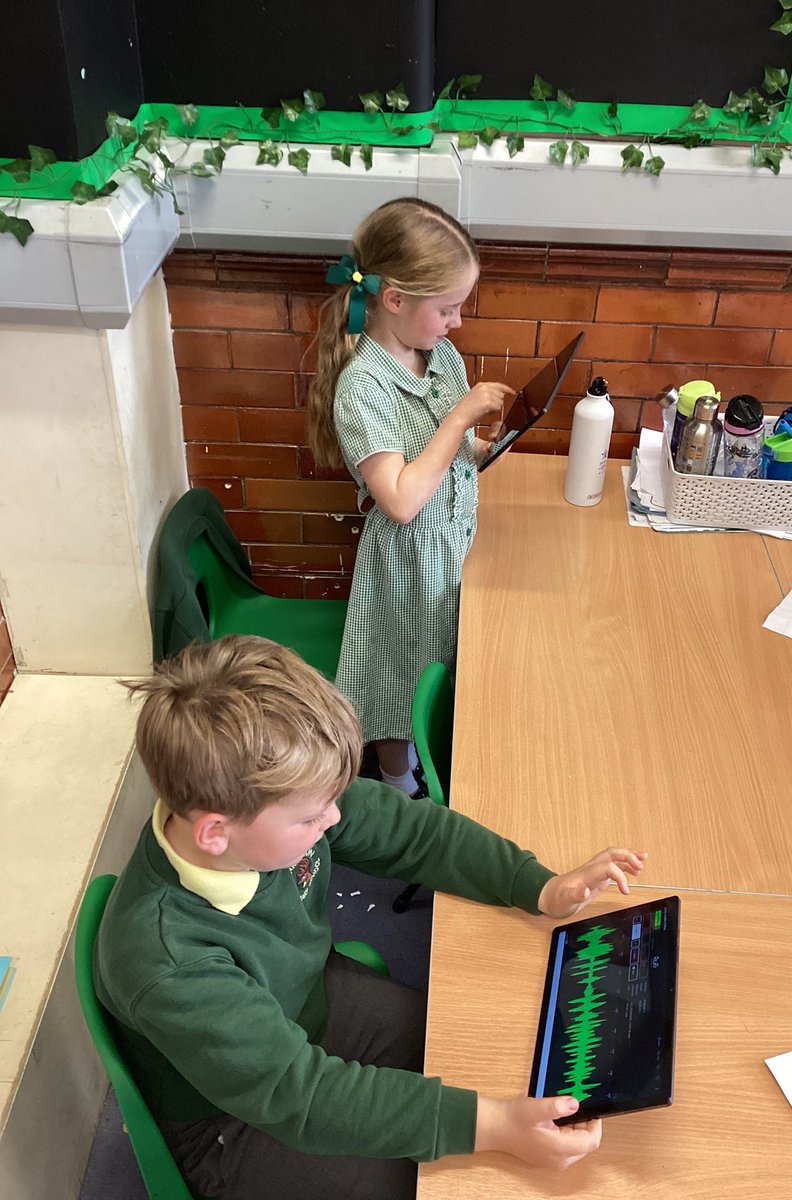
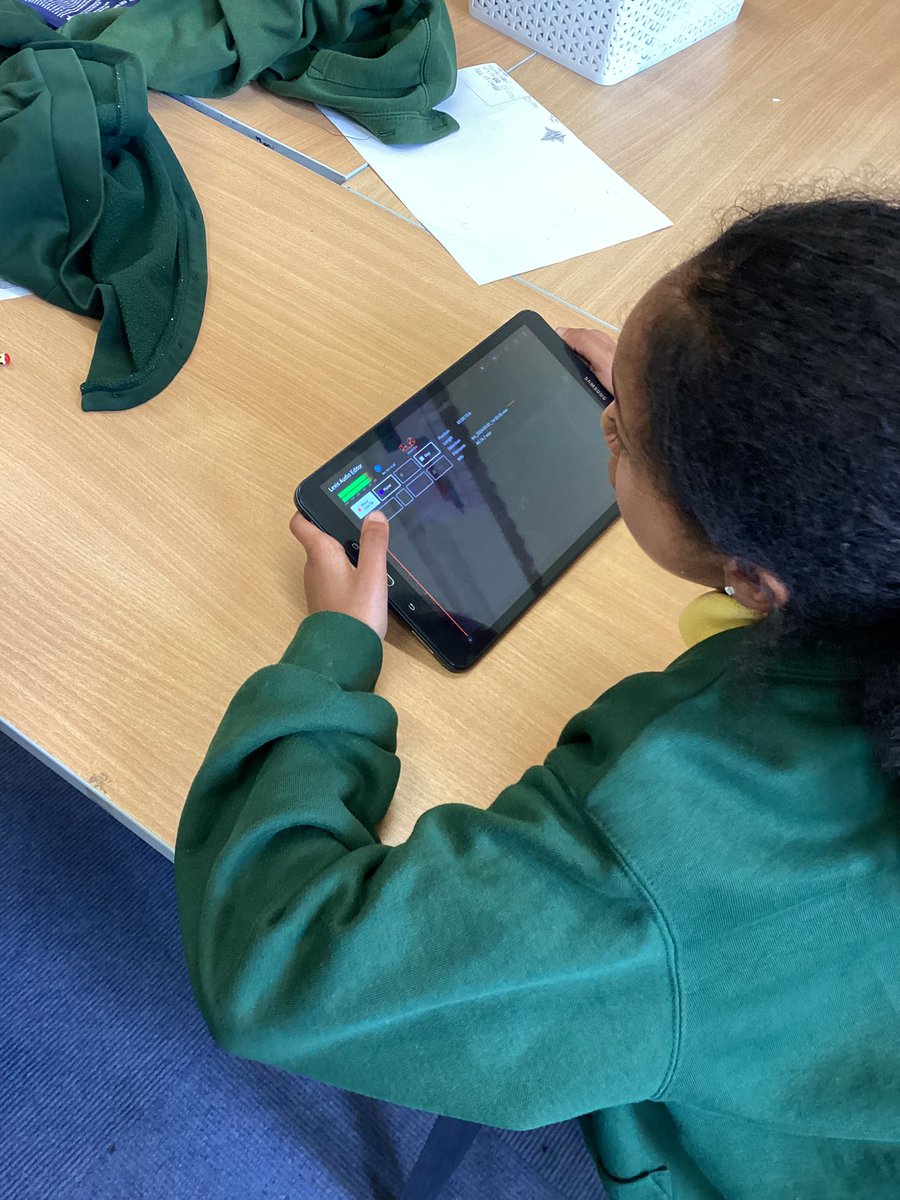

Year 6 Stan Lee have been developing their digital skills by learning how to use spreadsheets to track and represent information! 💻📊 From organising data to creating charts, they're mastering key skills for the future. Great work, everyone! 👏 #MPSComputing


Year 5 have been busy coding crumbles and getting our sparkles to change colour and flash #mpsyear5 #mpscomputing
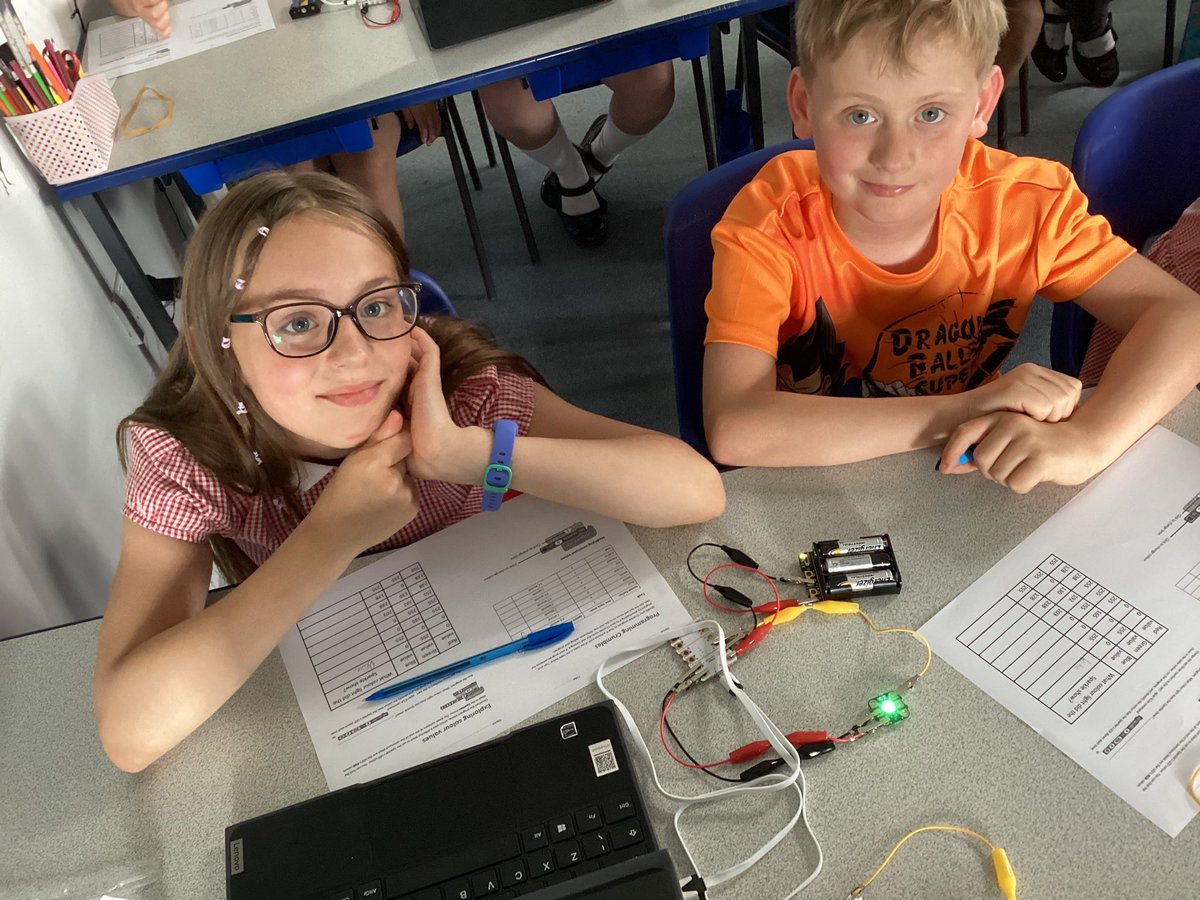


Year 5 are practicing their filming techniques for our videography unit in computing. We are using a storyboard to learn the different filming positions. #MPScomputing #MPSYear5

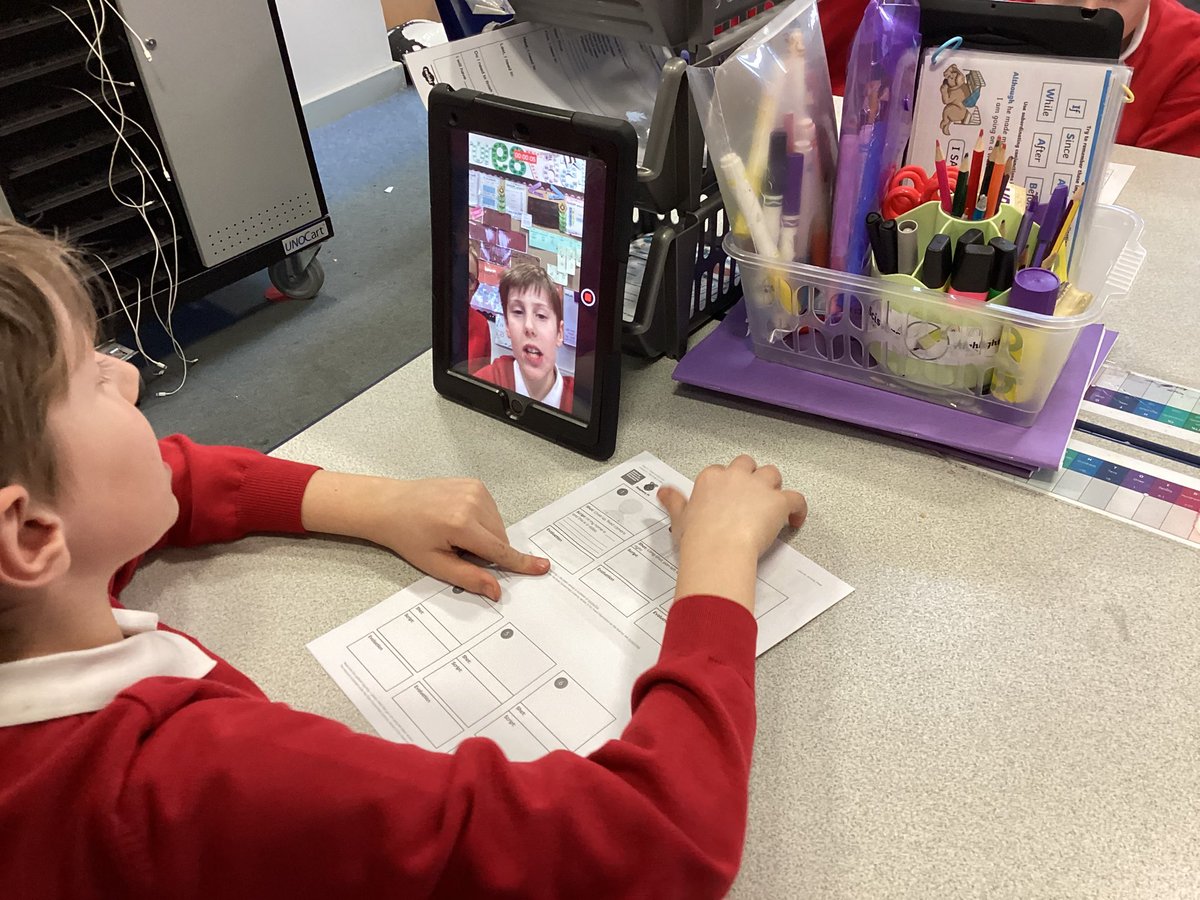
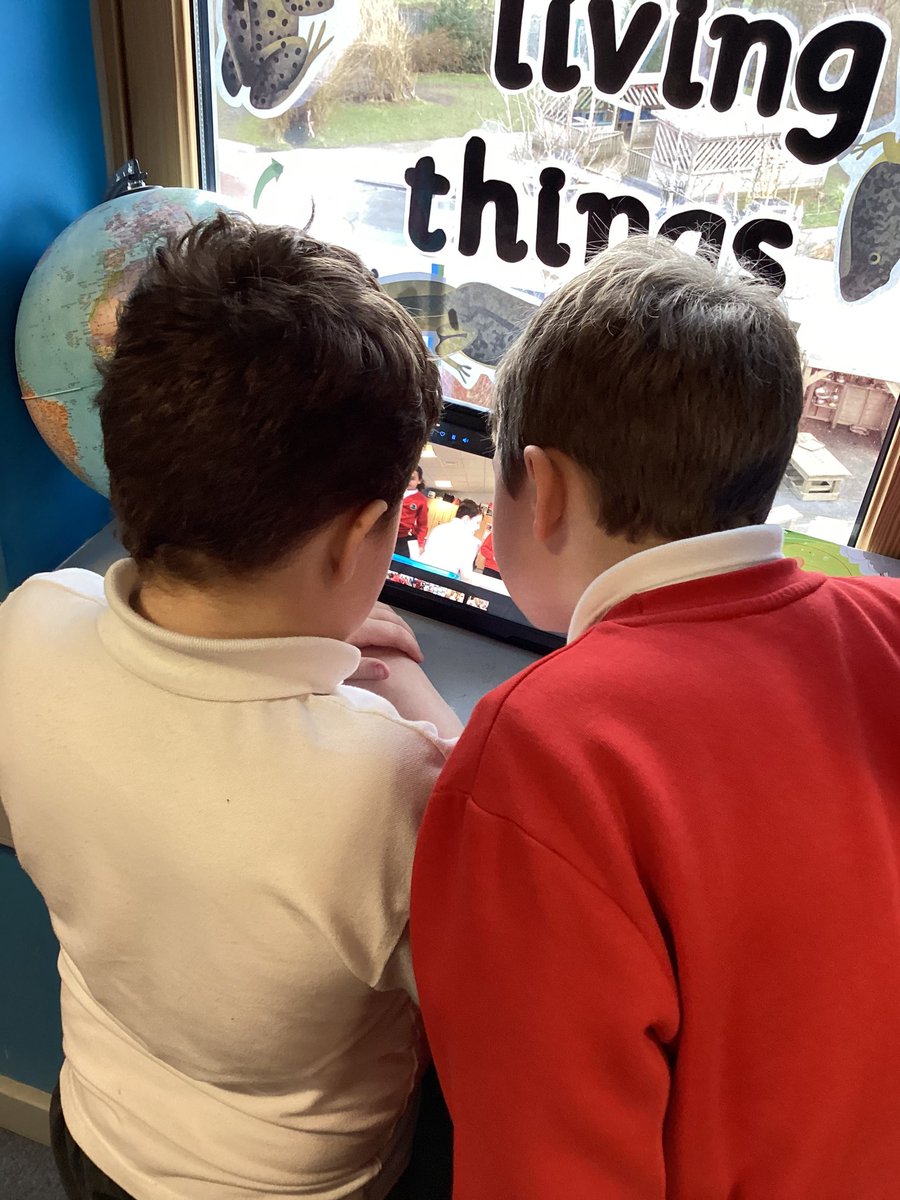

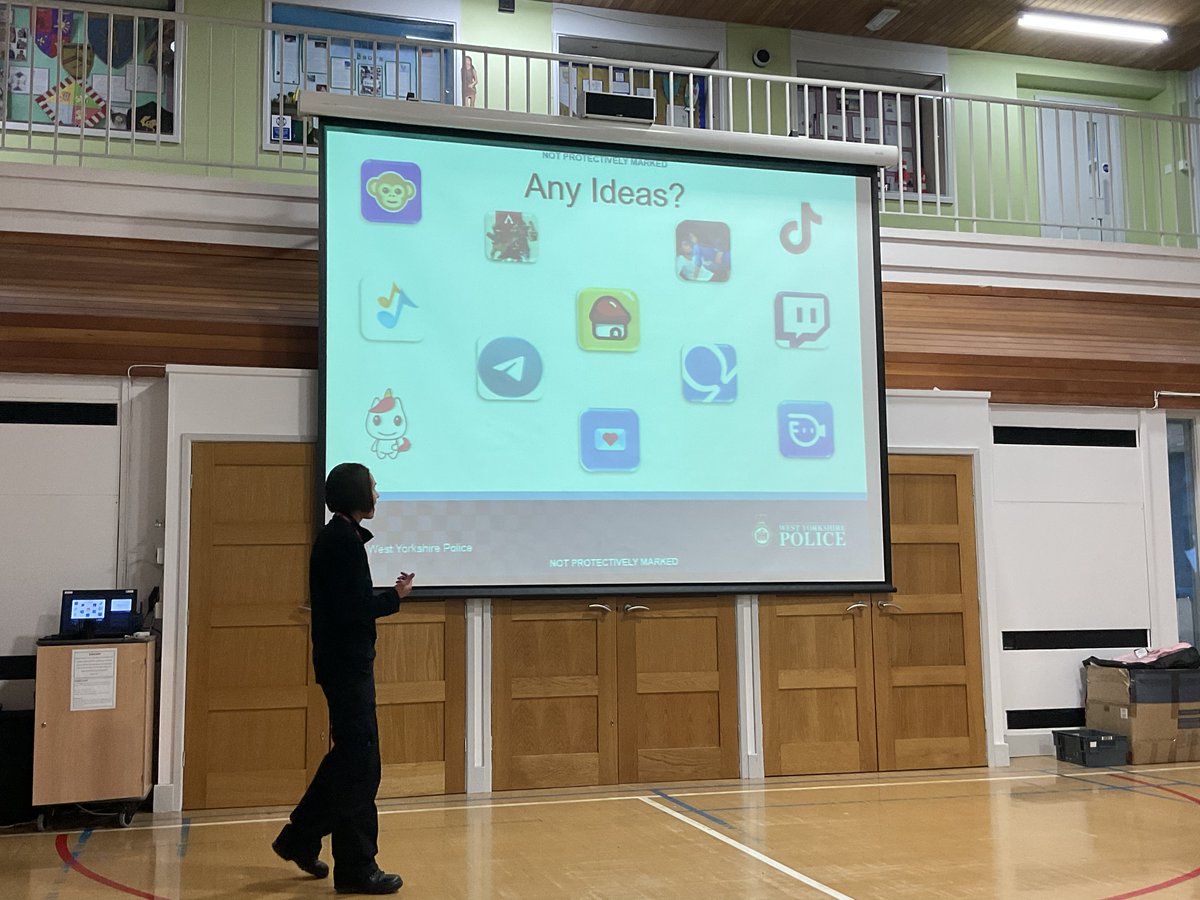
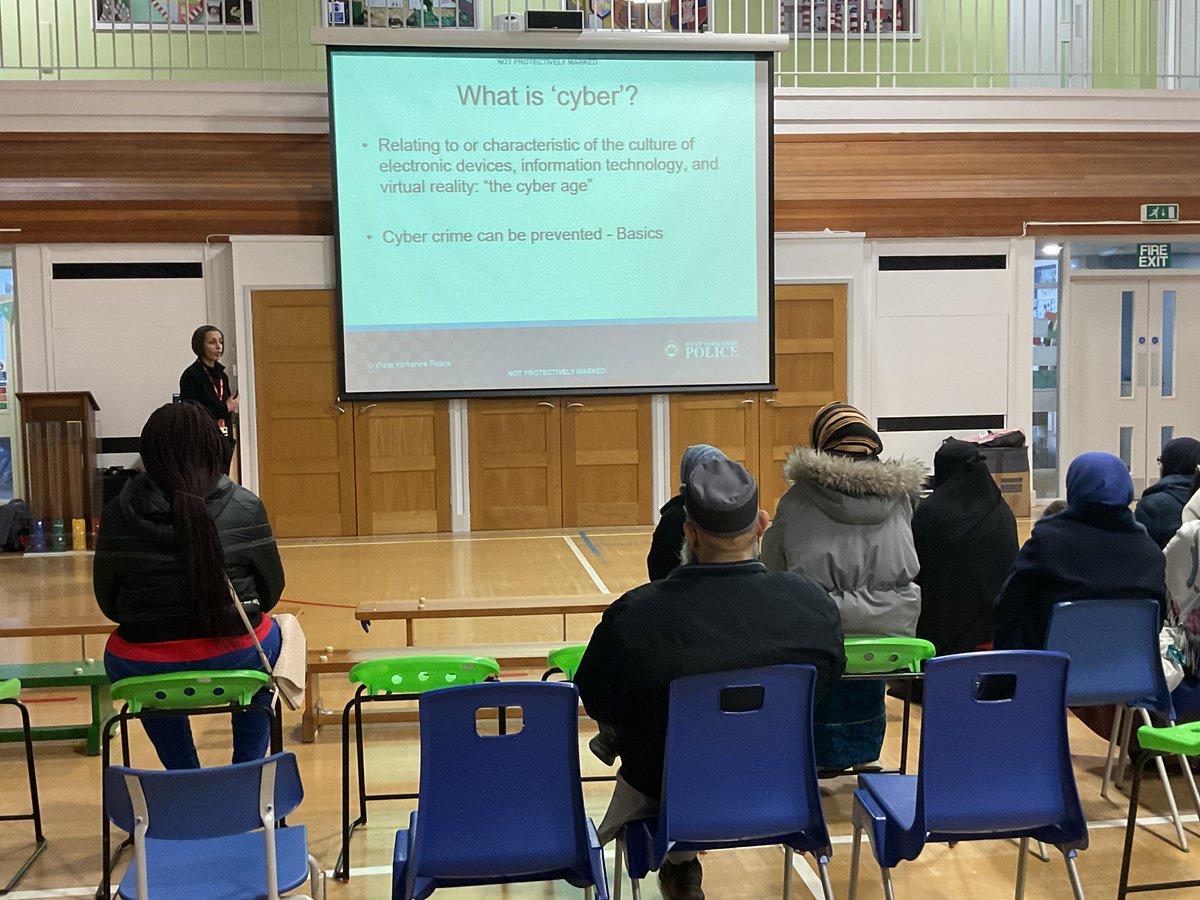
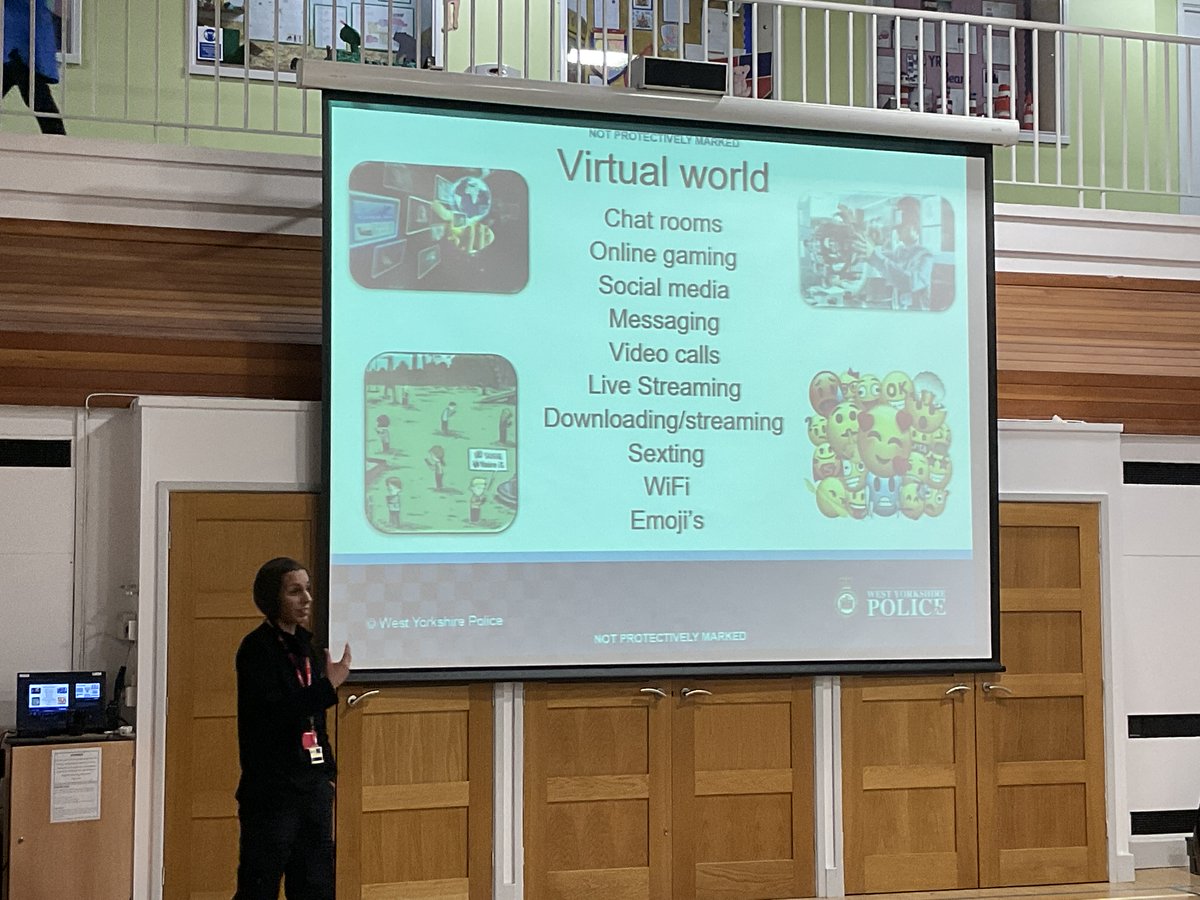
Online safety parent and carers workshop delivered by PC Samia. #SaferInternetDay #MpsComputing Our parents and carers learnt about the risks and how to help their children stay safe online.
Children in Year 5 explored Interland as part of their work on internet safety. They learnt how to share with care, how to spot fake news, how to keep their information safe and how to spread kindness online! @safeinternetday @Google #Ambition #SaferInternetDay #MPSComputing


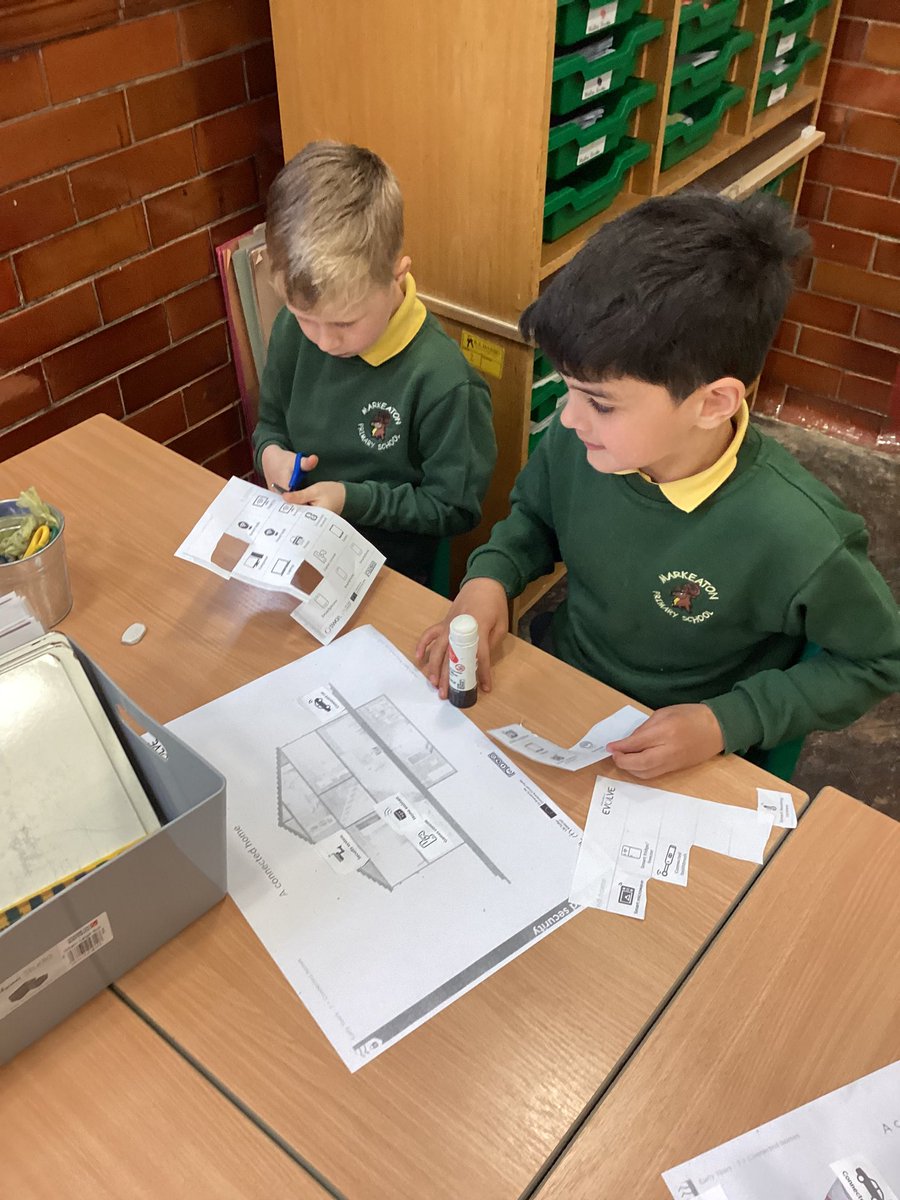
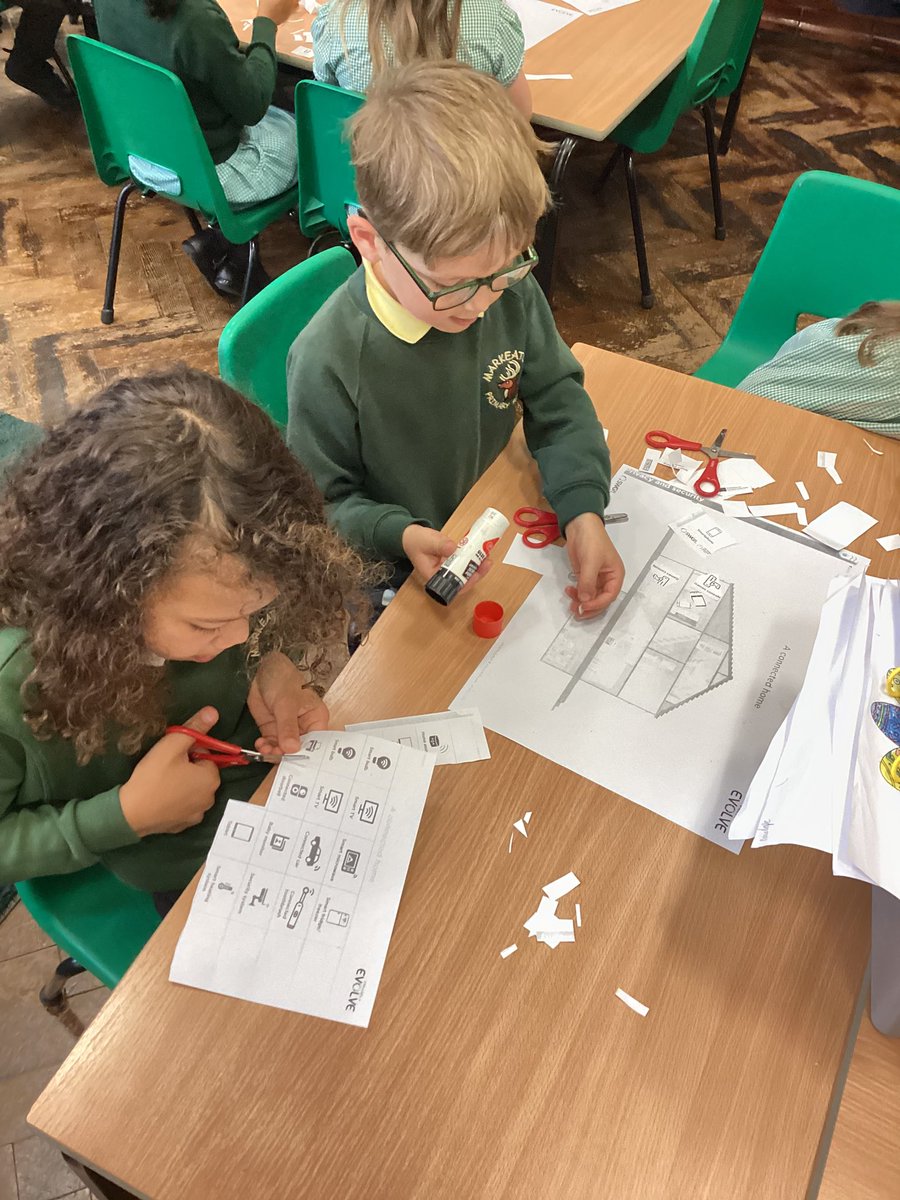
We are looking at what devices are ‘connected’ in the home. Do you know what a ‘connected device’ is? #MPSesafety #MPScomputing #MPSPSHE
Using ICT to support learning in Early Years 💻✨ The children explore interactive games, practice key skills, and use technology to enhance their learning in a fun and engaging ways. It’s great to see their confidence growing as they navigate digital tools! #MPScomputing
Year 6 Stan Lee have been developing their digital skills by learning how to use spreadsheets to track and represent information! 💻📊 From organising data to creating charts, they're mastering key skills for the future. Great work, everyone! 👏 #MPSComputing
In English we have been using AI to create dragon pictures! We are going to write a character description tomorrow for these dragons🐲🐉 #mpsenglish #mpscomputing 🧠


Year 6 Stan Lee have been learning how to code with Scratch. This week, we used what we have learned to far to create 'sprites' for the letters of our name, and animate them to spin, twirl and light up using block coding! #MPSComputing
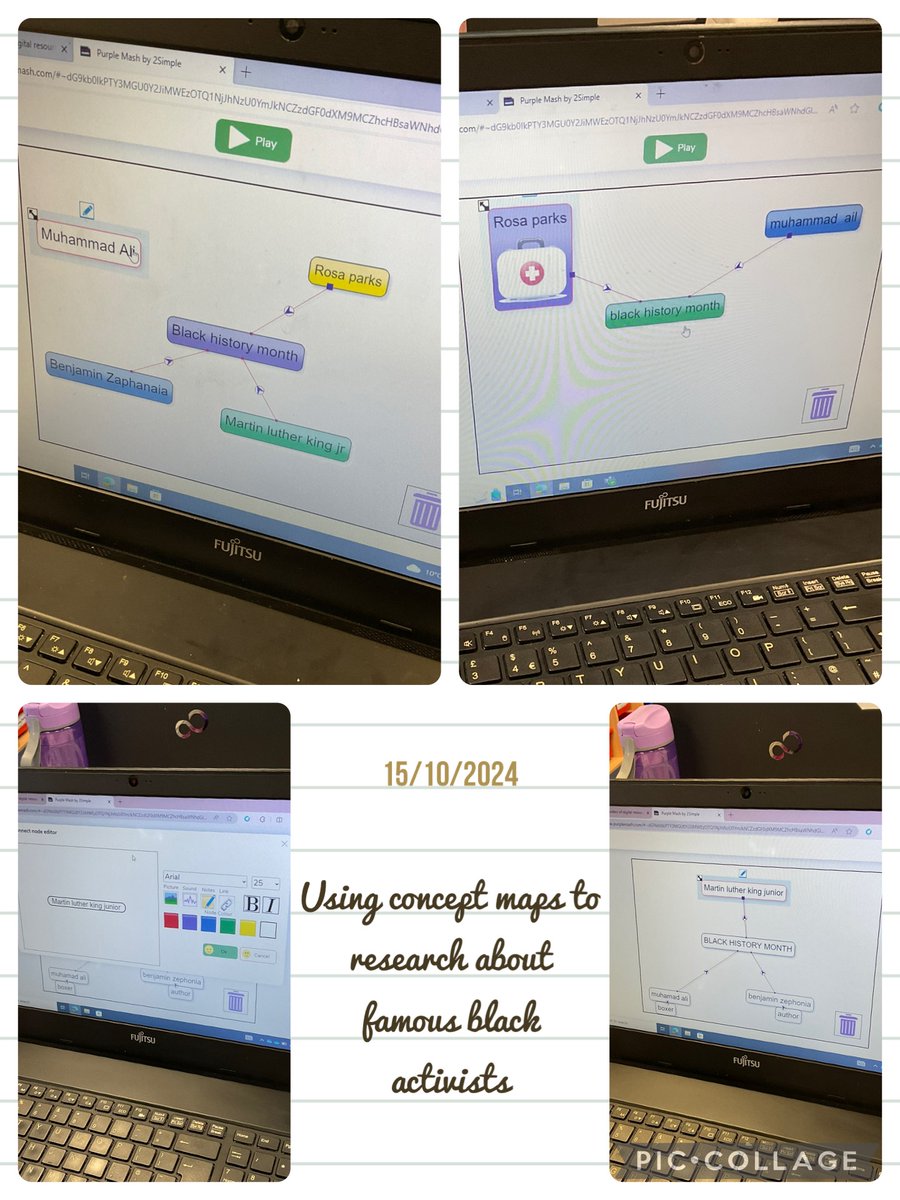
Year 5 used concept maps to display their research of famous black activists! #Ambition #BlackHistoryMonthUK #MPSComputing
💪 We are learning to cross ten when we add and subtract so naturally, we need to brush-up on our number bonds to ten. Hit the Button is great for that! #MPSMaths #MPSComputing
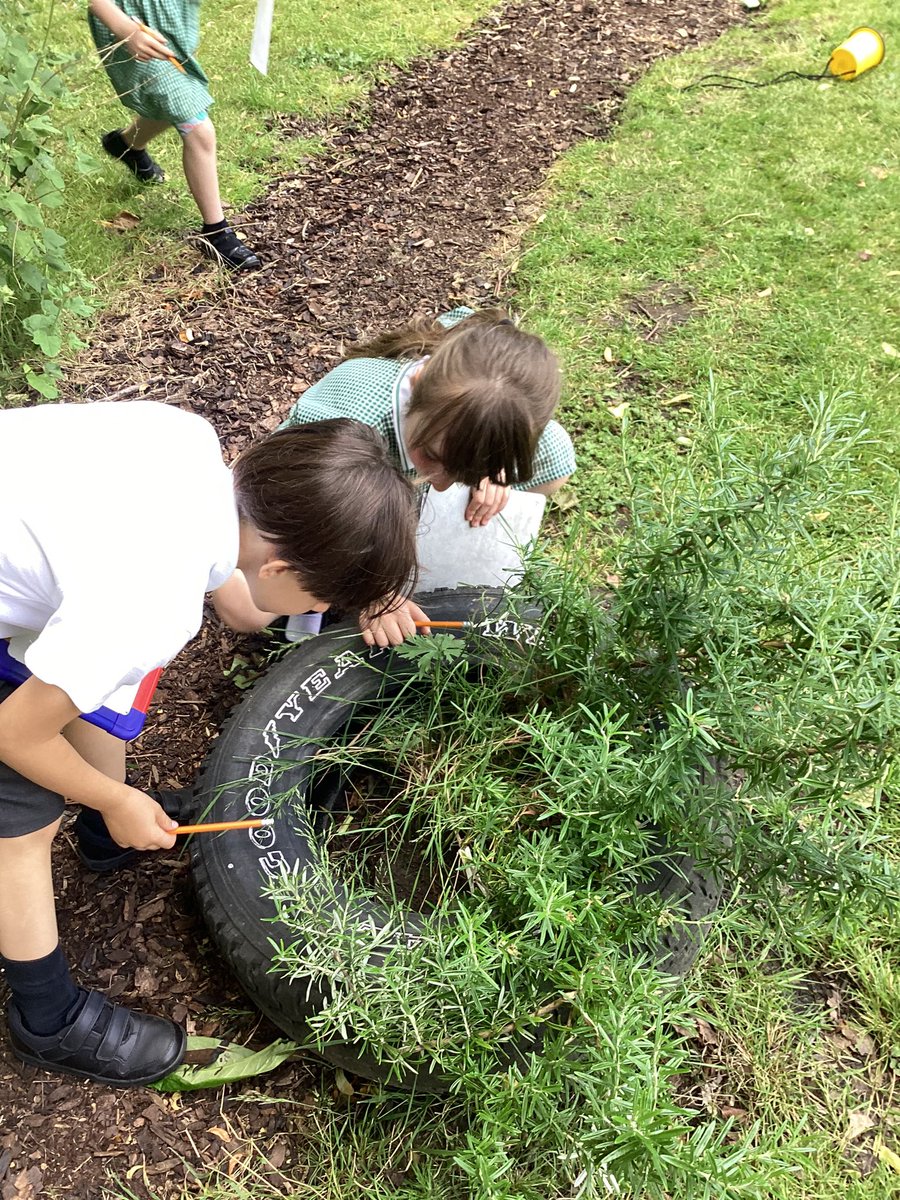
🧠💚 We went on a minbeast hunt around the school this week. We recorded the information in a tally chart and then created pictograms on the tablets. Which minibeast do you think we have the most of? #MPSComputing #MPSScience #MPSMaths
Year 6 Wolves enjoyed the challenge of “python in pieces”, extending their command of coding towards high school territory! #MPSComputing #Ambition @purpleMash
💚🧠💪 loving our new outdoor classroom @MarkeatonSchool Hazel class loved using the AR mats to learn all about the different systems in the body! #MPSComputing & #MPSScience


Elm class are being Sound and Computer engineers this afternoon exploring audio production, how to record and edit sound! We have learned all about device inputs and outputs and how these can affect the quality of recordings💪🧠 #MPScomputing
Staff at Marshfield enjoyed a refresher course on Purple mash training delivered by Nina Garforth. #MPSComputing #Ambition @2SimpleSoftware @purpleMash #MPSCPD

Year 6 Wolves used Excel to transform data from a table into a pie or bar chart! Next, we learned how to use the SUM button to total up data from columns and calculate the mean number! #MPSComputing #Ambition
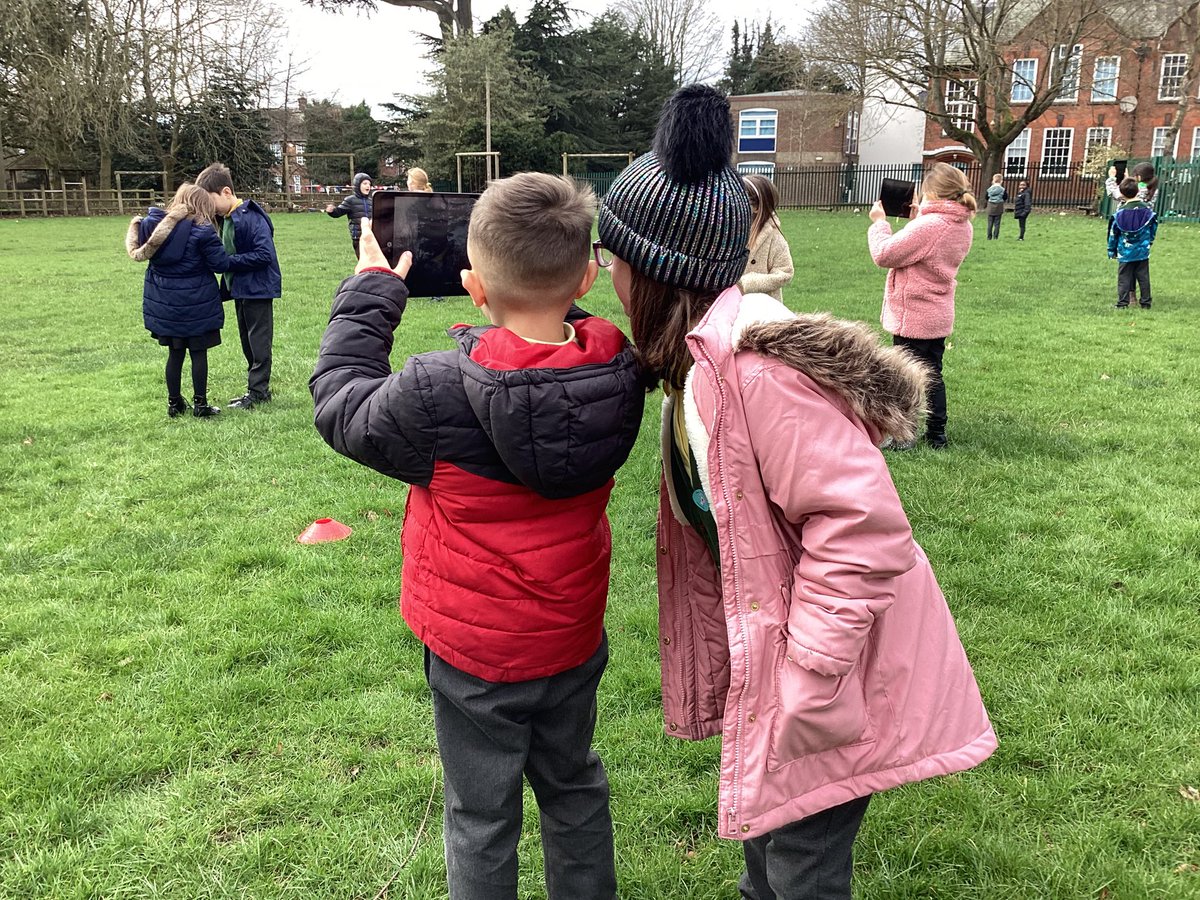
Acer Class have been learning how to be digital photographers. We’ve learnt what makes a good photo, how to focus and zoom in and how to delete or retake photos. We practiced taking photos outside. 💪💚🧠#MPSComputing
Year 2 have been busy exploring algorithms this morning. They were using the Beebots and giving them instructions. #mpscomputing #mpsy2
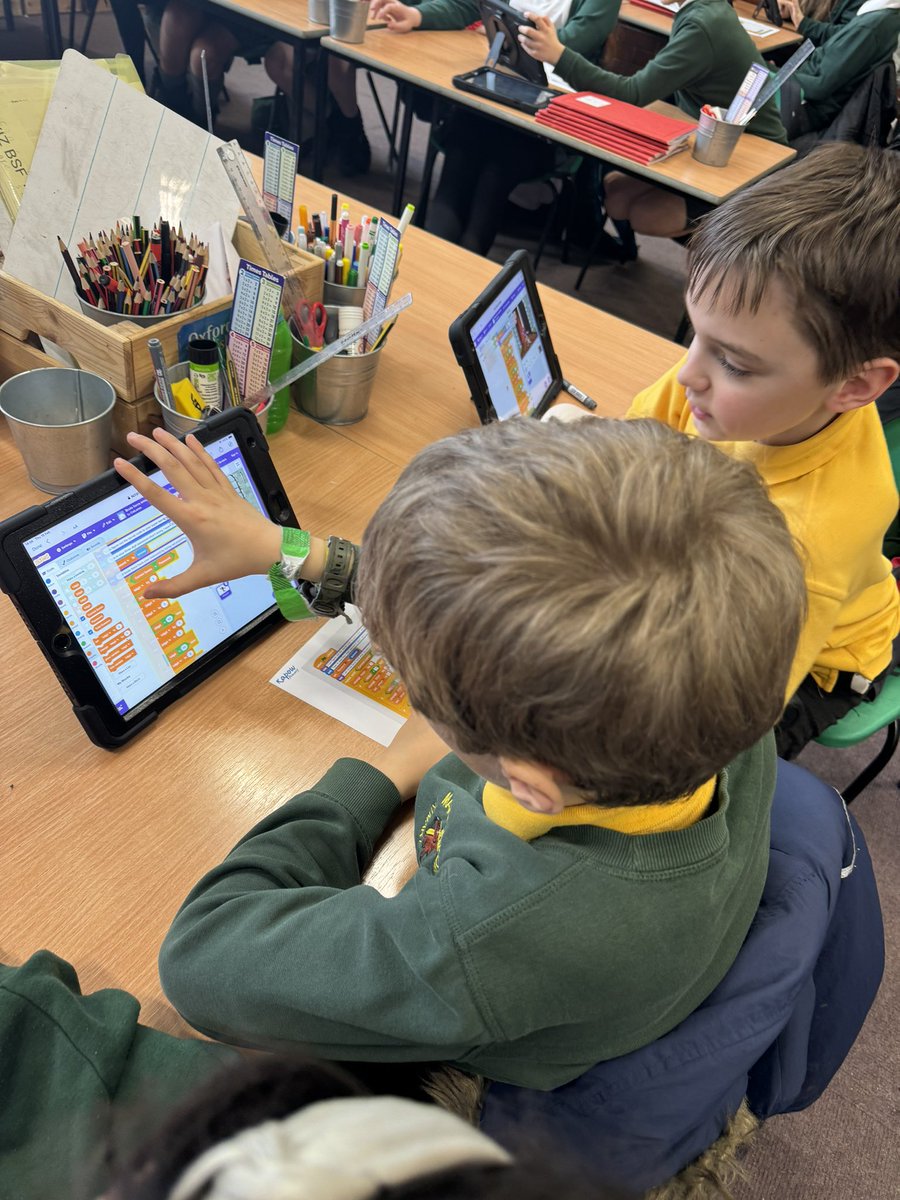
🧠💪 Sycamore really are using that “I Can Do It” mindset this afternoon as we learn how to brute force hack into a computer system. We’ve spotted bugs in code and attempted to debug algorithms to be able to hack into a secret password! #MPSComputing
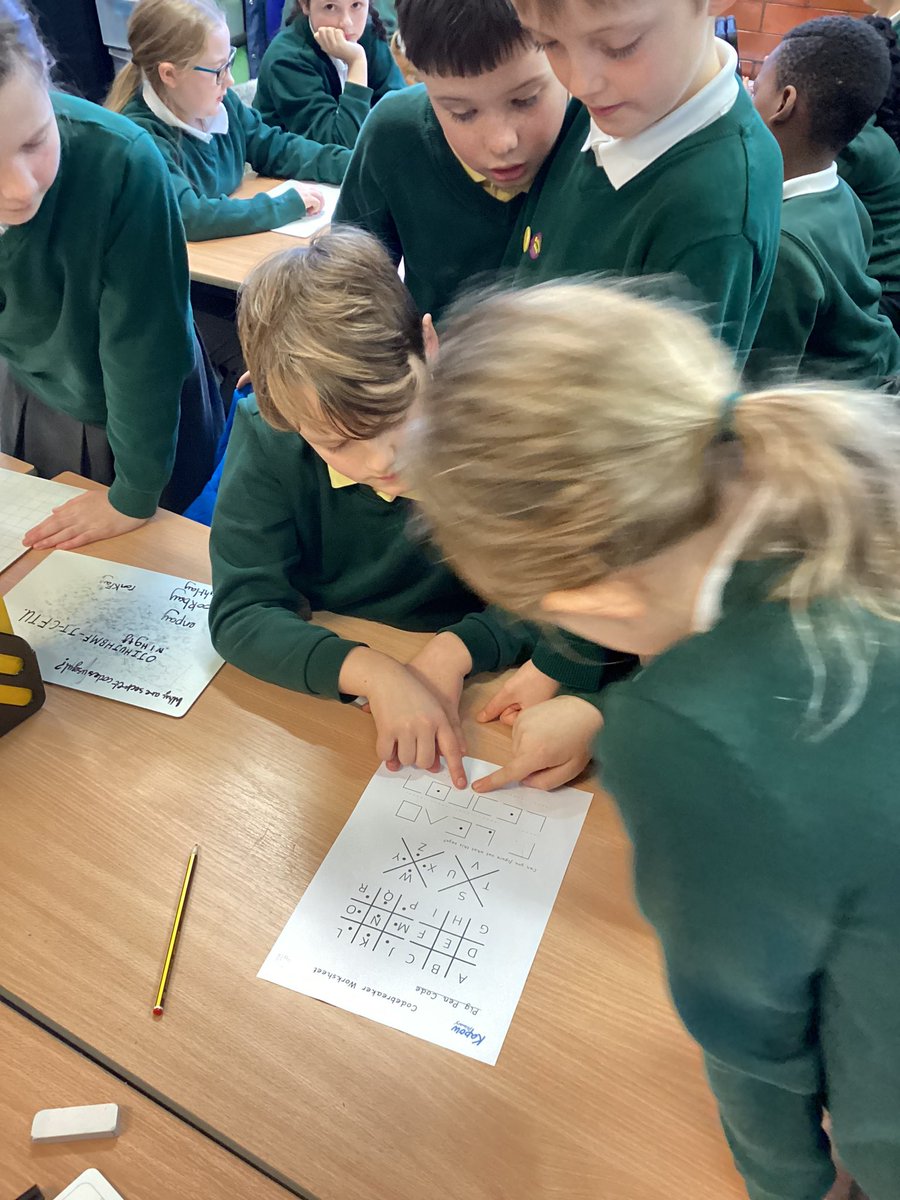
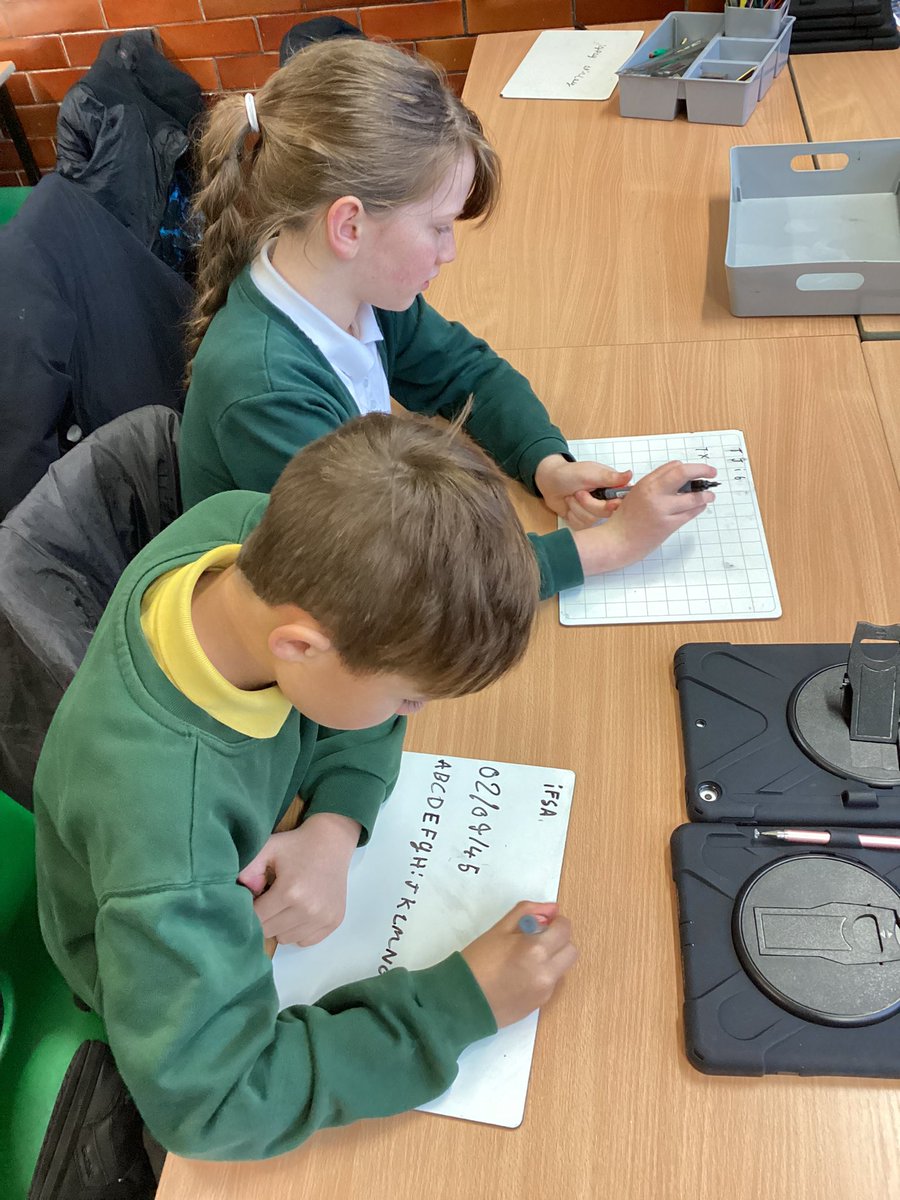
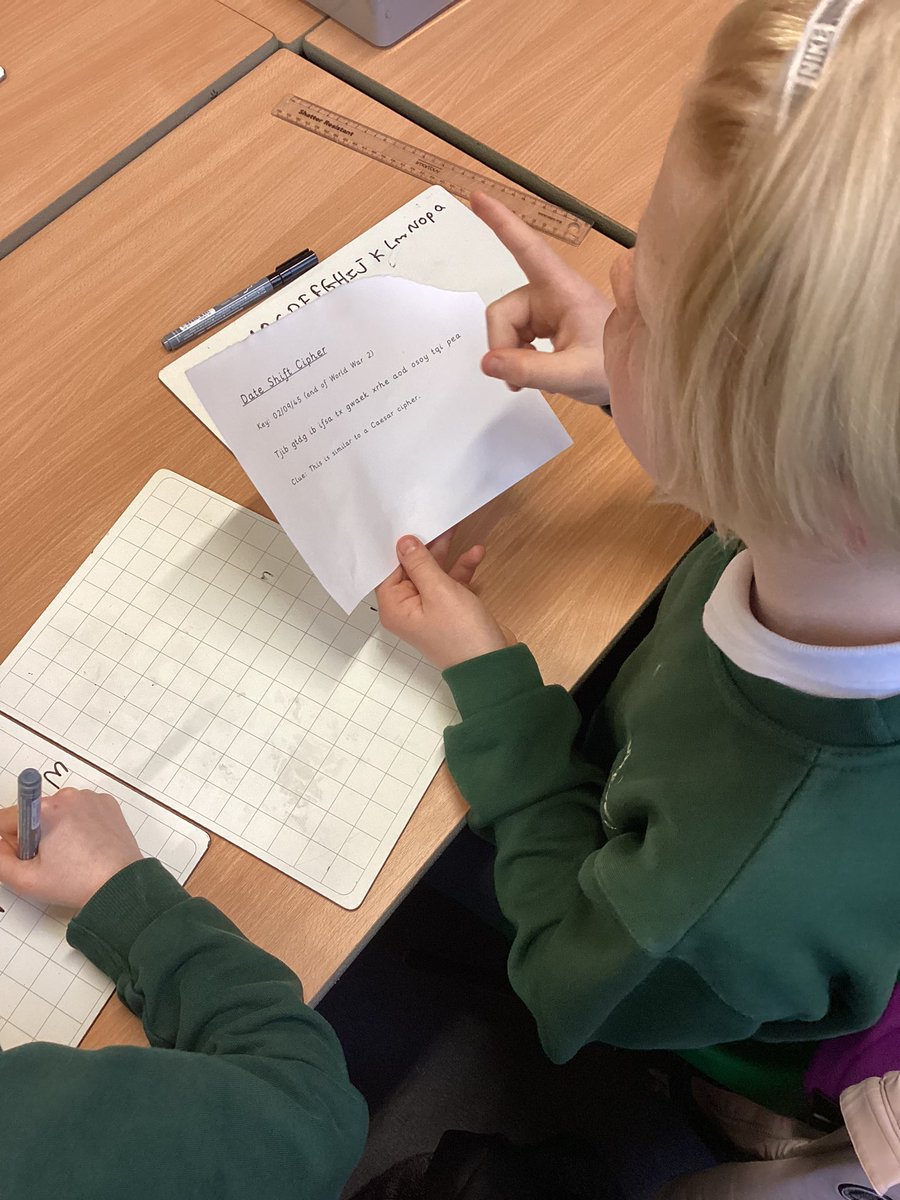
🧠💪💚 Problem solving at its finest in Hazel Class! Today we are being WW2 code breakers! How would you fair? #MPSComputing

Children in Year 5 explored Interland as part of their work on internet safety. They learnt how to share with care, how to spot fake news, how to keep their information safe and how to spread kindness online! @safeinternetday @Google #Ambition #SaferInternetDay #MPSComputing
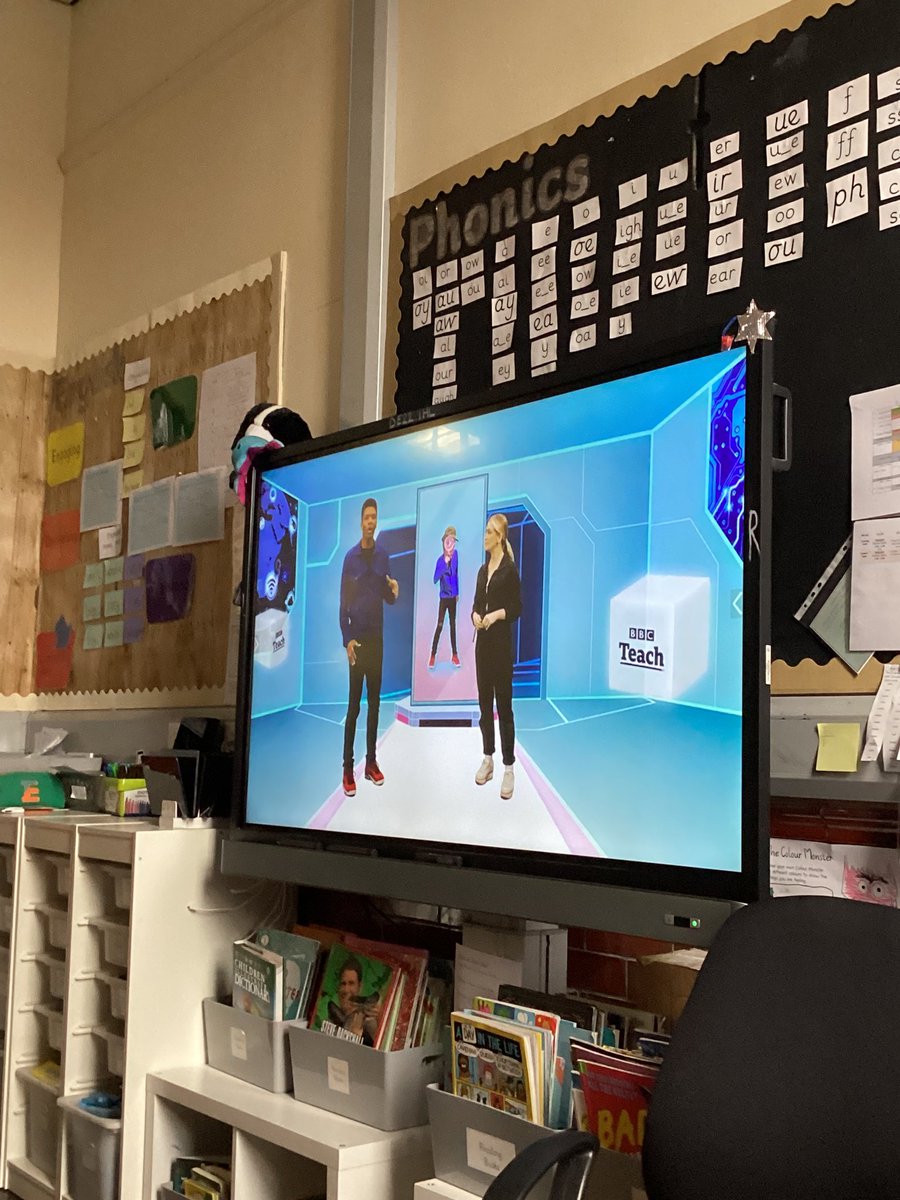
🧠 Year 2 have just started watching the BBC’s Safer Internet Day LIVE lesson. Ask us about it at home. #MPSEsafety #MPSComputing #MPSPSHE #BBClivelessons
Year 5 are practicing their filming techniques for our videography unit in computing. We are using a storyboard to learn the different filming positions. #MPScomputing #MPSYear5
Year 6 Wolves enjoyed the challenge of “python in pieces”, extending their command of coding towards high school territory! #MPSComputing #Ambition @purpleMash
Year 6 Stan Lee have been learning how to code with Scratch. This week, we used what we have learned to far to create 'sprites' for the letters of our name, and animate them to spin, twirl and light up using block coding! #MPSComputing
Using ICT to support learning in Early Years 💻✨ The children explore interactive games, practice key skills, and use technology to enhance their learning in a fun and engaging ways. It’s great to see their confidence growing as they navigate digital tools! #MPScomputing
Year 5 used their computing skills today to design and create some coronation themed gift boxes. Looking forward to printing out our nets and creating our 3D products. There may even be some goodies to go inside. #MPSComputing #MPSMaths #KingCharlesCoronation #ExcellenceForAll
Year 5 had an incredible time at @MediaMuseum on #SaferInternetDay and as part of Yorkshire Games Festival. We had a great time designing our own video games using geometry, exploring the museum and increasing our knowledge of online safety further. 💻 #CarltonEdge #MPSComputing
We have enjoyed programming our beebots to move them around the room. We have used the words forwards, backwards, left and right #mpscomputing 🧠💪🏻
Year 6 Stan Lee have been developing their digital skills by learning how to use spreadsheets to track and represent information! 💻📊 From organising data to creating charts, they're mastering key skills for the future. Great work, everyone! 👏 #MPSComputing
Year 5 used concept maps to display their research of famous black activists! #Ambition #BlackHistoryMonthUK #MPSComputing
Staff at Marshfield enjoyed a refresher course on Purple mash training delivered by Nina Garforth. #MPSComputing #Ambition @2SimpleSoftware @purpleMash #MPSCPD
Online safety parent and carers workshop delivered by PC Samia. #SaferInternetDay #MpsComputing Our parents and carers learnt about the risks and how to help their children stay safe online.
💪 We are learning to cross ten when we add and subtract so naturally, we need to brush-up on our number bonds to ten. Hit the Button is great for that! #MPSMaths #MPSComputing
Elm class are being Sound and Computer engineers this afternoon exploring audio production, how to record and edit sound! We have learned all about device inputs and outputs and how these can affect the quality of recordings💪🧠 #MPScomputing
Today we are looking at how we would feel in different online situations. How would playing a fun game make you feel? How about opening a message that was unkind? #MPScomputing #MPSPSHE #MPSesafety #kindonline


Year 5 have been busy coding crumbles and getting our sparkles to change colour and flash #mpsyear5 #mpscomputing
Year 6 Wolves used Excel to transform data from a table into a pie or bar chart! Next, we learned how to use the SUM button to total up data from columns and calculate the mean number! #MPSComputing #Ambition
We enjoyed our STEM workshop yesterday, we learnt how to take selfies #mpsstem #mpsscience #mpscomputing
This week we have used dictionaries and thesauruses for the first time. We even used the online dictionary on the tablets. We now understand what: ogre, terrify, raw, mean and more. #MPSEnglish #MPSComputing
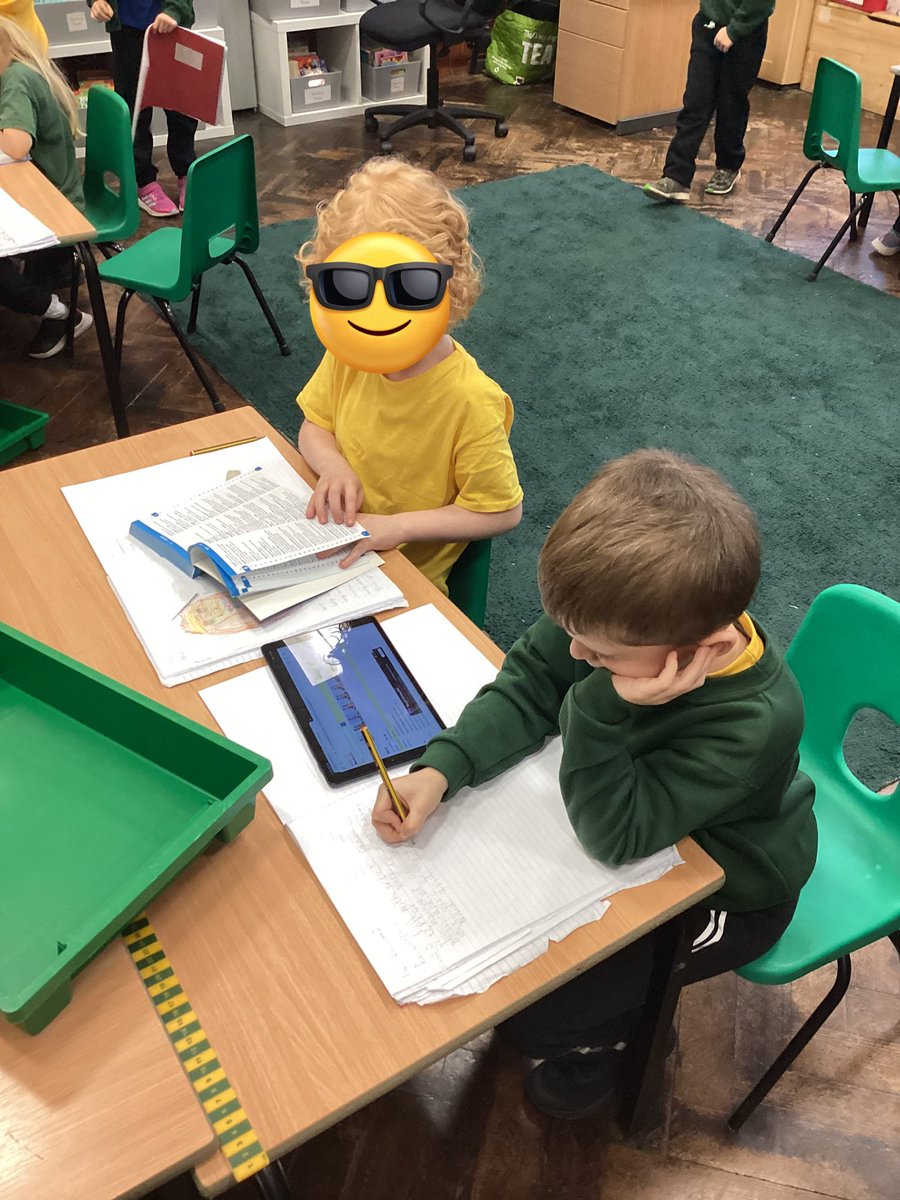
Year 2 have been using Beebots in Computing to learn algorithms and sequencing. #MPSYear2 #MPSComputing #Beebots
Something went wrong.
Something went wrong.
United States Trends
- 1. Good Thursday N/A
- 2. Atreus N/A
- 3. #TexasHockey N/A
- 4. And the Lord N/A
- 5. Caruso N/A
- 6. Draft Day N/A
- 7. #mnwild N/A
- 8. Counseling N/A
- 9. Devin Booker N/A
- 10. Benn N/A
- 11. Stars N/A
- 12. Leftover N/A
- 13. Double OT N/A
- 14. Dillon Brooks N/A
- 15. #Survivor50 N/A
- 16. #beyondthevilla N/A
- 17. Jalen Williams N/A
- 18. Quinn Hughes N/A
- 19. Boldy N/A
- 20. Slinky N/A