
#uxbits search results

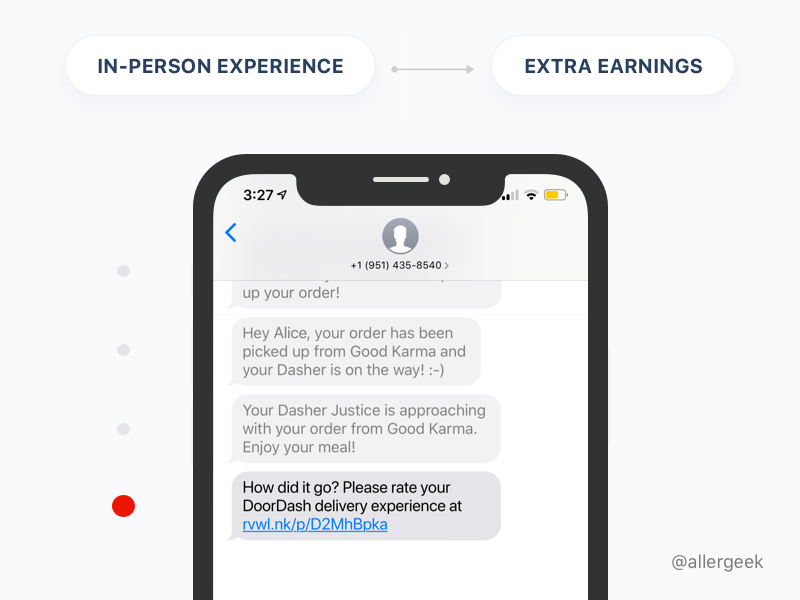
#UXbits #servicedesign For each in-person interaction there is an opportunity window when we are motivated to take action, whether our experience was stellar or sub-average. This is something you can leverage and build upon.
#UXbits #iOS13Beta Card view creates new context layers to deal with simpler tasks. Its layout helps people remember the task they switched from, compared to fullscreen mode. #iosdev #UX #iOS131
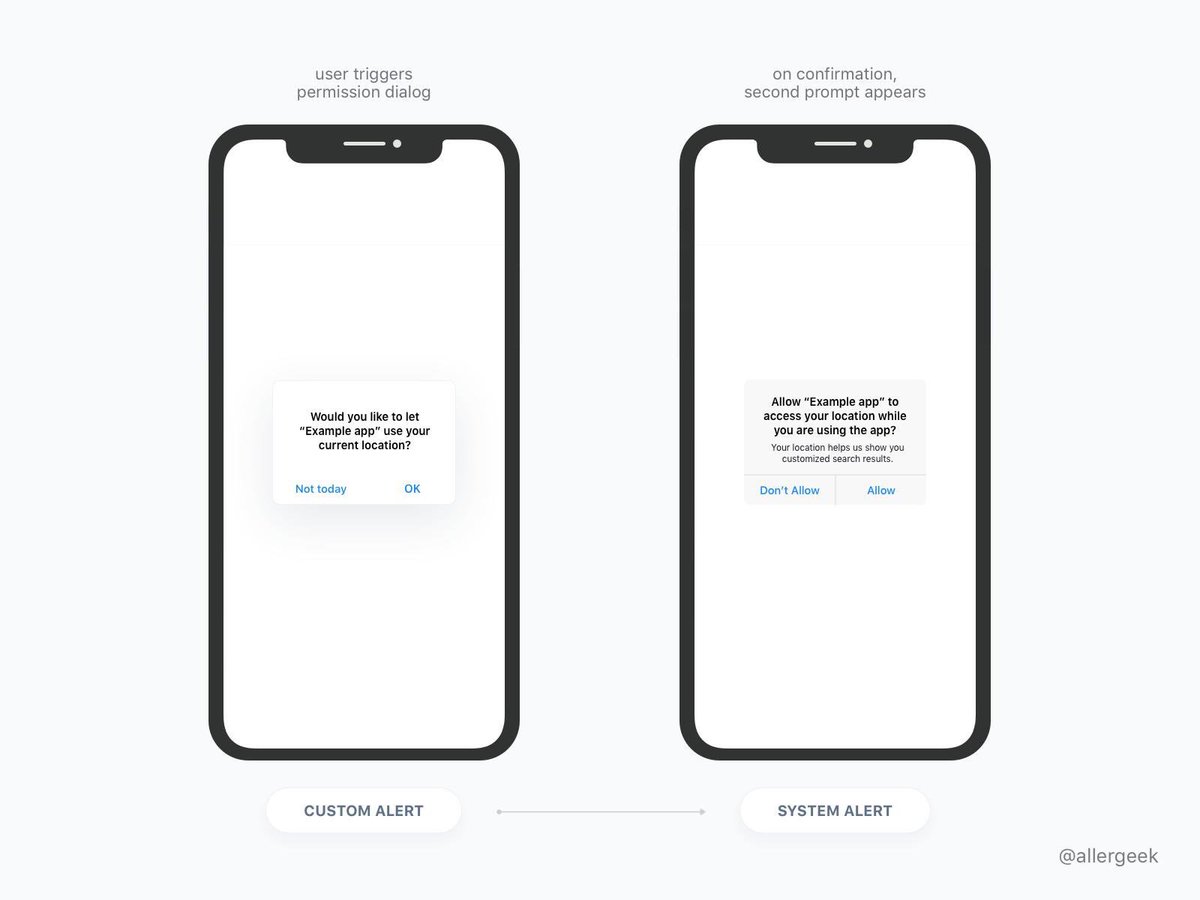
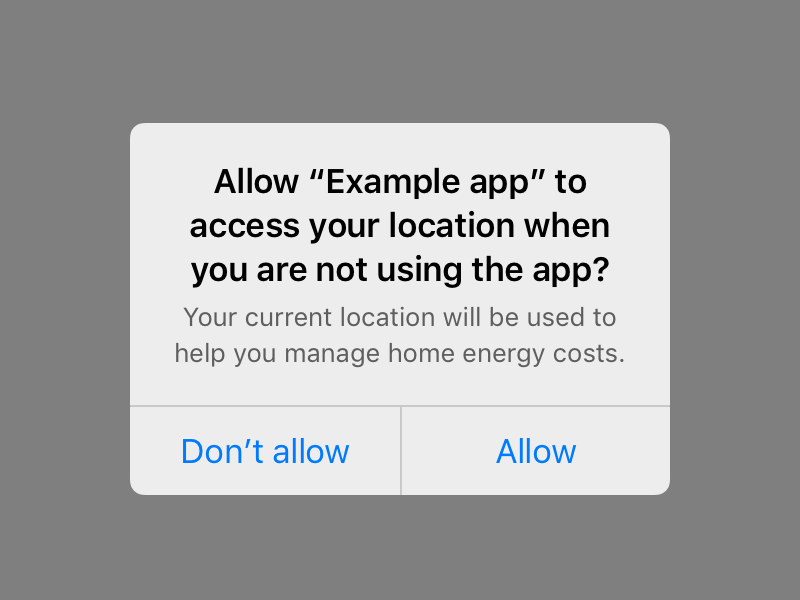
#UXbits One of the ways around handling system permissions is to use two consecutive alerts. In this example the following system request is mapped right over the custom alert. Native prompt is only to show up if the user gives you a 👍 first #iOSdev #UXhack #NotToday #UX #UI
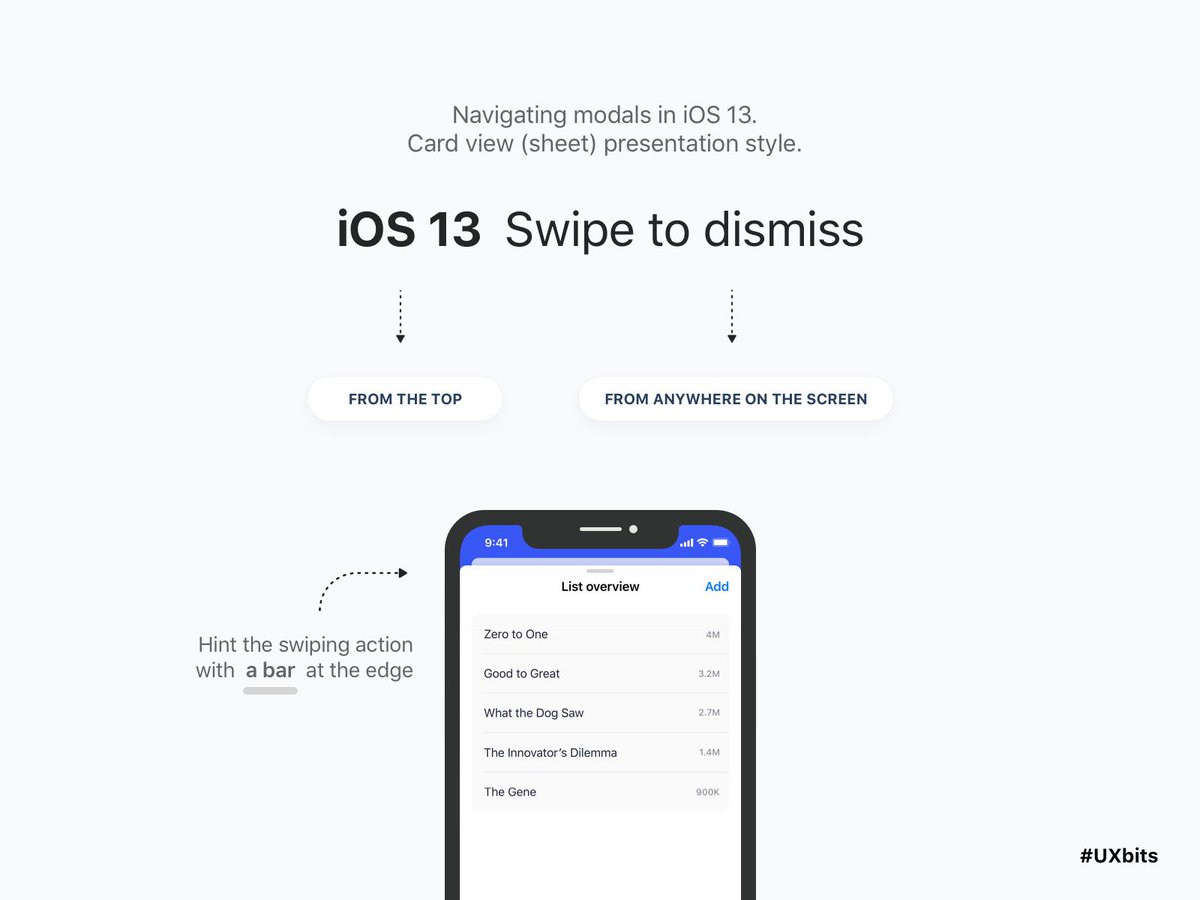
#UXbits Swiping gesture goes big in iOS 13, to help with reachability. You can swipe from the top, or from virtually anywhere on the screen to dismiss modal view. #iOS131DevBeta2 #UX #mobile
How to map permission dialogs for optimal conversion? @DoorDash does a great job letting you see two dialogs at the same time so you stay informed and (sic!) 100% sure how you ended up seeing the system prompt;-) #UXbasics #UXbits #UX #iosdev #location

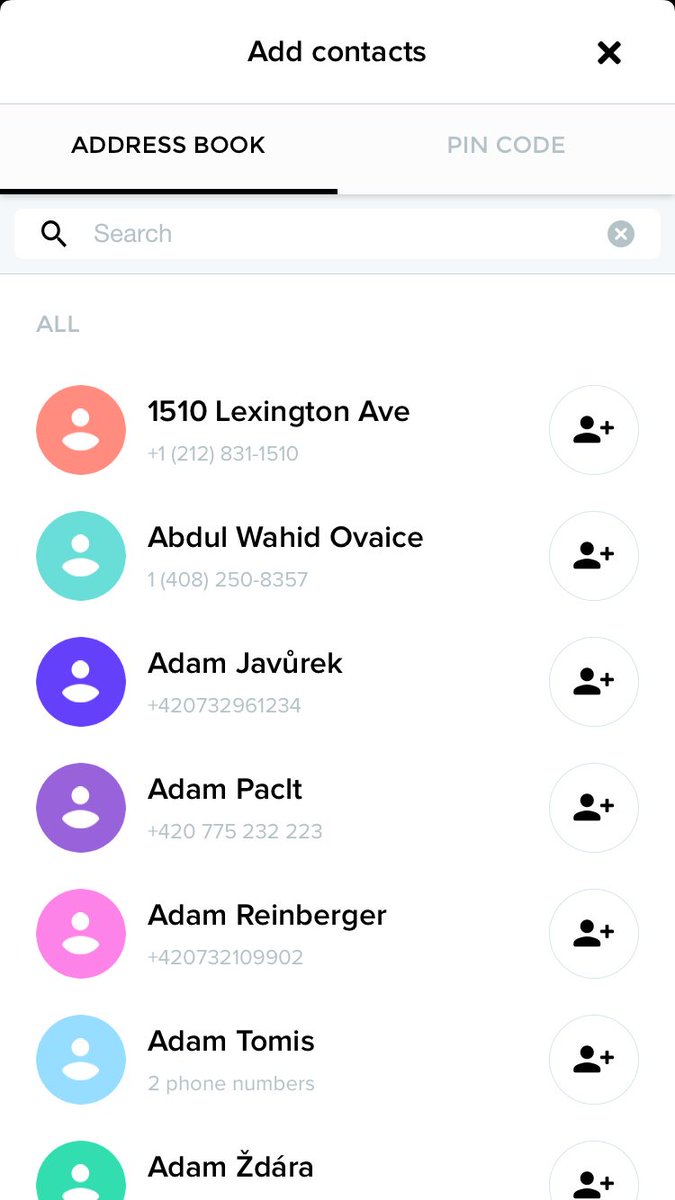
#UXbits Build trust with permission requests (wut?). 1.Inform your user 2. Use simple language 3. Talk about value 3.1. Choose an appropriate time (mind the flow!) #UX #mobiledev buff.ly/2Ua7v9s

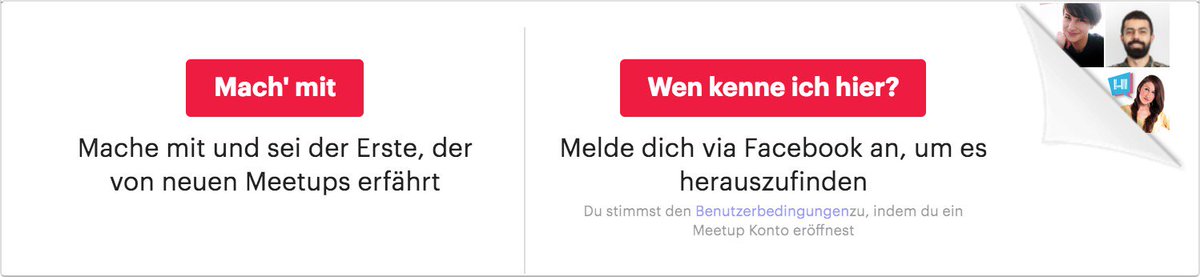
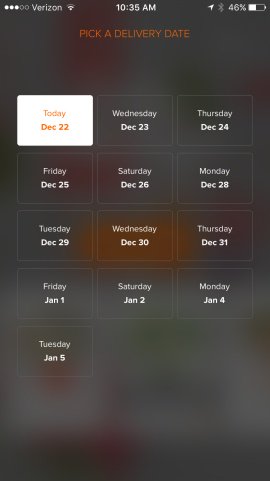
#UXbits Modal presentation basics: A checklist for user-generated data loss prevention linkedin.com/pulse/ux-bits-…
#UXbits #servicedesign For each in-person interaction there is an opportunity window when we are motivated to take action, whether our experience was stellar or sub-average. This is something you can leverage and build upon.
#UXbits Modality: When using modal presentation, include a Done button for completing a task and closing the modal view. #iOS13 #UXbasics #Apple #Swift
#UXbits Use context to ask for a permission, even for push notifications. Use people’s motivation to complete a specific task and explain why they do need to give out a permission in the process. #UX #mobiledevelopment #iOS13
#UXbits Push rule # 1: do not ask for notifications permission on app launch 🙂 #usability #ux #mobile #developer
#UXbits Swiping gesture goes big in iOS 13, to help with reachability. You can swipe from the top, or from virtually anywhere on the screen to dismiss modal view. #iOS131DevBeta2 #UX #mobile
#UXbits #iOS13Beta Card view creates new context layers to deal with simpler tasks. Its layout helps people remember the task they switched from, compared to fullscreen mode. #iosdev #UX #iOS131
On #modality in iOS 13: Use fullscreen view for handling complex tasks, to help people focus on a single task or experience. #UXbits #UXbasics #iosdev
#UXbits One of the ways around handling system permissions is to use two consecutive alerts. In this example the following system request is mapped right over the custom alert. Native prompt is only to show up if the user gives you a 👍 first #iOSdev #UXhack #NotToday #UX #UI
#UXbits Build trust with permission requests (wut?). 1.Inform your user 2. Use simple language 3. Talk about value 3.1. Choose an appropriate time (mind the flow!) #UX #mobiledev buff.ly/2Ua7v9s
How to map permission dialogs for optimal conversion? @DoorDash does a great job letting you see two dialogs at the same time so you stay informed and (sic!) 100% sure how you ended up seeing the system prompt;-) #UXbasics #UXbits #UX #iosdev #location
The best advice on handling iOS permissions I've seen is just being polite. Let people take their time. #UXbits #iOS
#UXbits Apple distinguishes Full and Limited access to Location data. If you aim at eventually having full access in the background, take it slow and ask for permissions gradually. #iOS #iosdev #ux #location
#UXbits Alerts: Can you avoid asking for permission altogether? Then it's better to go without'em. Hold on for as long as you can. Use an example data set to illustrate the value your app is creating for end user. #iOS13Beta #iOS13 #iosdev #UX
#UXbits Extract cues not solutions from user feedback. These cues will lead you to identifiable problems. Once the problems are clear, look for a range of potential solutions. #userexperience #startups #feedback
#UXbits #location With native apps, use numeric keypad for numeric only codes. linkedin.com/pulse/ux-bits-…
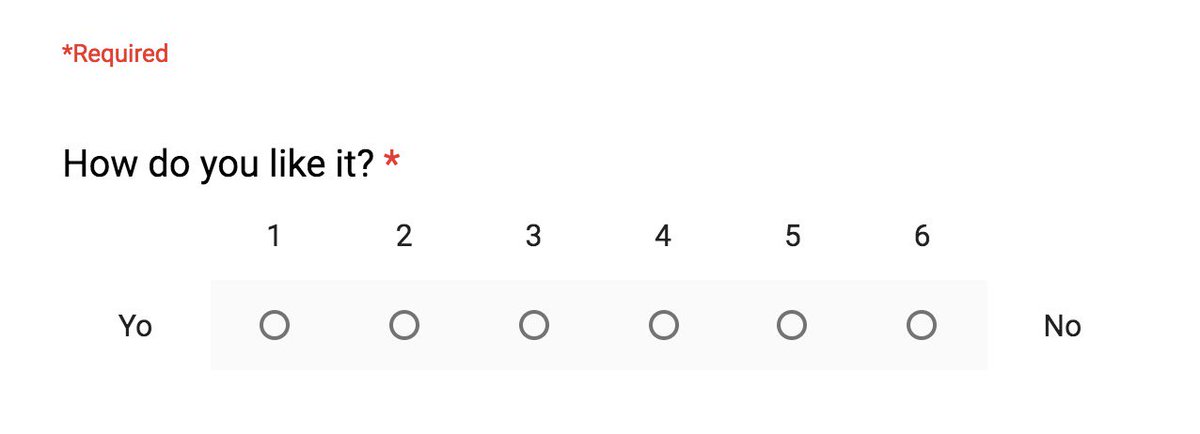


#UXbits #servicedesign For each in-person interaction there is an opportunity window when we are motivated to take action, whether our experience was stellar or sub-average. This is something you can leverage and build upon.
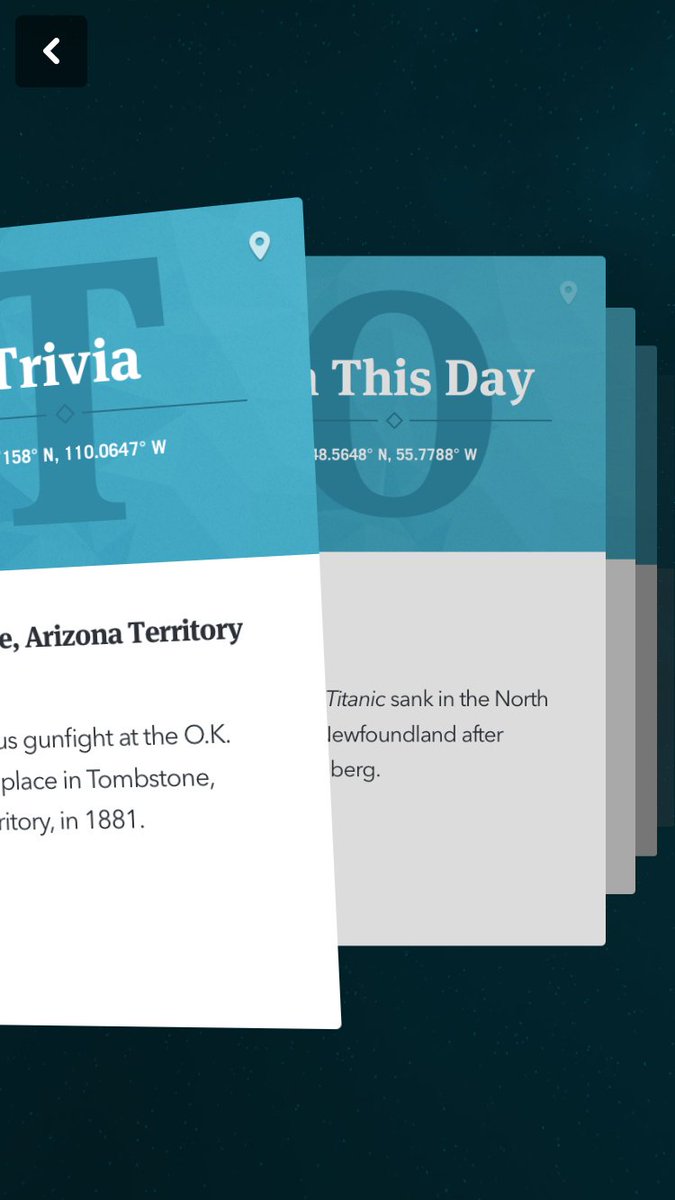
#UXbits #iOS13Beta Card view creates new context layers to deal with simpler tasks. Its layout helps people remember the task they switched from, compared to fullscreen mode. #iosdev #UX #iOS131
#UXbits One of the ways around handling system permissions is to use two consecutive alerts. In this example the following system request is mapped right over the custom alert. Native prompt is only to show up if the user gives you a 👍 first #iOSdev #UXhack #NotToday #UX #UI
#UXbits Swiping gesture goes big in iOS 13, to help with reachability. You can swipe from the top, or from virtually anywhere on the screen to dismiss modal view. #iOS131DevBeta2 #UX #mobile
How to map permission dialogs for optimal conversion? @DoorDash does a great job letting you see two dialogs at the same time so you stay informed and (sic!) 100% sure how you ended up seeing the system prompt;-) #UXbasics #UXbits #UX #iosdev #location
#UXbits Build trust with permission requests (wut?). 1.Inform your user 2. Use simple language 3. Talk about value 3.1. Choose an appropriate time (mind the flow!) #UX #mobiledev buff.ly/2Ua7v9s
Something went wrong.
Something went wrong.
United States Trends
- 1. #ForTT_Telegram_sam11adel N/A
- 2. Broncos 47.8K posts
- 3. Happy New Month 229K posts
- 4. Mariota 13.2K posts
- 5. Commanders 33.5K posts
- 6. Bo Nix 10.2K posts
- 7. #BaddiesUSA 27.1K posts
- 8. #RaiseHail 5,793 posts
- 9. Riley Moss 2,297 posts
- 10. #ITWelcomeToDerry 20.4K posts
- 11. Burks 15.8K posts
- 12. Washington 122K posts
- 13. Deebo 3,141 posts
- 14. Chrisean 10.1K posts
- 15. #RHOP 12.9K posts
- 16. Dolly 15K posts
- 17. Root 41.5K posts
- 18. Sean Payton 1,675 posts
- 19. Zach Ertz 1,053 posts
- 20. Dan Quinn N/A