
#davinciresolvetutorial risultati di ricerca

In this quick tutorial, I’ll show you exactly how to show and hide the anchor point in Davinci Resolve 20, so you can reposition graphics, scale clips, and animate properly. #DaVinciResolve20 #DavinciResolve #davinciresolvetutorial youtu.be/eh0WliCHWGE


In diesem Tutorial zeige ich dir wie man bei einer Person im Video die Augenfarbe wechseln kann. Das Tutorial findest Du auf meinem Youtube-Kanal : youtu.be/1fsVx23PENE #davinciresolve #davinciresolvetutorial #DaVinciResolve20 #effekt

In diesem Tutorial zeige ich Dir wie man schnell mit dem Schnittmenun seine Videoclips schneiden kann . Das Tutorial findest Du auf meinem Youtube-Kanal : youtu.be/dRYXWVyzN3k Meine Ausrüstung : markusernst.tv/ausruestung/ #davinciresolvetutorial #davinciresolve #schnittmenu

In diesem Tutorial zeige ich Dir wie du den Text plus so anpasst dass er einem vorgegebenen Pfad folgt. Das Tutorial findest Du auf meinem Youtube-Kanal : youtu.be/mxPztVdYW0M #davinciresolve #davinciresolvetutorial #texteffekt

Want to remove a green screen cleanly and professionally in DaVinci Resolve 20? In this step-by-step tutorial, I’ll show you how to remove a green screen using Resolve’s powerful tools. #DaVinciResolve20 #davinciresolvetutorial #DavinciResolve youtu.be/U4t209a1NCM
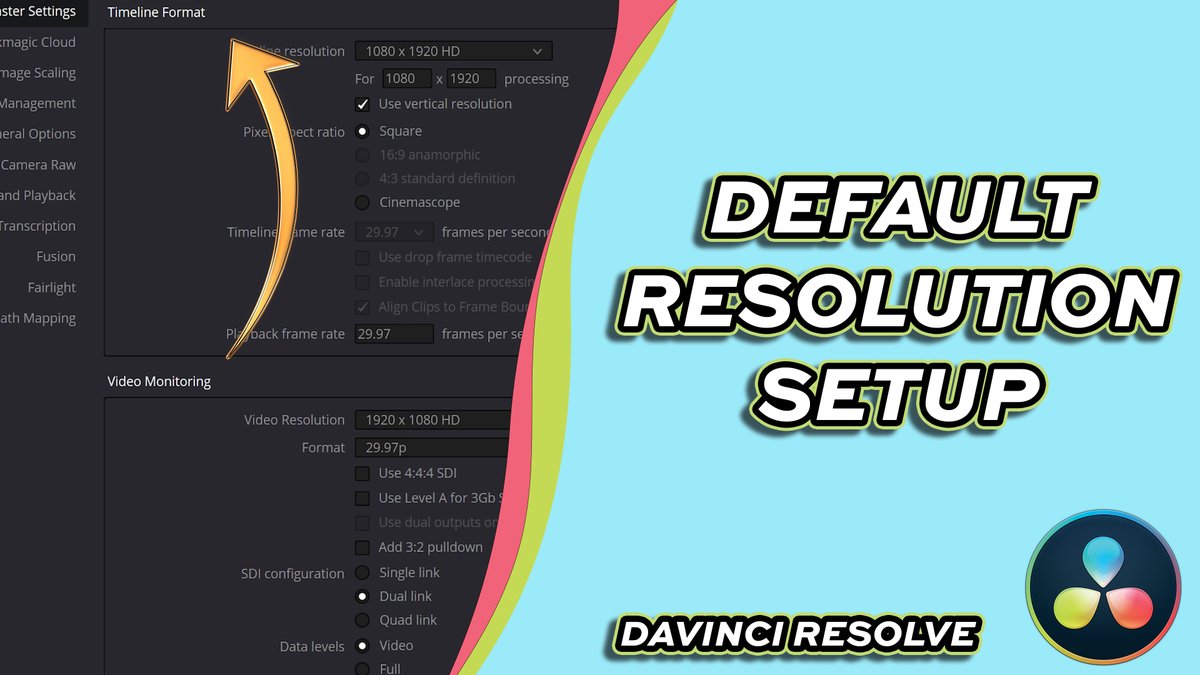
In this tutorial, I’ll show you how to set the default timeline resolution in DaVinci Resolve 20, so every new project starts with the correct settings — no more resizing or re-exporting later! #DaVinciResolve20 #DavinciResolve #davinciresolvetutorial youtu.be/DGURfwpX5G8
Having trouble with your workspace layout? In this tutorial, I’ll show you how to manipulate the vertical view in DaVinci Resolve 20, so you can customize your workspace exactly how you like it! #DavinciResolve #DaVinciResolve20 #davinciresolvetutorial youtu.be/VHqwM7_lMOw
In diesem Tutorial zeige ich Dir wie man viel Zeit spart beim schneiden indem man dynamisch zwischen den Projekten wechseln kann. Das Video findest Du auf meinem Youtube-Kanal : youtu.be/e2rENksJ2h8 Meine Ausrüstung : markusernst.tv/ausruestung/ #davinciresolvetutorial

In diesem Tutorial zu Davinci Resolve zeige ich Dir wie man mit der KI Funktion eine Audiospur automatisch anpassen kann . Das Videotutorial findest du auf meinem Youtube-Kanal : youtu.be/4RO6DwMg1qw #DaVinciResolve #davinciresolvetutorial #audio

In this quick tutorial, I’ll show you how to freeze a frame in DaVinci Resolve 20 — perfect for creating dramatic pauses, still shots, or stop motion effects! #DaVinciResolve20 #DaVinciResolve #davinciresolvetutorial youtu.be/Zm-YHf8QXEM

In this beginner-friendly tutorial, I’ll show you how to add transitions in DaVinci Resolve 20 — from simple cross dissolves to stylish motion effects! #DaVinciResolve20 #DaVinciResolve #davinciresolvetutorial youtu.be/T-l-WLb0lr8

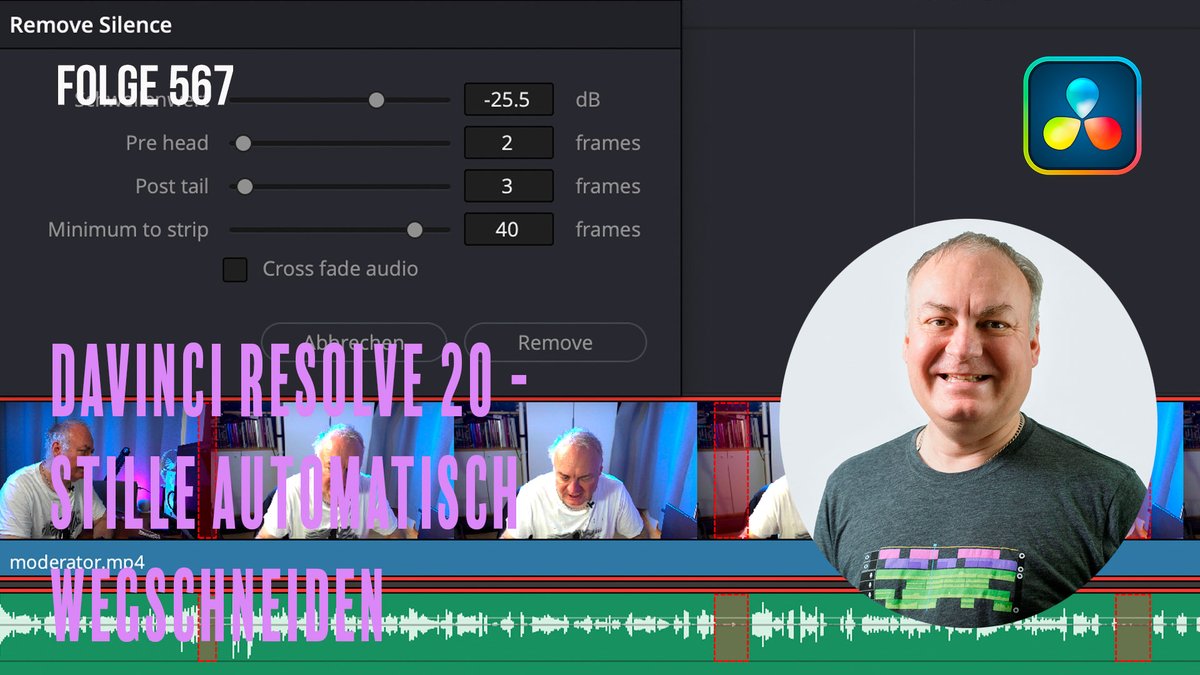
In diesem Tutorial zeige ich Dir wie man automatisch die Stille zwischen dem Gesprochenen wegschneiden kann .Das Videotutorial findest Du auf meinem Youtube Kanal : youtu.be/G8K25wt85Xw Meine Ausrüstung : markusernst.tv/ausruestung/ #davinciresolve #davinciresolvetutorial
Need to add background music or sound effects to your edit? In this quick tutorial, I’ll show you how to add audio to a project in DaVinci Resolve 20. #DaVinciResolve20 #davinciresolve #davinciresolvetutorial youtu.be/MYZm6cNxZMc

In this quick tutorial, I’ll show you how to adjust your project resolution step by step — whether you’re editing in 1080p, 4K, or custom sizes. #DaVinciResolve20 #davinciresolve #davinciresolvetutorial youtu.be/vhQrH7j7xhw

In this tutorial, I’ll show you how to record a voiceover in DaVinci Resolve 20 step by step — no extra software needed! #DaVinciResolve20 #davinciresolve #davinciresolvetutorial youtu.be/I2jF89getF4

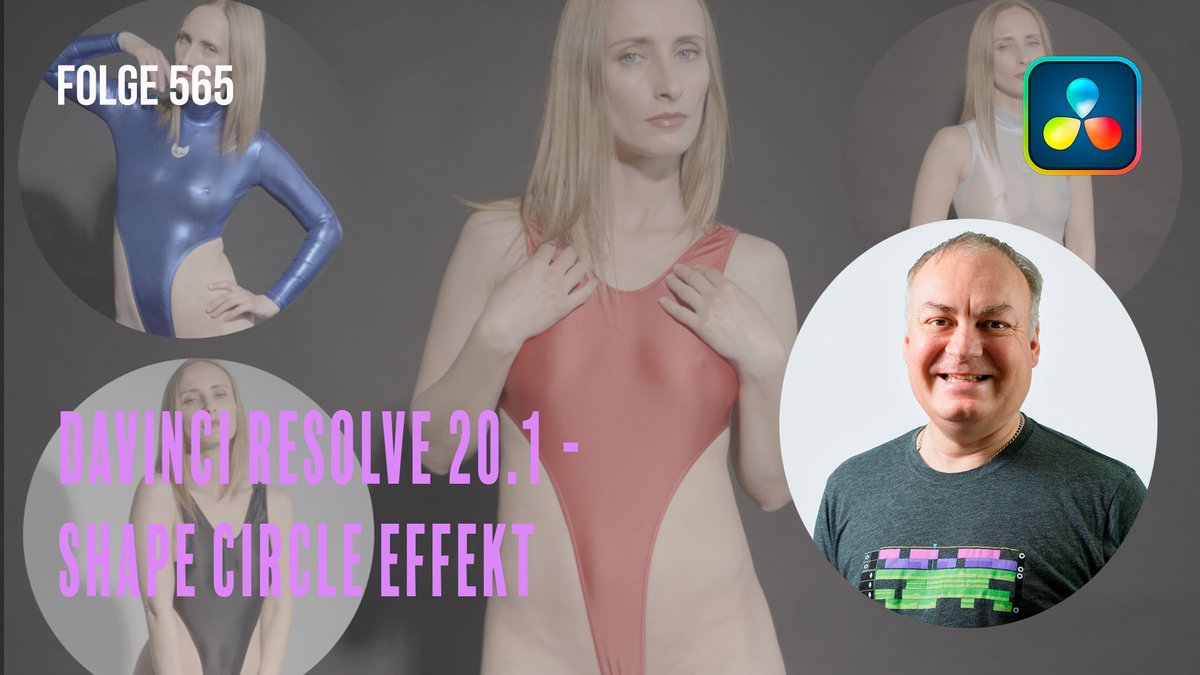
In diesem Videotutorial zeige ich dir wie der Shape Circle Effekt geht in Davinci Resolve . Das Videotutorial findest Du auf meinem Youtube-Kanal : youtu.be/ptrHC-GVs88 Meine Ausrüstung : markusernst.tv/ausruestung/ #davinciresolve #davinciresolvetutorial #videoeffekt
Need to make your clips play faster? In this tutorial, I’ll show you step by step how to speed up a video in DaVinci Resolve 20. #DaVinciResolve20 #davinciresolvetutorial #davinciresolve youtu.be/7siTkv7iMCU

Something went wrong.
Something went wrong.
United States Trends
- 1. Martinelli 14.7K posts
- 2. Toledo 7,948 posts
- 3. Louisville 6,088 posts
- 4. Miller Moss N/A
- 5. #Fliffmas 3,078 posts
- 6. Benitez 11.1K posts
- 7. Pro Bowl 36.5K posts
- 8. Hearn N/A
- 9. Because Chicago 1,357 posts
- 10. #ARSCRY 3,885 posts
- 11. National Guard to Chicago 5,437 posts
- 12. Christmas Eve 96.8K posts
- 13. Alito 5,269 posts
- 14. Merino 7,283 posts
- 15. Isaac Brown N/A
- 16. Ben Sasse 4,672 posts
- 17. Kam Williams N/A
- 18. Semenyo 90.7K posts
- 19. Jerzy 3,287 posts
- 20. Ben Simmons 1,537 posts