
#gitbasics kết quả tìm kiếm

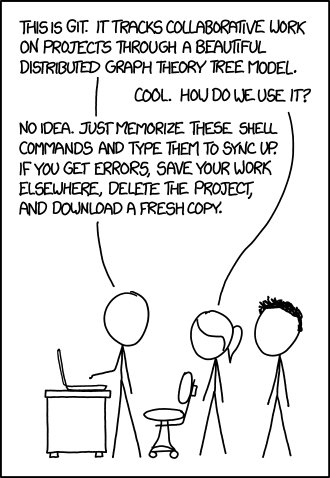

Day 4 # 100DaysOfCode learning #GitBasics with #TheOdinProject walking to #Microverse as #WomenWhoCode from #PuertoVallarta with my dog :)


Git basics - the only introduction you'll ever need! go.geeklearn.net/541207634b #git #gitbasics #development





Step 3: Make changes and commit them to the new branch. Use 'git add' to stage changes and 'git commit' to commit changes with a descriptive message. #GitBasics #DevOpsTips

Step 4: Merge changes from the new branch back to the main branch using 'git merge' command. For example: 'git checkout main' followed by 'git merge feature-branch' #GitBasics #DevOpsTips

Step 2: Switch to the new branch using 'git checkout' command. For example: 'git checkout feature-branch' switches to the 'feature-branch' for making changes. #GitBasics #DevOpsTips

Step 1: Create a new branch using 'git branch' command. For example: 'git branch feature-branch' creates a new branch named 'feature-branch' based on the current branch. #GitBasics #DevOpsTips


What is Git? ............. #GitExplained #VersionControl #GitBasics #GitCommands #GitWorkflow #GitRepository #GitBranching #GitCollaboration #GitMerge #GitTutorial

Bonus Tip: Use 'git branch' and 'git log' to view branch information and commit history, respectively. 'git pull' can also be used to fetch and merge changes from a remote repository. #GitBasics #DevOpsTips

Step 5: Resolve any merge conflicts that may arise during the merge process. Use 'git status' and 'git diff' to identify and resolve conflicts before committing the merged changes. #GitBasics #DevOpsTips


Let's understand #Git basics with an awesome cheat sheet! By Jan Kruger #gitbasics #guide #devops #cheatsheet #datascience #datacouch


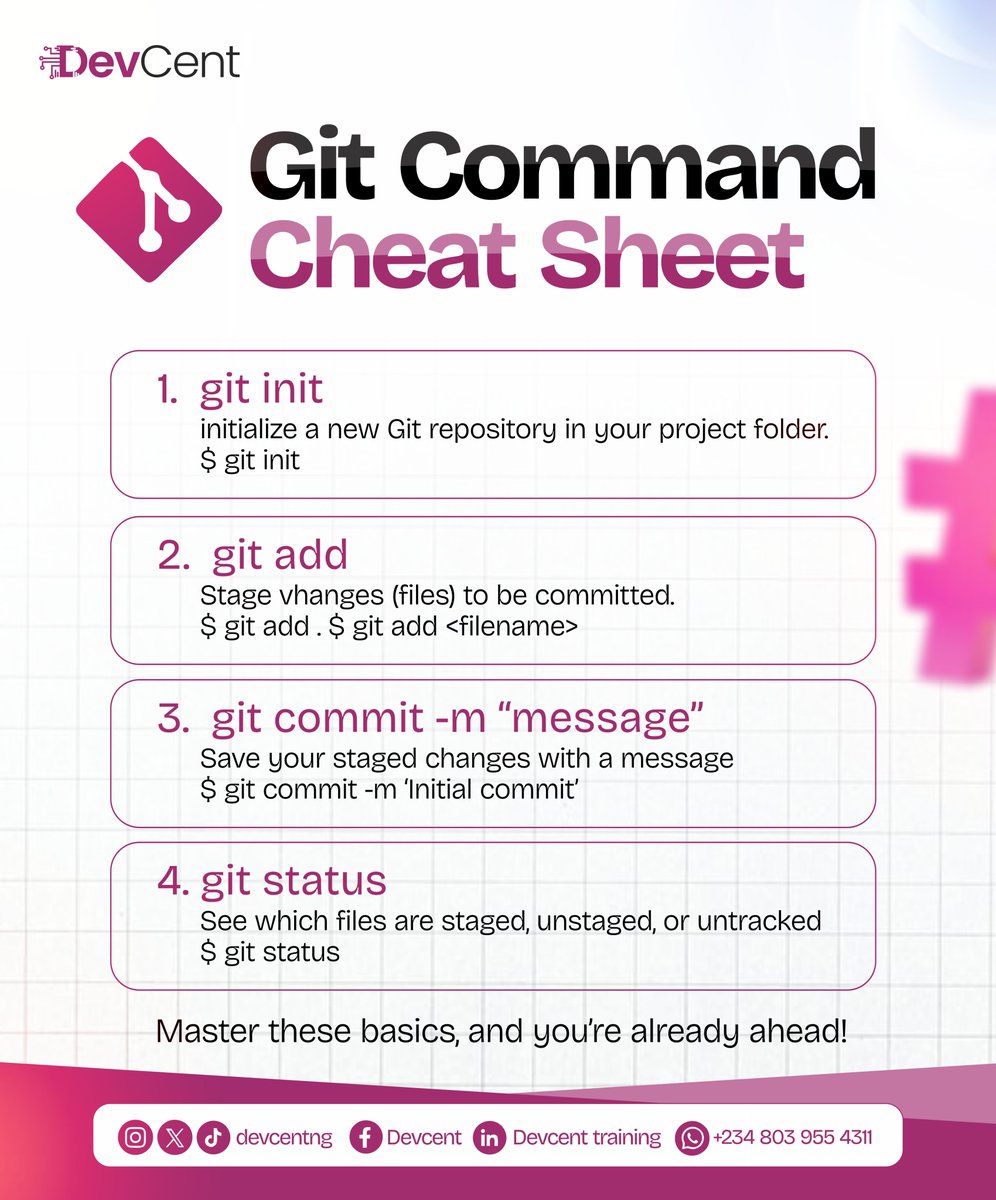
Starting with Git? Here are 4 must-know commands for beginners. Master these and you’re already ahead! #GitBasics #DevCent #CodingTips #VersionControl #GitCheatSheet #LearnToCode #TechTips

Great #git learning videos at the @GitKraken student resource page gitkraken.com/student-resour… #gitbasics #gitmerge #gitrebase #gitstash


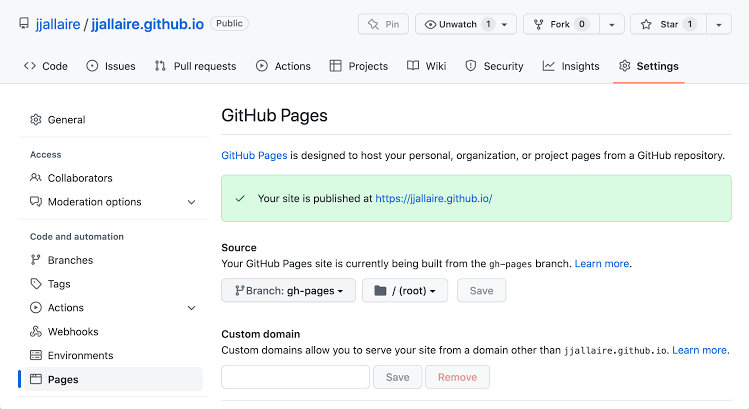
Day 17: GitHub Pages GitHub Pages is a service provided by GitHub that allows users create static websites and host them directly from their GitHub repositories. #Day17#30daysofcoding #git #gitHub #gitbasics #gitconfiguration #programming #Linux #coding
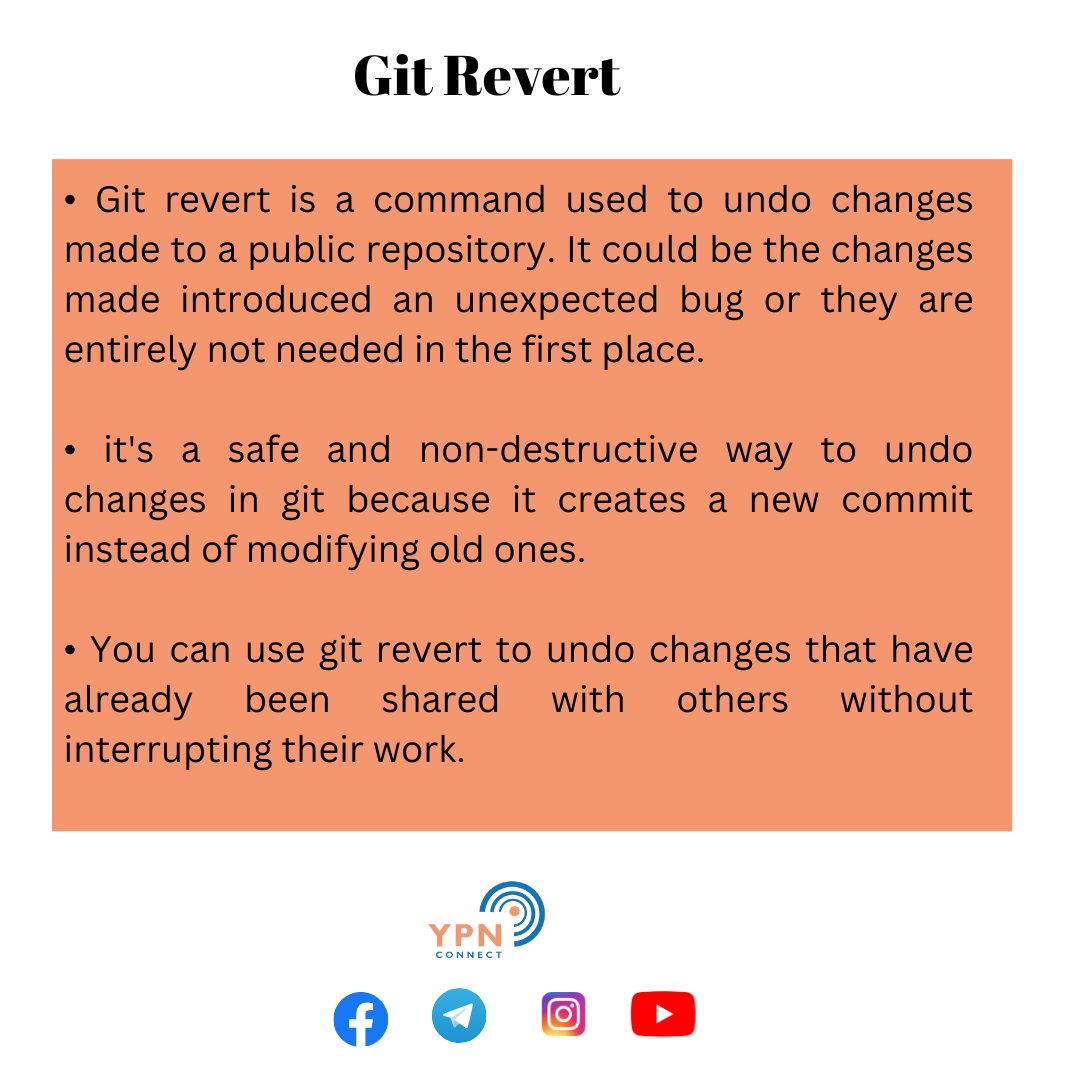
Day 22: Git Revert Git revert is a command in the git version control system that allows a user to undo previously committed change to their code base. #Day22#30daysofcoding #git #gitHub #gitbasics #gitconfiguration #programming #Linux #coding.

Check out 👇 post to learn the Basic Git Commands. A 🧵 #git #gitbasics #100DaysOfCode #github #versioncontrol #devops #cloud #python #tech #aws #SoftwareDeveloper #software #SoftwareEngineer #beginner #students #collegestudents #selflearning

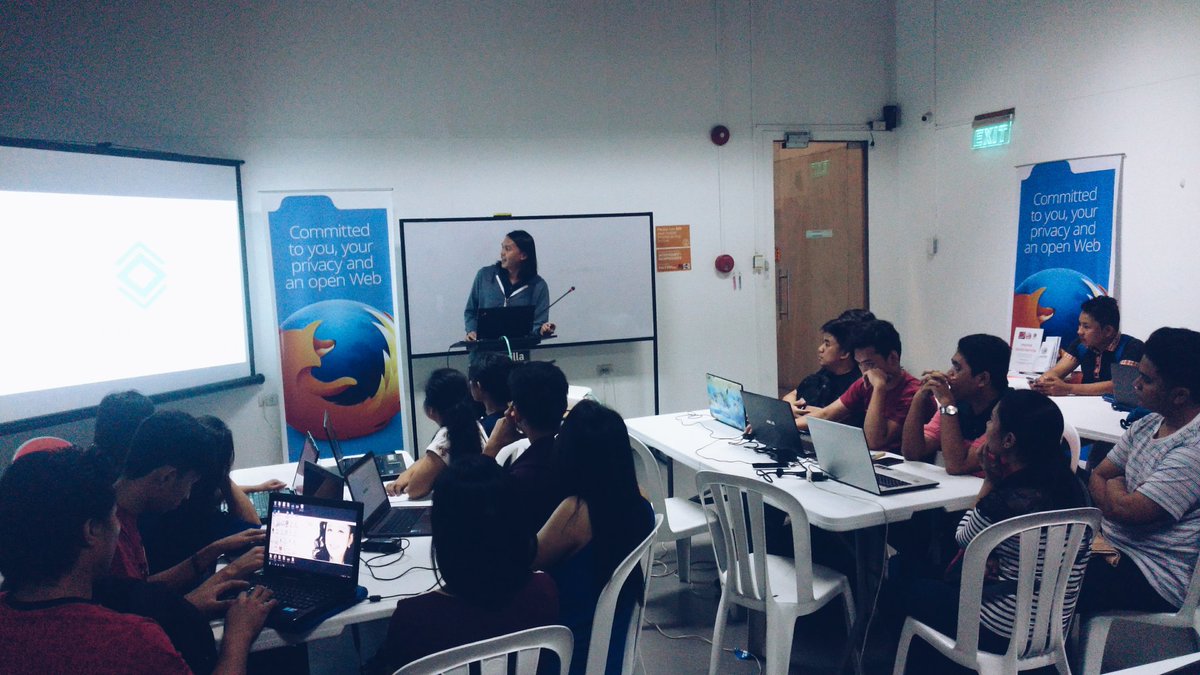

And that's a wrap for tonight! Thanks to all the attendees of #GitBasics @mozspaceMNL! See you again soon! #MozillaPH


🔁 Master the Git Workflow Like a Pro! 💻🚀 ✅ Pro Tip: Always pull the latest changes before starting new work: git pull origin main #gitworkflow #gitbasics #versioncontrol #DevTools #CodingTips #MindForgeInfotech #navimumbai

Something went wrong.
Something went wrong.
United States Trends
- 1. The BONK 83.5K posts
- 2. FINALLY DID IT 366K posts
- 3. $TONO N/A
- 4. JUNGKOOK FOR CHANEL BEAUTY 92.3K posts
- 5. Good Thursday 23K posts
- 6. Godzilla 22.4K posts
- 7. Lakers 46.3K posts
- 8. Spurs 37K posts
- 9. Doug Dimmadome 11.9K posts
- 10. Dolly 13.4K posts
- 11. Zane 5,599 posts
- 12. TOP CALL 10.5K posts
- 13. PETA 32.3K posts
- 14. Jim Ward 12.2K posts
- 15. Usher 3,840 posts
- 16. Sherrone Moore 65.5K posts
- 17. Wemby 5,646 posts
- 18. Erika 184K posts
- 19. Sheen 54.7K posts
- 20. Marcus Smart 2,286 posts