

내가 좋아할 만한 콘텐츠


CommandGit just got even better with the latest version 2.7! Smaller screen resolutions? No problem! Improved search? Check! Custom screen maximize? Done! And even more performance improvements! Upgrade now and experience the difference! #CommandGit #Git #CLI #WSL
👉 Elevate Your Command-Line Experience! 🚀Ever found yourself typing a bit too quickly and accidentally executing the wrong command in the CLI? We've all been there, right? Well, on Windows, #CommandGit is here to help. 🚀 🤖 Custom GPT: chat.openai.com/g/g-WV1P671vE-… #CLI #GPTs


🚀 In the interest of trying the new custom GPTs, I created a CommandGit Helper GPT to help you explore the application’s features🚀 A cool way to chat your way around CommandGit’s help system. Custom GPT: chat.openai.com/g/g-WV1P671vE-… #GPT #GPTs #CommandGit #CLI
Exciting news! #CommandGit is now integrated with GPT-3 artificial intelligence, providing explanations for all 400 built-in commands and allowing users to create new commands simply by describing them. This makes using all the powerful features of CommandGit even easier!
Excited to share that there is a brand new About Us page on CommandGit website! Please take a look and let me know if you think it's okay or if it's too detailed. commandgit.com/aboutus.html
All your CLI commands managed and run from a single Windows GUI. Over 300 built-in commands: 130 #Git, 75 #Linux, 60 #Windows,37 #Docker, #WSL and many more! Intuitive UI and other amazing features streamlined our development. See how @CommandGit can improve your workflow.
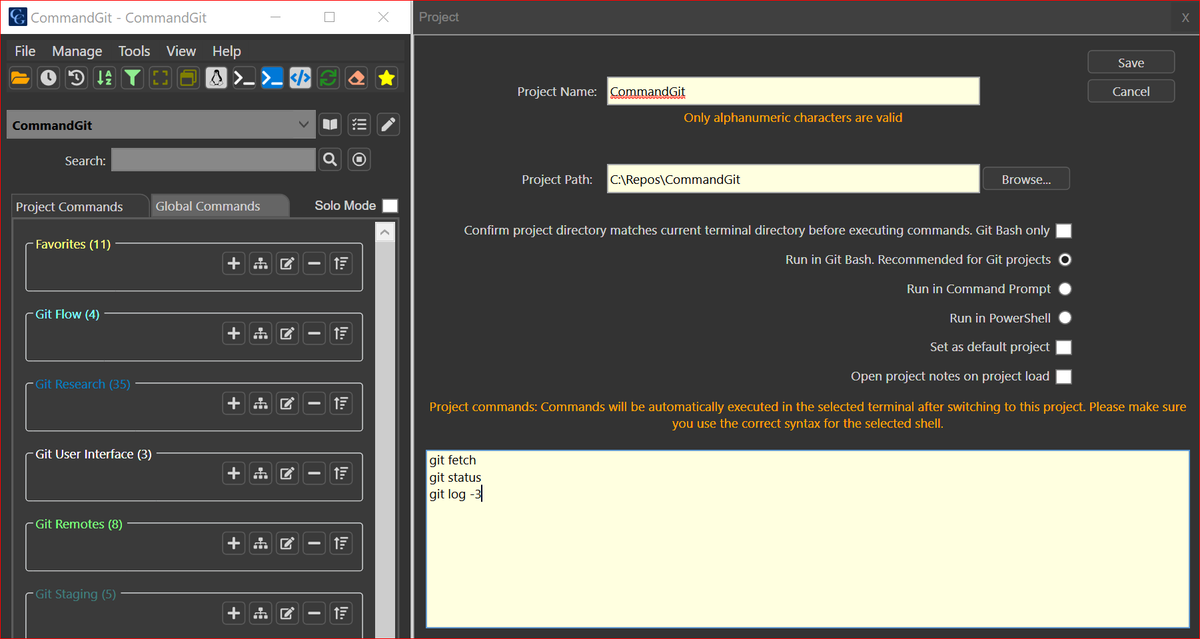
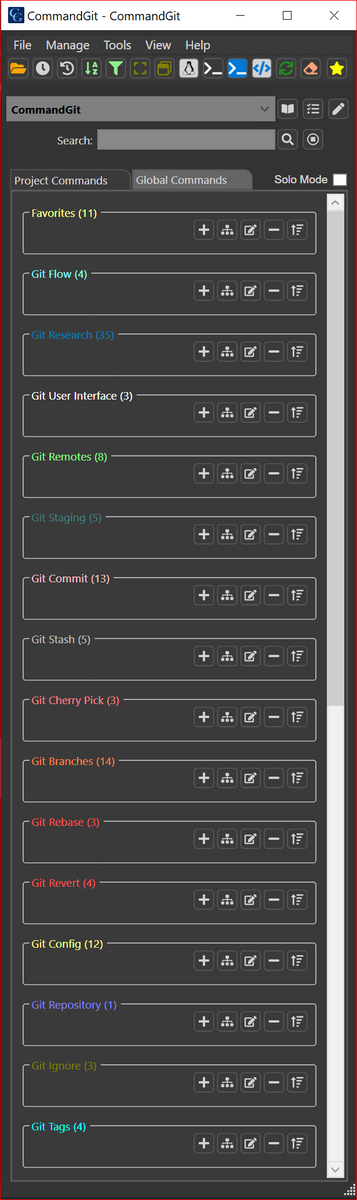
@CommandGit comes with 130 fully customizable #Git command presets already built-in. You can create as many more as you like. All commands are categorized into related groups of buttons. Ready to be executed in #GitBASH, #CommandPrompt or #PowerShell.
All your CLI commands managed and executed from a central place. Built-in commands: 130 #Git, 75 #Linux, 60 #Windows,37 #Docker and many more! Intuitive UI and other amazing features streamlined our development. See how it can improve your workflow.

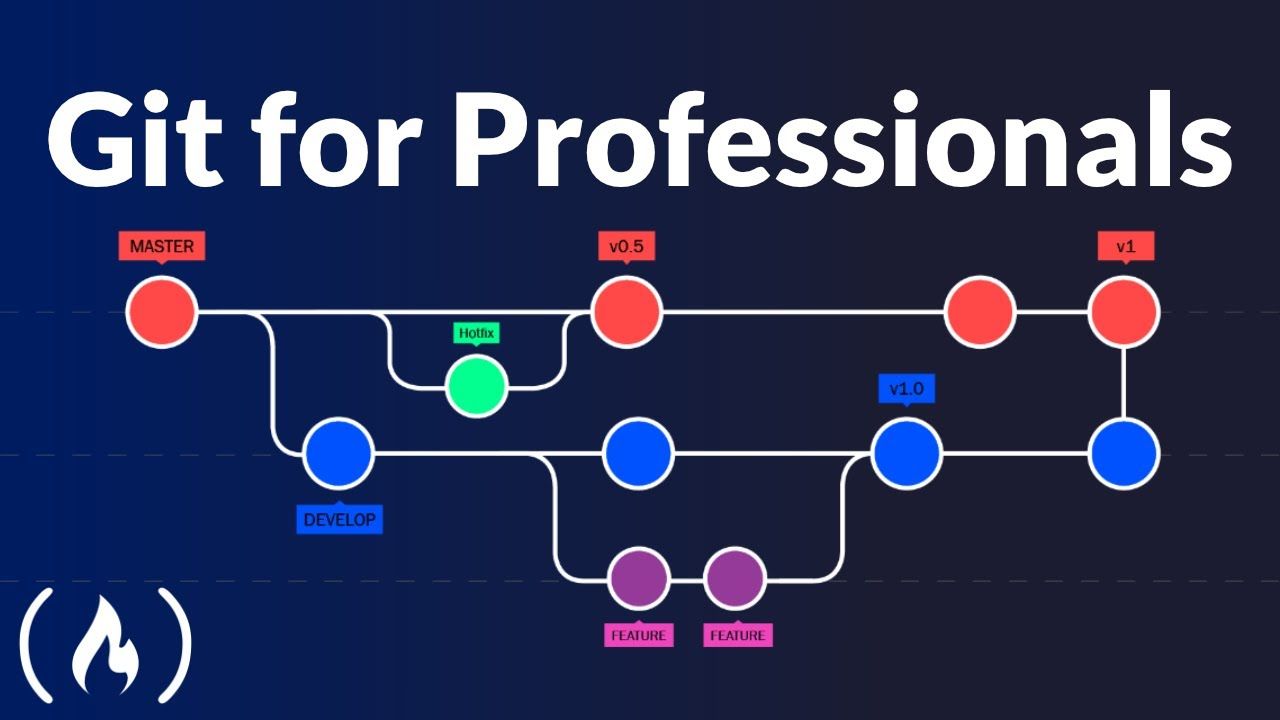
It's important to know the basics of Git if you're working as a developer. And taking your Git skills to the next level can really help you become more productive. In this Git for professionals course you'll learn more advanced version control concepts. freecodecamp.org/news/git-for-p…
View scheduled command history. Inspect history item details including the original commands and their outputs. You can view history of #Git or any other CLI commands executed in #PowerShell #CMD or #WSL2.
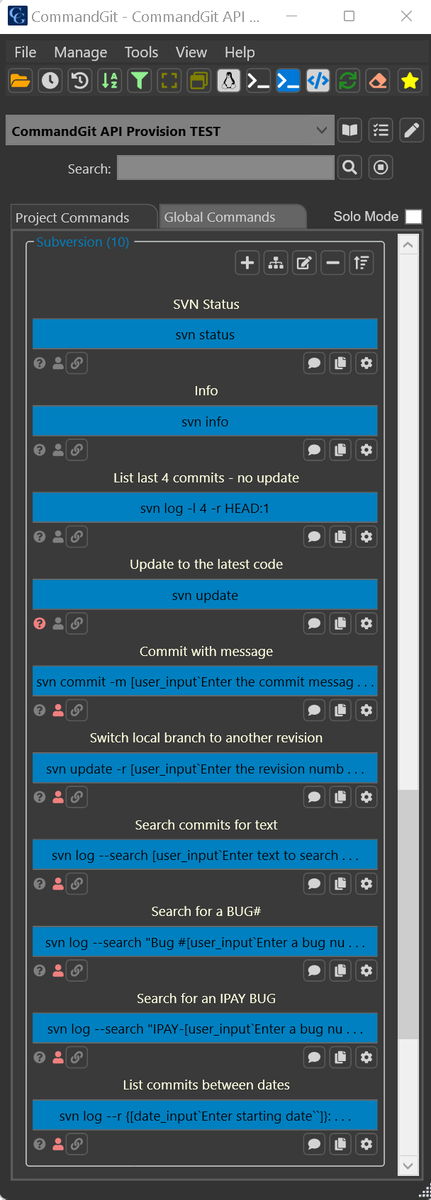
Anyone still using #Subversion? What about CLI for SVN?🙂 Here are some of the @CommandGit built-in commands I added just for SVN users. It feels like using #Git😀Seriously, it's pretty cool and fast.
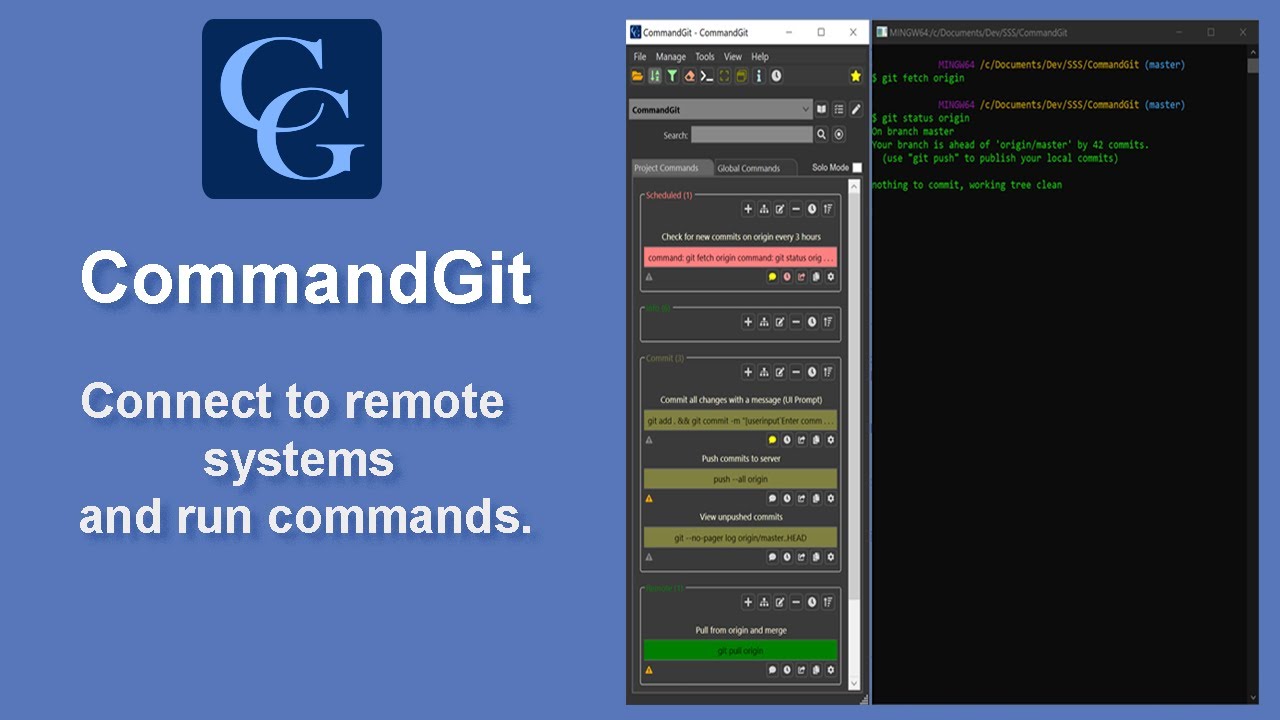
Hi everyone, #CommandGit is not limited to running #Git commands. I'll quickly show you an easy way to use remote testing machines over #WSL2. Each server can be configured for a different SSH key or user creds on the fly. youtube.com/watch?v=sr9VdZ…
youtube.com
YouTube
Connect to a remote server and run commands
#WSL2 and all #SSH connections across all your Linux servers are great. What if #CommandGit could make you even happier 😀and more productive? Glance at the sample below. You could execute all your commands with a single button. No need to type them or search for scripts!

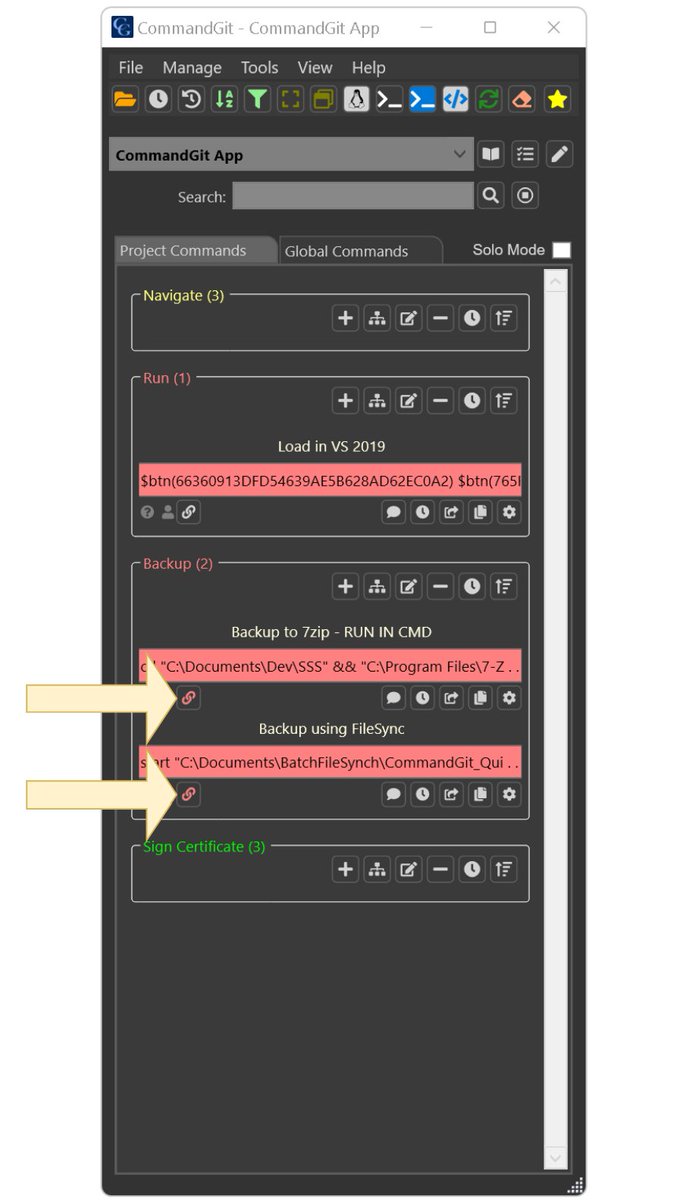
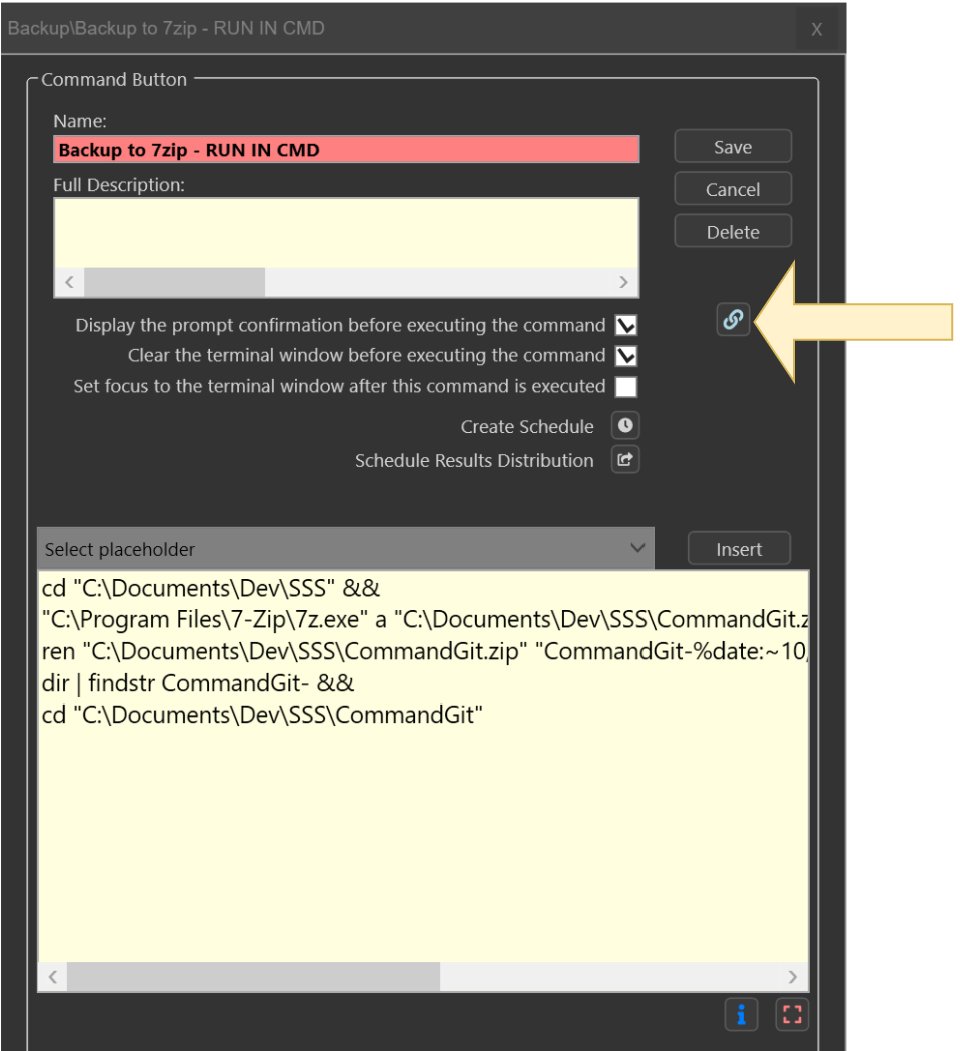
Did you know that you can link #Git or other #CLI buttons across projects and categories to prevent reusing scripts? Run groups of commands linked together.⛓️ A view of all references to a particular button is available. #github #gitlab #powershell #WSL2
Part 1. Hi everyone, I would like to take few moments to re-introduce #CommandGit and many different ways it can help you. You can use it with #WSL2 and #Git or with any other CLI commands. It was an esential tool in its own development. commandgit.com #DevOpsCommunity
I know that working with #git, #github, #gitlab and #bitbucket is awesome! Stay even more productive with these categories of 130 pre-written commands to get you started. #devops #wsl2 #gitops #powershell #programming #sysadmin #bashscript #linux #docker #coding #AzureDevOps
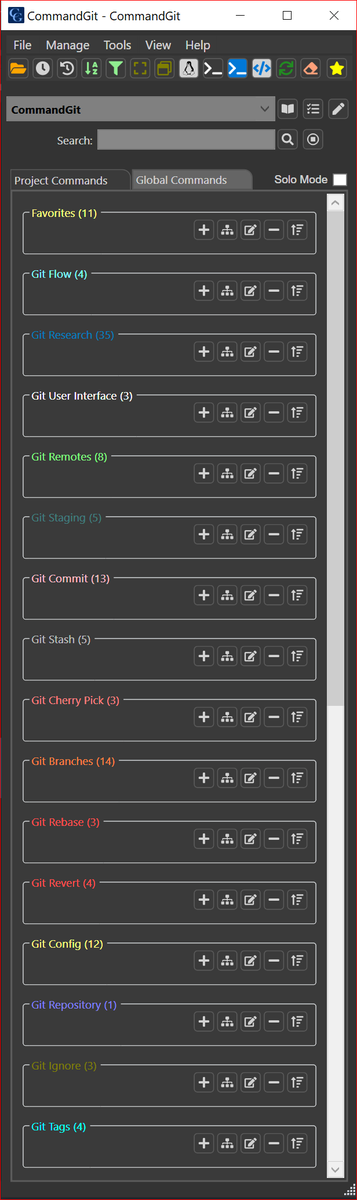
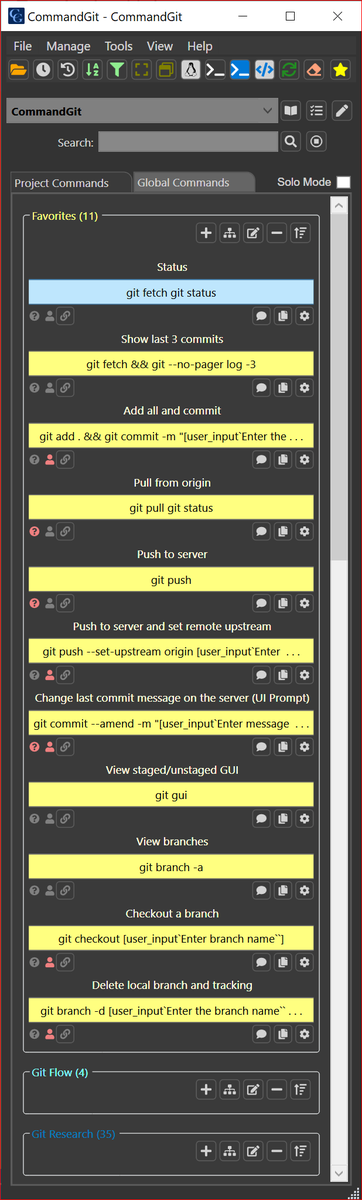
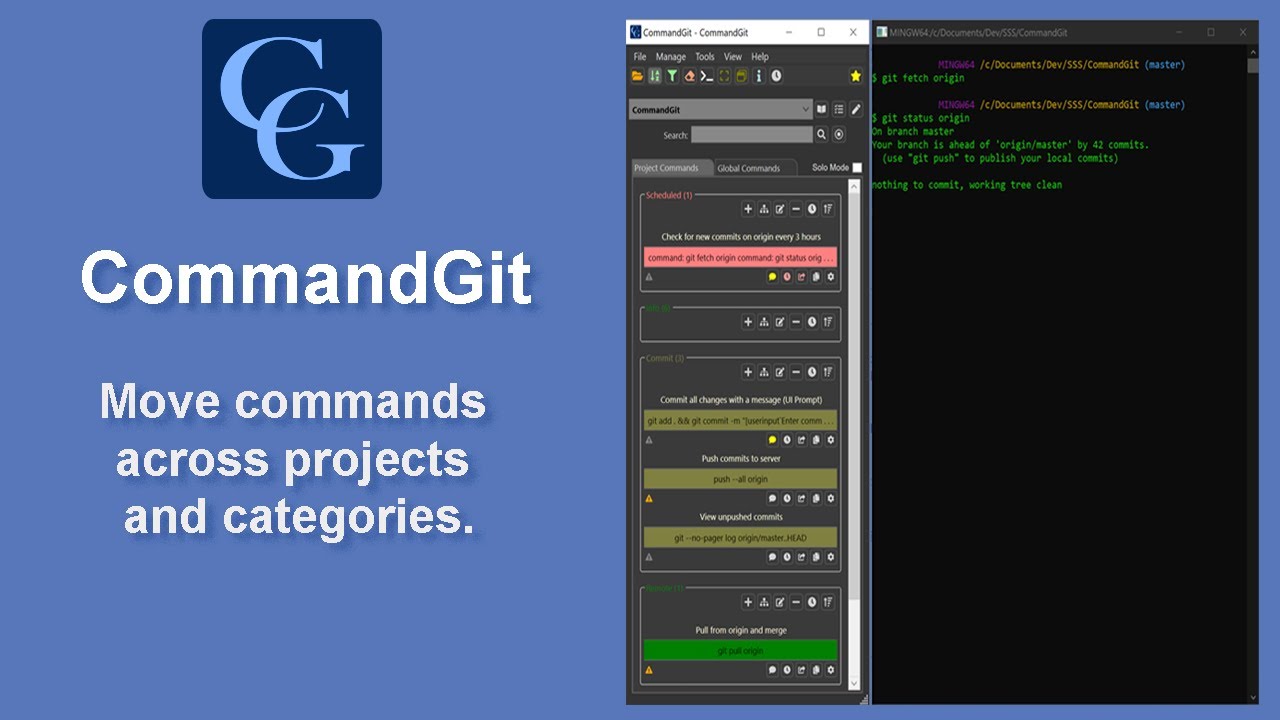
Stay #productive and move your favorite #Git commands across projects and categories in #CommandGit. Don't forget that you are not limited to a single cmd per button, you can #automate things and add multiple CLI commands to a single #GUI button. Demo: youtube.com/watch?v=psHky5…
youtube.com
YouTube
Move Commands Across Projects and Categories
@CommandGit allows changing #Git settings dynamically when switching between repos. You can run multiple commands, so by the time the folder is loaded, all the info is available on the screen. You can also change the email and user settings to switch between work and home repos!
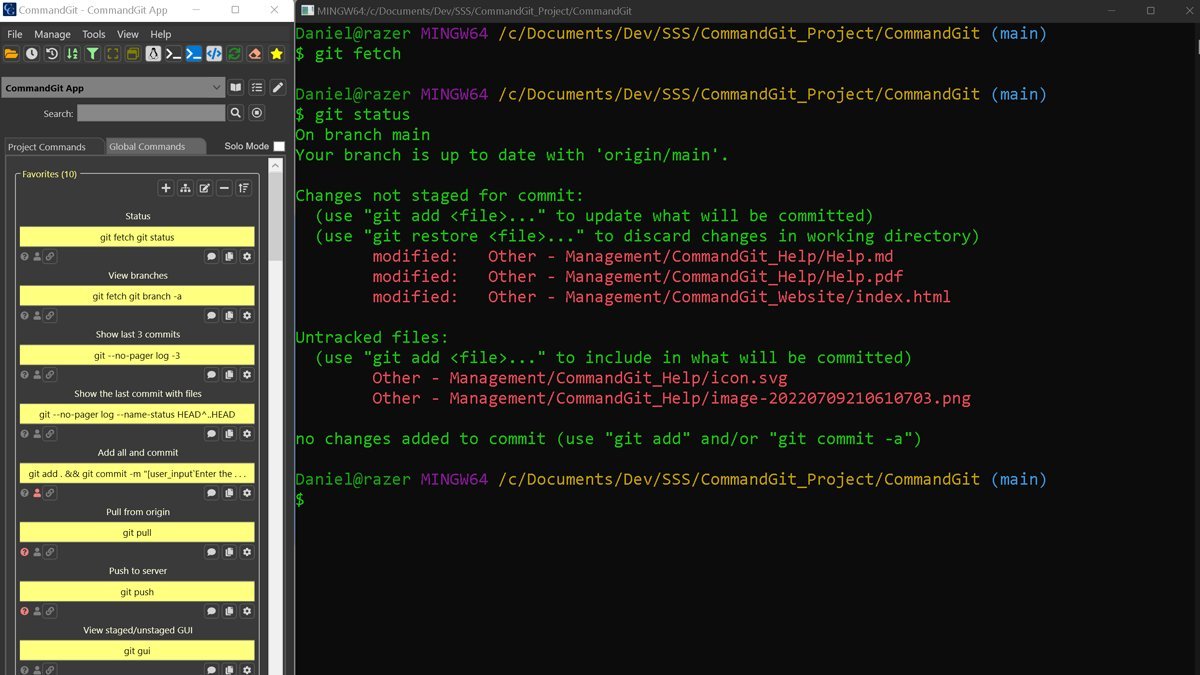
Working remotely can be a challenge. @CommandGit was designed to help you stay productive. If you are using #WSL2, you can easily create #GUI buttons for all #Git or other CLI commands. It’s free to try and I am sure you will love it. #automation #github #sysadmin #technology






United States 트렌드
- 1. Treylon Burks 10.4K posts
- 2. Bo Nix 7,917 posts
- 3. Broncos 26.4K posts
- 4. Mariota 7,103 posts
- 5. #BaddiesUSA 18.1K posts
- 6. #RaiseHail 4,476 posts
- 7. #RHOP 9,969 posts
- 8. Chicharito 23.3K posts
- 9. #ITWelcomeToDerry 13.9K posts
- 10. Ertz 1,630 posts
- 11. Tomlin 24.9K posts
- 12. #Married2Med 2,839 posts
- 13. Steelers 64.8K posts
- 14. Bobby Wagner N/A
- 15. Alex Singleton 1,060 posts
- 16. Riley Moss 1,293 posts
- 17. Mark Stoops 6,230 posts
- 18. Sean Payton 1,133 posts
- 19. Commanders 24.3K posts
- 20. Stacey 22.1K posts










Something went wrong.
Something went wrong.