

In this quick tutorial, I’ll show you exactly how to show and unshow the anchor pointin Davinci Resolve 20, so you can reposition graphics, scale clips, and animate properly. #DaVinciResolve20 #DavinciResolve #davinciresolvetutorial youtu.be/eh0WliCHWGE

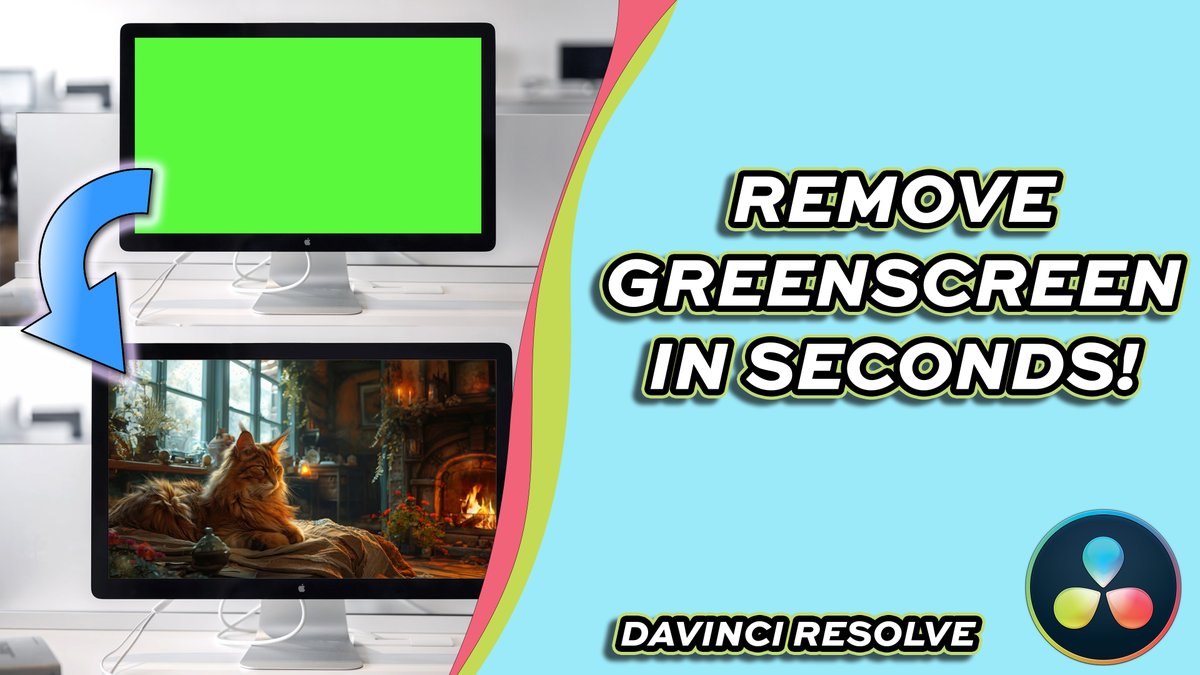
Want to remove a green screen cleanly and professionally in DaVinci Resolve 20? In this step-by-step tutorial, I’ll show you how to remove a green screen using Resolve’s powerful tools. #DaVinciResolve20 #davinciresolvetutorial #DavinciResolve youtu.be/U4t209a1NCM
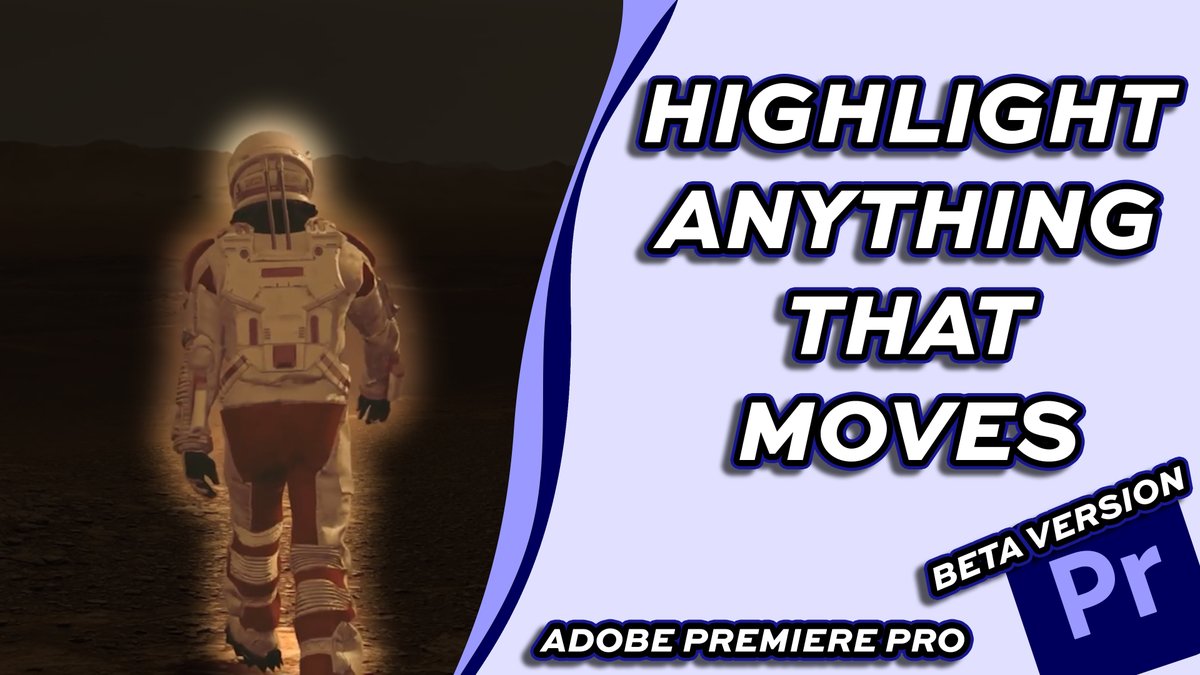
In this tutorial, I’ll show you how to highlight moving objects in Adobe Premiere Pro Beta, using its latest AI-powered object tracking tools. #adobepremiereprobeta #AdobePremierePro #premiereprotutorial youtu.be/AtkJQ3447rc
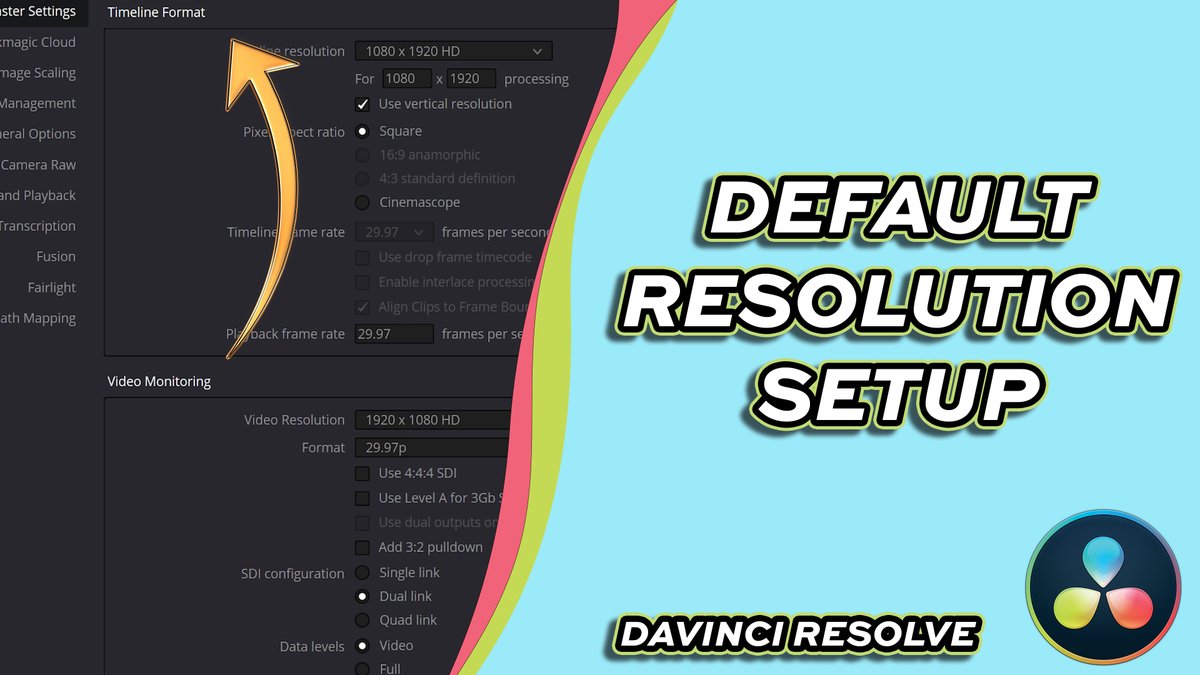
In this tutorial, I’ll show you how to set the default timeline resolution in DaVinci Resolve 20, so every new project starts with the correct settings — no more resizing or re-exporting later! #DaVinciResolve20 #DavinciResolve #davinciresolvetutorial youtu.be/DGURfwpX5G8
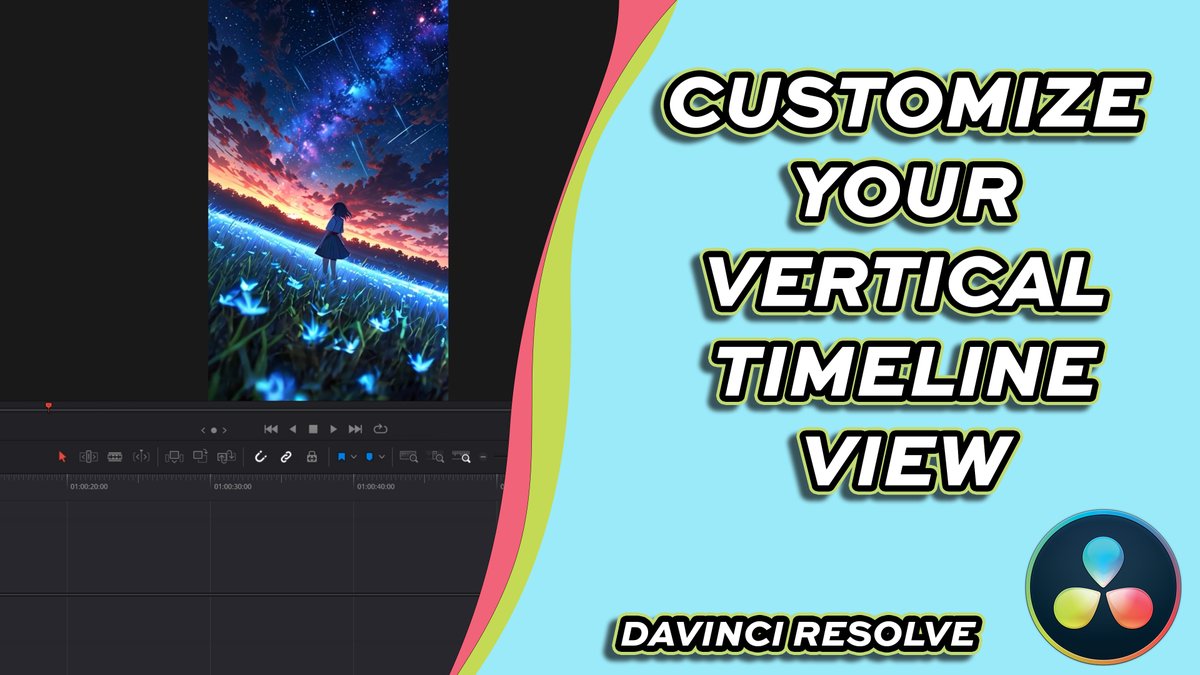
Having trouble with your workspace layout? In this tutorial, I’ll show you how to manipulate the vertical view in DaVinci Resolve 20, so you can customize your workspace exactly how you like it! #DavinciResolve #DaVinciResolve20 #davinciresolvetutorial youtu.be/VHqwM7_lMOw
Want to make your photos come alive? In this quick tutorial, I’ll show you how to animate a picture in Adobe Premiere Pro #premiereprotutorial #premiereprotips #adobepremiereprotutorial youtu.be/Y3IDj0fKWJg
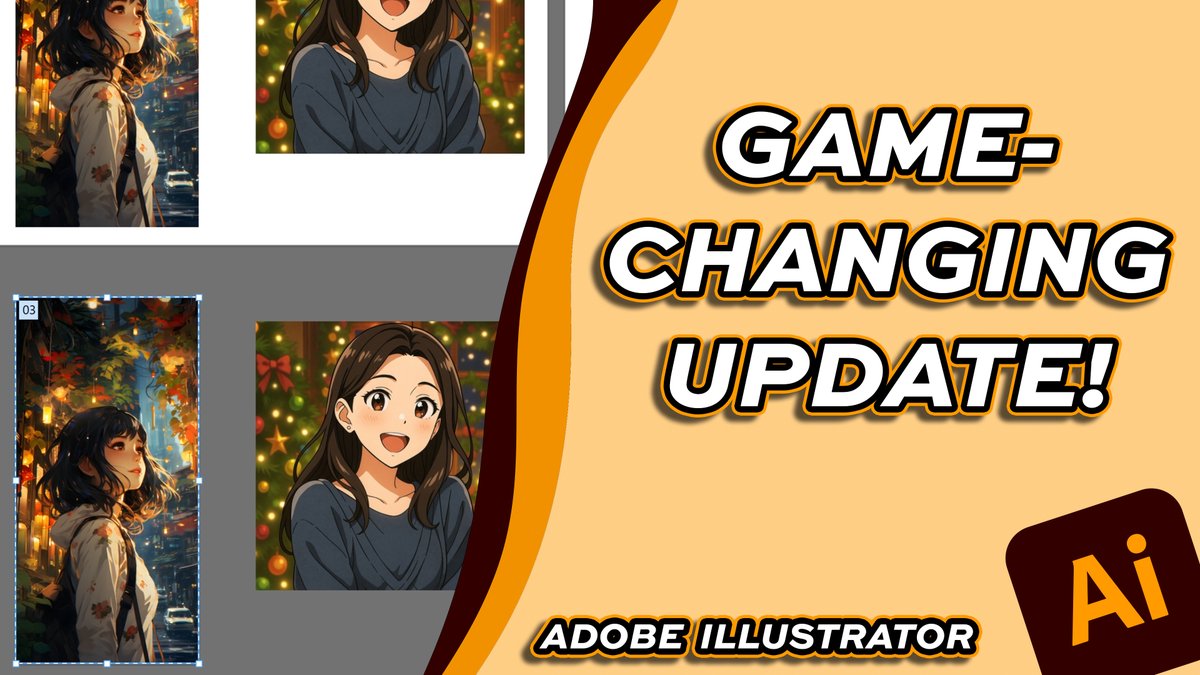
In this video, I’ll show you everything that’s new with artboards in Adobe Illustrator 2025, plus how to make the most of the new tools. #adobeillustrator #adobeillustratortutorial #adobeillustratortips youtu.be/ZQlicchyTNo
In this quick tutorial, I’ll show you how to resize an image in Adobe Express — fast, simple, and perfect for beginners. #adobeexpresstutorial #AdobeExpress #adobeexpresstips youtu.be/SK9S2VJApsA

In this quick tutorial, I’ll show you how to copy and paste effects between layers or clips. #adobeaftereffects #aftereffectstutorial #aftereffectstips youtu.be/yC-hJNOKXW0

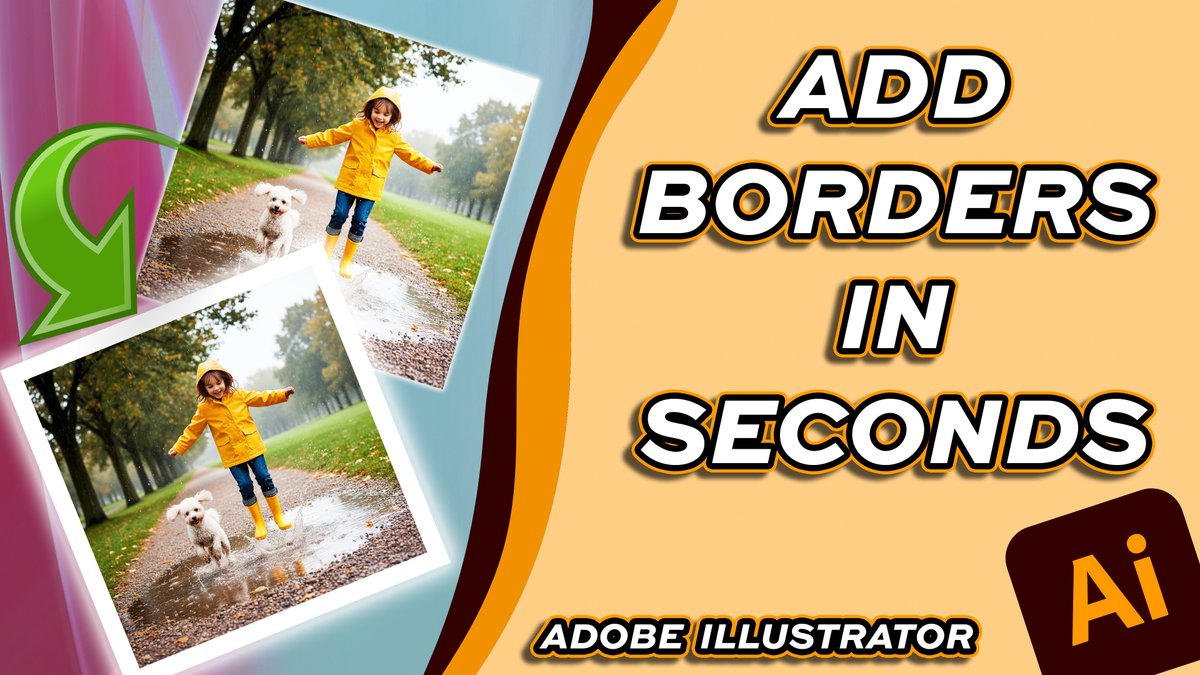
In this quick tutorial, I’ll show you how to add a border around a picture in Adobe Illustrator — perfect for social media posts, print designs, and digital artwork. #adobeillustrator #adobeillustratortutorial #adobeillustratortips youtu.be/jp5A8iOvEpM
In this step-by-step tutorial, I’ll show you how to fine-tune your text spacing for perfect, professional typography. #AffinityPhoto2 #Typography #AffinityTutorial #GraphicDesign youtu.be/FZQt-CuzEr4

In this easy, step-by-step tutorial, I’ll show you how to seamlessly stretch and blend your image background so it looks natural and professional. #AffinityPhoto2 #PhotoEditing #AffinityTutorial #BackgroundEditing youtu.be/p1tPFqIBEf8

In this quick and easy tutorial, I’ll show you step by step how to create clean, professional-looking photo borders using simple tools. #AffinityPhoto2 #AffinityTutorial #PhotoEditing

In this beginner-friendly tutorial, I’ll show you step by step how to seamlessly combine multiple images using layer masks, gradients, and blending tools. #AffinityPhoto2 #PhotoBlending #AffinityTutorial youtu.be/Dv_PFCr4l9c

In this step-by-step tutorial, I’ll show you how to quickly and accurately select objects in your images for easy edits and cutouts. #AffinityPhoto2 #ObjectSelection #AffinityTutorial youtu.be/j6KhnkidKvo

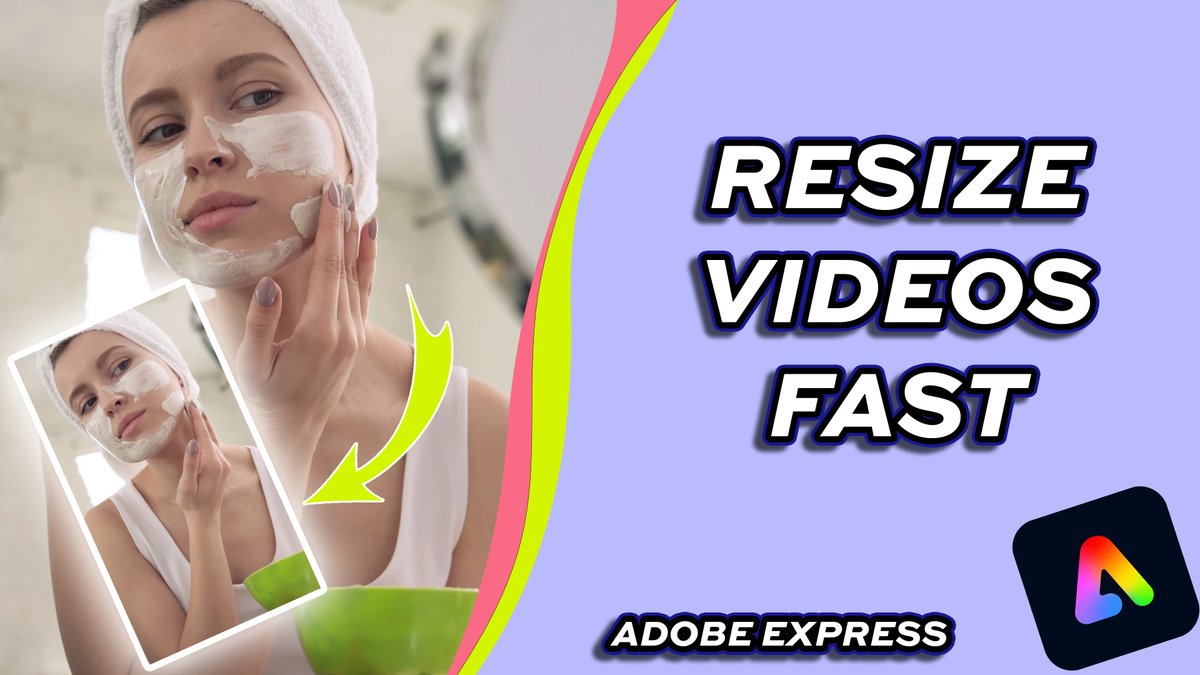
Need to resize your video for YouTube, TikTok, or Instagram? In this quick tutorial, I’ll show you how to resize a video in Adobe Express — fast, easy, and perfect for any platform! #adobeexpresstips #adobeexpresstutorial #adobeexpress youtu.be/zWsR5zydFiY
In this quick tutorial, I’ll show you how to freeze a frame in DaVinci Resolve 20 — perfect for creating dramatic pauses, still shots, or stop motion effects! #DaVinciResolve20 #DaVinciResolve #davinciresolvetutorial youtu.be/Zm-YHf8QXEM

In this beginner-friendly tutorial, I’ll show you how to add transitions in DaVinci Resolve 20 — from simple cross dissolves to stylish motion effects! #DaVinciResolve20 #DaVinciResolve #davinciresolvetutorial youtu.be/T-l-WLb0lr8

Want to make your photos stand out? In this quick tutorial, I’ll show you how to remove the background from a picture in Adobe Express — fast, easy, and no Photoshop required! #AdobeExpress #adobeexpresstutorial #adobeexpresstips youtu.be/Q3p25bld5Rw

Need to add background music or sound effects to your edit? In this quick tutorial, I’ll show you how to add audio to a project in DaVinci Resolve 20. #DaVinciResolve20 #davinciresolve #davinciresolvetutorial youtu.be/MYZm6cNxZMc




















United States 趨勢
- 1. Chelley 5,509 posts
- 2. Jarry 9,875 posts
- 3. Skinner 10.7K posts
- 4. #NXXT_28YearFlow N/A
- 5. #FursuitFriday 14.8K posts
- 6. Woody Allen 7,307 posts
- 7. Animal Farm 2,499 posts
- 8. #TSTheEndOfAnEra 5,861 posts
- 9. #FanCashDropPromotion 2,498 posts
- 10. Smear the Queer 5,515 posts
- 11. Bannon 32.5K posts
- 12. #FinlandMegaWord 26.9K posts
- 13. Julian Love N/A
- 14. DATEABLES 1,070 posts
- 15. Ripple 54.6K posts
- 16. Peahens N/A
- 17. Edmonton 6,535 posts
- 18. Maikel Garcia 1,578 posts
- 19. Trunk 4,621 posts
- 20. Oilers 8,647 posts
Something went wrong.
Something went wrong.