

InflatGames
@InFlatDev
Developpers Squad. Assets makers for Unreal Engine Marketplace. http://InflatGames.com http://discord.gg/kqdaJvnZNa https://www.youtube.com/@inflatgames
You might like


Introducing the completely revamped InflatGames.com! Features a dark theme, user-friendly account dashboard, improved comments & reviews, and Unreal Engine asset documentation. Check out our blog for more info! #InflatGames #UnrealEngine

Added new interactions for picking up and interacting with nearby objects. Feels great, especially on a controller! #indiedev #gamedev #madewithunity
Unleash your #UnrealEngine creativity with our latest tutorial 🎥 Learn how to import non-marketplace assets into your projects with ease 💡💻 Check out our step by step guide now! Link 👉 youtu.be/1SJl8bOA22w #gamedevelopment #gamedev #UE4 #InflatGames
On est live pour décortiquer #ALS sur #UnrealEngine5. Le lien : twitch.tv/inflatgames
You can now use #PayPal as a payment method on our website InflatGames.com ! See more info in our blog post : 👉 inflatgames.com/paypal-now-ava…

🚎 Want to make a game while waiting for the bus? You can now download the #GodotEngine editor from the Play Store on your Android devices! 📱 Touchscreen and multi-touch support, live debugging, and much more! godotengine.org/article/androi…

Today's #UnrealEngine5 keyboard shortcut : Q : Straighten Nodes (Graph Editor) Keep in mind that all shortcuts can be modified in : Edit menu > Editor Preferences > Keyboard shortcuts #gamedev #UE5 #GamedevWorkflow #3Danimation #3drendering
Today's #UnrealEngine5 keyboard shortcut : Tab : Open create node menu (Graph Editor) Keep in mind that all shortcuts can be modified in : Edit menu > Editor Preferences > Keyboard shortcuts #gamedev #UE5 #GamedevWorkflow #3Danimation #3drendering
Today's #UnrealEngine5 keyboard shortcut : Alt + 3 : Unlit View Keep in mind that all shortcuts can be modified in : Edit menu > Editor Preferences > Keyboard shortcuts #gamedev #UE5 #GamedevWorkflow #3Danimation #3drendering
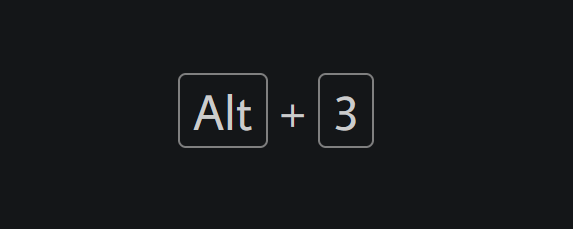
Today's #UnrealEngine5 keyboard shortcut : Alt + 4 : Lit View Keep in mind that all shortcuts can be modified in : Edit menu > Editor Preferences > Keyboard shortcuts #gamedev #UE5 #GamedevWorkflow #3Danimation #3drendering
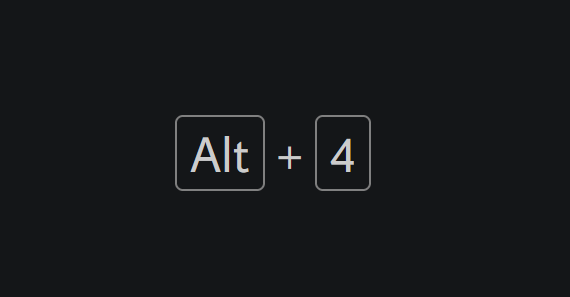
Here is one of the key feature of our new asset in developement named ModularBlips which can advanced UI gameplay indications such as points of interest. All this made in seconds and so easy. #UnrealEngine5 #UE5 #gamedev #gamedevelopment #unreal
Today's #UnrealEngine5 keyboard shortcut : Ctrl + Tab : Browse Tabs Keep in mind that all shortcuts can be modified in : Edit menu > Editor Preferences > Keyboard shortcuts #gamedev #UE5 #GamedevWorkflow #3Danimation #3drendering
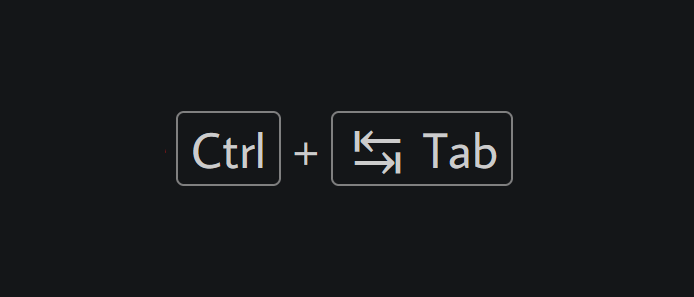
Today's #UnrealEngine5 keyboard shortcut : P : Show Navigation Mesh Keep in mind that all shortcuts can be modified in : Edit menu > Editor Preferences > Keyboard shortcuts #gamedev #UE5 #GamedevWorkflow #3Danimation #3drendering
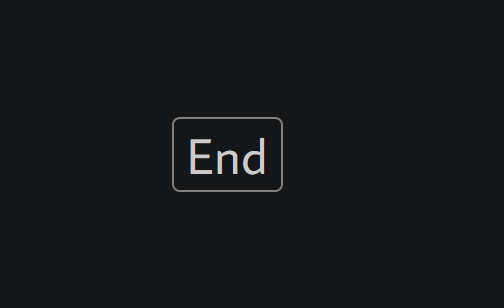
Today's #UnrealEngine5 keyboard shortcut : End : Snap to Floor (In Viewport) Keep in mind that all shortcuts can be modified in : Edit menu > Editor Preferences > Keyboard shortcuts #gamedev #UE5 #GamedevWorkflow #3Danimation #3drendering
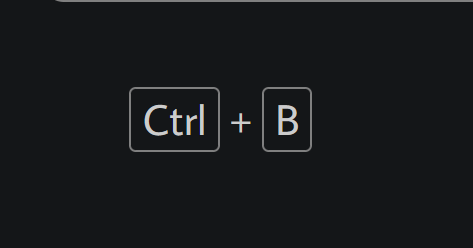
Today's #UnrealEngine5 keyboard shortcut : Ctrl + B : Find in Content Browser Keep in mind that all shortcuts can be modified in : Edit menu > Editor Preferences > Keyboard shortcuts #gamedev #UE5 #GamedevWorkflow #3Danimation #3drendering
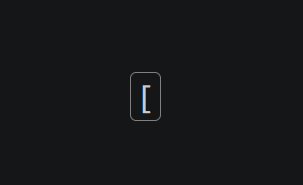
Today's #UnrealEngine5 keyboard shortcut : [ (in Viewport) : Grid size (position): Decrement Keep in mind that all shortcuts can be modified in : Edit menu > Editor Preferences > Keyboard shortcuts #gamedev #UE5 #GamedevWorkflow #3Danimation #3drendering
Today's #UnrealEngine5 keyboard shortcut : ] (in Viewport) : Grid size (position): Increment Keep in mind that all shortcuts can be modified in : Edit menu > Editor Preferences > Keyboard shortcuts #gamedev #UE5 #GamedevWorkflow #3Danimation #3drendering
![InFlatDev's tweet image. Today's #UnrealEngine5 keyboard shortcut :
] (in Viewport) : Grid size (position): Increment
Keep in mind that all shortcuts can be modified in : Edit menu > Editor Preferences > Keyboard shortcuts
#gamedev #UE5 #GamedevWorkflow #3Danimation #3drendering](https://pbs.twimg.com/media/FkNl4qlXgAEjIfX.png)
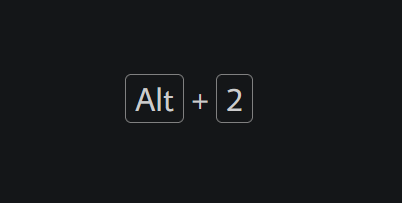
Today's #UnrealEngine5 keyboard shortcut : Alt + 2 : Switch to brush wireframe view mode in Viewport Keep in mind that all shortcuts can be modified in : Edit menu > Editor Preferences > Keyboard shortcuts #gamedev #UE5 #GamedevWorkflow #3Danimation #3drendering
Today's #UnrealEngine5 keyboard shortcut : Spacebar (in Viewport) : Cycle between translate, rotate and scale Keep in mind that all shortcuts can be modified in : Edit menu > Editor Preferences > Keyboard shortcuts #gamedev #UE5 #GamedevWorkflow #3Danimation #3drendering
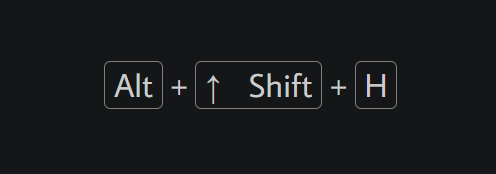
Today's #UnrealEngine5 keyboard shortcut : Alt + Shift + H : Switch the Viewport to Back view Keep in mind that all shortcuts can be modified in : Edit menu > Editor Preferences > Keyboard shortcuts #gamedev #UE5 #GamedevWorkflow #3Danimation #3drendering
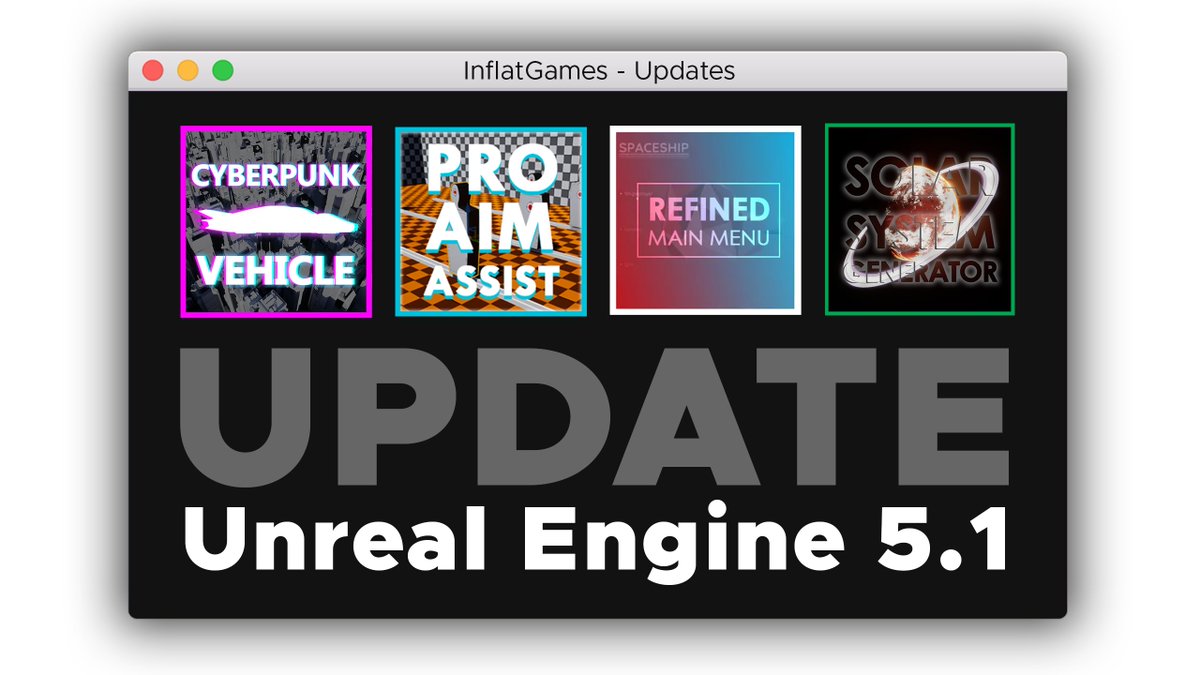
Exciting news! Our team has updated all of our #UnrealEngine assets to #UnrealEngine5.1, including Cyberpunk Vehicle, Pro Aim Assist, Solar System Generator, and Refined Main Menu. Check out the full details in our latest blog post here : InflatGames.com/?p=4245










































United States Trends
- 1. #GRAMMYs N/A
- 2. Cher N/A
- 3. Bad Bunny N/A
- 4. Benito N/A
- 5. Luther Vandross N/A
- 6. sabrina N/A
- 7. billie N/A
- 8. D’Angelo N/A
- 9. Kendrick N/A
- 10. Tyler N/A
- 11. Gaga N/A
- 12. Nicki N/A
- 13. Pharrell N/A
- 14. AOTY N/A
- 15. Album of the Year N/A
- 16. Lauryn Hill N/A
- 17. Olivia Dean N/A
- 18. harry styles N/A
- 19. Jelly Roll N/A
- 20. Trevor Noah N/A








Something went wrong.
Something went wrong.