

おすすめツイート


A partnership that’s set to change the game. Any guesses?
Black Friday sale is here! You can get access to all of our 11 Data analytics and Machine learning courses for just $ 20.00. Individual courses are also available for just $ 2.50. Check it out here - bit.ly/2L2NCxE
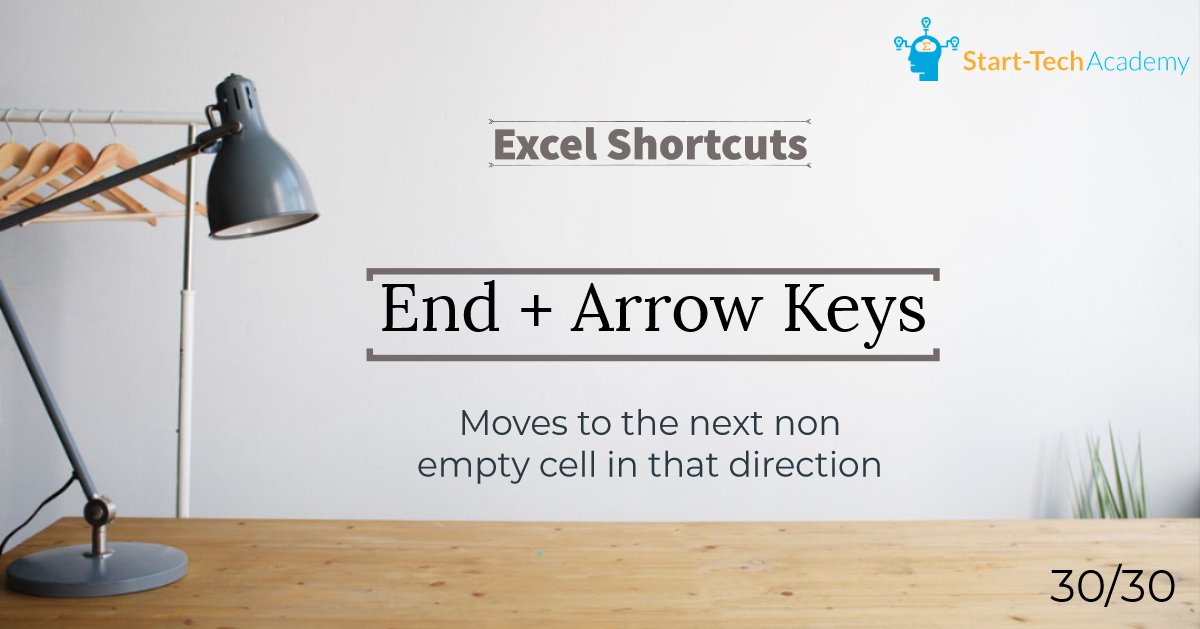
30 Days - 30 Excel shortcuts (DAY 30) Learn the most used 30 Excel shortcuts by practicing 1 shortcut a day. To get the complete shortcuts e-book, subscribe to our mailing list at starttechacademy.com #Excel #MicrosoftExcel #ExcelShortcuts #ExcelTips #Ebook #ExcelTricks
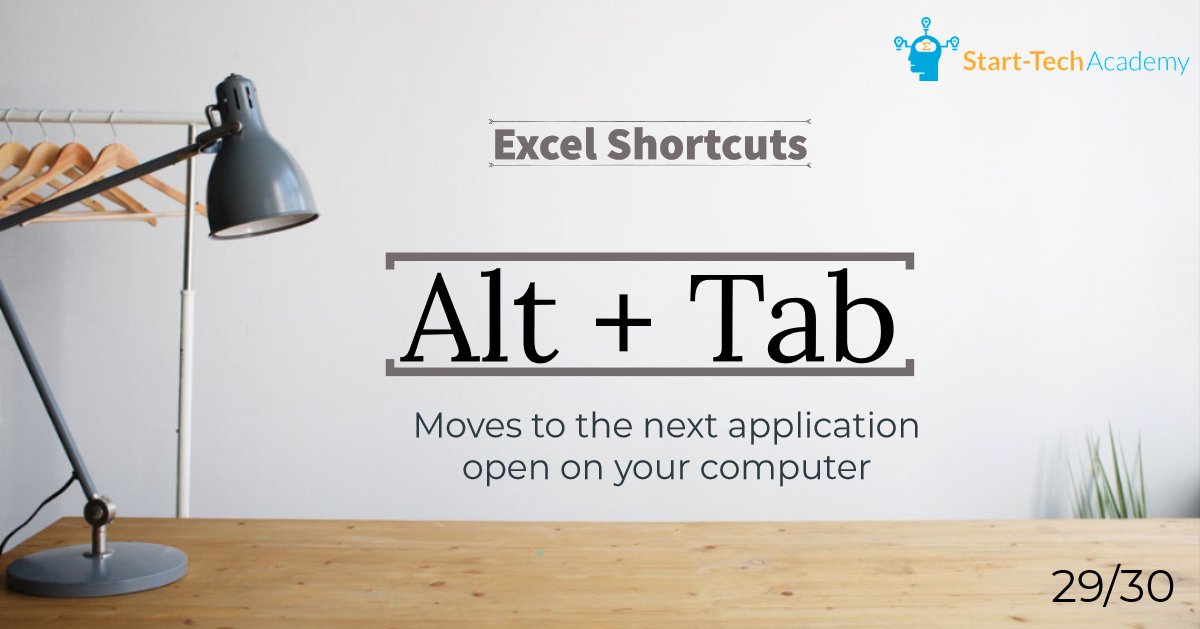
30 Days - 30 Excel shortcuts (DAY 29) Learn the most used 30 Excel shortcuts by practicing 1 shortcut a day. To get the complete shortcuts e-book, subscribe to our mailing list at starttechacademy.com #Excel #MicrosoftExcel #ExcelShortcuts #ExcelTips #Ebook #ExcelTricks
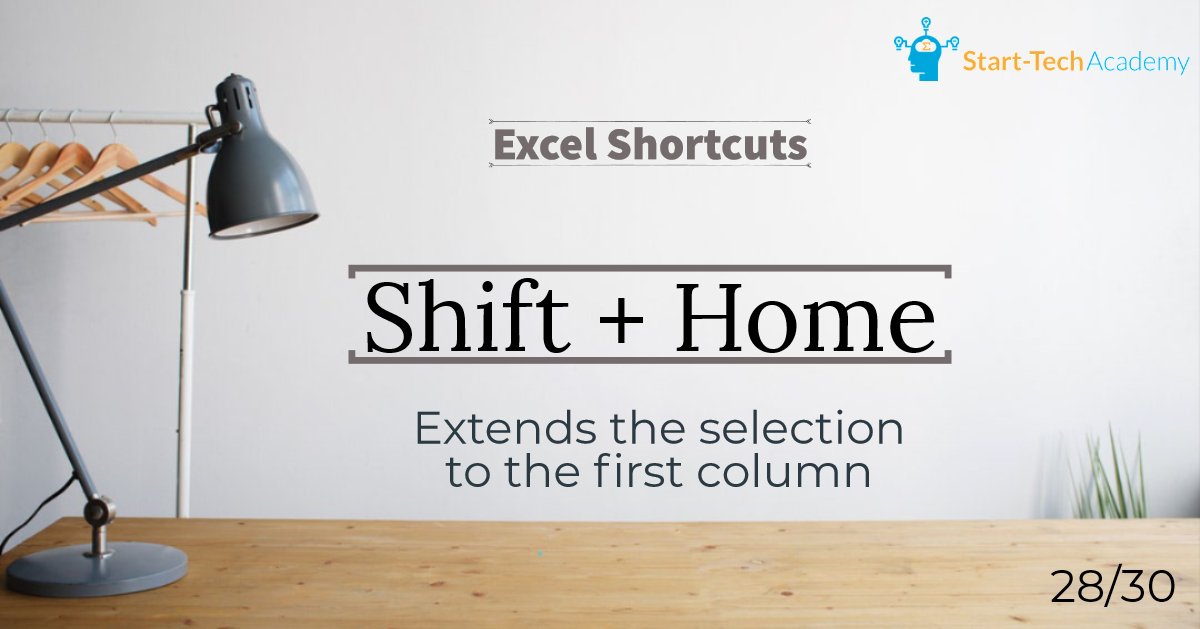
30 Days - 30 Excel shortcuts (DAY 28) Learn the most used 30 Excel shortcuts by practicing 1 shortcut a day. To get the complete shortcuts e-book, subscribe to our mailing list at starttechacademy.com #Excel #MicrosoftExcel #ExcelShortcuts #ExcelTips #Ebook #ExcelTricks
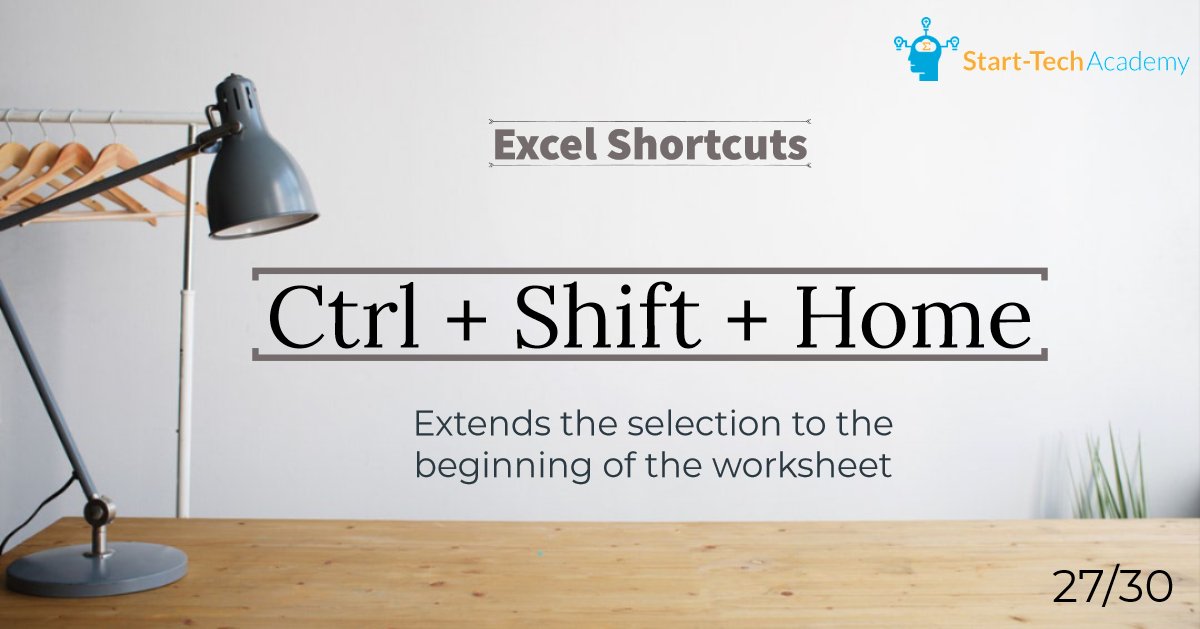
30 Days - 30 Excel shortcuts (DAY 27) Learn the most used 30 Excel shortcuts by practicing 1 shortcut a day. To get the complete shortcuts e-book, subscribe to our mailing list at starttechacademy.com #Excel #MicrosoftExcel #ExcelShortcuts #ExcelTips #Ebook #ExcelTricks
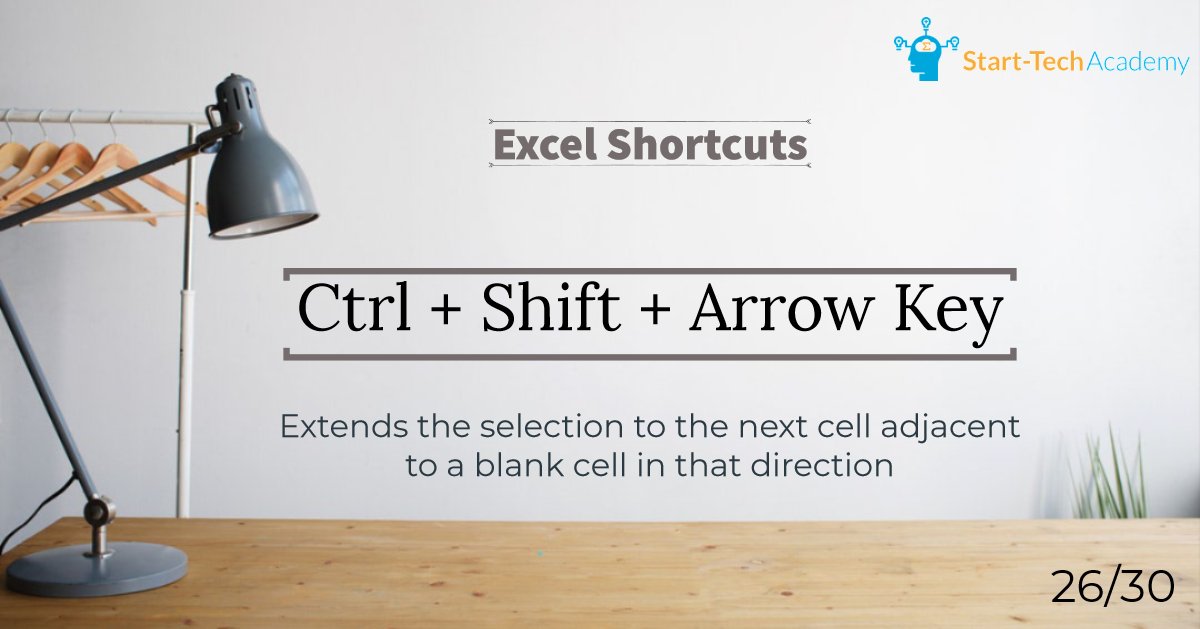
30 Days - 30 Excel shortcuts (DAY 26) Learn the most used 30 Excel shortcuts by practicing 1 shortcut a day. To get the complete shortcuts e-book, subscribe to our mailing list at starttechacademy.com #Excel #MicrosoftExcel #ExcelShortcuts #ExcelTips #Ebook #ExcelTricks
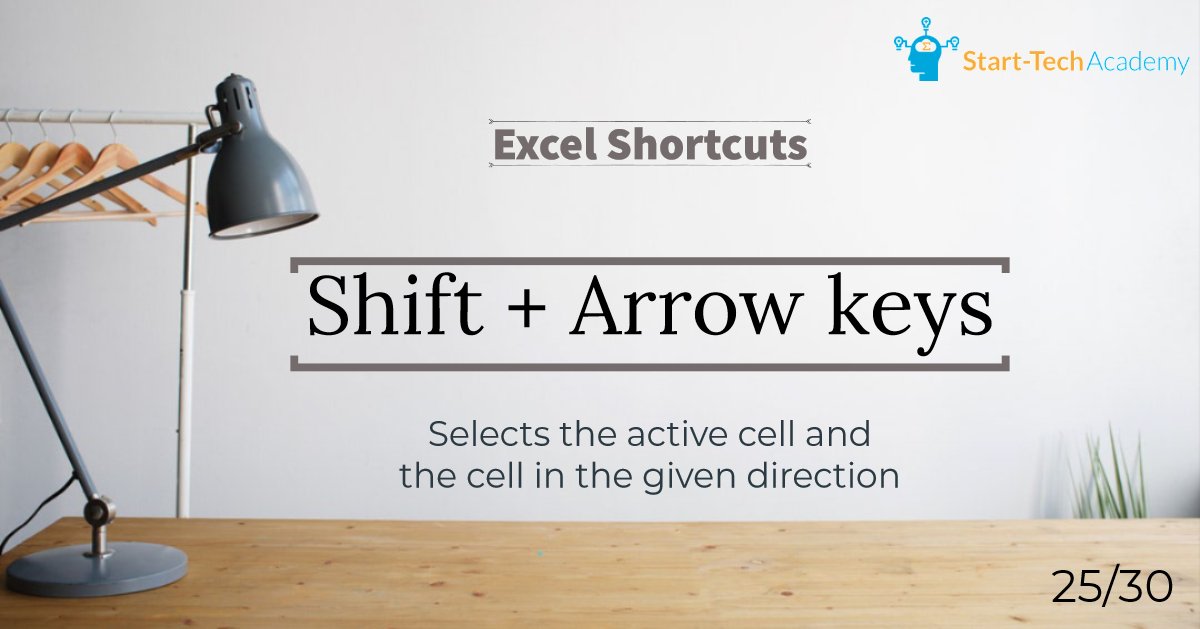
30 Days - 30 Excel shortcuts (DAY 25) Learn the most used 30 Excel shortcuts by practicing 1 shortcut a day. To get the complete shortcuts e-book, subscribe to our mailing list at starttechacademy.com #Excel #MicrosoftExcel #ExcelShortcuts #ExcelTips #Ebook #ExcelTricks
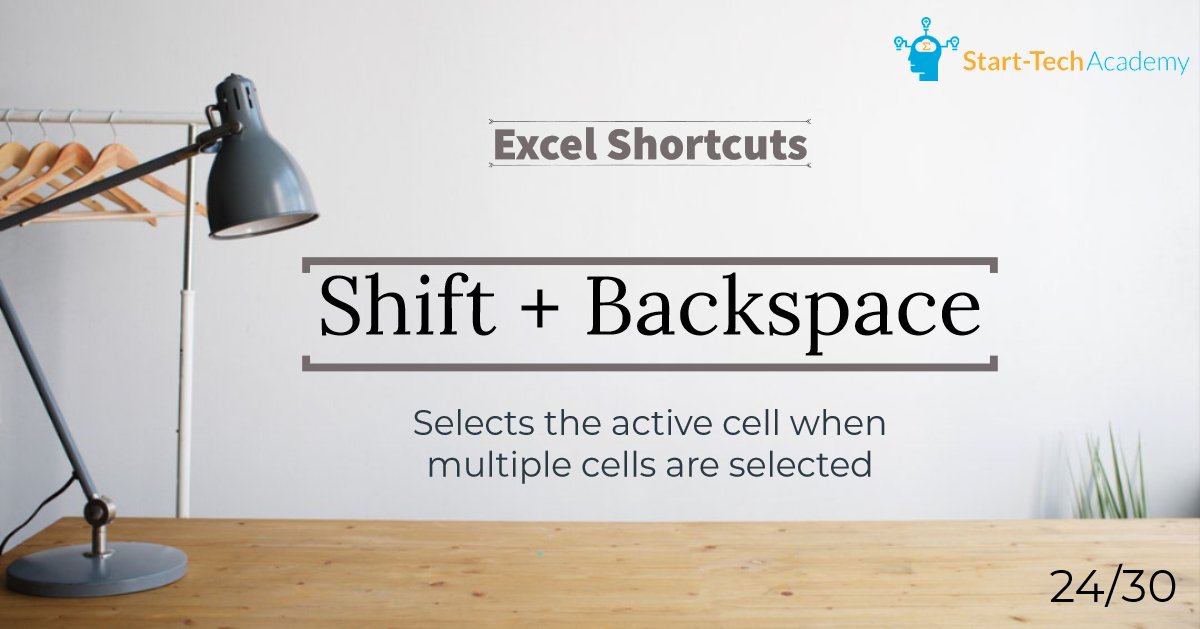
30 Days - 30 Excel shortcuts (DAY 24) Learn the most used 30 Excel shortcuts by practicing 1 shortcut a day. To get the complete shortcuts e-book, subscribe to our mailing list at starttechacademy.com #Excel #MicrosoftExcel #ExcelShortcuts #ExcelTips #Ebook #ExcelTricks
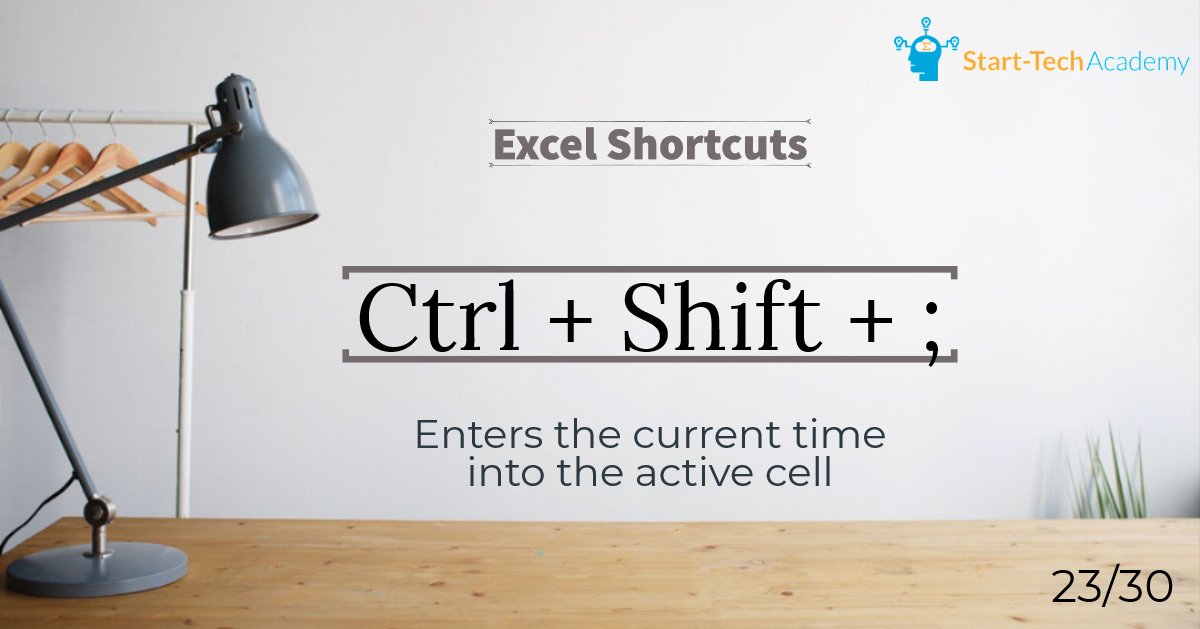
30 Days - 30 Excel shortcuts (DAY 23) Learn the most used 30 Excel shortcuts by practicing 1 shortcut a day. To get the complete shortcuts e-book, subscribe to our mailing list at starttechacademy.com #Excel #MicrosoftExcel #ExcelShortcuts #ExcelTips #Ebook #ExcelTricks
30 Days - 30 Excel shortcuts (DAY 22) Learn the most used 30 Excel shortcuts by practicing 1 shortcut a day. To get the complete shortcuts e-book, subscribe to our mailing list at starttechacademy.com #Excel #MicrosoftExcel #ExcelShortcuts #ExcelTips #Ebook #ExcelTricks

30 Days - 30 Excel shortcuts (DAY 21) Learn the most used 30 Excel shortcuts by practicing 1 shortcut a day. To get the complete shortcuts e-book, subscribe to our mailing list at starttechacademy.com #Excel #MicrosoftExcel #ExcelShortcuts #ExcelTips #Ebook #ExcelTricks

30 Days - 30 Excel shortcuts (DAY 20) Learn the most used 30 Excel shortcuts by practicing 1 shortcut a day. To get the complete shortcuts e-book, subscribe to our mailing list at starttechacademy.com #Excel #MicrosoftExcel #ExcelShortcuts #ExcelTips #Ebook #ExcelTricks
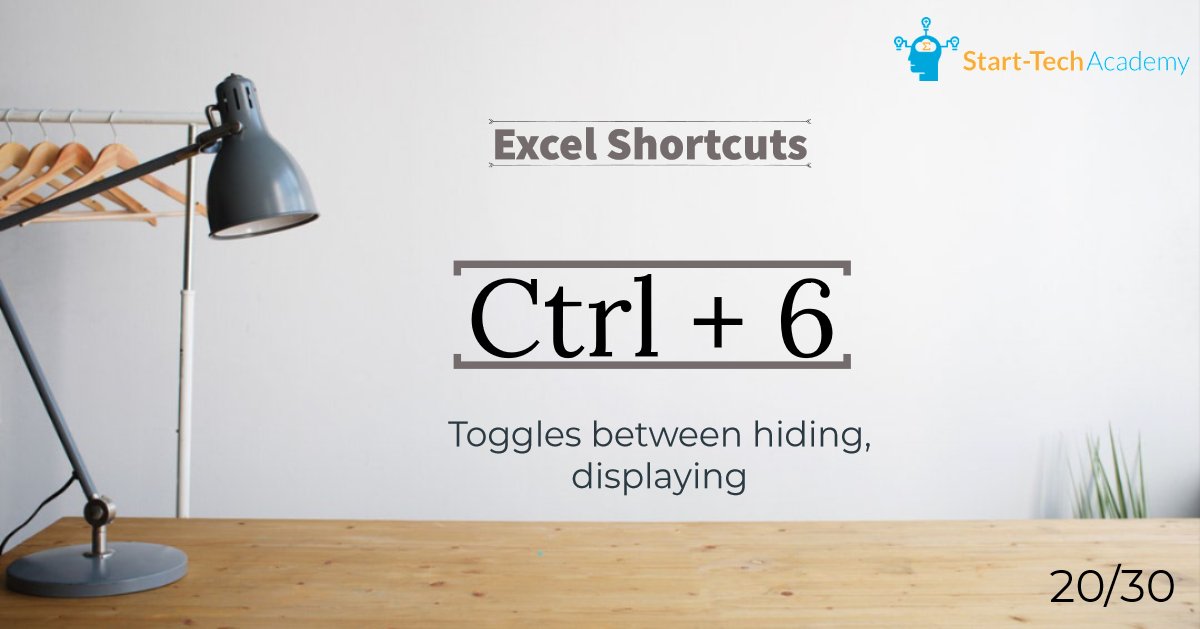
30 Days - 30 Excel shortcuts (DAY 19) Learn the most used 30 Excel shortcuts by practicing 1 shortcut a day. To get the complete shortcuts e-book, subscribe to our mailing list at starttechacademy.com #Excel #MicrosoftExcel #ExcelShortcuts #ExcelTips #Ebook #ExcelTricks
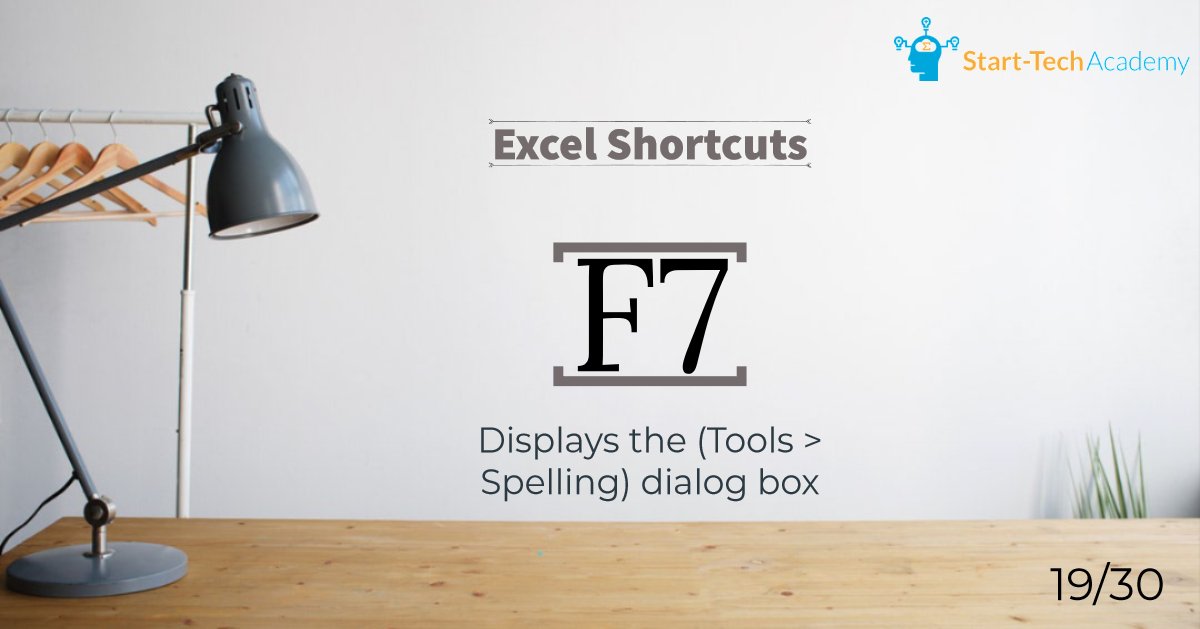
30 Days - 30 Excel shortcuts (DAY 18) Learn the most used 30 Excel shortcuts by practicing 1 shortcut a day. To get the complete shortcuts e-book, subscribe to our mailing list at starttechacademy.com #Excel #MicrosoftExcel #ExcelShortcuts #ExcelTips #Ebook #ExcelTricks

30 Days - 30 Excel shortcuts (DAY 17) Learn the most used 30 Excel shortcuts by practicing 1 shortcut a day. To get the complete shortcuts e-book, subscribe to our mailing list at starttechacademy.com #Excel #MicrosoftExcel #ExcelShortcuts #ExcelTips #Ebook #ExcelTricks
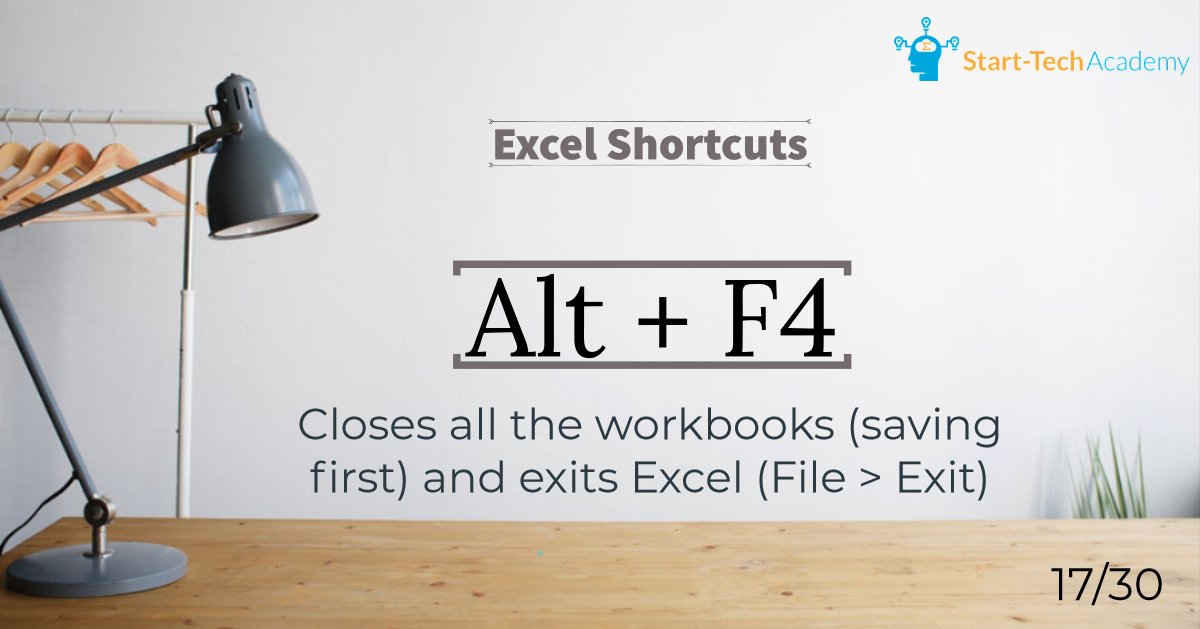
30 Days - 30 Excel shortcuts (DAY 16) Learn the most used 30 Excel shortcuts by practicing 1 shortcut a day. To get the complete shortcuts e-book, subscribe to our mailing list at starttechacademy.com #Excel #MicrosoftExcel #ExcelShortcuts #ExcelTips #Ebook #ExcelTricks
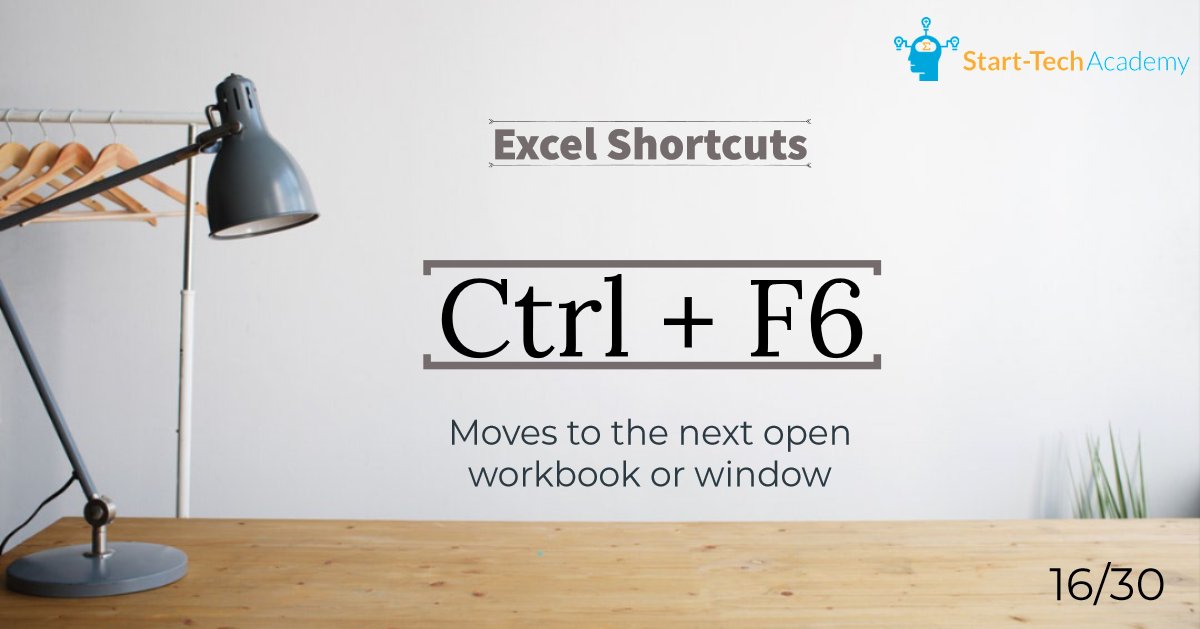
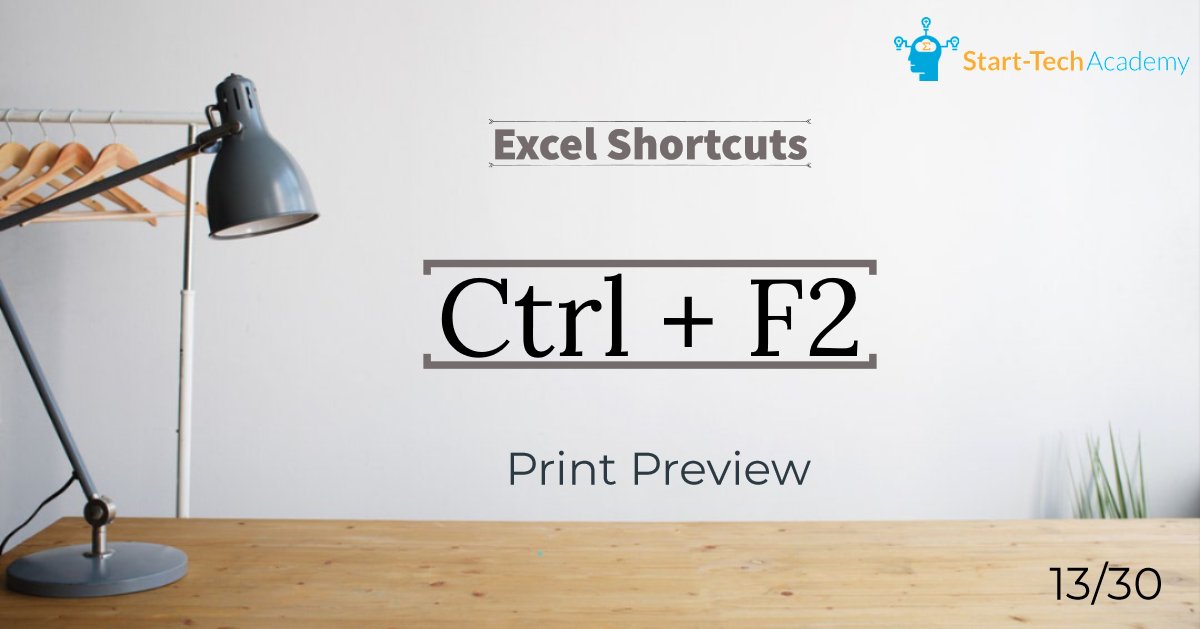
30 Days - 30 Excel shortcuts (DAY 15) Learn the most used 30 Excel shortcuts by practicing 1 shortcut a day. To get the complete shortcuts e-book, subscribe to our mailing list at starttechacademy.com #Excel #MicrosoftExcel #ExcelShortcuts #ExcelTips #Ebook #ExcelTricks
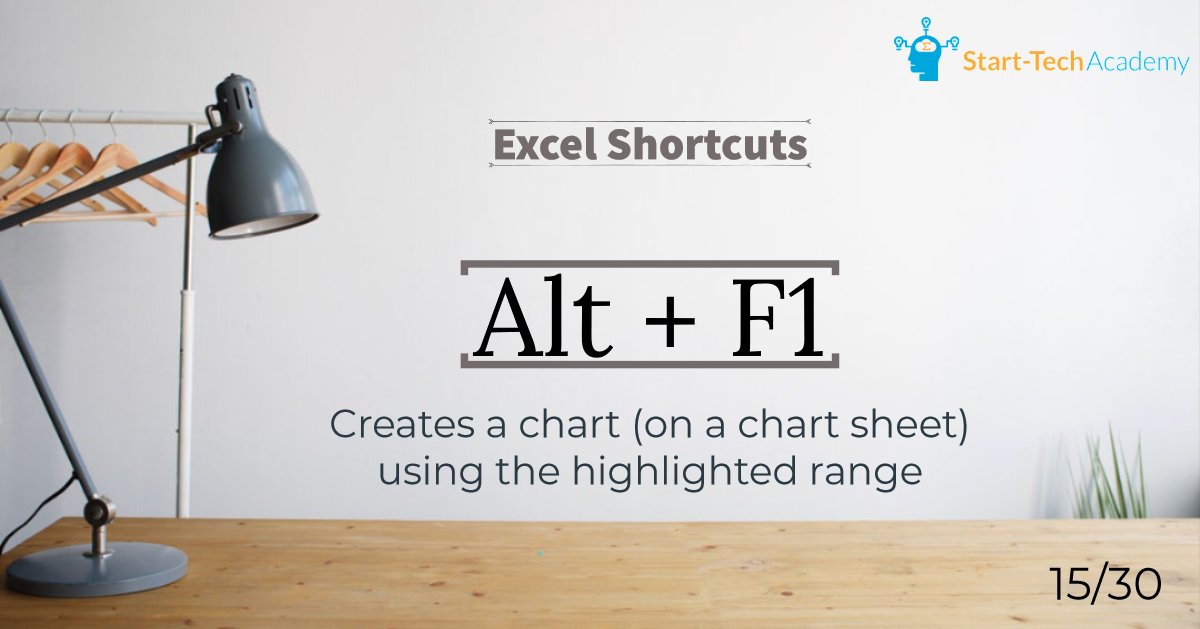
30 Days - 30 Excel shortcuts (DAY 14) Learn the most used 30 Excel shortcuts by practicing 1 shortcut a day. To get the complete shortcuts e-book, subscribe to our mailing list at starttechacademy.com #Excel #MicrosoftExcel #ExcelShortcuts #ExcelTips #Ebook #ExcelTricks
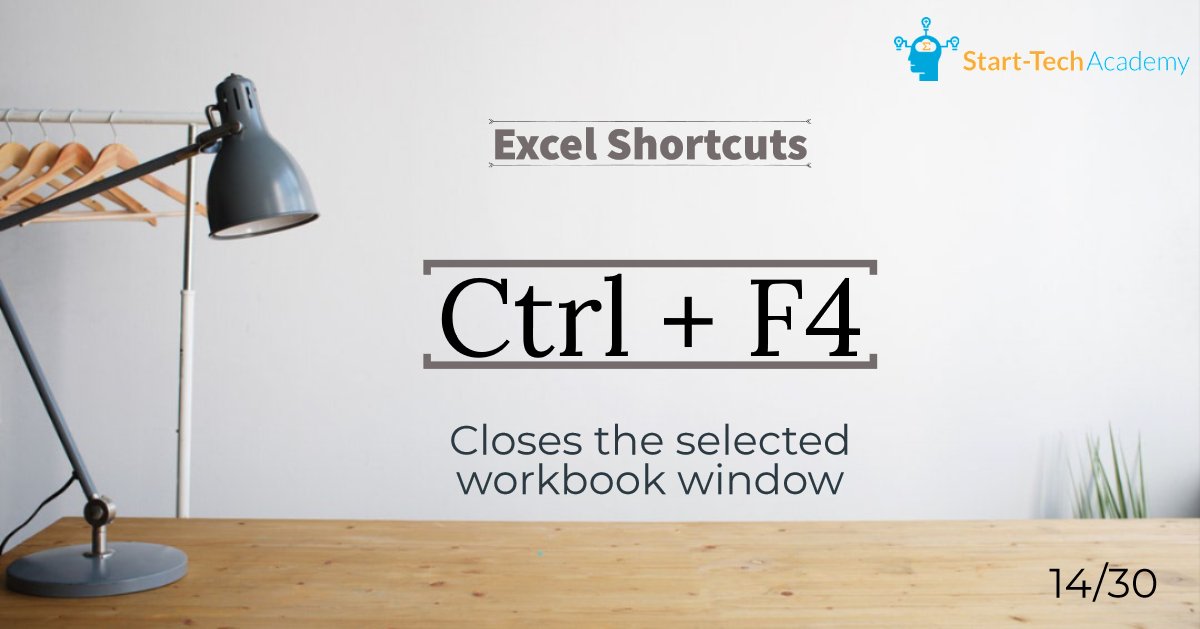
30 Days - 30 Excel shortcuts (DAY 13) Learn the most used 30 Excel shortcuts by practicing 1 shortcut a day. To get the complete shortcuts e-book, subscribe to our mailing list at starttechacademy.com #Excel #MicrosoftExcel #ExcelShortcuts #ExcelTips #Ebook #ExcelTricks
































United States トレンド
- 1. Zverev N/A
- 2. #AusOpen N/A
- 3. #AO26 N/A
- 4. #TheTraitorsUS N/A
- 5. #AustralianOpen N/A
- 6. Don Toliver N/A
- 7. Carlitos N/A
- 8. Candiace N/A
- 9. Sinner N/A
- 10. Cooper Flagg N/A
- 11. #River N/A
- 12. Colton N/A
- 13. Warsh N/A
- 14. Djokovic N/A
- 15. Lisa N/A
- 16. OpenClaw N/A
- 17. Iron Lung N/A
- 18. Hasan N/A
- 19. Sascha N/A
- 20. Jannik N/A
おすすめツイート







Something went wrong.
Something went wrong.