
#vimtips ผลการค้นหา





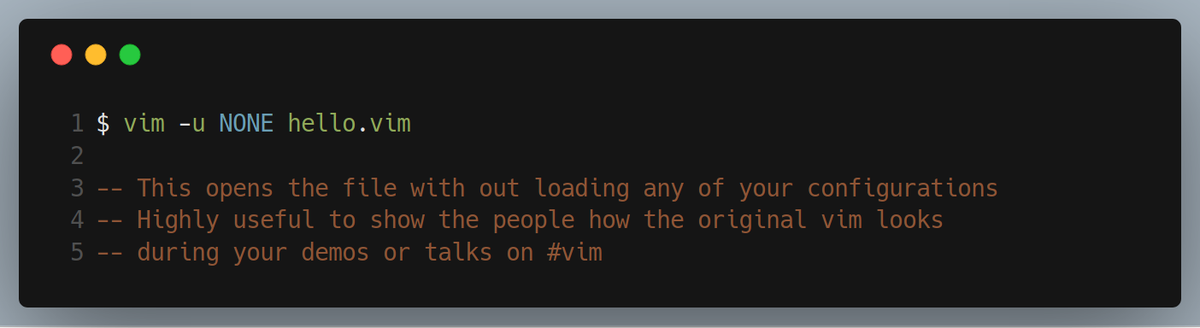
**Vim Tips** Opening Vim by loading none of your configuration files #vim #vimtips #vimtips #vimmer #vimlover #Vim


#VIM how to quote a word (easy (?)): ciw'Ctrl+r"' — Combinação de teclas tão ~robusta~ que lembra até os velhos tempos de SNES hehehe #vimtips #commandline #linux


NEW VID Vim Tips - YouTube's Favourite Vim show! I show you a variety of ways to OPEN vim that trigger lots of useful effects & features! Such as, jumping straight to where you want to edit, passing cmds to run on start & Diff mode! youtu.be/FFeJsOG7va0 #VimTips #Vim


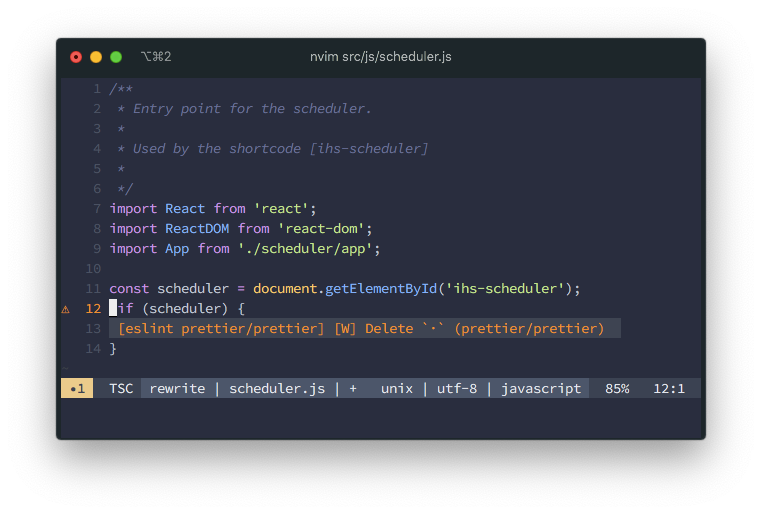
After a month of struggling, I finally have @geteslint working with @Neovim and Pnpm #vimtips #vimlife
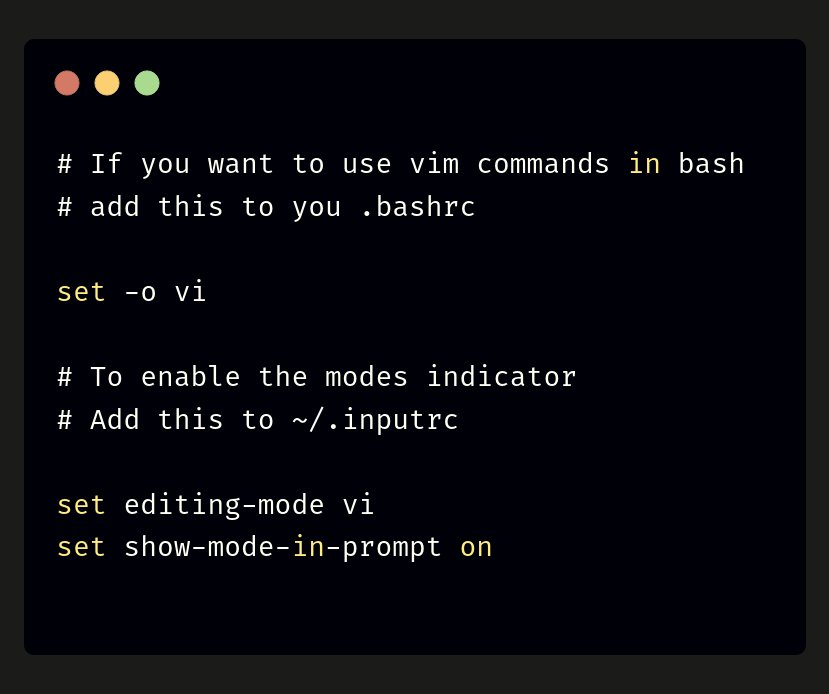
How to start #vim with no configuration, BUT with the `nocopatible` mode enabled #vimtips #terminaltips



Vim's "z=" command is a fantastic in-editor spelling correction tool! #vimtips #codingtools #productivity

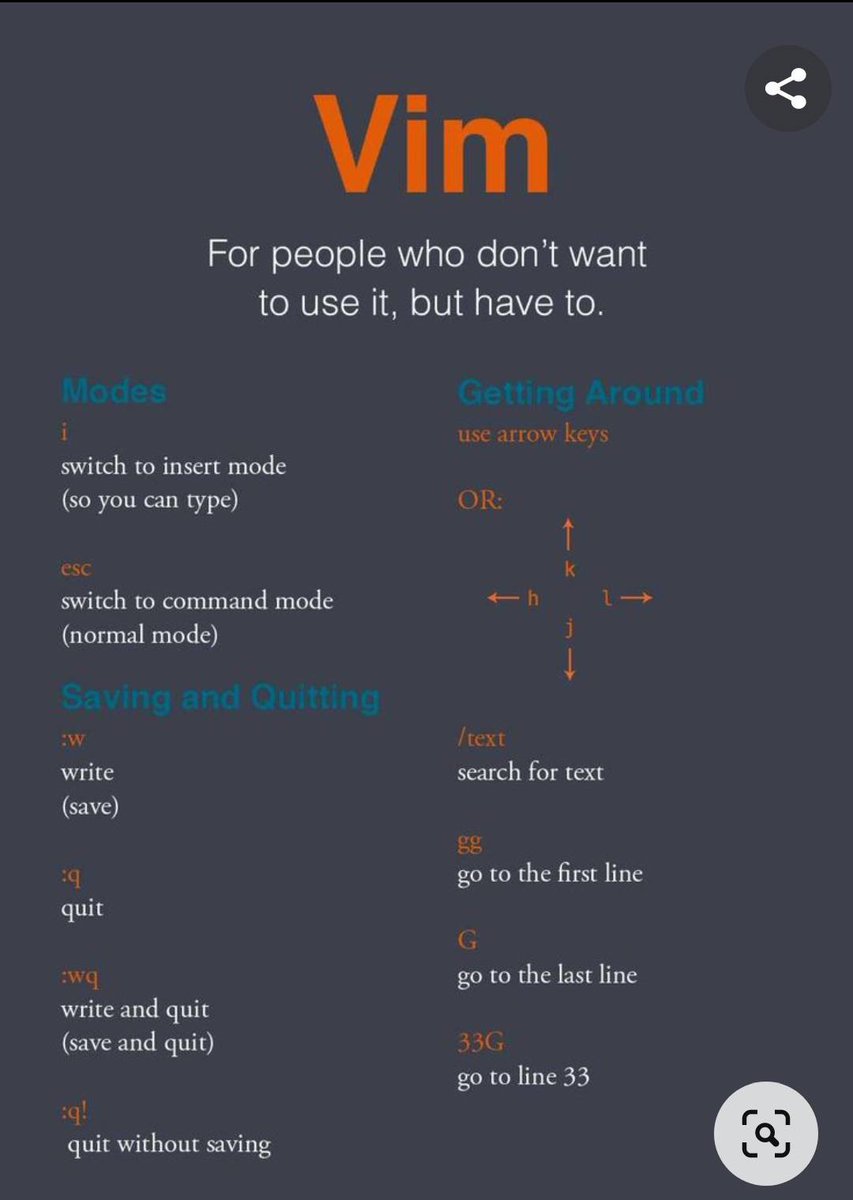


Vim Tips - Edit Remote Files With Vim On Linux #vim #vimtips #ssh #scp #linux #cli ostechnix.com/vim-tips-edit-…
Vim Tips – Read And Write Remote Files With Vim On Linux #Vim #VimTips #Linux #scp #SecureCopy #ssh #SecureShell ostechnix.com/vim-tips-read-…


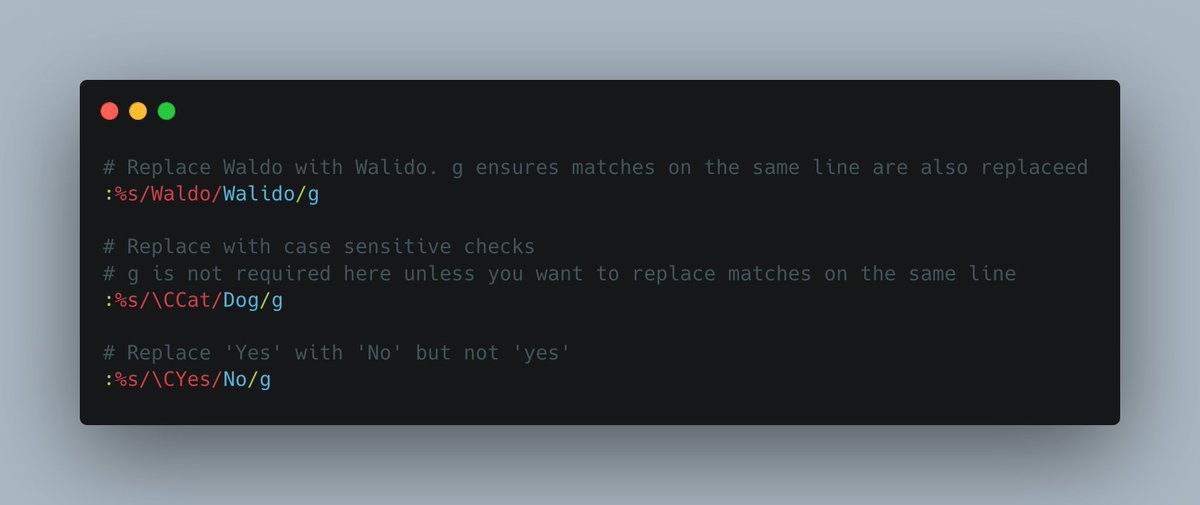
Let's start the week with a cool tip for the vimers out there. Need to search and replace text in vim, here's a quick one for how to quickly achieve that without any plugins. #vim #neovim #vimtips

Only now I started naming the open tabs I have in #Vim. It made life way easier. I'm using this plugin to add the tab titles: github.com/gcmt/taboo.vim #neovim #vimtips


¿Sabías que los macros en Vim pueden transformar tu manera de trabajar? 🚀 Descubre cómo maximizar su potencial en este artículo: spin.atomicobject.com/maximizing-vim… #VimTips #Eficiencia
spin.atomicobject.com
Maximize Vim with Macros
Macros let you capture a series of actions and replay them, building complex, repeatable edits using the Vim capabilities you already know.


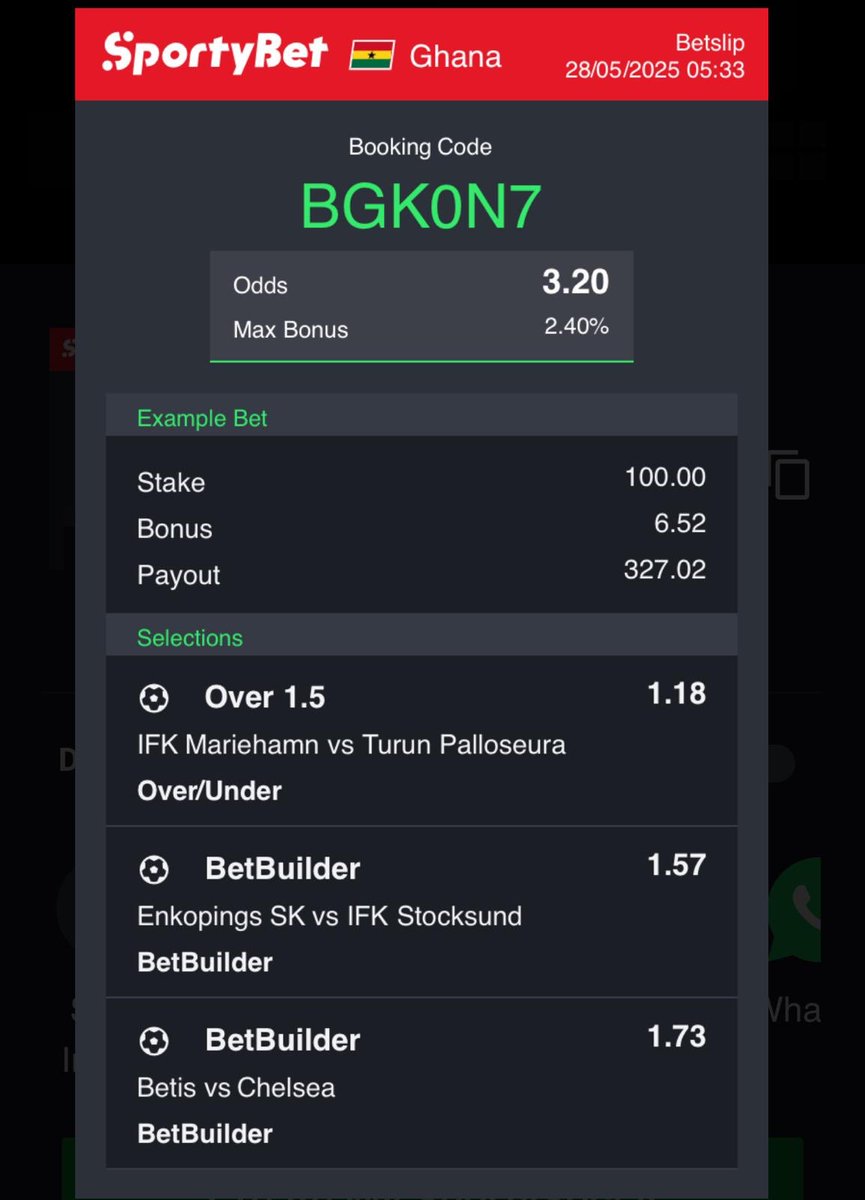

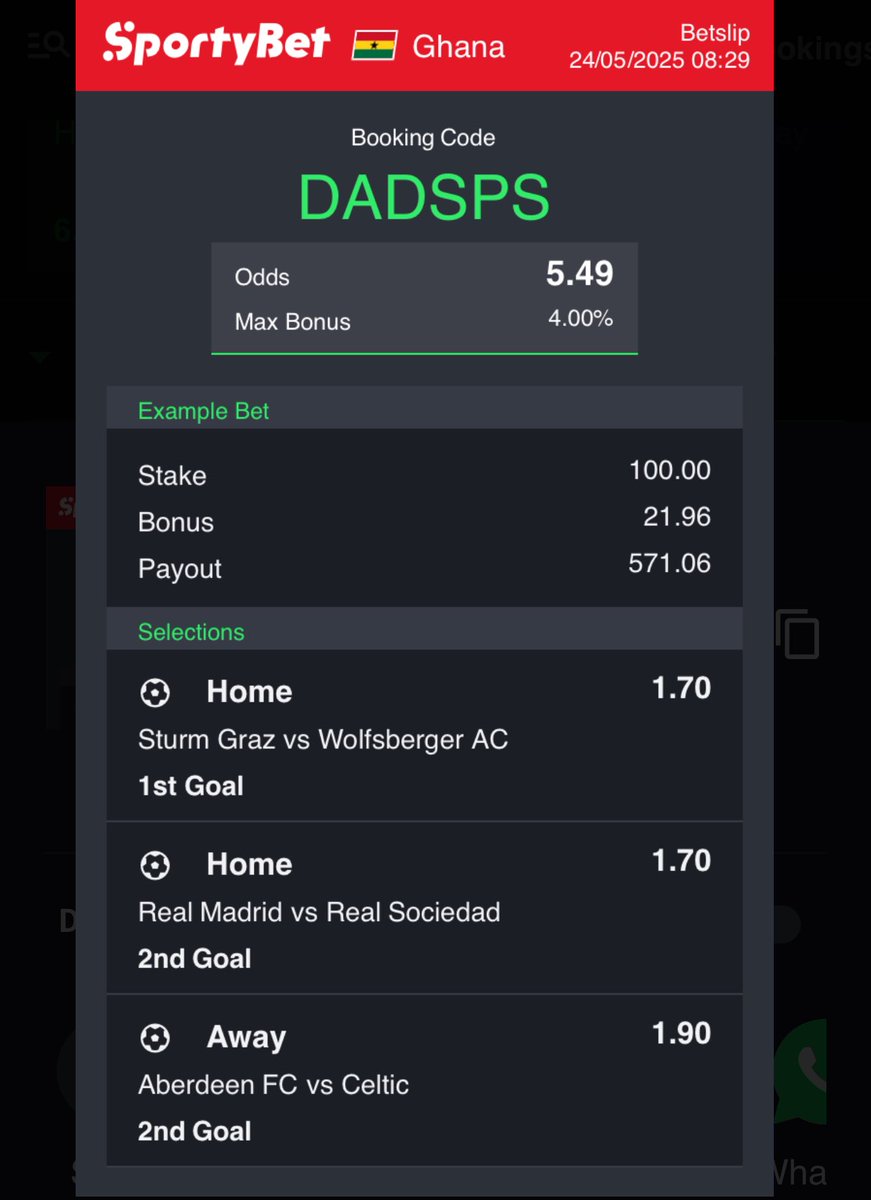
Boom 💥 our 2 odds today . Congratulations to those who got on #vimtips #morevim . We go again tomorrow.
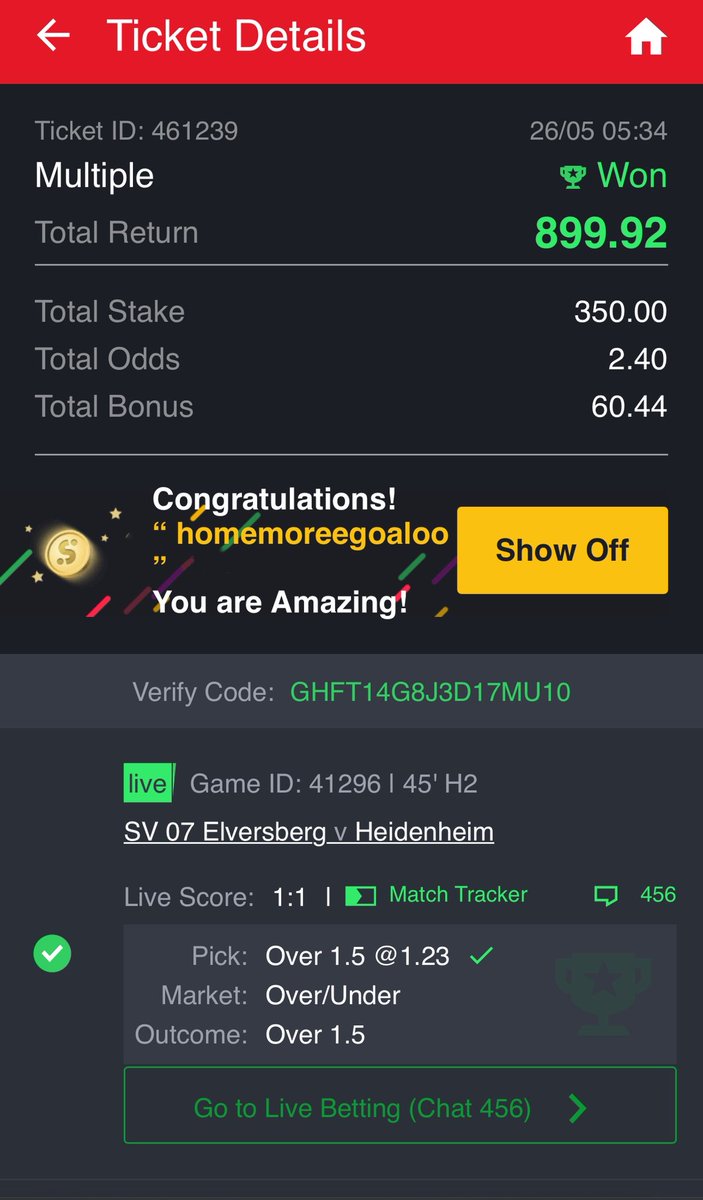

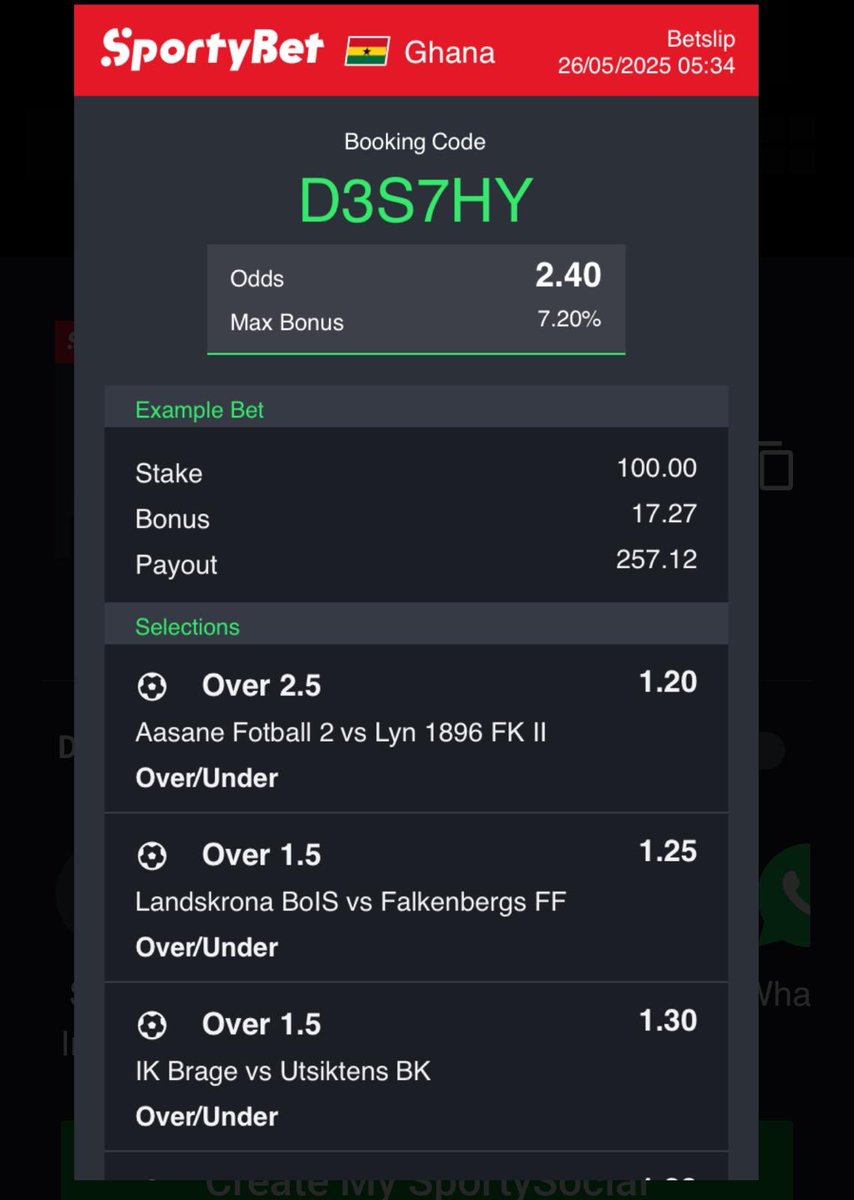
We lost yesterday on our rollover but today is a sure win so let’s get on it will be posting it in a few more vim , #vimtips #wenevergiveup.
How To Display Undo And Redo Timestamps In Vim Status Bar Using vim-airline #vim #texteditor #vimtips #vimairline #linux #opensource ostechnix.com/display-undo-r…
ostechnix.com
Display Undo And Redo Timestamps In Vim Using vim-airline - OSTechNix
This detailed tutorial explains how to display real-time undo and redo timestamps directly in your Vim status bar using vim-airline plugin.

💡 Struggling to exit Vim or Vi in Linux? We've got you covered! Follow our quick guide to learn the essential commands for quitting, saving, and navigating Vim/Vi like a pro. 👉 voxfor.com/how-to-exit-vi… #VimTips #LinuxCommands #TechGuides #SysAdminTools #OpenSourceSkills


vim.keymap.set('n', '<c-d>', '"_diw', { noremap = true, silent = true }) This keymap lets you delete with just Ctrl+d. Simple and efficient! Give it a try and level up your Vim game! #VimTips #VimTricks 2/2
Let's start the week with a cool tip for the vimers out there. Need to search and replace text in vim, here's a quick one for how to quickly achieve that without any plugins. #vim #neovim #vimtips

Want to level up your #Vim game? Check out this quickstart guide for setting up Vim like a pro! Perfect for beginners and seasoned users alike: 👉 rattlesploitable.blogspot.com/2024/10/vim-qu… #VimConfig #VimTips #DevTools
Vim's "z=" command is a fantastic in-editor spelling correction tool! #vimtips #codingtools #productivity





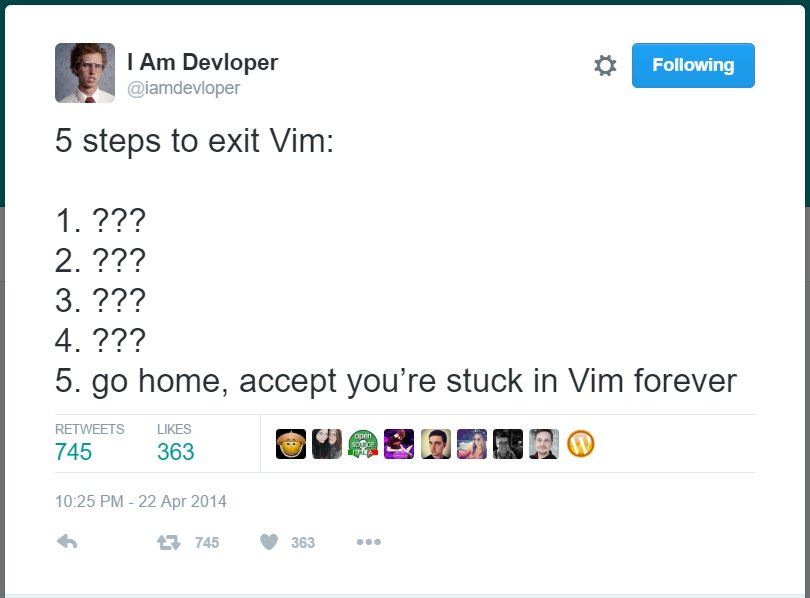

Did you know that you can use the `:set paste` command to paste text properly from system clipboard in Vim? #vimtips


#VIM how to quote a word (easy (?)): ciw'Ctrl+r"' — Combinação de teclas tão ~robusta~ que lembra até os velhos tempos de SNES hehehe #vimtips #commandline #linux
**Vim Tips** Opening Vim by loading none of your configuration files #vim #vimtips #vimtips #vimmer #vimlover #Vim

Here's a cute insert mode indicator: change your colorscheme. gist.github.com/dhulihan/1f611… #vimtips #vim
How to start #vim with no configuration, BUT with the `nocopatible` mode enabled #vimtips #terminaltips

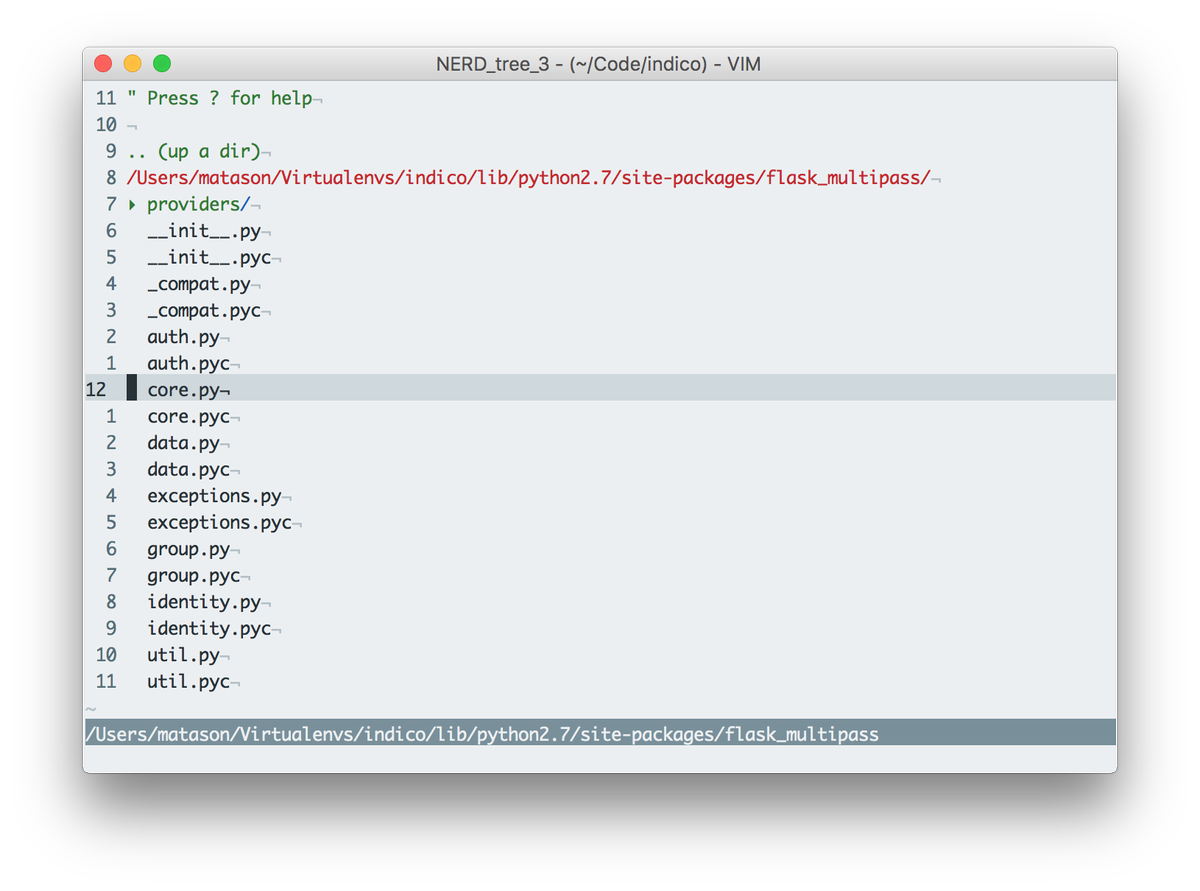
Add let NERDTreeShowLineNumbers=1 to your vimrc to enable line numbering in NERDTree :o) #vim #vimtips
Something went wrong.
Something went wrong.
United States Trends
- 1. Spotify 1.21M posts
- 2. Chris Paul 36.8K posts
- 3. Clippers 50.5K posts
- 4. #WhyIChime N/A
- 5. Ty Lue 4,199 posts
- 6. Hartline 12.5K posts
- 7. Henry Cuellar 9,086 posts
- 8. ethan hawke 5,703 posts
- 9. #HappyBirthdayJin 114K posts
- 10. Apple Music 242K posts
- 11. David Corenswet 9,434 posts
- 12. GreetEat Corp 1,181 posts
- 13. Jonathan Bailey 10.6K posts
- 14. SNAP 170K posts
- 15. #NSD26 28.3K posts
- 16. Giannis 24.8K posts
- 17. South Florida 7,503 posts
- 18. Lawrence Frank 3,073 posts
- 19. Chris Henry 3,040 posts
- 20. Collin Klein 2,186 posts