
#cssbasics نتائج البحث

🧱 CSS BOX Model #CSSBoxModel #CSSBasics #WebDevelopment #FrontendDev #LearnCSS #CSSLayout #WebDesign #HTMLCSS #UIUXDesign #CodingTips #DeveloperLife

🧱 CSS Box Model Structure A thread 🧵👇🏻👇🏻 #CSSBoxModel #CSSBasics #WebDesign #pushpendratips #FrontendDevelopment #CSSForBeginners #LearnCSS #BoxModel #WebDev #UIUX #CodingTips #MasterTheBoxModel #CSSLayoutTricks #code #PaddingMarginBorder #BoxModelExplained #CSSDeepDive…


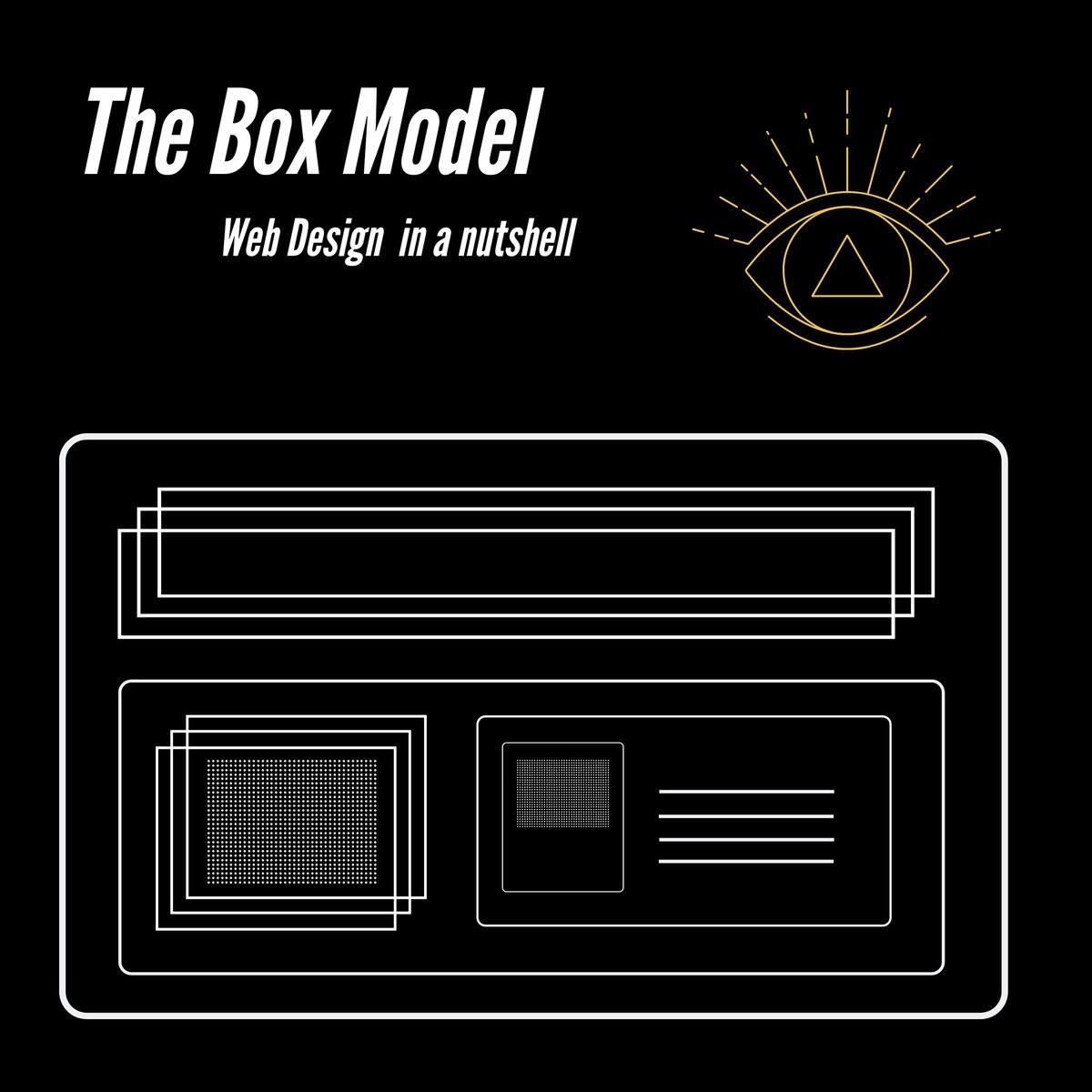
🎯 THE BOX MODEL (Everything starts here): Every HTML element is a box with 4 layers ALWAYS use box-sizing: border-box; globally! #webdev #CSSBasics #CSS #Frontend #framework
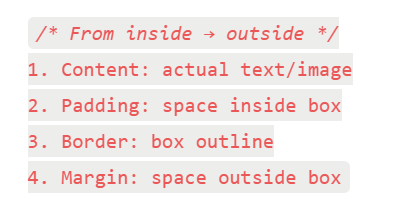


The border-box value is the most used and most popular. We can use the universal box sizing with inheritance to reset the box-sizing to border-box. #100DaysOfCode #CodeNewbie #CSSBasics


𝗥𝗲𝗮𝗱𝘆 𝘁𝗼 𝗹𝗲𝘃𝗲𝗹 𝘂𝗽 𝘆𝗼𝘂𝗿 𝘄𝗲𝗯 𝗱𝗲𝘃𝗲𝗹𝗼𝗽𝗺𝗲𝗻𝘁 𝘀𝗸𝗶𝗹𝗹𝘀? 𝗙𝗲𝗲𝗹 𝗳𝗿𝗲𝗲 𝘁𝗼 𝗮𝘀𝗸 𝗾𝘂𝗲𝘀𝘁𝗶𝗼𝗻𝘀, 𝘀𝗵𝗮𝗿𝗲 𝘆𝗼𝘂𝗿 𝗶𝗻𝘀𝗶𝗴𝗵𝘁𝘀, 𝗮𝗻𝗱 𝗹𝗲𝘁'𝘀 𝗿𝗼𝗰𝗸 𝘁𝗵𝗲 𝗰𝗼𝗱𝗶𝗻𝗴 𝗷𝗼𝘂𝗿𝗻𝗲𝘆 𝘁𝗼𝗴𝗲𝘁𝗵𝗲𝗿!👩💻👨💻 P.C: @w3docs #CSSBasics

The box-sizing CSS property defines how the total width and height of an element should be calculated. There are two values in box-sizing property, content-box, border-box. #100DaysOfCode #CodeNewbie #CSSBasics


CSS gradients is one of the easiest way to add an overlay to a background image. You can add it on top of the background image by combining background url and linear-gradient. In this image I've set the gradient from red to blue. #100DaysOfCode #CodeNewbie #CSSBasics





🎨 CSS adds style and layout to a webpage, including colors, fonts, spacing, and positioning. Selectors, properties, and values are used to target specific HTML elements and apply styles. #CSSbasics
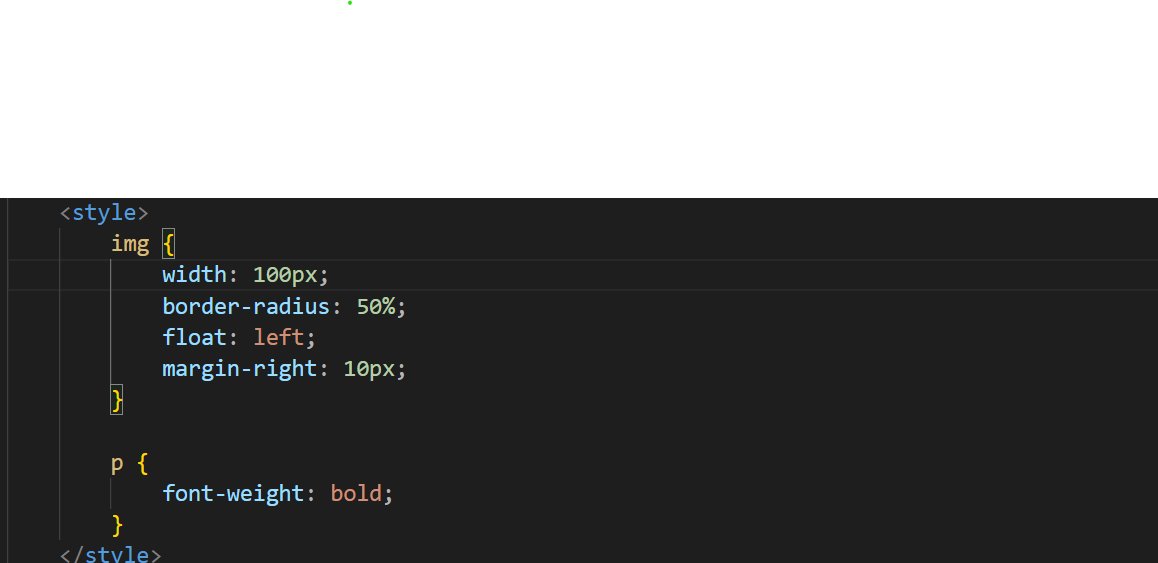

Day 27 Today I worked on common design terms & structures which will help improve our understanding of design thereby improving the workflow with designers & resulting in a better user experience #100daysofcode #CodingJourney #cssbasics #CSS #css3
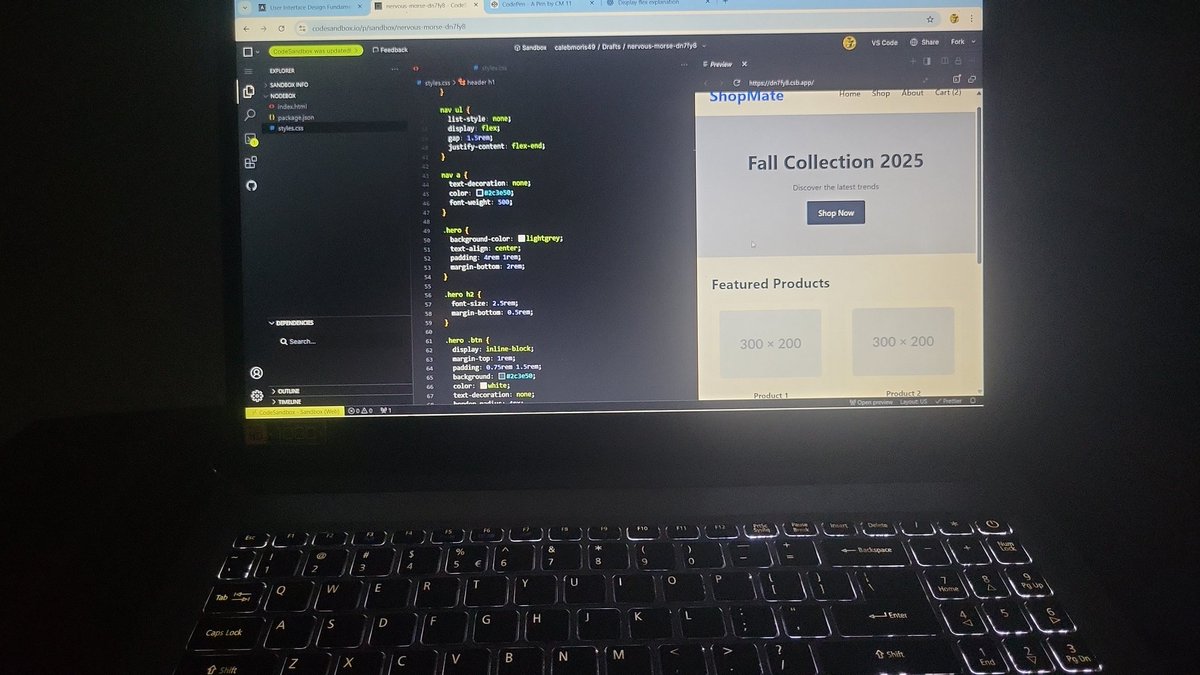

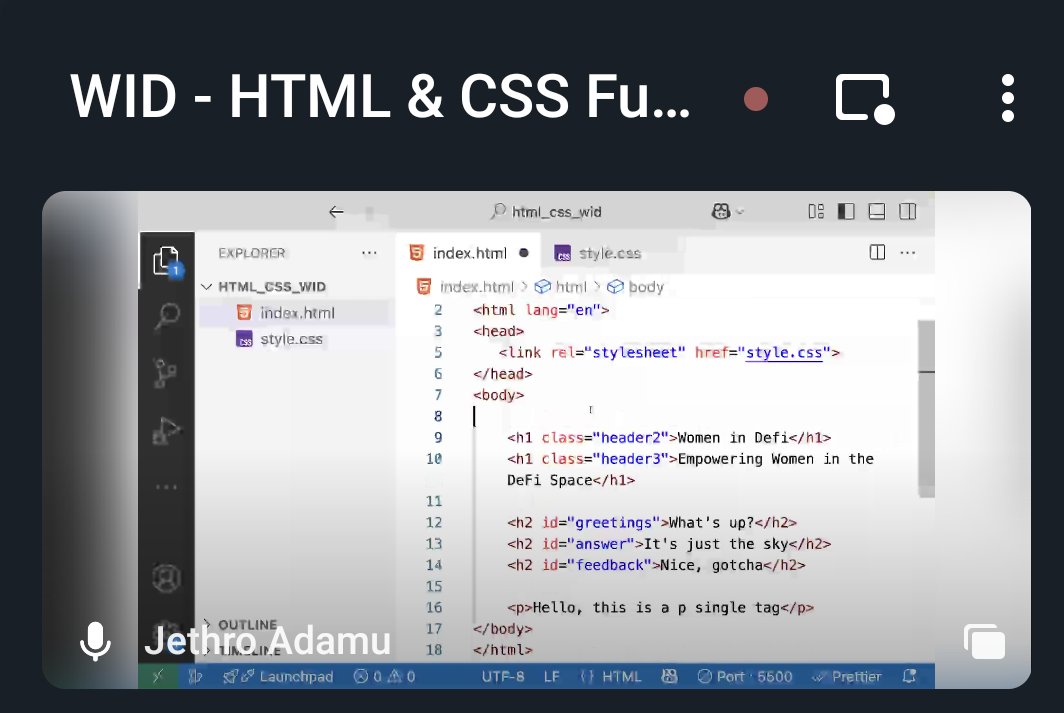
Today’s CSS basics class turned into a full-on mind-opener 🤯. Huge thanks to @jaykosai and @womenindefi_org for making it all make sense! Still actively learning! #WebDevJourney #CSSBasics


Progressing from tutorial hell to being able to create stylish buttons with CSS is an achievement. #cssbasics


🎉Day 2 Triumph! 🚀 Mastered CSS Basics - Part 1: Selectors, Properties, Colors, Fonts, and Margins. My HTML doc got a stylish makeover! 🌈 Ready to elevate my web skills! #HTMLBasics #CSSBasics #CodeNewbie #WebDevelopment #100DaysOfCode #ProgressUpdate 🚀🎨


📄 Linking an External CSS File To link a CSS file, use the <link> tag in the <head> section of your HTML file👇👇👇 Make sure you’ve created a separate styles.css file, where you’ll write all your CSS code! Ready to style your first webpage? #CSSBasics #WebDevelopment

🔍 What are CSS Selectors? CSS selectors are patterns used to target and style specific elements in an HTML document. For example, you can style all paragraphs with 👇👇 This will turn all <p> text red! What will you style today? #CSSBasics #FrontendDevelopment


What is the width property in CSS for stretching? ............. #CSSBasics #WebDesignCommunity #LearnToCode #DevelopersCircle #WidthProperty #ResponsiveDesign #CSSForBeginners #WebDevTalk #TechTips #UIUXJourney #StretchingElements #CodingConversations #DesignYourWay #FrontEndFun

🔧 Creating a Grid Container To start using CSS Grid, apply display: grid; to a container element. Then, use grid-template-columns and grid-template-rows to define the layout. Example👇👇 This creates a grid with 2 equal columns and automatic row heights! #CSSBasics #WebDesign

🔧 What are CSS Properties? CSS properties define the styles you apply to elements. Every property consists of a name and a value, like this👇👇👇 Here, color and font-size are properties, and blue and 24px are their values! Let’s explore some common properties. #CSSBasics


Day 4/100 🚀 Started learning CSS today. Practiced backgrounds, colors, fonts, lists, links, and buttons. My page finally has some style and no longer looks plain. Excited to keep building from here! 🎨✨ #100DaysOfCode #WebDevelopment #CSSBasics


Something went wrong.
Something went wrong.
United States Trends
- 1. Bengals 29.5K posts
- 2. Jeffy Yu 4,486 posts
- 3. Joe Burrow 10.7K posts
- 4. Notre Dame 115K posts
- 5. Colts 24.6K posts
- 6. Ravens 26.2K posts
- 7. Bills 81.2K posts
- 8. Josh Allen 11.3K posts
- 9. Daniel Jones 12.2K posts
- 10. Tulane 38.6K posts
- 11. Browns 36.8K posts
- 12. Lamar 24.2K posts
- 13. Tyler Shough 2,429 posts
- 14. Falcons 13.2K posts
- 15. James Cook 3,089 posts
- 16. Shedeur 30K posts
- 17. Miami 426K posts
- 18. Titans 19.8K posts
- 19. Bucs 8,486 posts
- 20. Achilles 9,438 posts