
#cssbasics 検索結果

🧱 CSS BOX Model #CSSBoxModel #CSSBasics #WebDevelopment #FrontendDev #LearnCSS #CSSLayout #WebDesign #HTMLCSS #UIUXDesign #CodingTips #DeveloperLife

🧱 CSS Box Model Structure A thread 🧵👇🏻👇🏻 #CSSBoxModel #CSSBasics #WebDesign #pushpendratips #FrontendDevelopment #CSSForBeginners #LearnCSS #BoxModel #WebDev #UIUX #CodingTips #MasterTheBoxModel #CSSLayoutTricks #code #PaddingMarginBorder #BoxModelExplained #CSSDeepDive…


Day 27 Today I worked on common design terms & structures which will help improve our understanding of design thereby improving the workflow with designers & resulting in a better user experience #100daysofcode #CodingJourney #cssbasics #CSS #css3
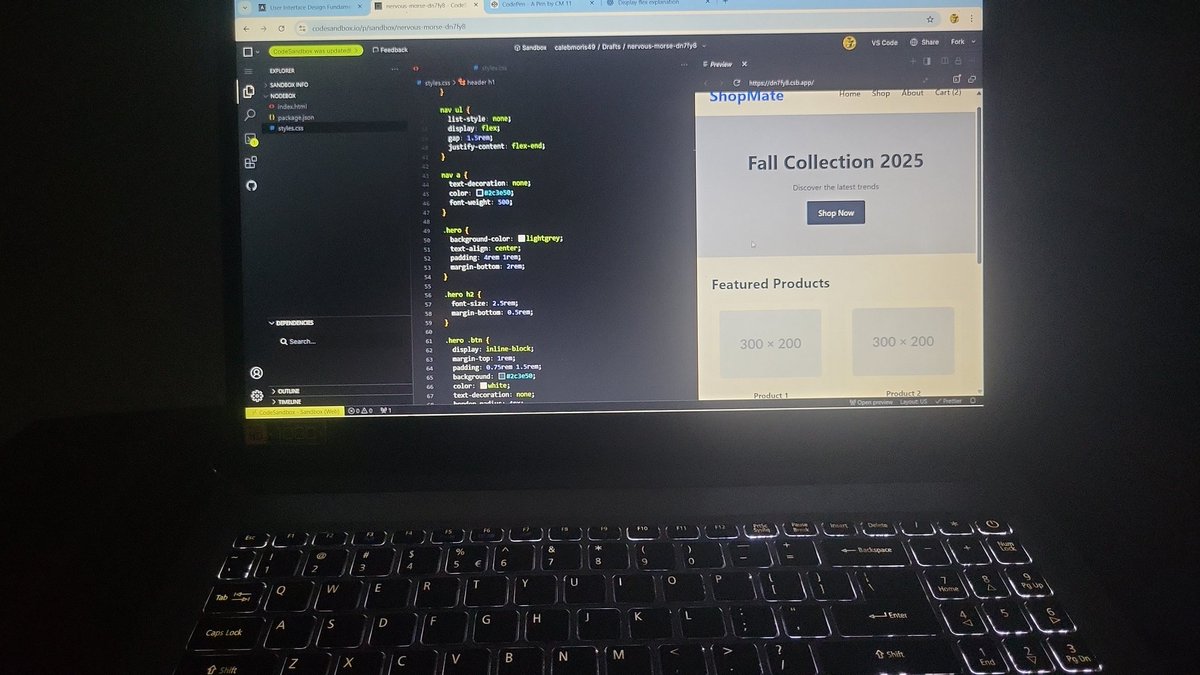

The border-box value is the most used and most popular. We can use the universal box sizing with inheritance to reset the box-sizing to border-box. #100DaysOfCode #CodeNewbie #CSSBasics


What is the width property in CSS for stretching? ............. #CSSBasics #WebDesignCommunity #LearnToCode #DevelopersCircle #WidthProperty #ResponsiveDesign #CSSForBeginners #WebDevTalk #TechTips #UIUXJourney #StretchingElements #CodingConversations #DesignYourWay #FrontEndFun



The box-sizing CSS property defines how the total width and height of an element should be calculated. There are two values in box-sizing property, content-box, border-box. #100DaysOfCode #CodeNewbie #CSSBasics




CSS gradients is one of the easiest way to add an overlay to a background image. You can add it on top of the background image by combining background url and linear-gradient. In this image I've set the gradient from red to blue. #100DaysOfCode #CodeNewbie #CSSBasics


CSS Types: Inline, Internal & External Explained Discover the three types of CSS—inline, internal, and external—and learn how to style your web pages effectively. Perfect for beginners in web development and design. #CodingForBeginners #CSSBasics #LearnToCode #airGurukul

Progressing from tutorial hell to being able to create stylish buttons with CSS is an achievement. #cssbasics



Today’s CSS basics class turned into a full-on mind-opener 🤯. Huge thanks to @jaykosai and @womenindefi_org for making it all make sense! Still actively learning! #WebDevJourney #CSSBasics

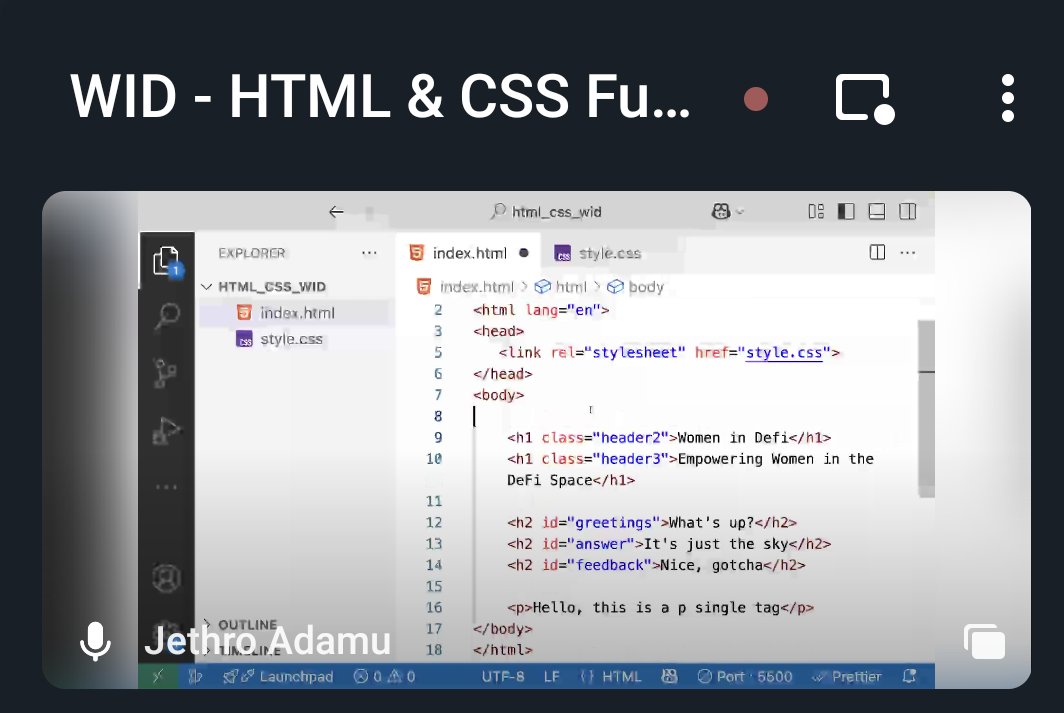

🎉Day 2 Triumph! 🚀 Mastered CSS Basics - Part 1: Selectors, Properties, Colors, Fonts, and Margins. My HTML doc got a stylish makeover! 🌈 Ready to elevate my web skills! #HTMLBasics #CSSBasics #CodeNewbie #WebDevelopment #100DaysOfCode #ProgressUpdate 🚀🎨


Web design plays a key role in delivering a smooth and engaging user experience. Two of the most fundamental CSS properties, padding and margin, help structure and space web content effectively. #LearnWebDesign #CSSBasics #WebDevelopmentTips #TCCITraining #ModernWebDesign

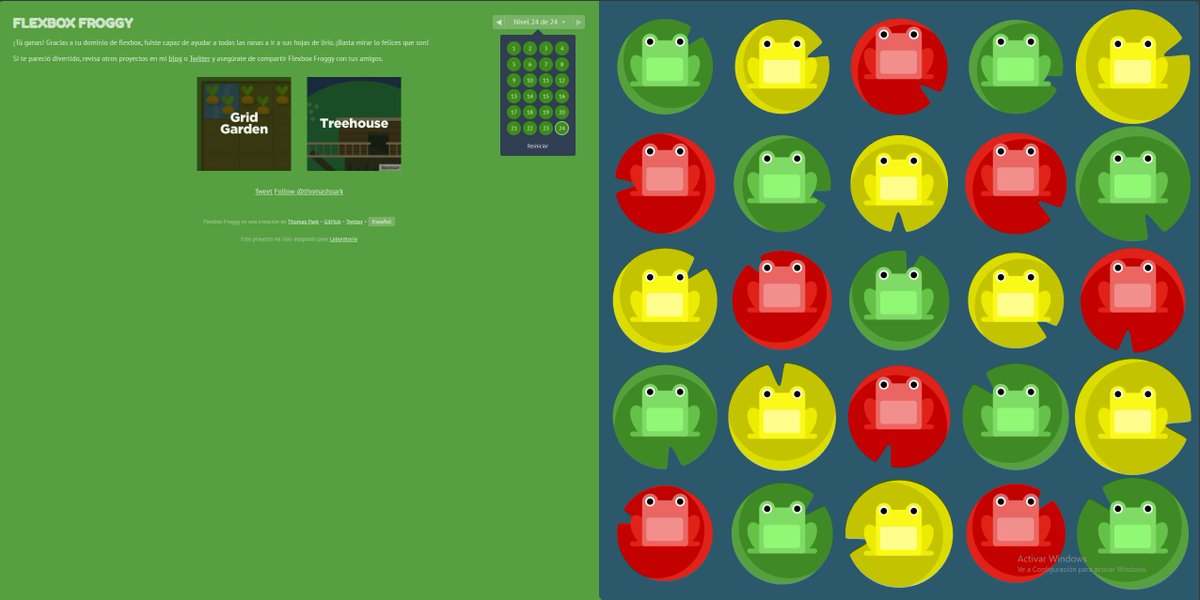

(Thread)👋 Hey everyone! Day 21 of my #100daysofcodechallenge about CSS basics. I learned about providing and normalizing CSS, different selectors such as basic, relational, pseudo-class, Thanks to @moshhamedani Sir for wonderful explanations #cssbasics #webdevelopment



🎨 **CSS Tips & Tricks for Stylish Web Design** 🎨 1. Box Model Mastery: Understand margin, border, padding, and width to control element sizing and spacing effectively. #CSSBasics


Dive into Introductory CSS with Christina, as she reveals how HTML elements become magic boxes for stunning layouts! Watch the full video>> buff.ly/3Y8wlY1 Level up your design skills. Book a demo today! buff.ly/3NYoMzV #FIleMaker #ClarisOfficial #CSSBasics



Makes me almost wan to to de-tailwindize. Good read. zolkos.com/2025/12/03/van…

Some underrated CSS Resources you should definitely save! ⚡️ ✨ Fancy Border Radius 9elements.github.io/fancy-border-r… ✨ CSS Easing Functions easings.net ✨ Clippy – CSS Clip-Path Maker bennettfeely.com/clippy ✨ Neumorphism Generator neumorphism.io ✨ Animista…

Some underrated CSS Resources you should definitely save! ⚡️ ✨ Fancy Border Radius 9elements.github.io/fancy-border-r… ✨ CSS Easing Functions easings.net ✨ Clippy – CSS Clip-Path Maker bennettfeely.com/clippy ✨ Neumorphism Generator neumorphism.io ✨ Animista –…
Day 27 Today I worked on common design terms & structures which will help improve our understanding of design thereby improving the workflow with designers & resulting in a better user experience #100daysofcode #CodingJourney #cssbasics #CSS #css3

Margin? Border? Padding? Content? 💅 The CSS box model is the foundation of layout, and MDN’s interactive exercises help you truly understand how it all fits together. 💡 Practice live in your browser developer.mozilla.org/en-US/docs/Lea…


Even having wrote a lot of this CSS myself, @robzolkos's post is a fascinating read. Well done! zolkos.com/2025/12/03/van…

I also covered CSS Basics, the Syntax, Selectors, Properties and values. Practical Application: I Practiced the basics of HTML: How to write HTML code and turn it into a website. Key Insight / Takeaway: The CSS Selector is the bridge between the HTML structure

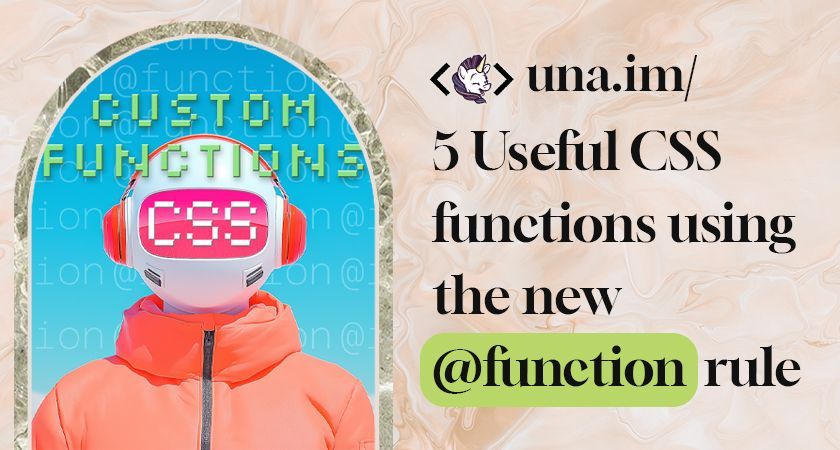

Day 8 The CSS Box Model Today’s lesson helped me unlock a key concept, the CSS Box Model. Every HTML element is a box containing content, padding, border, and margin. Understanding this made spacing, layout, and alignment finally make sense!
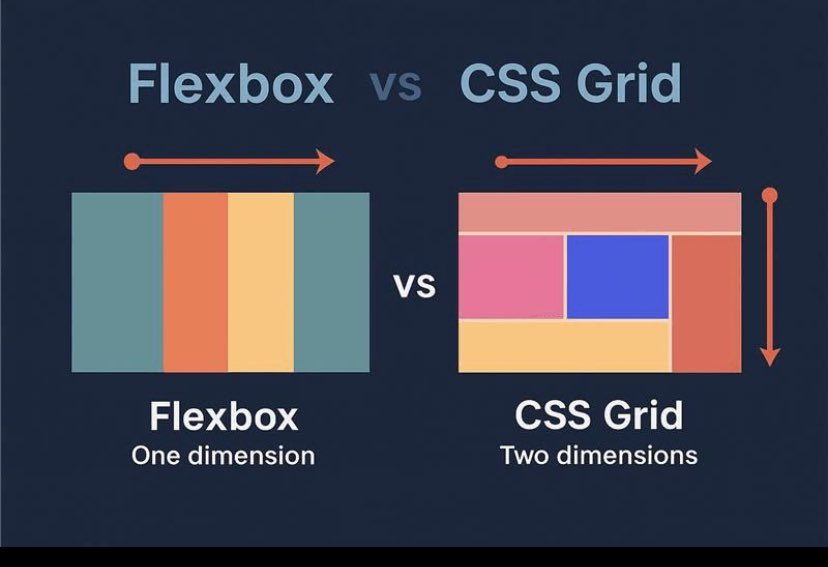

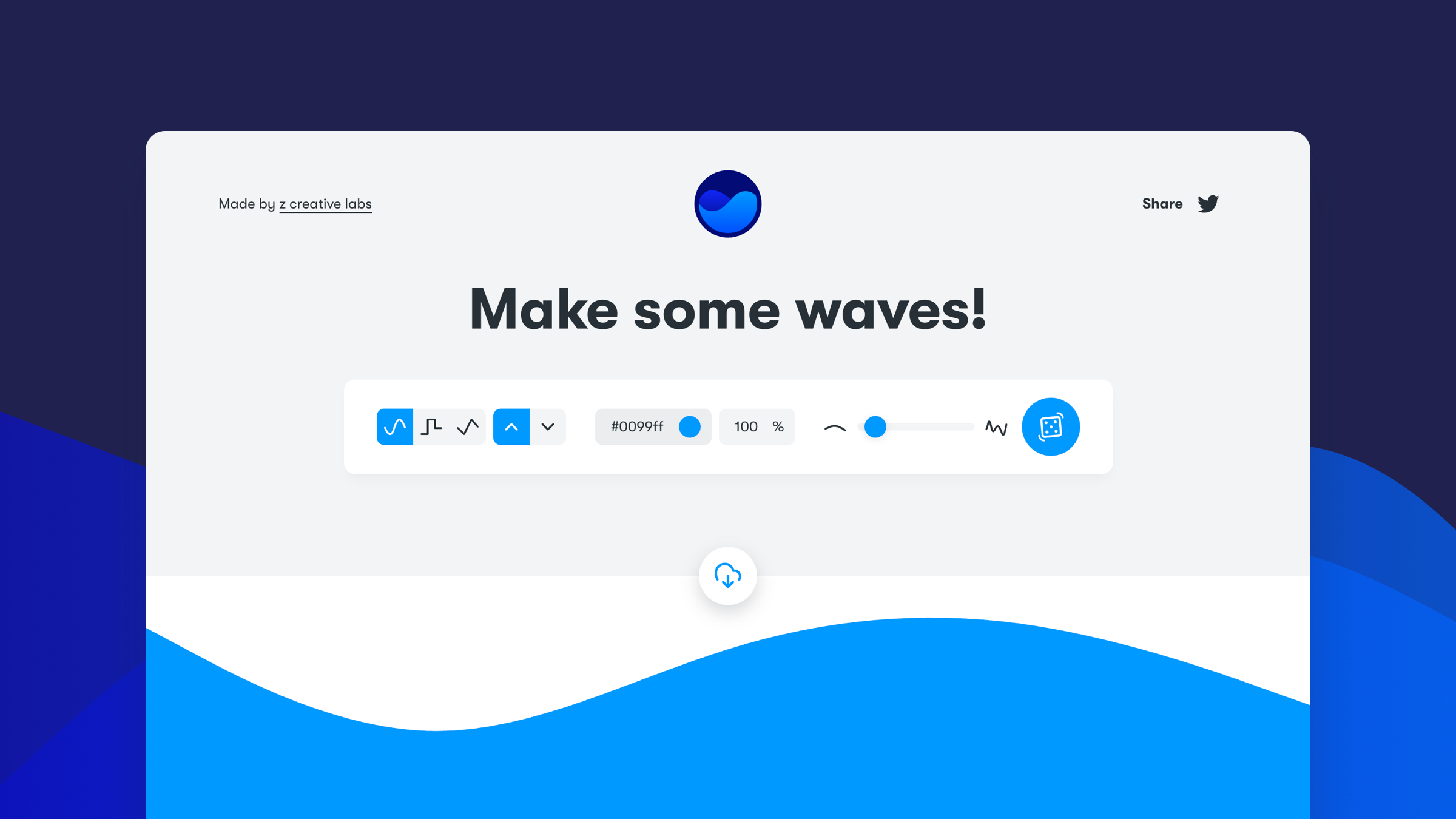
Websites to save your time while writing CSS🔥 💠CSSnippets cssnippets.shefali.dev 💠Glassmorphism CSS Generator markodenic.com/tools/glassmor… 💠Get Waves getwaves.io 💠Can I Use caniuse.com 💠ColorSpace mycolor.space 💠Blobmaker…

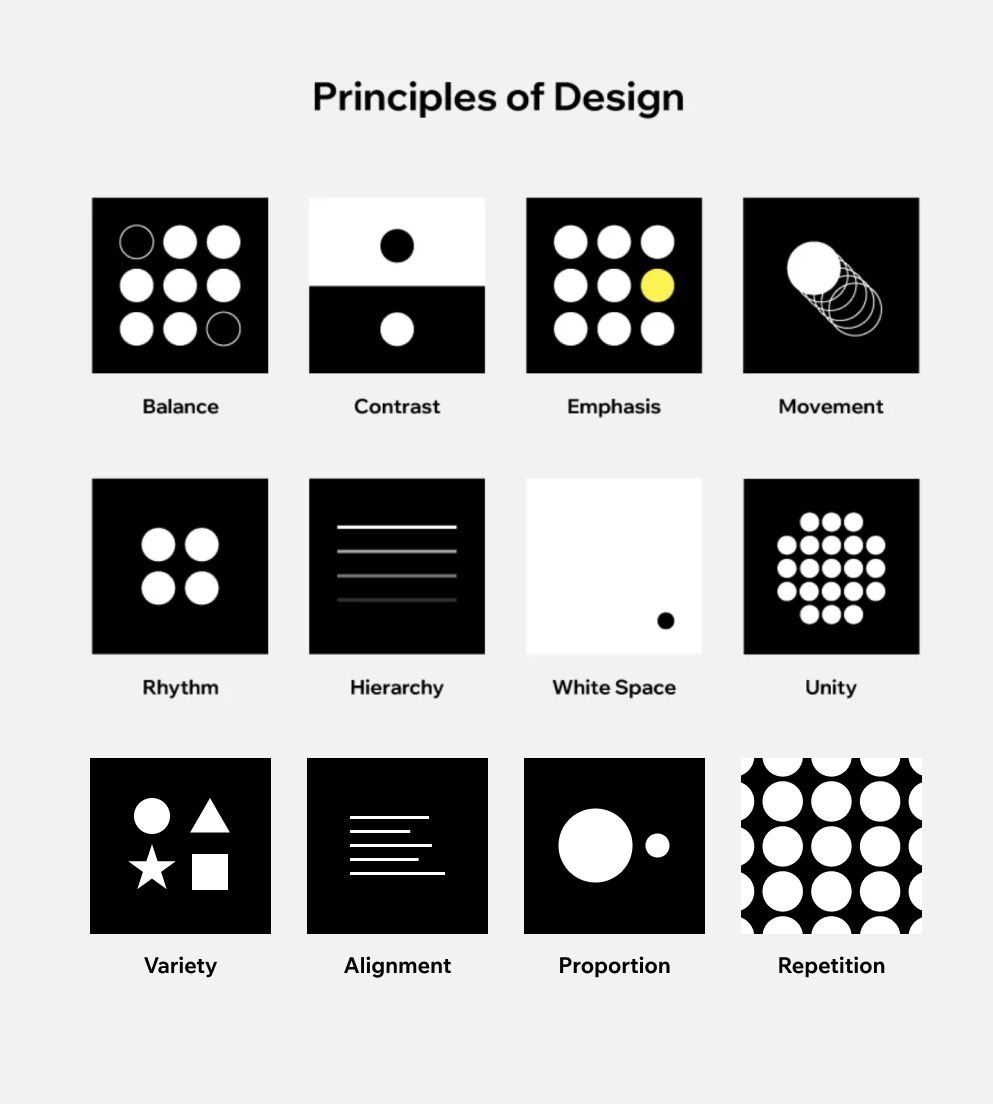
Mastering the fundamentals: A visual guide to the core Principles of Design. 🎨✨ #DesignPrinciples #GraphicDesign #VisualDesign #DesignBasics



CSS Generators to save you hours of work: 🔥 1. Blob maker blobmaker.app 2. Getwaves getwaves.io 3. CSS Button Generator markodenic.com/tools/buttons-… 4. Gradient generator cssgradient.io 5. Glassmorphism…

js basics are variables / types / ifelse etc. css basics are varliabes, element / class selectors, font stuff, typography, responsive images (to a degree)

Introduction to CSS if Statements and Conditional Logic markodenic.com/introduction-t…


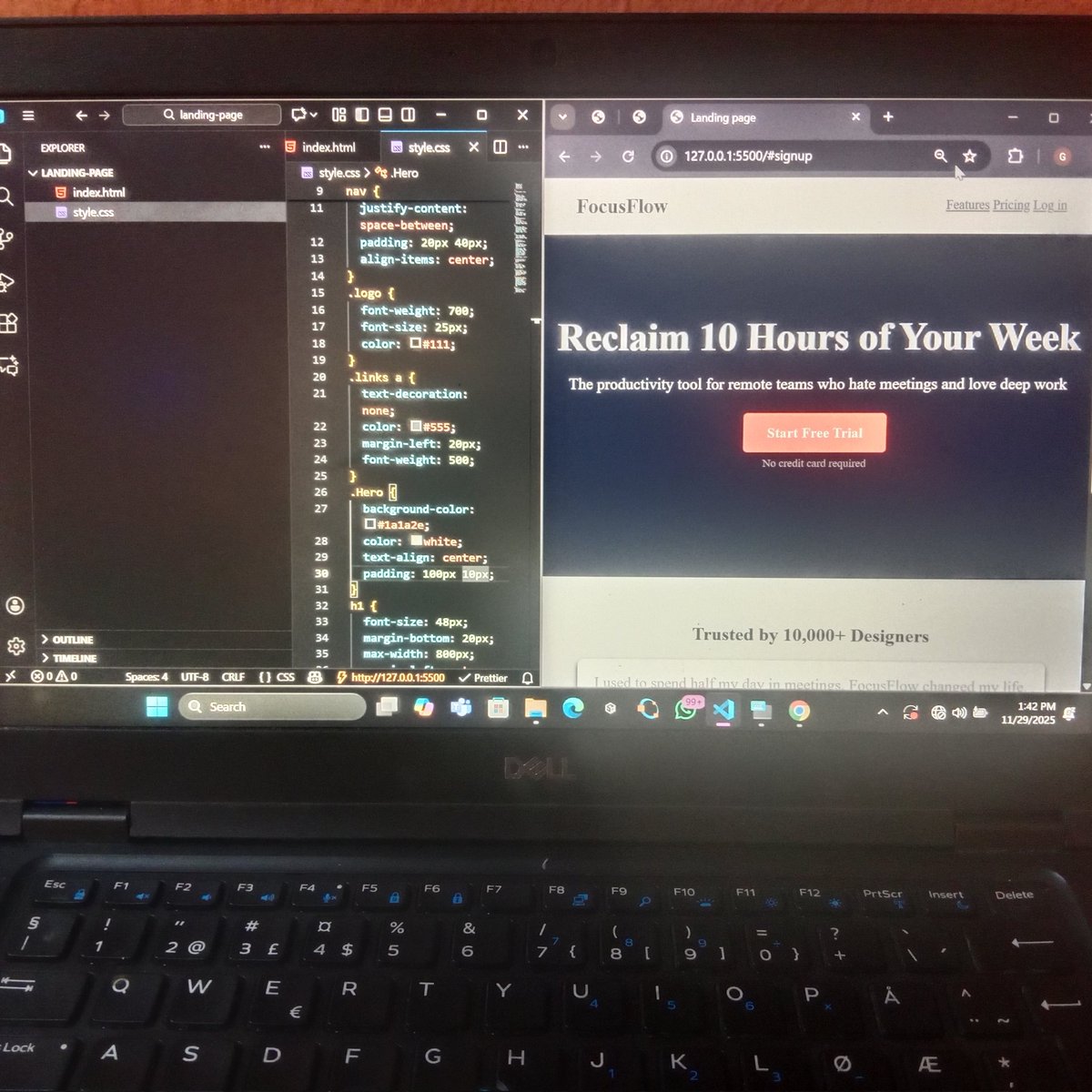
I just finished building a landing page from scratch, and something clicked for me: visual hierarchy matters more than I thought. People don’t read websites straight through , they jump around. So I used CSS to guide that flow: →Typography: Bigger, bolder headline so it’s the…


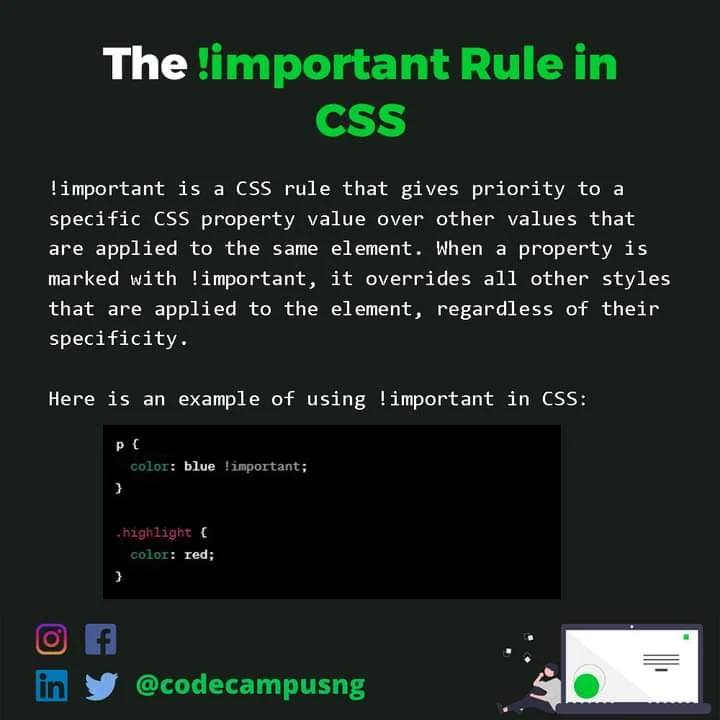
Want to learn more programming concepts and tips.? Follow @codecampusng for more Understanding the !Important Rule in CSS Begin your journey as a Developer today. Click the Link in Bio #vscode #sourcecode #programming #javascript #js #framework #internet #programmers #web

🧱 CSS BOX Model #CSSBoxModel #CSSBasics #WebDevelopment #FrontendDev #LearnCSS #CSSLayout #WebDesign #HTMLCSS #UIUXDesign #CodingTips #DeveloperLife
🧱 CSS Box Model Structure A thread 🧵👇🏻👇🏻 #CSSBoxModel #CSSBasics #WebDesign #pushpendratips #FrontendDevelopment #CSSForBeginners #LearnCSS #BoxModel #WebDev #UIUX #CodingTips #MasterTheBoxModel #CSSLayoutTricks #code #PaddingMarginBorder #BoxModelExplained #CSSDeepDive…
The border-box value is the most used and most popular. We can use the universal box sizing with inheritance to reset the box-sizing to border-box. #100DaysOfCode #CodeNewbie #CSSBasics
The box-sizing CSS property defines how the total width and height of an element should be calculated. There are two values in box-sizing property, content-box, border-box. #100DaysOfCode #CodeNewbie #CSSBasics
CSS gradients is one of the easiest way to add an overlay to a background image. You can add it on top of the background image by combining background url and linear-gradient. In this image I've set the gradient from red to blue. #100DaysOfCode #CodeNewbie #CSSBasics
Day 27 Today I worked on common design terms & structures which will help improve our understanding of design thereby improving the workflow with designers & resulting in a better user experience #100daysofcode #CodingJourney #cssbasics #CSS #css3

𝗥𝗲𝗮𝗱𝘆 𝘁𝗼 𝗹𝗲𝘃𝗲𝗹 𝘂𝗽 𝘆𝗼𝘂𝗿 𝘄𝗲𝗯 𝗱𝗲𝘃𝗲𝗹𝗼𝗽𝗺𝗲𝗻𝘁 𝘀𝗸𝗶𝗹𝗹𝘀? 𝗙𝗲𝗲𝗹 𝗳𝗿𝗲𝗲 𝘁𝗼 𝗮𝘀𝗸 𝗾𝘂𝗲𝘀𝘁𝗶𝗼𝗻𝘀, 𝘀𝗵𝗮𝗿𝗲 𝘆𝗼𝘂𝗿 𝗶𝗻𝘀𝗶𝗴𝗵𝘁𝘀, 𝗮𝗻𝗱 𝗹𝗲𝘁'𝘀 𝗿𝗼𝗰𝗸 𝘁𝗵𝗲 𝗰𝗼𝗱𝗶𝗻𝗴 𝗷𝗼𝘂𝗿𝗻𝗲𝘆 𝘁𝗼𝗴𝗲𝘁𝗵𝗲𝗿!👩💻👨💻 P.C: @w3docs #CSSBasics

🎨 CSS adds style and layout to a webpage, including colors, fonts, spacing, and positioning. Selectors, properties, and values are used to target specific HTML elements and apply styles. #CSSbasics
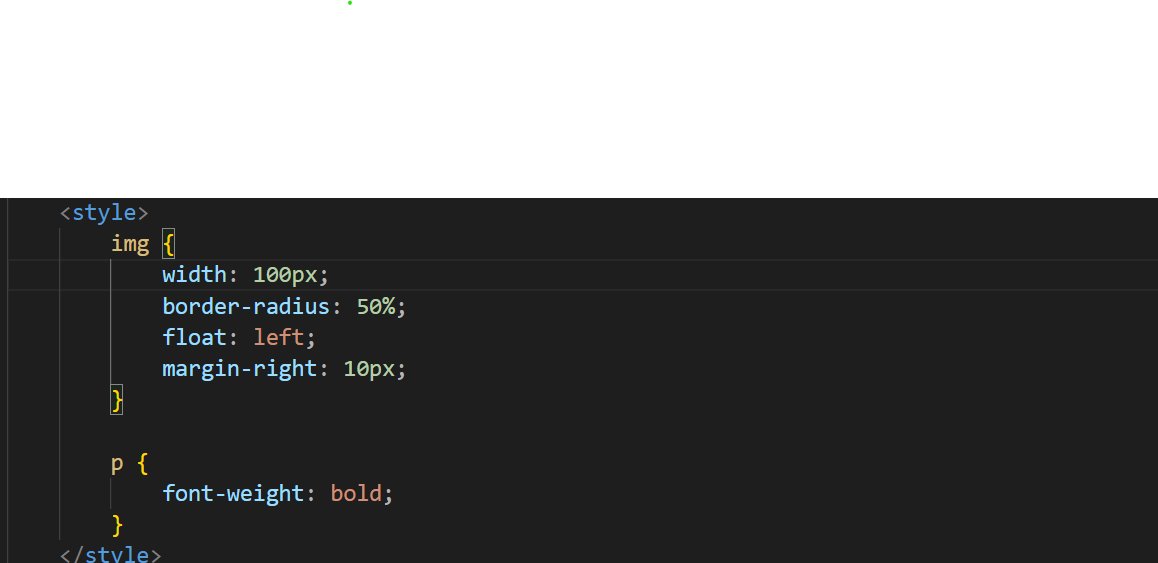
Today’s CSS basics class turned into a full-on mind-opener 🤯. Huge thanks to @jaykosai and @womenindefi_org for making it all make sense! Still actively learning! #WebDevJourney #CSSBasics
Progressing from tutorial hell to being able to create stylish buttons with CSS is an achievement. #cssbasics
🎉Day 2 Triumph! 🚀 Mastered CSS Basics - Part 1: Selectors, Properties, Colors, Fonts, and Margins. My HTML doc got a stylish makeover! 🌈 Ready to elevate my web skills! #HTMLBasics #CSSBasics #CodeNewbie #WebDevelopment #100DaysOfCode #ProgressUpdate 🚀🎨

📄 Linking an External CSS File To link a CSS file, use the <link> tag in the <head> section of your HTML file👇👇👇 Make sure you’ve created a separate styles.css file, where you’ll write all your CSS code! Ready to style your first webpage? #CSSBasics #WebDevelopment

🔍 What are CSS Selectors? CSS selectors are patterns used to target and style specific elements in an HTML document. For example, you can style all paragraphs with 👇👇 This will turn all <p> text red! What will you style today? #CSSBasics #FrontendDevelopment

🔧 Creating a Grid Container To start using CSS Grid, apply display: grid; to a container element. Then, use grid-template-columns and grid-template-rows to define the layout. Example👇👇 This creates a grid with 2 equal columns and automatic row heights! #CSSBasics #WebDesign


Day 4/100 🚀 Started learning CSS today. Practiced backgrounds, colors, fonts, lists, links, and buttons. My page finally has some style and no longer looks plain. Excited to keep building from here! 🎨✨ #100DaysOfCode #WebDevelopment #CSSBasics


What is the width property in CSS for stretching? ............. #CSSBasics #WebDesignCommunity #LearnToCode #DevelopersCircle #WidthProperty #ResponsiveDesign #CSSForBeginners #WebDevTalk #TechTips #UIUXJourney #StretchingElements #CodingConversations #DesignYourWay #FrontEndFun
🔧 What are CSS Properties? CSS properties define the styles you apply to elements. Every property consists of a name and a value, like this👇👇👇 Here, color and font-size are properties, and blue and 24px are their values! Let’s explore some common properties. #CSSBasics


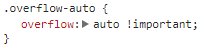
Okay @github, this double scroll-bar in the team view is odd. And never use !important. #css101 #cssbasics #fail #css

Something went wrong.
Something went wrong.
United States Trends
- 1. #SmackDown 14.9K posts
- 2. Mark Pope 1,740 posts
- 3. #ROHFinalBattle 6,058 posts
- 4. Jalen Johnson 2,884 posts
- 5. Jimmy Rogers 1,563 posts
- 6. Gonzaga 3,356 posts
- 7. Iowa State 12.3K posts
- 8. FIFA 473K posts
- 9. Oba Femi N/A
- 10. Ricky Saints N/A
- 11. Matt Campbell 13.8K posts
- 12. Celtics 17.9K posts
- 13. Terror Twins 1,757 posts
- 14. Michael Annett 1,610 posts
- 15. Nigel 59.8K posts
- 16. Lee Moriarty N/A
- 17. Ciampa N/A
- 18. Ilja 2,262 posts
- 19. Wazzu N/A
- 20. Jordan Walsh 3,325 posts